AI Security Cameras in 2026: Why On-Device Beats the Cloud Now
AI security cameras for the home: which run detection on-device, which lock features behind a subscription, and the facial-recognition catch.

Researched with AI assistance, reviewed and edited by Tapabrata Biswas.
In this article
A Wyze camera will detect a person for free. It'll only tell you which person for $9.99 a month. That gap, between detecting a shape and naming a face, is where the whole AI security camera market makes its money in 2026, and it's the thing worth understanding before you buy one.
This is a buyer's guide to AI security cameras for the home. The picks and judgements come from published manufacturer specs, independent expert testing, and owner consensus, not from our own lab testing. For a storefront or office the calculus is different, and our small-business camera guide covers monitored contracts and commercial placement. This piece also isn't about the Matter camera standard specifically, which how Matter cameras fit in handles; it's about the AI detection that runs on cameras whether or not they carry the Matter logo.
What makes a camera an AI security camera?
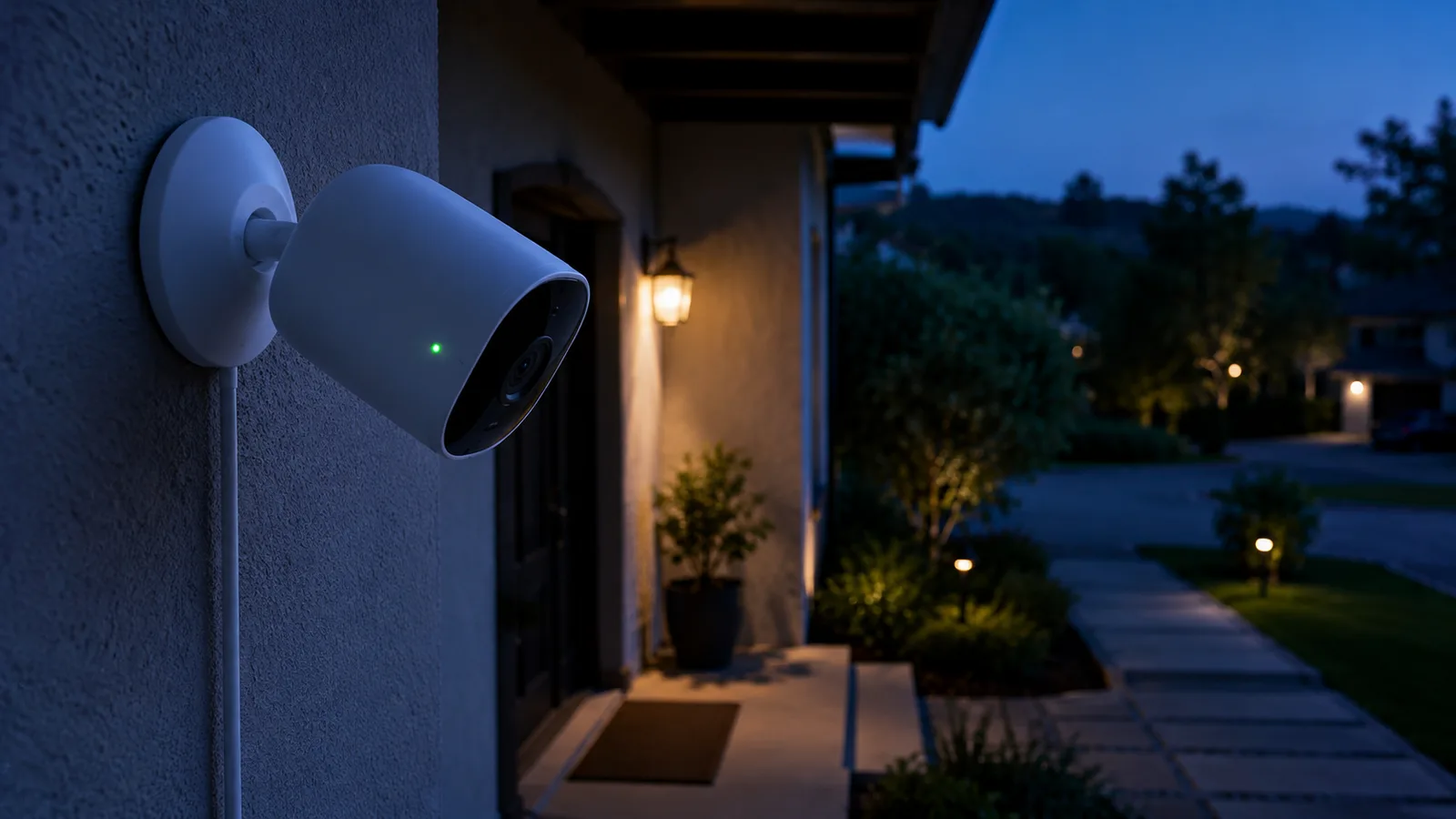
An AI security camera is one that identifies what it sees, a person, a vehicle, a package, an animal, or a known face, rather than just registering that something moved. That's the whole distinction, and it's a bigger deal in daily use than it sounds.
An old motion camera treats a swaying branch, a passing headlight, and a burglar identically: something changed in the frame, so it fires an alert. After a week of that, most people mute the notifications, which defeats the point of having the camera. An AI camera matches the shape and the motion against trained models, so a cat crossing the lawn stays silent and a person at the door doesn't. Vendors claim this cuts false alerts by up to 90 percent. That figure is a marketing number rather than an independent result, but the direction is real and every honest reviewer agrees the difference is large.
The part that's changed recently is where that thinking happens.
Why on-device AI is the 2026 dividing line
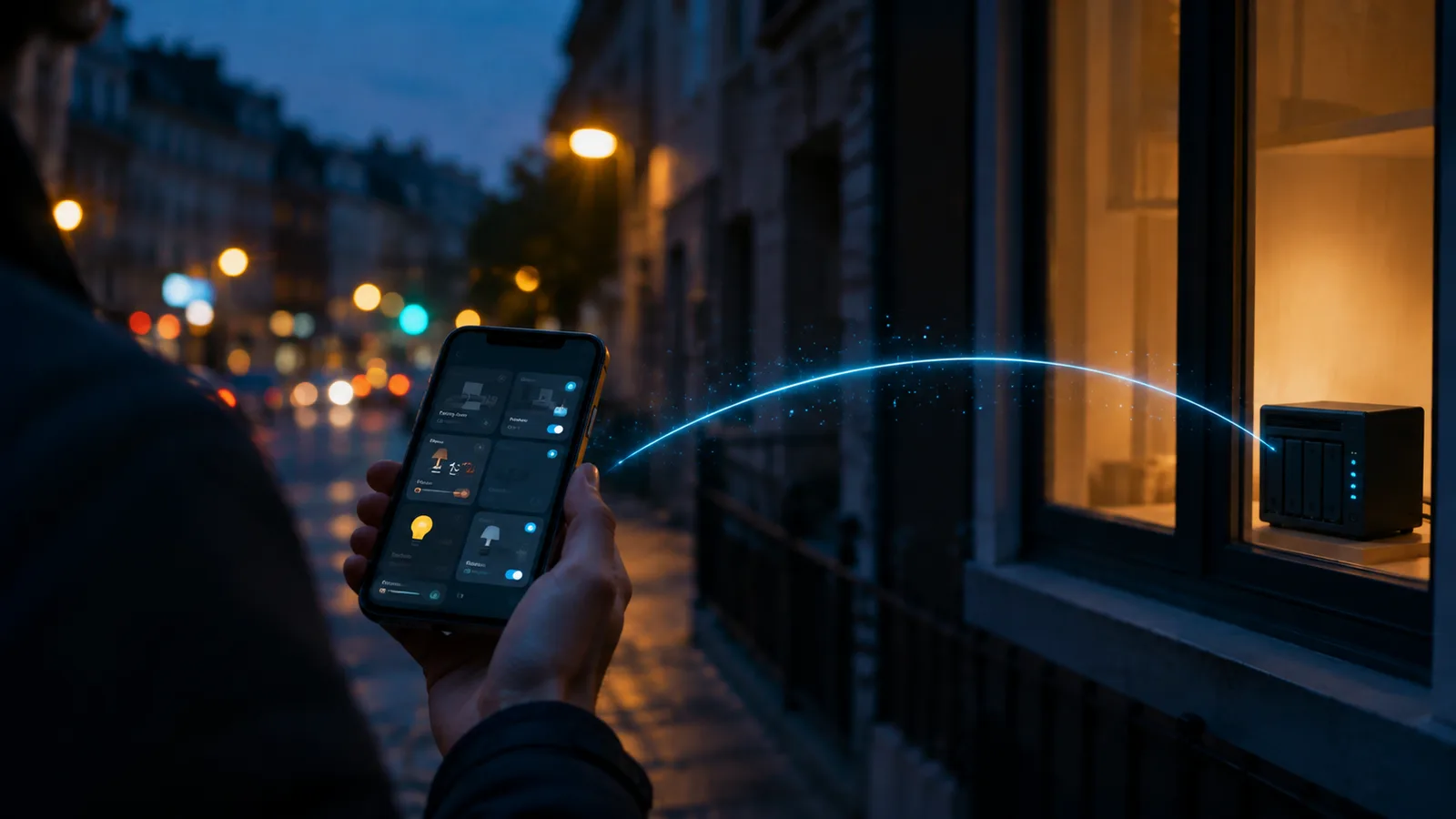
The most accurate AI detection in 2026 runs on the camera itself or on a local hub, not in the cloud, and that single fact reorganises the whole buying decision. On-device AI is faster, private, and usually subscription-free, because the video never leaves your hardware to be analysed.
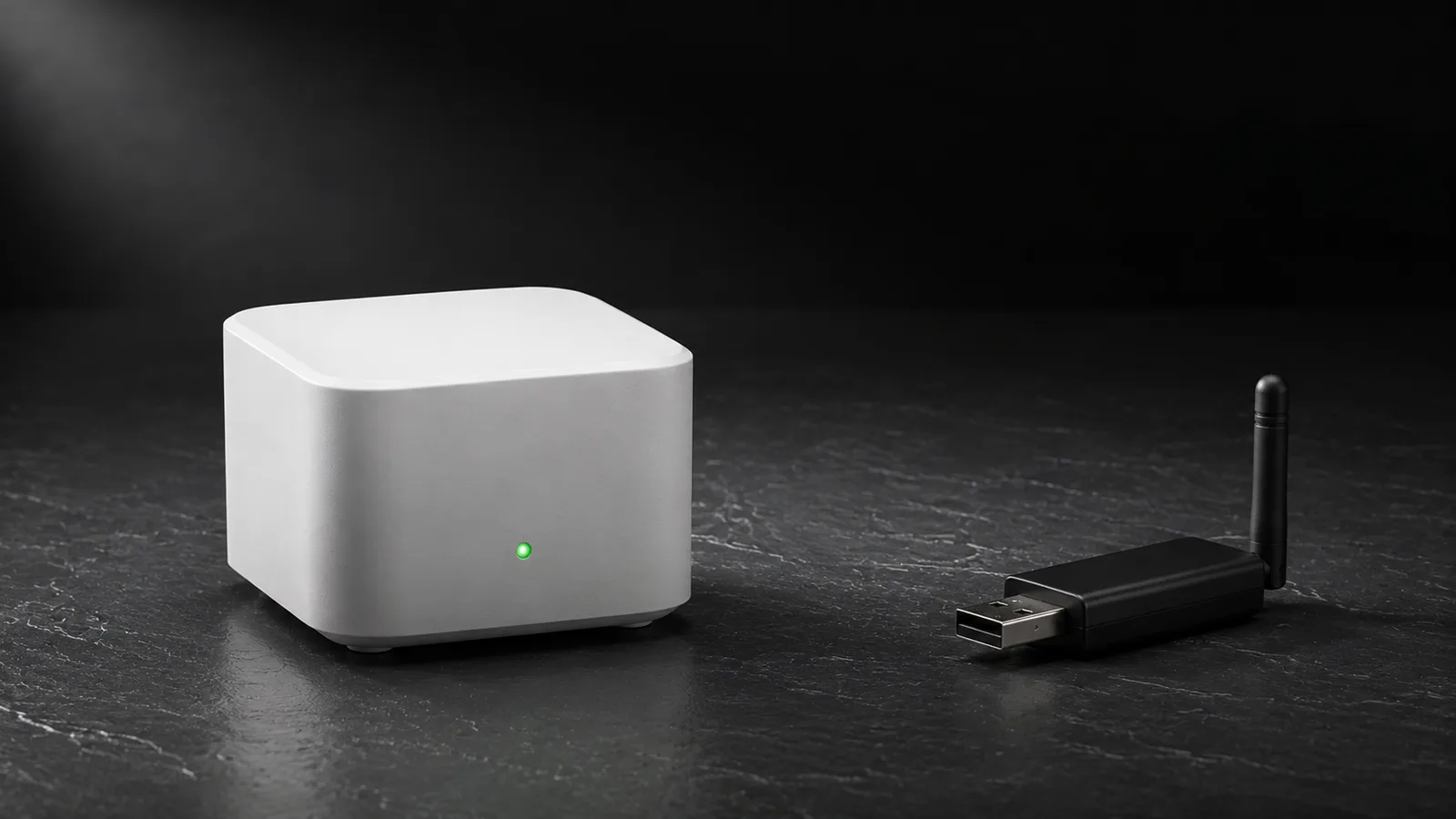
Independent reviewers have converged on this. In security.org's 2026 testing, which put more than 100 cameras through over 250 simulated break-ins, and in SafeHome's facial-recognition testing from May 2026, the cameras rated most reliable for detection are the ones processing locally: eufy, Lorex, Reolink, and similar. eufy's system is the clearest example, matching faces on a chip inside its HomeBase hub and, by the company's account, never sending that biometric data to its cloud at all.
Cloud AI isn't useless. It's how professional monitoring services verify an alarm with a live agent, and it updates itself without you touching anything. But it means your footage sits on someone else's server, and it almost always comes with a monthly bill. For a home buyer weighing privacy, speed, and cost, on-device is the default that makes sense now, in a way it didn't three years ago when the local chips weren't fast enough.
This is the same local-versus-cloud logic that runs through the rest of a private smart home, the one behind running a smart home locally. Cameras are just the highest-stakes version, because the data is video of your family.
The subscription trap
The biggest hidden cost of an AI camera is the monthly fee some brands charge to unlock the AI you thought you'd bought. Person detection is often free; the useful features on top of it frequently are not.
Here's where the popular options actually stand, from independent testing:
| Camera | AI processing | Recurring fee for AI features |
|---|---|---|
| Google Nest | Cloud | ~$10/mo (Google Home Premium) for facial recognition |
| Wyze | Cloud | ~$9.99/mo for Friendly Faces |
| Ring | Cloud | Plan required for most smart alerts |
| eufy (with HomeBase) | On-device | None; face recognition on the hub |
| Reolink | On-device | None; records to microSD or local NVR |
| Lorex | On-device / local NVR | None |
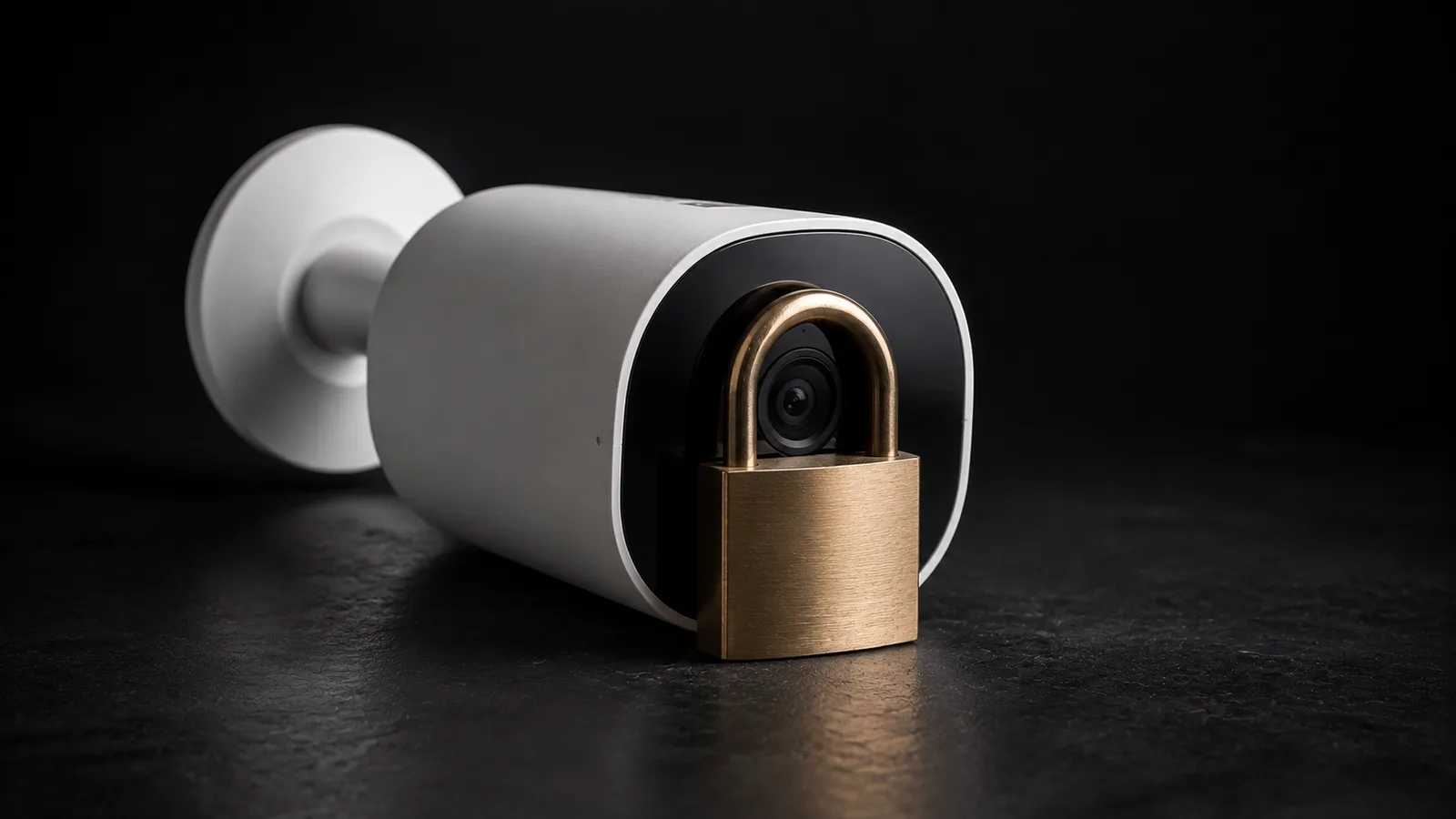
You own the camera. Whether you own what it sees is a separate question, and for the cloud brands the answer arrives monthly.
The pattern is hard to miss: the cloud cameras rent you the intelligence, the on-device cameras sell it to you once. Over three years, a $10 monthly plan is $360 on top of the camera, which reframes a cheap cloud camera as the more expensive choice. That's the exact dynamic behind why the big cloud brands have been slow to adopt open standards, which how Matter cameras fit in gets into: the subscription is the business, and a camera is the front door to it.
None of this makes cloud cameras a scam. If you want hands-off professional monitoring, the fee is the service. But paying monthly for person detection that a $60 competitor does on-device for free is worth catching before you commit.
The facial-recognition catch nobody mentions
Facial recognition is the headline AI feature, and it comes with two catches most guides skip: it's legally unavailable in some places, and it's not accurate on day one.
Consumer facial recognition is switched off on cameras sold in Illinois, Texas, and Portland, Oregon, because of biometric privacy laws that regulate collecting and storing faceprints. If you live in one of those places, a camera's "familiar faces" feature is not a selling point, it won't work, and that's a real thing to check before paying for a model chosen specifically for it.
Where it is available, it needs teaching. Google's Nest cameras take roughly two months of regular exposure to reliably recognise a household's faces, and every system improves with more training images rather than working perfectly out of the box. Independent testers are blunt that facial recognition is rarely accurate immediately. It's genuinely useful once trained, telling you your kid got home rather than just that "a person" appeared, but treat it as something that ripens over weeks.
There's a quieter privacy point too. A camera that recognises faces is building a faceprint database, and at the front door it's doing that to visitors, delivery drivers, and neighbours who never agreed to it. That's legal in most places and still worth a moment's thought about where those faceprints live, which is another mark in favour of the cameras that keep them on a hub in your house rather than on a server.
How to choose, and how to place it
The decision comes down to four questions in order: on-device or cloud, subscription or not, what it needs to detect, and where it has to see. Get those right and the specific brand matters less than the reviews suggest.
On the detect-and-place questions, a few things decide real-world accuracy more than the marketing does. Detection now runs above 90 percent for people on the better cameras, close to 94 percent at the top per independent testing of the Arlo Ultra 5 and Reolink Argus 4, but that number collapses if the camera is aimed badly. The levers that actually matter:
- Narrow the detection zone to exclude a public pavement, a busy road, or a tree that moves. A camera watching the whole street will alert on the whole street.
- Raise the confidence threshold if you're still getting noise. Testers suggest nudging it up in small steps rather than leaving it at the default.
- Mount for the job. Package detection wants a view of the porch floor; person detection wants faces at a usable height, not the tops of heads.
If you want the camera to sit inside a wider smart home rather than its own app, that's a hub question, and the hub that ties a smart home together covers it. A camera that only talks to its maker's cloud is harder to fold into automations than one that speaks a shared standard.
What this costs to run privately in India
The no-subscription, on-device path is the one that makes the most sense in India, where a monthly per-camera cloud fee stacks up fast against local alternatives that are easy to source.
A camera that records AI-tagged clips to a microSD card or a local NVR, the Reolink and similar models, avoids the recurring bill entirely, and microSD storage is cheap and available everywhere. The upfront price is higher than a bargain cloud camera, but there's no monthly drain, and the footage stays on hardware you control rather than a server in another country. Facial recognition is worth de-prioritising here regardless, since it's the feature most likely to be region-locked or unreliable, and person and vehicle detection cover most of what a home actually needs.
The power-cut reality that applies to any always-on home device applies to cameras too: a local NVR on a small UPS keeps recording through a short outage, where a cloud camera simply goes blind the moment the internet drops.
What this post does not cover
This is a home-focused buyer's guide to AI detection in security cameras. It doesn't cover business or commercial surveillance, which our small-business camera guide handles, and it isn't a deep dive on the Matter camera standard, covered in what the Matter standard actually is and the Matter cameras guide.
Wiring a full multi-camera NVR system, the specifics of video doorbells, and professional alarm monitoring are out of scope. Prices, subscription fees, and regional feature availability were accurate as of July 2026 and change often, so check the current listing and your local laws before buying. Nothing here is affiliate-linked, and facial-recognition rules vary by jurisdiction; confirm what applies where you live.
Sources
- Best home security cameras of 2026, Security.org (independent testing, updated July 2026)
- Best facial recognition cameras of 2026, SafeHome.org (independent testing, May 2026)
- AI security cameras explained, Avigilon (definitional reference)
- Matter 1.5 introduces camera support, Connectivity Standards Alliance, 20 November 2025
Frequently asked questions

Written by
Tapabrata Biswas
Tech Researcher
I test AI productivity tools and research home-automation gear the way most people use them. Not in a lab, but on an ordinary desk with an ordinary internet connection. The only test that matters: does it save you time?
Share the Post with Your Besties
Get the plain-English tech brief
One email a week on AI tools and smart-home tech. No jargon, no hype.