Matter vs HomeKit: What Apple Actually Retired, and What It Didn't
HomeKit is a platform, Matter is a protocol, and they run side by side in Apple Home. What changed in 2026, and which one to buy.

Researched with AI assistance, reviewed and edited by Tapabrata Biswas.
In this article
- 01What is the difference between Matter and HomeKit?
- 02Did Apple discontinue HomeKit?
- 03Which is more secure, Matter or HomeKit?
- 04What Matter can do that HomeKit can't
- 05What HomeKit still does that Matter doesn't
- 06Which one should you buy?
- 07What this looks like from India
- 08What this post does not cover
- 09Sources
Two articles published this year say Apple killed HomeKit. One dates it to 10 February 2026, the other to late 2025. Apple's developer site, checked today, still offers the HomeKit Accessory Protocol Specification and development kit to MFi members.
All three can't be right, and the last one is Apple.
What got retired was the old Home architecture, the underlying structure of how a home is stored and synced across your devices. HomeKit the protocol carried on. Those two things have been mashed together across most of what's written about this, in both directions, and the confusion changes what people think they should buy.
What is the difference between Matter and HomeKit?
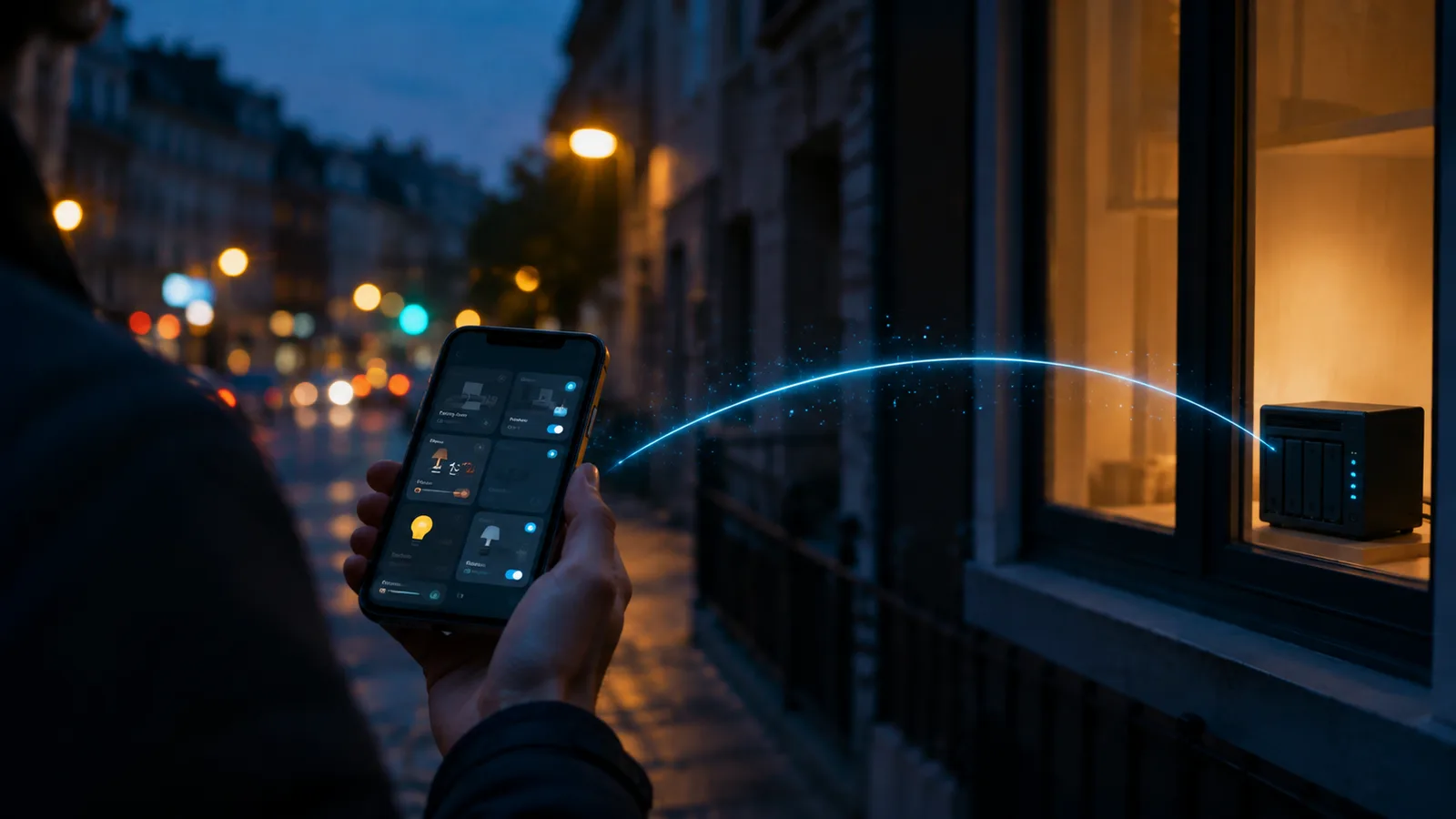
HomeKit is Apple's smart home platform and the protocol its certified accessories speak, while Matter is a cross-industry protocol that Apple Home and several rival platforms all support. They sit at different levels, which is why treating them as rivals produces a confused answer.
A rough shape for it: HomeKit is both the building and one of the languages spoken inside it. Matter is a language many buildings agreed to teach.
The practical difference shows up at the shop, not in the app:
| HomeKit accessory | Matter accessory | |
|---|---|---|
| Works with | Apple Home only | Apple Home, Google Home, Alexa, SmartThings, Home Assistant |
| Certified by | Apple, through the MFi Program | Connectivity Standards Alliance |
| If you switch platform | Accessory is stranded | Accessory moves with you |
| Appears in Apple Home | Yes | Yes |
| Works in Apple automations | Yes | Yes |
Both kinds sit in the same app, respond to Siri, and can share an automation. Someone who's never opened a spec sheet wouldn't be able to tell you which of their lights is which.
Did Apple discontinue HomeKit?
No. Apple retired the original Home architecture and moved users onto a new one, and HomeKit the protocol was never what ended.
Apple's developer documentation, as of July 2026, tells accessory makers that MFi licensees get the HomeKit Accessory Protocol Specification, the HomeKit Accessory Development Kit, certification tools, and Works with Apple Home badge artwork. Present tense, on Apple's own site. A company can still build a HomeKit accessory today.
What changed is real, though, and worth understanding since it's where the "HomeKit is dead" story came from. The architecture upgrade rebuilt how homes sync, and it has hard requirements:
- Every Apple device connected to the home needs recent software. Apple's support documentation says a device that isn't on iOS 16.2, iPadOS 16.2, macOS 13.1, tvOS 16.2, or watchOS 9.2 or later loses access to the updated home until it's updated.
- iPad is no longer supported as a home hub on the latest version of Apple Home. If your setup leaned on an old iPad in a drawer, that stopped being a hub.
That second one caught people out, and it's a genuine loss rather than an upgrade. An iPad you already owned was free. A HomePod mini or Apple TV is not.

The scaffolding came down. That's the part people watched, and it's why so many concluded the house was being demolished.
Which is more secure, Matter or HomeKit?
Both are strongly encrypted, and Apple's own security documentation shows they get there by different routes, which is a detail almost nobody writing about this mentions.
HomeKit accessories exchange keys during pairing using the Secure Remote Password protocol at 3072 bits, with the code the manufacturer provides. Sessions after that are encrypted with keys derived through HKDF-SHA-512 from per-session Curve25519 keys.
Matter accessories in Apple Home take a different path. Key exchange uses SPAKE2+ with a PIN from the manufacturer, followed by a device attestation check that proves the accessory is genuine before it's allowed to join. Sessions use HKDF-SHA-256 derived keys based on per-session P256 keys.
The part worth knowing as an owner rather than an engineer: Matter's root certificate authority is generated on the first user's device, and its private key lives in that person's iCloud Keychain. Your home's trust anchor is tied to an individual Apple account, not to a device on a shelf. That's a reasonable design, and it's also a thing worth knowing before the person who set up the house changes their Apple ID.
Neither protocol is the weak link in a normal home. The weak link is a cheap accessory with a bad firmware update process, and both certification programmes are trying to solve that from different angles.
What Matter can do that HomeKit can't
Matter accessories can belong to several platforms at once, which no HomeKit accessory has ever been able to do.
This is multi-admin, and it's the single most useful practical difference. One Matter plug can sit in Apple Home for your household and Google Home for your partner's phone, at the same time, both controlling it. The second platform needs a sharing code generated by the first, not the printed code on the box, which is a step that trips up plenty of people.
Matter 1.6, released on 17 June 2026, pushed this further with Joint Fabric. The Alliance describes it as letting multiple user-authorised controllers co-administer a single shared Matter network, with a central datastore so that any device added becomes available to every participating controller. Multi-admin shared one device at a time; Joint Fabric shares the network.
The same release added NFC commissioning, where the whole setup exchange happens over NFC instead of Bluetooth. That sounds minor until you consider the case the Alliance names: a bulb can be commissioned before it's screwed into the ceiling fixture, and an in-wall switch before the mains power is on. Anyone who's stood on a ladder holding a phone at an awkward angle will understand why that matters.
Worth being honest about timing here. A specification release is not the same as the feature arriving on your phone, and CSA notes the path from spec to shipping products varies by company. Neither of these is something to buy hardware for today.
What HomeKit still does that Matter doesn't
Apple-specific features remain Apple-specific, and Matter certification doesn't grant them.
Home Key, the feature that lets you unlock a door with an iPhone or Apple Watch, is an Apple implementation. HomeKit Secure Video, where camera footage is analysed and stored in iCloud, is likewise Apple's own. A lock or camera can be Matter-certified and still not offer either, because those live above the protocol rather than inside it.
Matter has been growing into these areas. Cameras arrived in Matter 1.5, published 20 November 2025, and Matter cameras covers how far that's actually got in practice, which is less far than the specification suggests.
So the honest position for an Apple household in 2026: buy Matter by default, and buy HomeKit-specific when you want a feature that only exists there. That's not a compromise, it's just what a platform layered on top of a protocol looks like.
Which one should you buy?
Matter is the better default for a new purchase, because the accessory keeps working if you ever leave Apple, and HomeKit-specific accessories make sense when you want an Apple feature with no Matter equivalent.
| Situation | The sensible pick |
|---|---|
| New bulbs, plugs, sensors | Matter |
| You might switch platforms one day | Matter |
| Household with mixed iPhone and Android | Matter, for multi-admin |
| Door lock you want to open with an iPhone | HomeKit with Home Key |
| Camera you want recording to iCloud | HomeKit Secure Video |
| Accessories you already own and like | Change nothing |
That last row is the one people skip. Existing HomeKit accessories work in the current Apple Home, and replacing a functioning lock to gain a protocol you can't see is spending money for a spec sheet.
If you're weighing the hub side of the decision, Matter hubs compared goes through the hardware, and what Matter is and how it works covers the protocol itself in more depth than a comparison page should.
What this looks like from India
Hub cost dominates this decision here more than accessory choice does.
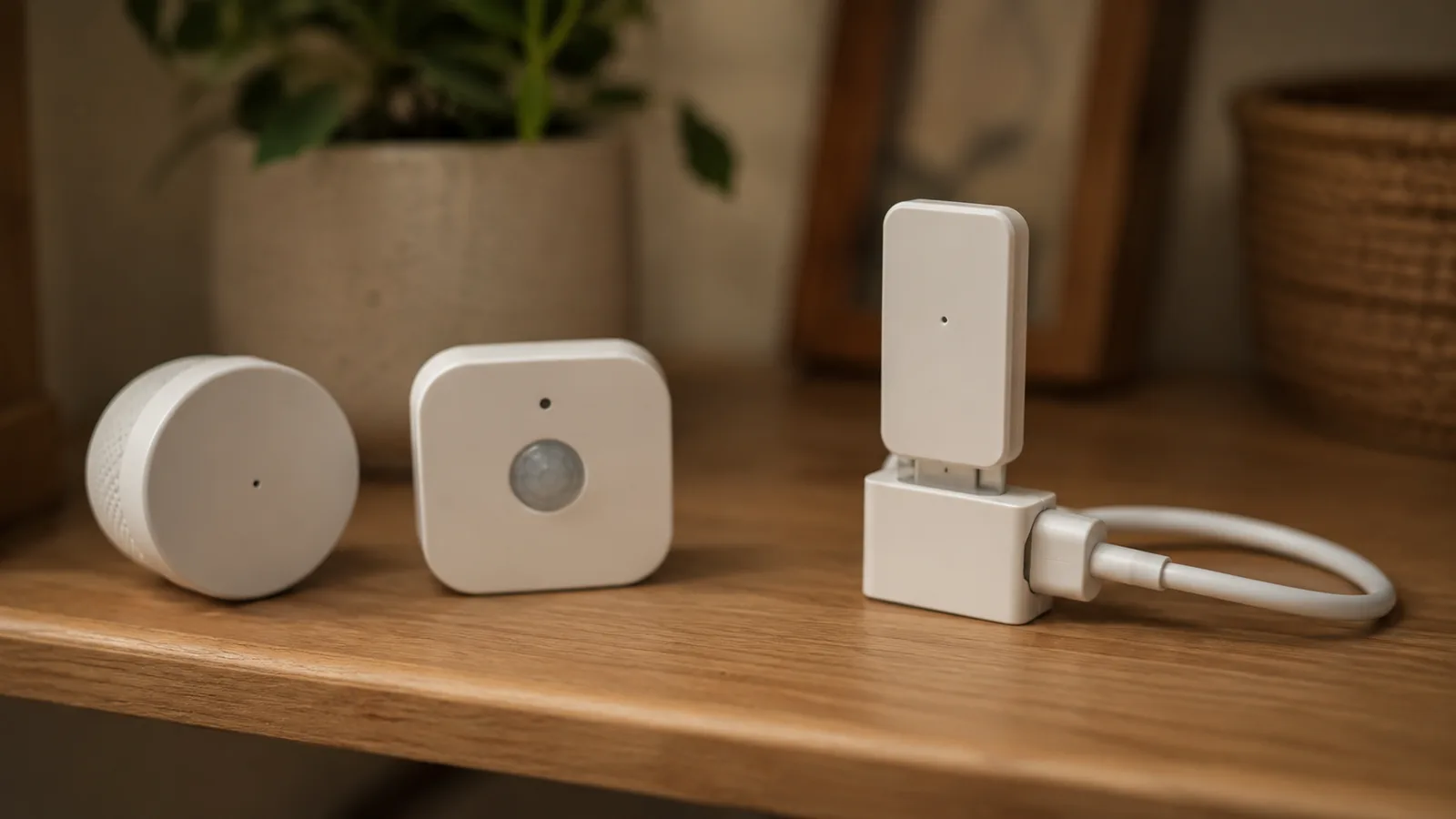
Apple Home needs a HomePod, HomePod mini, or Apple TV for remote access and shared control, and iPad no longer qualifies. That's a real entry price before you've bought a single bulb. A Matter accessory, by contrast, works with Google Home or Alexa hardware that's cheaper and more widely sold locally, and it can be moved into Apple Home later if you buy a HomePod eventually.
Which flips the usual advice. In an Apple-heavy household elsewhere, the platform choice comes first and accessories follow. Here, buying Matter accessories first and deciding the platform later is the cheaper order, precisely because Matter doesn't force the decision.
Thread accessories still need a border router, and that's a separate purchase from a controller. How Thread fits underneath explains why that distinction exists.
What this post does not cover
This compares Matter and HomeKit as a buying and compatibility question for Apple households. It doesn't review specific accessories, cover Google or Amazon setup in detail, or walk through Home app automations.
Setup failures are their own topic and covered in when a Matter device won't appear. The protocol itself, including how Matter versions have evolved and how certification works, sits in the Matter guide rather than here.
Nothing above is a recommendation to buy a specific product, and Apple's feature availability changes with each iOS release, so check the current documentation before buying for a specific feature.
Sources
- Developing apps and accessories for the home, Apple Developer, accessed 21 July 2026
- HomeKit communication security, Apple Platform Security guide
- Update Apple Home, Apple Support
- Matter 1.6 enables more intuitive setup, multi-ecosystem experiences, and context-driven control, Connectivity Standards Alliance, 17 June 2026
- Matter 1.5 introduces cameras, closures, and enhanced energy management capabilities, Connectivity Standards Alliance, 20 November 2025
- If you can't add a smart home accessory to the Home app, Apple Support
Frequently asked questions

Written by
Tapabrata Biswas
Tech Researcher
I test AI productivity tools and research home-automation gear the way most people use them. Not in a lab, but on an ordinary desk with an ordinary internet connection. The only test that matters: does it save you time?
Share the Post with Your Besties
Get the plain-English tech brief
One email a week on AI tools and smart-home tech. No jargon, no hype.