What the Matter Protocol Actually Is, in Plain English
Matter promised one standard to make every smart-home brand work together. What it really is, how it works, and where it still falls short in 2026.

Researched with AI assistance, reviewed and edited by Tapabrata Biswas.
In this article
- 01What the Matter protocol actually is
- 02How Matter, Thread, and Wi-Fi fit together
- 03The four parts of a Matter setup
- 04Why the fragmentation problem mattered
- 05What setting up a Matter device is like
- 06Which ecosystems support Matter
- 07Matter, Thread, Zigbee, and Z-Wave at a glance
- 08How Matter has changed, version by version
- 09How Matter certification works
- 10How Matter secures your devices
- 11Which devices work well with Matter in 2026
- 12Does Matter improve privacy?
- 13Who Matter makes sense for right now
- 14Where Matter still falls short
- 15What this post does not cover
- 16Sources
Buying a smart plug used to come with a question that had nothing to do with the plug: would it work with the hub you already owned? Matter was built so that question stops mattering.
USD 164.13 billion. That's what the global smart-home market was worth in 2026, according to Mordor Intelligence's smart-homes report, and a growing share of it depends on devices from rival companies agreeing to talk to each other. So it pays to understand what Matter is, what it fixed, and where it still trips up before you spend money on it.
This guide sticks to what's verifiable from the Connectivity Standards Alliance's own specifications and documentation, plus independent reporting on what actually ships. We don't test hardware in a lab, so where the spec and the real world disagree, this says so.
What the Matter protocol actually is
The Matter protocol is an open smart-home connectivity standard, maintained by the Connectivity Standards Alliance, that lets devices from different brands work with each other without proprietary bridges. It started life in 2019 as Project Connected Home over IP and arrived in real homes in late 2022, with more than 550 companies involved by the time the first version landed.
The word "open" carries the weight here. The specification is public, certification is run by a neutral body rather than a single vendor, and there's no consumer subscription to use it. Apple, Google, Amazon, and Samsung all committed to support it in their platforms, which is the reason it stuck where earlier attempts at one standard quietly faded.
Before Matter, every ecosystem spoke its own dialect. A Philips bulb, an Aqara sensor, and an Amazon Echo each needed their own app, and pulling them into a single routine meant stacking app on app and hoping the integrations held. Matter replaces that with one shared language the big platforms already understand.
How Matter, Thread, and Wi-Fi fit together
Matter is the application standard that defines how devices talk to each other, while Thread is one of the radio protocols it can travel over, a low-power mesh network built for sensors, switches, and locks. The two names get muddled constantly, so it helps to see them stacked up:
  Application layer    MATTER
                       the shared language every device speaks
  ---------------------------------------------------------------
  Network layer        THREAD        WI-FI        ETHERNET
                       low-power     mains-       wired,
                       mesh          powered      rock solid
                       (Bluetooth LE is used for setup only)
  ---------------------------------------------------------------
  Devices              bulbs   plugs   locks   sensors   thermostats
Think of Matter as the language and Thread as one of the roads it can drive on. A Matter device might reach your network over Wi-Fi, over Ethernet, or over Thread, but the conversation follows the same rules either way. Wi-Fi suits power-hungry gear like cameras and displays. Thread suits battery devices that need to sip energy and still respond instantly. Bluetooth LE shows up only during setup, which is why your phone needs Bluetooth on to add a device and never after.
This matters when you shop. A Wi-Fi smart plug is the simplest thing to add, since it joins the network you already have. A Thread sensor lasts far longer on a battery, but it needs a border router in the house to reach anything. Knowing which radio a device uses tells you, in advance, whether it will just work or whether it needs a piece you're missing.
A Thread mesh is easier to see than to describe. Every mains-powered Thread device relays for its neighbours, so the network heals around a dead node instead of dropping it, and a sensor in the garage reaches the house by hopping through whatever sits between them.
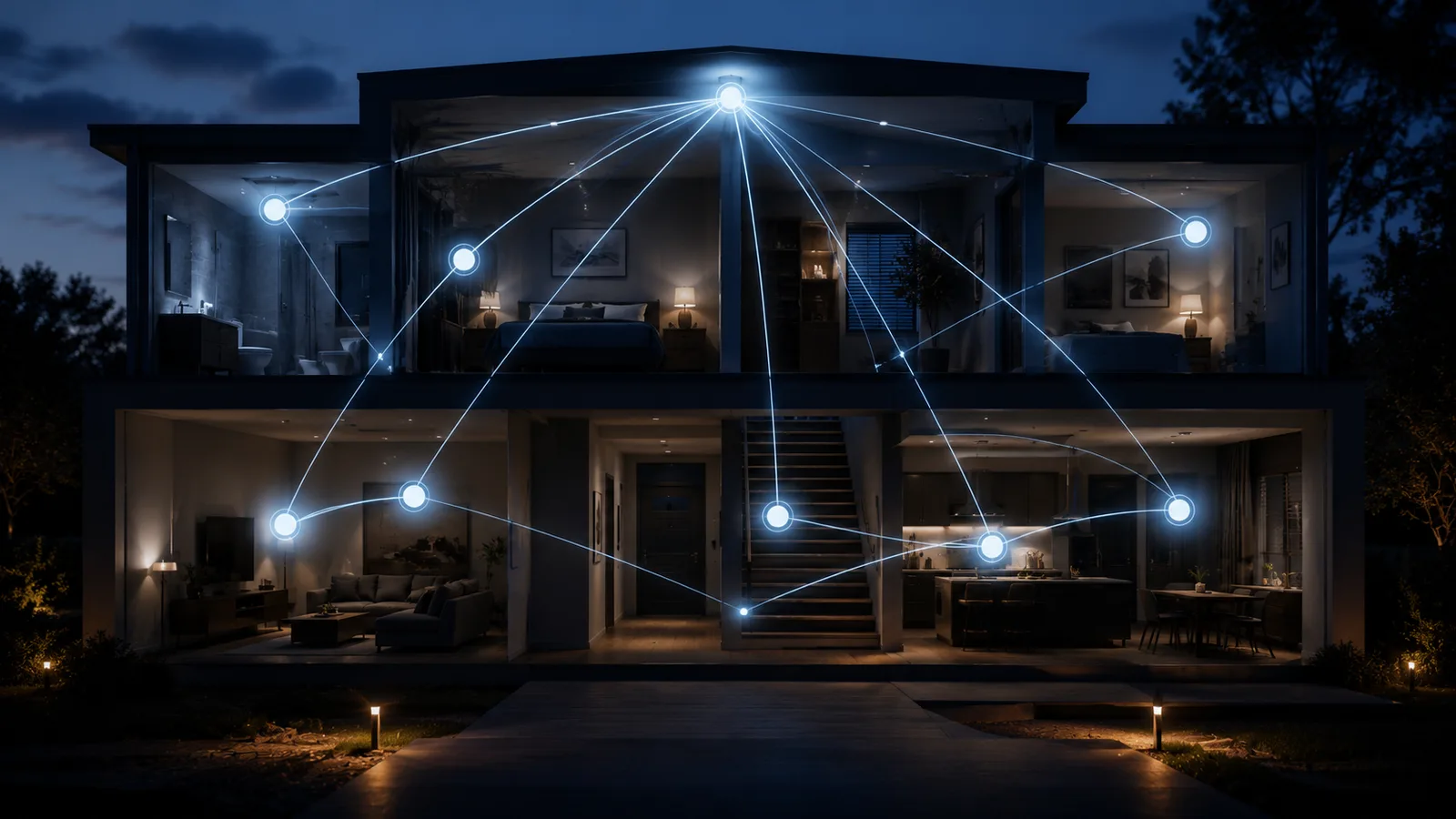
Matter is the language smart-home devices finally agreed to speak, and Thread is just one of the roads it travels on.
The four parts of a Matter setup
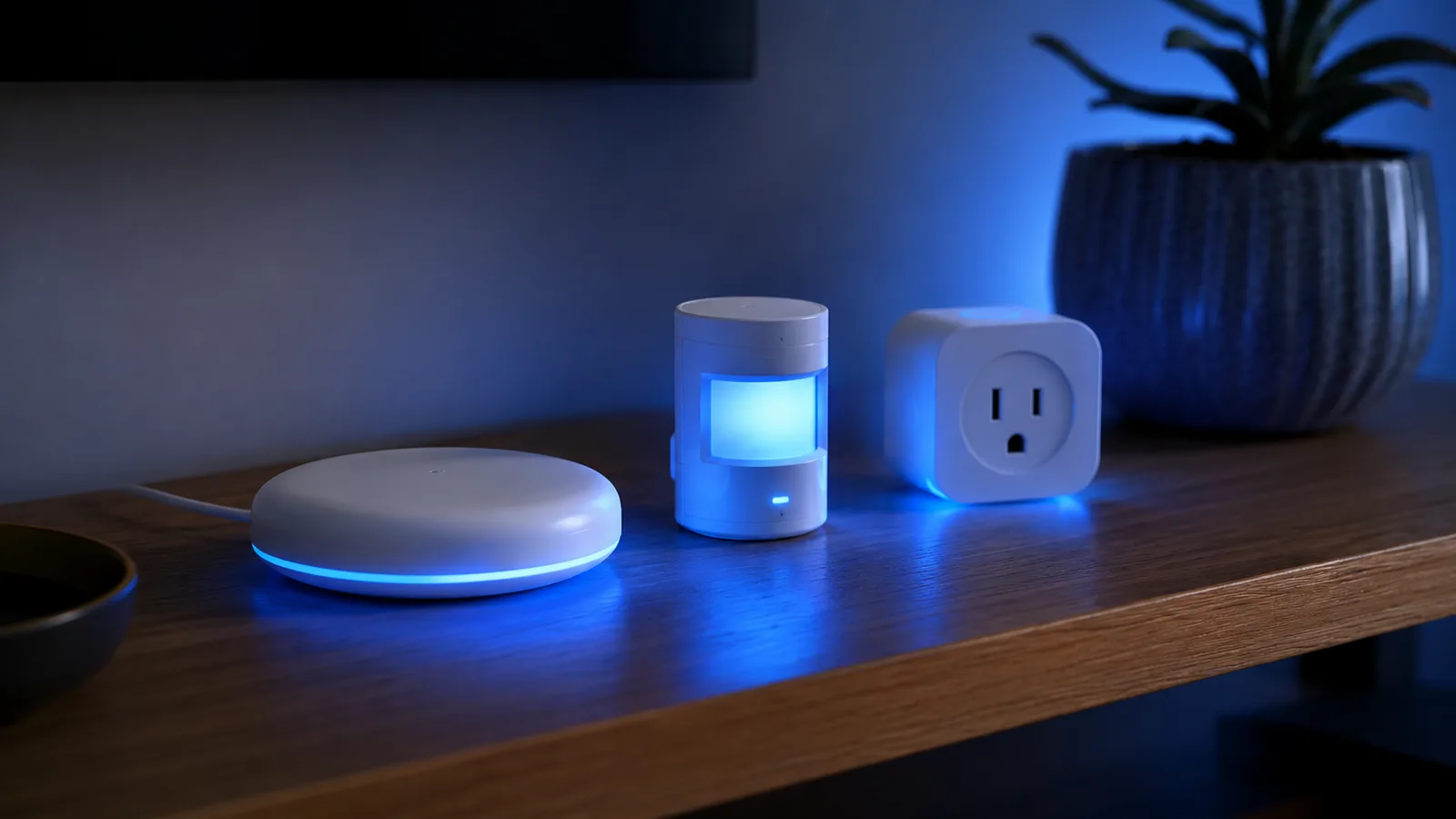
Four pieces do all the work in a Matter home, and the names get used interchangeably even though they do different jobs.
Matter controller
A Matter controller is the device that adds Matter devices to your network and sends them commands, and you almost certainly own one already. Apple TVs and HomePods, Google Nest hubs and displays, Amazon Echos, and SmartThings hubs all act as controllers. The controller is also what decides whether your commands stay on your network or travel through a company's servers, which makes it the most consequential choice in the whole setup.
Thread border router
A Thread border router is the bridge between a Thread mesh and the rest of your home network, because Thread devices can't reach your Wi-Fi on their own. Recent Apple HomePods, Apple TVs, Google Nest hubs, and Echo speakers include one, so most people already have a border router without knowing it. One catch worth knowing before you buy: of the Apple TV 4K models, only the Wi-Fi plus Ethernet version carries a border router. Our guide to Thread in a smart home covers the mesh underneath, including why a house often ends up running several separate Thread networks.
Matter bridge
A Matter bridge exposes non-Matter devices, usually Zigbee or Z-Wave gear, to Matter ecosystems as if they were native. A Philips Hue bridge is the common example. Bridges pass through the basics reliably, so on, off, and brightness work everywhere, while a device's nicer tricks often stay locked in its own app.
Commissioning
Commissioning is the technical name for adding a device to your network, the QR-code step you already know. The device proves it's genuine using a certificate baked in at the factory, joins over Bluetooth LE, then settles onto Wi-Fi, Ethernet, or Thread for everyday use. Since Matter 1.6, commissioning can also happen over NFC, before a device is even powered on.
Why the fragmentation problem mattered
Smart homes used to fracture along brand lines, and that fracture is the exact thing Matter set out to remove. You picked an ecosystem, then found out later that the device you wanted didn't cooperate with the hub sitting on your shelf.
Picture a home with a Hue bulb, an Aqara contact sensor, and a Google Nest speaker. In the old world, linking all three into one "good night" routine meant juggling three apps and accepting that one of them would break after an update. With Matter, the same three devices can appear in Apple Home, Google Home, and Alexa at the same time, controlled from whichever app you prefer.
That is the headline benefit: you buy the device you want, not the device your hub tolerates.
What setting up a Matter device is like
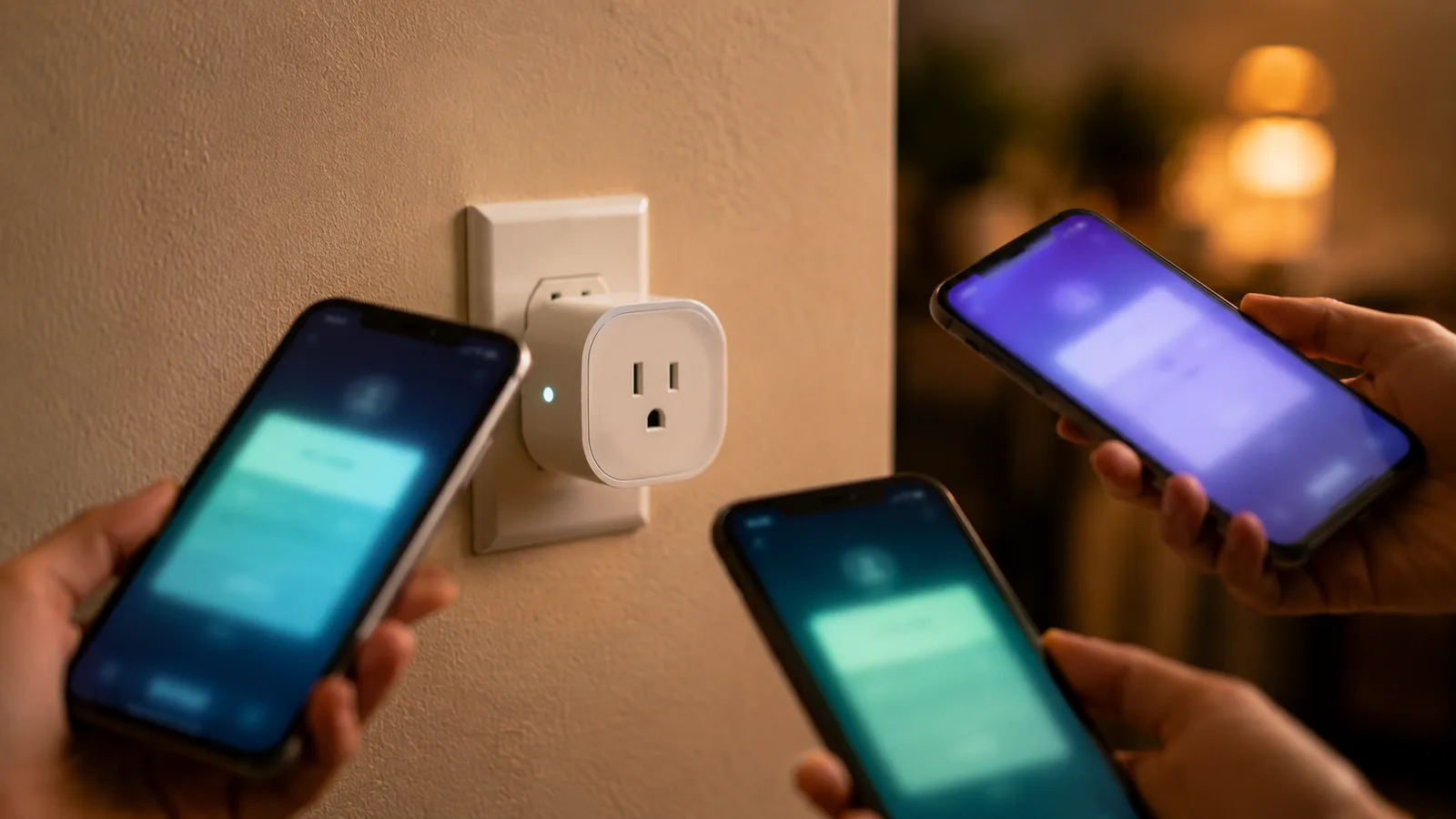
Setup with Matter is a QR code and a short wait, not a compatibility spreadsheet. You scan the code on the device or its box, the device joins your network, and it shows up in the app you chose.
The genuinely useful trick is multi-admin. One Matter device can be shared across Apple Home, Google Home, and Alexa at once, so your partner can use one app while you use another and the device answers to both. You set it up once and share it, instead of buying twice or juggling two accounts.
Matter 1.6 pushed this further with Joint Fabric, which lets several authorized controllers co-administer one shared network rather than each holding its own separate claim on a device, aimed at households running multiple platforms and at homes handed over by a builder with the smart gear already fitted.
It's not frictionless. A Thread device wants a border router on the network before it will behave, and a small number of devices still need a quick re-pair after a router change. For local control that never leaves your house, a dedicated hub helps, and we compared the best Matter hubs for beginners so you don't have to guess.
Which ecosystems support Matter
All four major platforms are Matter controllers, and the practical differences are in which hardware carries a Thread border router and how far each has gone with the newest device types.
| Ecosystem | Works as a Matter controller | Hardware with a Thread border router | Matter 1.5 cameras |
|---|---|---|---|
| Apple Home | Yes | HomePod mini, HomePod (2nd gen), Apple TV 4K (the Wi-Fi + Ethernet model only) | Not yet; controller support committed |
| Google Home | Yes | Nest Hub Max, Nest Wifi Pro | Not yet; controller support committed |
| Amazon Alexa | Yes | Echo (4th gen) and later, eero routers | Not yet; controller support committed |
| Samsung SmartThings | Yes | SmartThings Hub v3, SmartThings Station, Aeotec Smart Home Hub | Yes, the only major platform live so far |
Works as a Matter controller
- Apple Home
- Yes
- Google Home
- Yes
- Amazon Alexa
- Yes
- Samsung SmartThings
- Yes
Hardware with a Thread border router
- Apple Home
- HomePod mini, HomePod (2nd gen), Apple TV 4K (the Wi-Fi + Ethernet model only)
- Google Home
- Nest Hub Max, Nest Wifi Pro
- Amazon Alexa
- Echo (4th gen) and later, eero routers
- Samsung SmartThings
- SmartThings Hub v3, SmartThings Station, Aeotec Smart Home Hub
Matter 1.5 cameras
- Apple Home
- Not yet; controller support committed
- Google Home
- Not yet; controller support committed
- Amazon Alexa
- Not yet; controller support committed
- Samsung SmartThings
- Yes, the only major platform live so far
The camera column is the one to read twice. Every platform has committed to supporting Matter's camera spec, and only Samsung has actually shipped it so far.
Matter, Thread, Zigbee, and Z-Wave at a glance
Matter is a language and the other three are radios, which is why "Matter vs Zigbee" is a slightly wrong question that everyone asks anyway.
| Matter | Thread | Zigbee | Z-Wave | |
|---|---|---|---|---|
| What it is | An application standard, the shared language | A low-power mesh radio | A low-power mesh radio | A low-power mesh radio |
| Built on IP | Yes | Yes, IPv6 | No | No |
| Forms a mesh | Only when it runs over Thread | Yes | Yes | Yes |
| What it needs to reach your network | Nothing extra over Wi-Fi or Ethernet; a border router over Thread | A Thread border router | A Zigbee hub or bridge | A Z-Wave hub |
| Local control without the internet | Yes, with a local controller | Yes | Yes | Yes |
Matter
- What it is
- An application standard, the shared language
- Built on IP
- Yes
- Forms a mesh
- Only when it runs over Thread
- What it needs to reach your network
- Nothing extra over Wi-Fi or Ethernet; a border router over Thread
- Local control without the internet
- Yes, with a local controller
Thread
- What it is
- A low-power mesh radio
- Built on IP
- Yes, IPv6
- Forms a mesh
- Yes
- What it needs to reach your network
- A Thread border router
- Local control without the internet
- Yes
Zigbee
- What it is
- A low-power mesh radio
- Built on IP
- No
- Forms a mesh
- Yes
- What it needs to reach your network
- A Zigbee hub or bridge
- Local control without the internet
- Yes
Z-Wave
- What it is
- A low-power mesh radio
- Built on IP
- No
- Forms a mesh
- Yes
- What it needs to reach your network
- A Z-Wave hub
- Local control without the internet
- Yes
That table is deliberately shallow, because each pairing deserves more room than a hub page can give. We covered how Zigbee and Matter divide the work and Zigbee and Z-Wave compared in their own guides. The short version is that they're roommates more than rivals.
How Matter has changed, version by version
Matter ships in numbered revisions, and the pace has picked up rather than settled. A device certified against an older version won't expose what a newer one can, which is the real reason a feature you expected is sometimes just absent.
| Version | Released | What it added |
|---|---|---|
| 1.0 | October 2022 | The first spec: one IP-based standard, backed by 550+ companies |
| 1.1 | May 2023 | Mostly fixes, plus bridges reaching Alexa and SmartThings |
| 1.2 | October 2023 | Nine new device categories, including appliances |
| 1.3 | May 2024 | Energy management and water management |
| 1.4 | November 2024 | More energy devices, better multi-admin, Thread network creation |
| 1.4.1 / 1.4.2 | 2025 | Quality releases: testing, certification, developer tooling |
| 1.5 | November 2025 | Cameras, closures, energy tariffs, soil sensors, TCP transport |
| 1.6 | June 2026 | NFC setup, Joint Fabric, Thermostat Suggestions, partitioned CRLs |
Two of those deserve a closer look. Matter 1.5, released on November 20, 2025, was the big one: it brought cameras in with live video and audio over WebRTC, two-way talk, pan-tilt-zoom, detection and privacy zones, and a choice of local or cloud recording. It also added closures, a category covering shades, drapes, awnings, gates, and garage doors, an electrical energy tariff type that lets a device see real-time pricing and carbon data and adjust itself, EV charging improvements including bi-directional charging, and soil sensors for irrigation.
Matter 1.6 followed on June 17, 2026, and it's a plumbing release rather than a new-category one. NFC commissioning means a bulb can be set up before it's screwed into the fixture and an in-wall switch before mains power reaches it. Thermostat Suggestions changes how commands work: instead of another device ordering the thermostat around, it sends a time-bound suggestion the thermostat weighs against your stated preferences, so an automation can't quietly override the energy-saving setting you chose.
How Matter certification works
Matter certification is run by the Connectivity Standards Alliance, and only certified devices are allowed to carry the Matter logo. That badge reflects a lab result rather than a marketing claim, which is why it's worth looking for on the box.
The process runs through the Alliance rather than the manufacturer. A company joins the Alliance, requests a vendor ID, then submits the product for testing at an Authorized Test Lab or through a Specification Validation Event. Pass, and the product is recorded in the Alliance's distributed compliance ledger and may wear the logo.
Worth clearing up, because it circulates as fact: there is no separate "Works with Matter" program. The Alliance's own FAQ recognises one thing, a Matter-certified device carrying the Matter logo. Ecosystem badges like "Works with SmartThings" are separate schemes run by that platform, not tiers of Matter itself.
There is a second certification, though, and it's new. Alongside Matter 1.6 the Alliance released Product Security 1.1, which covers whole IoT systems rather than single devices and comes in two levels: Level 1 is a manufacturer self-assessment, and Level 2 requires independent testing. If you see a security claim on a box in 2026, that distinction is the one that tells you whether anyone outside the company checked it.
How Matter secures your devices
Every Matter device ships with a device attestation certificate, installed at the factory, which proves the device is genuine and certified before it's allowed to join your network. The Alliance is explicit that these certificates come from specified root Certificate Authorities operated by member companies and held to defined standards, so a counterfeit device can't simply claim to be a Matter product.
From there the model is ordinary good practice rather than anything exotic. Each device carries a unique identity, only authentic certified devices are permitted onto the network, and traffic between them is encrypted. The commissioning step is where the attestation check happens, which is why adding a device involves more than typing a password.
Certificate revocation is the part that quietly got better. Matter 1.4.2 introduced partitioned Certificate Revocation Lists and 1.6 extended them, so the list of certificates that should no longer be trusted arrives in small independently updated chunks rather than one growing blob. It's unglamorous and it's the sort of thing that decides whether the security model still works when there are tens of thousands of certified products.
Which devices work well with Matter in 2026
Matter support in 2026 is strongest for the simple, high-volume devices and weakest for anything that streams video. The table below is the honest state of play rather than the marketing version.
| Device type | Matter support in 2026 |
|---|---|
| Smart bulbs and plugs | Solid, works across every major ecosystem |
| Sensors and switches | Solid, often over Thread for fast response |
| Smart locks | Good, with a few brand-specific features still missing |
| Thermostats | Good, and 1.6 added preference-aware suggestions |
| Closures (shades, garage doors) | New in 1.5, devices still arriving |
| Energy devices and EV charging | Improving fast, 1.5 added tariffs and bi-directional charging |
| Cameras and doorbells | In the spec since 1.5, but only SmartThings supports them |
Cameras deserve the asterisk. The specification has covered them since November 2025, and Aqara's Camera Hub G350 arrived in March 2026 as the first Matter-certified camera, so this isn't vapourware. The problem is the other end: as of mid-2026 Samsung SmartThings is the only major platform shipping support, and Ring, Nest, and Blink have stayed quiet about certifying their own cameras. It's hard to miss that Matter cameras would loosen exactly the subscription lock-in those brands depend on. Buy a Matter camera today and it works properly on one platform out of four. We pulled the full picture apart in what actually works with Matter cameras.
If you're buying lights, plugs, sensors, or a lock, Matter is a safe filter to shop by. For a camera, check the native app first, because that's still where the good features land.
Does Matter improve privacy?
Matter is designed to run locally, which means many devices can be controlled inside your home without routing every command through a company's cloud. That local-first design is one of the quieter reasons people choose it.
The catch is that local control depends on your controller, not only on the device. Pair a Matter lock to a hub that keeps everything on your own network, and the lock still answers when your internet drops. Pair the same lock to an app that sends commands through a vendor's servers, and you're back to depending on those servers. Matter makes local control possible. The hub you pick decides whether you get it.
Remote access is the honest exception. The Alliance states that Matter-only devices need an internet-connected controller to be operated from outside the house, so "works without the internet" is true for the lights in your hallway and not for checking them from the office.
Who Matter makes sense for right now
Matter is the safe default if you're starting a smart home from scratch, mixing brands on purpose, or want the freedom to change your mind about which app runs the house. Those are the exact problems it was built for, and for lights, plugs, sensors, and locks it solves them.
The case is weaker in three situations. If you already run a large Zigbee or Z-Wave setup that works, Matter adds a bridge and some complexity without fixing anything you're complaining about. If your smart home is mostly cameras, the platform gap above means you'd be buying a promise. And if you depend on a specific premium feature from one brand, check whether it survives the trip through Matter, because the flagship extras tend to reach a company's own app months before they reach the shared standard.
None of that is a reason to avoid Matter. It's a reason to know which half of your house it's ready for.
Where Matter still falls short
Matter is the safe default for the core of a smart home, but it isn't yet a full replacement for every brand's native app. Lighting, plugs, locks, and sensors are dependable. Cameras and energy devices are catching up on paper faster than in practice, and the newest premium features often arrive in a company's own app long before they reach the shared standard.
Version drift is the other wrinkle. A device certified for an older revision won't expose a capability a newer one defines, and with 1.5 and 1.6 landing seven months apart, the gap between what Matter can do and what your particular device does has widened rather than closed.
Bridges are a third rough edge. A bridge that pulls Zigbee or older gear into Matter usually passes through the basics while the device's nicer tricks stay locked inside its own app. The light turns on for everyone, but the fancy scene you set up may only live in one place.
For people who want everything to run locally, with no company's cloud in the loop, an open platform earns its keep. That's exactly where Home Assistant shines, and our walkthrough on setting up Home Assistant covers the 20-minute version.
In 2026, Matter is the part of a smart home you can buy without checking a compatibility list first. The premium extras are still where the native apps win, and the camera column above shows how long "committed to support" can sit there before it means anything.
What this post does not cover
- Step-by-step setup for a specific hub or device brand
- Commercial or industrial building automation
- Deep technical certification details for device manufacturers
- Hands-on testing of specific Matter products, since this guide is built from the specifications, official documentation, and independent reporting rather than our own lab
Sources
- Connectivity Standards Alliance: Matter overview
- Connectivity Standards Alliance: Matter FAQs
- Connectivity Standards Alliance: Matter 1.5 introduces cameras, closures, and enhanced energy management
- Connectivity Standards Alliance: Matter 1.6 enables more intuitive setup and multi-ecosystem experiences
- Home Assistant: Matter support documentation
- Mordor Intelligence: Smart Homes Market report
Frequently asked questions

Written by
Tapabrata Biswas
Tech Researcher
I test AI productivity tools and research home-automation gear the way most people use them. Not in a lab, but on an ordinary desk with an ordinary internet connection. The only test that matters: does it save you time?
Share the Post with Your Besties
Get the plain-English tech brief
One email a week on AI tools and smart-home tech. No jargon, no hype.