Matter Device Not Showing Up? Work Backwards From the Symptom
Why Matter devices fail to appear, pair, or stay connected. Sorted by what you actually see, with the IPv6 problem that hides itself.

Researched with AI assistance, reviewed and edited by Tapabrata Biswas.
In this article
- 01Why won't my Matter device show up?
- 02The device never appears during setup
- 03Setup worked, then it stopped
- 04The code gets rejected
- 05Thread devices keep dropping
- 06It works in one app only
- 07What's different on an Indian home network
- 08When to stop troubleshooting and reset
- 09What this post does not cover
- 10Sources
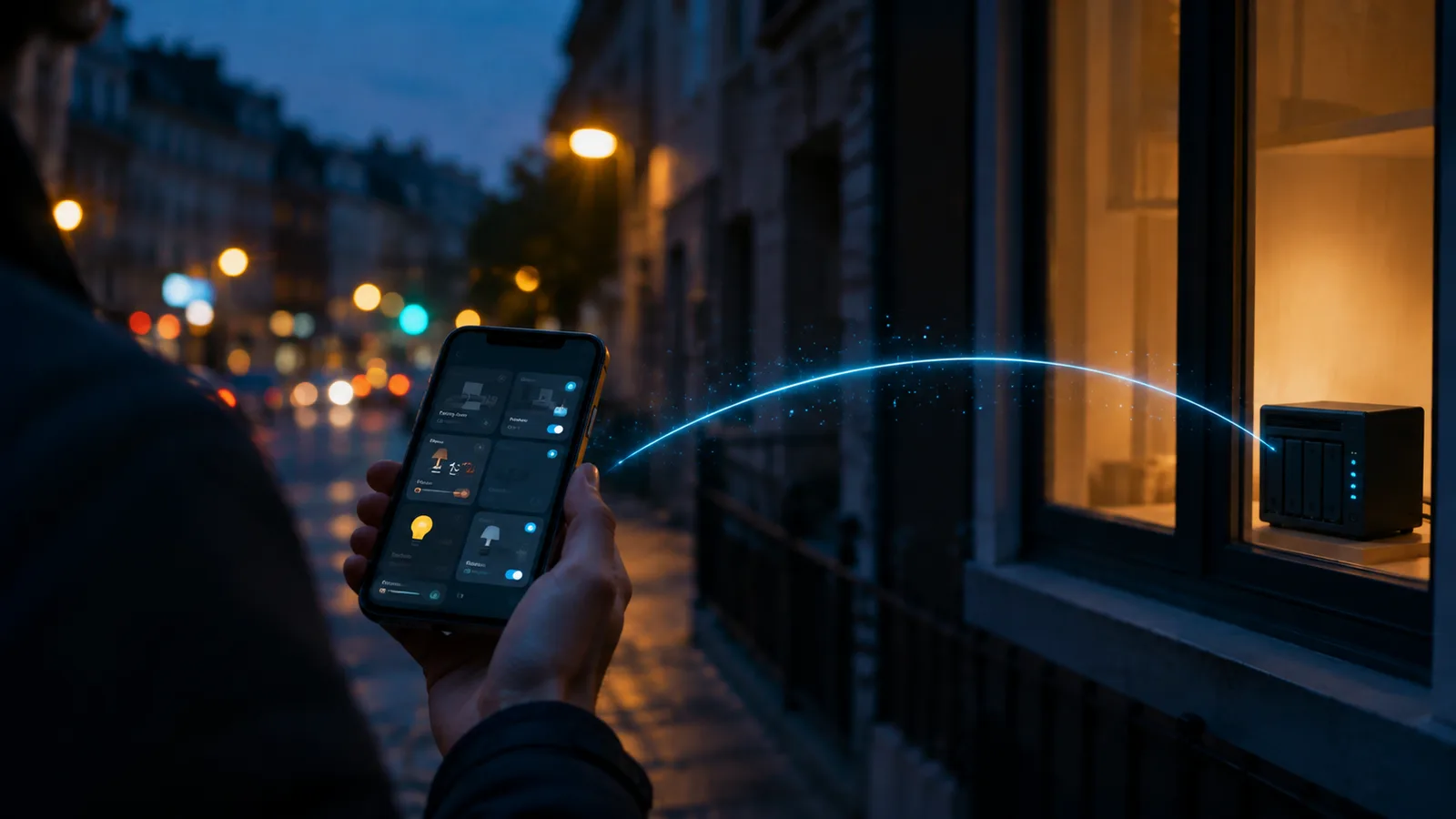
"Setup may initially appear to succeed at times. However, control and other functionalities eventually fail." That line is from Google's own Matter documentation, describing what happens when IPv6 isn't enabled on your network.
It explains an enormous amount of misery. Devices that paired fine, worked for a week, then all went unavailable at once. People factory reset them, replace them, blame a firmware update, post on forums. The router was wrong the entire time, and the failure waited days to show up.
Most Matter problems are network problems wearing a device costume. So this guide is organised by what you're actually looking at, not by a list of everything that can go wrong.
Why won't my Matter device show up?
A Matter device usually fails to appear because of a network condition rather than a fault in the device itself. The four that account for most cases: IPv6 is disabled somewhere in the path, the 15-minute commissioning window has expired, your phone and your controller are on different networks, or the device is already paired to another system.
Work out which symptom you have before changing anything.
| What you're seeing | Most likely cause | Where to look |
|---|---|---|
| Never appears during setup | Commissioning window expired, Bluetooth off, wrong Wi-Fi band | The device never appears |
| Paired fine, died days later | IPv6, or a weak Thread mesh | Setup worked, then it stopped |
| "Invalid code" when scanning | Wrong QR code, or already paired elsewhere | The code gets rejected |
| Only Thread devices drop | Channel collision with Wi-Fi, or mesh gaps | Thread devices keep dropping |
| Works in its own app, not elsewhere | Not shared, or a controller-side problem | It works in one app only |
The device never appears during setup
Commissioning is the initial pairing, and it has hard requirements that a powered-on device sitting on a shelf will quietly fail.
The 15-minute window is the one that catches most people. A Matter device only accepts commissioning for about 15 minutes after it powers on. If you unboxed it, plugged it in, then spent half an hour reading the manual and updating an app, that window closed. Power cycle it and start immediately.
Bluetooth has to be on, on the phone, with permission granted. Matter uses Bluetooth to hand the device your network credentials during pairing. Home Assistant's documentation puts the scope plainly: Bluetooth pairs the device, it doesn't control it afterwards. If Bluetooth is off, nothing happens and the error is unhelpful.
On Android, location permission has to be "Allow all the time." This one is genuinely obscure. Home Assistant documents that Android restricts Wi-Fi SSID access for background apps when location is set to "While using the app," which breaks commissioning. Nothing in the failure message points at location permissions.
The 2.4GHz band. Matter devices on Wi-Fi generally need 2.4GHz, and Google Home shows a message saying most Matter-enabled devices cannot yet connect to 5GHz. Modern routers hide both bands behind one network name, so your phone can be on 5GHz while the device needs 2.4. Splitting the bands into two named networks for the duration of setup fixes it. You can merge them again afterwards, because once the device is on the network it stays there.
Your phone and controller must be on the same network. Not the guest network, not the IoT VLAN, not cellular data. Same subnet, same Layer 2. TP-Link's support documentation names guest networks and VLANs specifically as a cause.
Setup worked, then it stopped
Delayed failure after a clean setup points at IPv6, and this is the single most valuable thing to check.
Matter needs IPv6 end to end. Google's documentation is direct: without IPv6 on the home wireless network, setup can appear to succeed while control eventually fails. Home Assistant's requirement is the same shape, that IPv6 multicast traffic has to travel freely from the network to the Home Assistant host.
The Home Assistant forums are full of this resolving things. One thread ended with a user enabling IPv6 on their firewall and reporting devices were instantly found and adopted after weeks of failure. Another traced a total pairing failure to IPv6 being disabled on the Docker host running Home Assistant, where the network inspection showed "EnableIPv6": false. The devices were never the problem.
Check three places, because IPv6 can be enabled in one and blocked in the next:
- The router itself, where IPv6 is off by default on plenty of consumer models
- Any firewall or VLAN rules between your devices and your controller
- The host running your controller, which for Docker or container installs of Home Assistant is a separate setting from the router
Multicast is the other half of this. Matter uses mDNS to discover devices on the network. Managed switches with IGMP snooping, multicast filtering, or client isolation break that discovery while leaving ordinary internet access working perfectly, which makes it maddening to diagnose. Home Assistant's docs say it plainly: Matter is built for regular home networks and doesn't sit well with enterprise networking features. Their advice is to keep the network topology as flat and simple as you can.
If you built a separate IoT VLAN because it seemed like good practice, that VLAN is now the first thing to suspect.
The code gets rejected
An invalid-code error usually means you're scanning the wrong code, not that the device is broken.
Plenty of Matter devices ship with two QR codes. One sets the device up in the manufacturer's own app. The other commissions it onto a Matter platform. They look nearly identical on the label. The Matter one carries the Matter logo or the word Matter, and scanning the other into a Matter controller produces a rejection that reads like a hardware fault.
The second cause is that the device is already commissioned to another system. Matter devices can belong to several platforms at once, but the second platform needs a fresh sharing code generated from the first, not the original label code. If you've already added a plug to the Tapo app or Apple Home, going to Google Home with the printed code won't work. Either generate a sharing code from the platform that owns it, or factory reset the device so it advertises a fresh setup payload.
Worth knowing before you reset anything: a factory reset removes it from every platform it currently belongs to, not just the one you're struggling with.
Thread devices keep dropping
If your Wi-Fi Matter devices are stable and only the Thread ones misbehave, the problem is the Thread radio environment rather than Matter.
Thread and Wi-Fi share the 2.4GHz band. They can and do interfere. One Home Assistant forum thread documented a user running Wi-Fi on channel 1 with their Thread network on channel 14, with devices going unavailable repeatedly for weeks. Moving the Wi-Fi to channel 11 ended it, with the user reporting a week of clean operation afterwards and another confirming the same fix. A Wi-Fi analyser app will show you what's crowded.

Two sources, one surface, and a mess where they meet. Radios do the same thing, and the device in the middle is the one that stops answering.
Nothing in the top search results for Matter troubleshooting mentions this, which is odd, because a border router and an access point sitting on top of each other in the same band is a predictable outcome of following the usual advice to put them near each other.
Mesh gaps are the other cause. Battery-powered Thread sensors don't route traffic; they attach to a mains-powered device that does. A forum discussion running from April into May 2026 tracked exactly this, where sensors were orphaned after their parent device (an IKEA bulb) dropped offline, and the sensor firmware wasn't aggressive about finding a new parent even when other candidates were available. The pattern people landed on: build out the mains-powered Thread devices first so the mesh has redundant paths, then add battery sensors.
If you're not sure whether a device is Thread or Wi-Fi, how Thread works covers the distinction, and picking a Thread border router covers the hardware side.
It works in one app only
A device that responds in the manufacturer's app but not in your smart home platform has a sharing or controller problem, not a device problem.
Matter's multi-admin feature is what lets one device belong to several platforms, and it needs an explicit sharing step. Google documents that after setting a device up in a manufacturer's app, you have to accept a prompt or follow that app's instructions to share it with Google Home. Skip it and the device works fine in one place and is invisible everywhere else.
Requirements also differ by ecosystem more than people expect:
| Platform | Hub required for Matter over Wi-Fi | Documented IPv6 position |
|---|---|---|
| Google Home | Yes, a Matter-enabled hub | Must be enabled on the router |
| Apple Home | No, from iOS 18 onward, though a hub is recommended | Same network required for phone, hub, accessories |
| Home Assistant | No separate hub; HA is the controller | IPv6 multicast must reach the HA host |
Thread devices need a border router on every one of them, regardless of platform.
One more controller-side possibility: it might not be you. Home Assistant's Matter Server 9.0.2 had a regression where Thread devices went offline after upgrading and didn't come back. There's also an open Home Assistant core issue from December 2025, still unresolved, where Matter devices go unavailable and only restarting the Matter add-on recovers them. Before you rebuild your network, check whether your controller shipped a bad version.
What's different on an Indian home network
Two of the requirements above bite harder here, and both are worth checking first.
IPv6 is frequently off. Many consumer routers sold in India ship with IPv6 disabled by default, and plenty of broadband connections need it enabled explicitly on the router rather than inheriting it. Since Matter fails slowly and silently without IPv6, this is the highest-value thing to verify before buying more hardware to fix a problem you don't have.
Band splitting. Combined-band routers are the norm, and the 2.4GHz commissioning requirement means the phone can be sitting on 5GHz while the device waits on 2.4. Temporarily naming the bands separately during setup is faster than any other fix.
Power cuts matter here too, though indirectly. A Thread mesh rebuilds itself after an outage, and mains-powered devices come back before battery ones re-parent, so devices showing unavailable for a while after a cut is expected rather than broken. If they haven't returned after an hour, then start looking.
When to stop troubleshooting and reset
A factory reset is the correct move once you've confirmed IPv6 is on, the phone and controller share a network, and the code you're scanning is the Matter one. Resetting before you check those means you'll do it again in a week.
Order that wastes the least time: check IPv6, confirm the network path, power cycle for a fresh 15-minute window, verify which QR code you have, then reset.
What this post does not cover
This is about Matter devices failing to appear, pair, or stay connected. It doesn't cover choosing devices or hubs, which Matter hubs compared handles, or what the standard is and does, which is what Matter actually is. Zigbee and Z-Wave troubleshooting are different problems with different radios and aren't covered here.
It also assumes you have a working controller already. If you're setting one up, running Home Assistant is the starting point.
Nothing here is a recommendation to buy or replace a specific device.
Sources
- Prepare your smart home for Matter, Google Home and Nest Help
- Set up, manage, and control Matter-enabled devices with Google Home, Google Home and Nest Help
- Matter integration documentation, Home Assistant
- If you can't add a smart home accessory to the Home app, Apple Support
- Troubleshooting Tapo/Kasa Matter configuration on third-party platforms, TP-Link Support
- Matter troubleshooting, Google Home Developers
Frequently asked questions

Written by
Tapabrata Biswas
Tech Researcher
I test AI productivity tools and research home-automation gear the way most people use them. Not in a lab, but on an ordinary desk with an ordinary internet connection. The only test that matters: does it save you time?
Share the Post with Your Besties
Get the plain-English tech brief
One email a week on AI tools and smart-home tech. No jargon, no hype.