Which Thread Border Router to Buy in 2026, and the Rule Nobody Mentions
Most people already own a Thread border router. If you do need one, the version number decides whether it joins your network or splits it in two.

Researched with AI assistance, reviewed and edited by Tapabrata Biswas.
In this article
- 01Do you already have a Thread border router?
- 02When buying one is actually the right call
- 03The rule the roundups skip: buy Thread 1.4
- 04Which form factor should you get?
- 05What actually goes wrong
- 06About those "I tested these for three months" roundups
- 07The short version
- 08What this post does not cover
- 09Sources
Most articles with this title want to sell you a box. The most useful thing I can tell you is that you probably already own one, and the second most useful thing is a rule that none of the current roundups mention: buy Thread 1.4 or you may end up with two Thread networks instead of one.
Two boundaries first, because this cluster has three overlapping questions. This is about the hardware that carries your Thread mesh. If you want to understand what Thread is and why homes end up with several networks, that's the explainer. If you're choosing the hub that runs your Matter home, Matter hubs compared answers that one. This page is for people who actually need to add or replace a border router: Home Assistant users, anyone chasing coverage into a stubborn corner, or anyone whose Thread devices keep dropping.
These picks come from manufacturer specifications, named hands-on reviews, and Home Assistant community consensus. We don't test this hardware in a lab, we say so, and there are no affiliate links anywhere on this page. That last part matters more than it should, and I'll come back to why.
Do you already have a Thread border router?
You very likely do, and checking costs nothing. A Thread border router is built into most of the smart speakers, displays, streaming boxes, and mesh routers sold in the last few years, which is the single biggest reason not to buy one.
The list is long: recent Apple HomePods and HomePod minis, Apple TV 4K models, Google's Nest Hub (2nd gen), Nest Hub Max and Nest Wifi Pro, a wide range of Amazon Echo speakers and eero routers, SmartThings hubs and their Aeotec equivalents, and Home Assistant's Yellow and Green. Nanoleaf and Aqara build them into some products too.
One trap worth knowing before you spend: among Apple TV 4K models, only the Wi-Fi plus Ethernet version carries a border router. The cheaper model doesn't.
So the honest question isn't which border router is best. It's whether you're short of one at all.
When buying one is actually the right call
Four situations justify the purchase, and none of them is "the roundup said the Aqara is best."
Running Home Assistant is the clearest. If you want Thread devices in Home Assistant without leaning on an Apple or Google box, you need your own radio. Coverage is the second: a border router at one end of a long house leaves the far end thin, and a second one on the same network fixes that. The third is independence, wanting a border router that isn't tied to an ecosystem you might leave. The fourth is repair, replacing a box that's flaky or stuck on old firmware.
Everything else is usually a solution looking for a problem.
The rule the roundups skip: buy Thread 1.4
Get a border router certified to Thread 1.4, because the version number decides whether the box joins your existing Thread network or quietly starts a second one.
That's the whole ballgame, and it's the thing that goes unmentioned. The Thread Group released Thread 1.4 on September 4, 2024, and described the problem it solves in plain terms: devices from different ecosystems used to create separate networks, and with 1.4 an updated device or border router joins the existing Thread network instead of making a new one. That's credential sharing, and it's the difference between a second border router strengthening your mesh and splitting it.
The certification side reinforces it. According to industry reporting on the Thread Group's certification programme, Thread 1.3 applications for border routers closed at the end of December 2025, leaving Thread 1.4 as the only specification new border routers can be certified against from January 2026. The Thread Group's public certification page doesn't publish that cutover date, so treat it as well-reported rather than officially posted. Either way, the practical effect is the same: newly certified hardware is 1.4, and older stock on a shelf may not be.
Buying 1.4 doesn't guarantee a merged network, because the other end has to cooperate too, and in July 2026 that's still patchy. Our Thread explainer has the ecosystem-by-ecosystem status. What 1.4 does is make cooperation possible at all, which is worth insisting on for a box you'll keep for years.
Which form factor should you get?
Form factor decides more than brand, because a Thread radio's job is to be in a useful place and stay connected.
| Device | Form factor | Rough price | Who it suits |
|---|---|---|---|
| A speaker or display you already own | Built in | Free | Almost everyone. Recent HomePods, Apple TVs, Nest Hubs, Echos, and SmartThings hubs already carry one |
| Home Assistant Connect ZBT-2 | USB stick | Around $40 | Home Assistant users who want the officially supported radio, and can also run Zigbee |
| SONOFF Dongle Plus MG24 | USB stick | Budget | Home Assistant users on a tight budget; same EFR32MG24 chip as pricier sticks |
| SMLIGHT SLZB-06MG26 | PoE or LAN | Premium | Placement away from the server; PoE buys location, not speed |
| SMLIGHT SLZB-MR4 | PoE or LAN, dual radio | Premium | Running Zigbee and Thread at once from one box |
| Aqara Hub M100 | Mains plug | Around $30 | The cheapest certified Matter and Thread box if you don't want a DIY setup |
| ESP32-C6 or ESP32-H2 board | DIY board | Around $10 to $15 | Tinkerers happy to flash firmware and accept rough edges |
Form factor
- A speaker or display you already own
- Built in
- Home Assistant Connect ZBT-2
- USB stick
- SONOFF Dongle Plus MG24
- USB stick
- SMLIGHT SLZB-06MG26
- PoE or LAN
- SMLIGHT SLZB-MR4
- PoE or LAN, dual radio
- Aqara Hub M100
- Mains plug
- ESP32-C6 or ESP32-H2 board
- DIY board
Rough price
- A speaker or display you already own
- Free
- Home Assistant Connect ZBT-2
- Around $40
- SONOFF Dongle Plus MG24
- Budget
- SMLIGHT SLZB-06MG26
- Premium
- SMLIGHT SLZB-MR4
- Premium
- Aqara Hub M100
- Around $30
- ESP32-C6 or ESP32-H2 board
- Around $10 to $15
Who it suits
- A speaker or display you already own
- Almost everyone. Recent HomePods, Apple TVs, Nest Hubs, Echos, and SmartThings hubs already carry one
- Home Assistant Connect ZBT-2
- Home Assistant users who want the officially supported radio, and can also run Zigbee
- SONOFF Dongle Plus MG24
- Home Assistant users on a tight budget; same EFR32MG24 chip as pricier sticks
- SMLIGHT SLZB-06MG26
- Placement away from the server; PoE buys location, not speed
- SMLIGHT SLZB-MR4
- Running Zigbee and Thread at once from one box
- Aqara Hub M100
- The cheapest certified Matter and Thread box if you don't want a DIY setup
- ESP32-C6 or ESP32-H2 board
- Tinkerers happy to flash firmware and accept rough edges
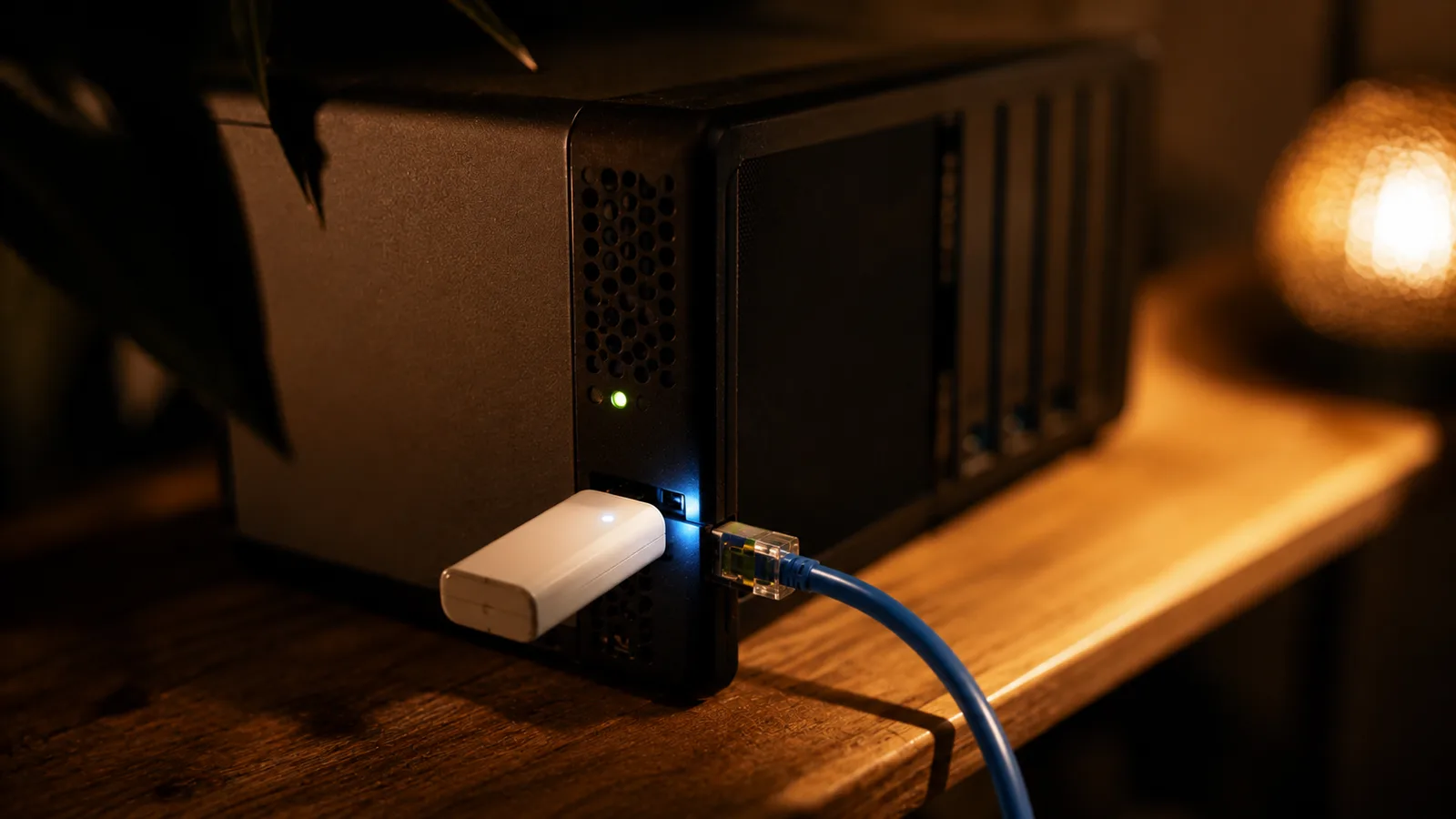
USB sticks are the most predictable choice. Home Assistant's Connect ZBT-2, at around $40, pairs an EFR32MG24 radio with an ESP32-S3 and is the officially supported route; community threads describe it as solid, and it can double as a Zigbee radio. SONOFF's Dongle Plus MG24 runs the same EFR32MG24 chip for less. Smart Home Scene, which does hands-on teardowns of this hardware, lands on USB as the most reliable and predictable option because of how the radio talks to the host, and Home Assistant community discussion reaches the same place from experience rather than theory.
PoE and LAN units buy you something different: location. An SMLIGHT SLZB-06MG26 or the dual-radio SLZB-MR4 can sit in the middle of the house instead of wherever your server happens to live, which genuinely helps a mesh. The trade is an extra network hop between the radio and the software, and community discussion is wary of it for latency-sensitive setups. Pick PoE because of where the box needs to go, not because it sounds faster.
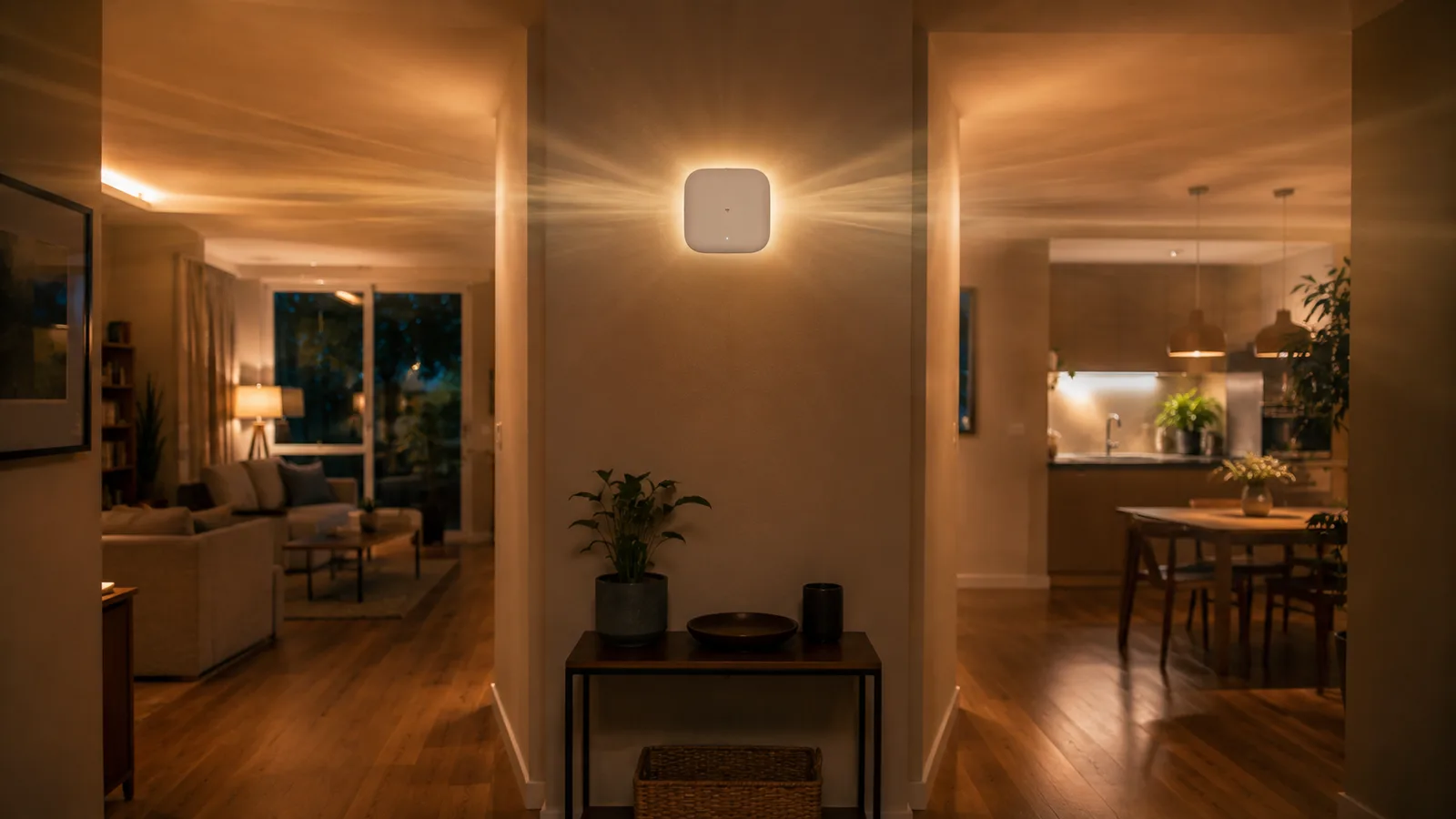
A radio in a hallway reaches both ends of the floor. The same radio in a cupboard under the stairs, next to the server, spends its range on brickwork.
At the cheap end, Aqara's Hub M100 is around $30 for a certified Matter and Thread box with a consumer setup flow. A bare ESP32-C6 or ESP32-H2 board runs about $10 to $15 if you're happy flashing firmware and living with rough edges. And if you want one box doing Matter control, Thread, and Zigbee bridging together, that's the all-in-one question, which Matter hubs compared handles properly.
What actually goes wrong
Hardware isn't the failure point in 2026. The Thread Group counted more than 1,000 certified Thread products and components in November 2025, across 230-plus member companies, up from a first certified product in 2019. There's plenty of hardware. The problems are elsewhere.
Home Assistant community threads are full of the same complaints, and they're worth reading as anecdote rather than data. A new border router that refuses to discover or join the Thread network already running. Devices flapping between reachable and unreachable. Apps showing several Thread networks where there should be one. Firmware updates that break a working setup, on beta firmware, with thin vendor communication. One user's account of a GL-S20 losing Thread devices unpredictably and needing a manual re-flash after an update is a specific version of a general pattern: the newer and more niche the box, the more you're volunteering as a tester.
Two things community consensus agrees on, and both are cheap to follow. Hardwire the border router rather than putting it on Wi-Fi. And weigh vendor update support heavily, because a border router is infrastructure and infrastructure that stops getting firmware is a liability.
About those "I tested these for three months" roundups
Almost every guide ranking for this topic is affiliate content, and reading a few of them back to back is instructive.
One I checked while researching this claims three months of testing, quotes response times staying under 200 milliseconds, cites a 40 percent improvement over an older device, links every single product to Amazon under one affiliate tag, and recommends Aqara for four of its six picks. No methodology, no way to check any of it, and not one word about Thread 1.4, the only specification change that actually affects what you should buy this year. That's the pattern across the category: fabricated-sounding precision, real affiliate tags, and silence on the thing that matters.
We take the opposite trade, and it costs us. No affiliate links means no revenue from this page. Not testing hardware means we can't tell you how a specific stick behaves in your walls, and we won't pretend otherwise. What we can do is be right about the certification rule and honest about where the numbers came from.
The short version
If you own a recent HomePod, Apple TV with Ethernet, Nest Hub, Echo, eero, or SmartThings hub, you have a border router and you should spend nothing. If you run Home Assistant, the Connect ZBT-2 at around $40 is the least surprising thing you can buy. If you need coverage somewhere your server isn't, PoE is the reason to pay more. And whatever you buy, check it's Thread 1.4, because that's what decides whether your mesh gets bigger or just gets more numerous.
The part that still annoys me: none of this would need explaining if the ecosystems had agreed to share a network in the first place, which is exactly what Thread 1.4 exists to force. For the whole picture of why that took until 2024, running a smart home locally and what the Matter protocol actually is fill in the layers above and below this one.
What this post does not cover
- Hands-on testing of any border router, since this guide is built from vendor specifications, named independent reviews, and community consensus rather than our own lab
- Step-by-step setup or flashing instructions for a specific stick or hub
- Commercial and industrial Thread deployments
- Current prices, which move constantly; the figures here are approximate and worth checking before you buy
Sources
- Thread Group: Thread 1.4 paves the path for smart devices to work together
- Thread Group: surpassing 1,000 Thread certified products
- Home Assistant: Thread integration documentation
- Thread Group: certification
- Smart Home Scene: best Thread border routers for Home Assistant
- Home Assistant community: Thread border router recommendations
Frequently asked questions

Written by
Tapabrata Biswas
Tech Researcher
I test AI productivity tools and research home-automation gear the way most people use them. Not in a lab, but on an ordinary desk with an ordinary internet connection. The only test that matters: does it save you time?
Share the Post with Your Besties
Get the plain-English tech brief
One email a week on AI tools and smart-home tech. No jargon, no hype.