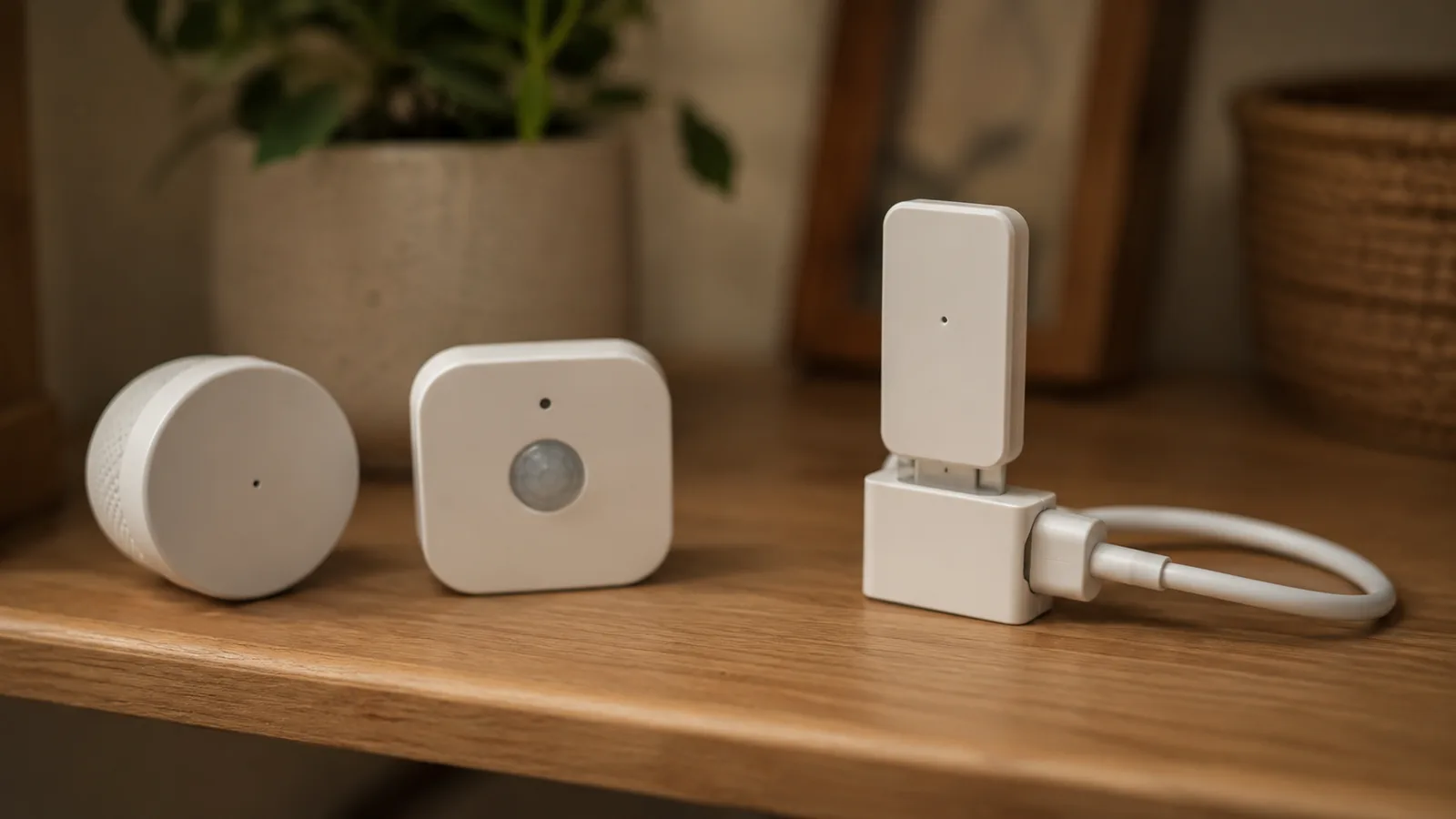
What Thread Is, and Why Your Smart Home Might Be Running Three of Them
Thread is the low-power mesh under most Matter devices. How it works, what a border router does, and why your house may have several Thread networks.

Researched with AI assistance, reviewed and edited by Tapabrata Biswas.
In this article
Thread has one job, and the marketing describes it as a single seamless mesh that heals itself and never needs a hub. In a lot of real houses, it's three separate networks that can't see each other, one built by Apple, one by Google, one by whatever hub you bought last. The technology is genuinely good. The way it got deployed is the problem, and almost nobody explains that part before you've already bought the sensors.
Quick disambiguation, because the word is overloaded: this is Thread the smart-home networking protocol, not Meta's Threads app, not a thread in a program, and not a thread on a forum. It's the low-power radio underneath most Matter sensors and locks. If you want the layer above it, we cover what the Matter protocol actually is separately.
What is Thread?
Thread is a low-power wireless mesh networking protocol for smart-home devices, built on the IEEE 802.15.4 radio standard and carrying native IPv6 through 6LoWPAN. It was designed for the gear that has to sit on a battery for years and still answer in a fraction of a second: contact sensors, motion sensors, locks, buttons, thermostats.
One detail gets buried in most explanations, and Home Assistant's documentation says it flatly: Thread on its own doesn't let you control anything. It's a communication protocol, nothing more. Something has to run on top of it to actually turn a lock, and in 2026 that something is Matter or Apple HomeKit. Thread is the road; Matter is the language spoken on it.
The origin explains a lot of the politics. Nest Labs started building Thread around 2011 for its own products, Google bought Nest in January 2014 for $3.2 billion, and roughly six months later Nest, ARM, Samsung, and others formed the Thread Group to make it an open standard. The first public specification landed on July 13, 2015. So the protocol everyone's ecosystem now depends on started life inside one company's product line, which is a useful thing to remember when we get to why they all built separate networks.
How a Thread mesh actually works
Every mains-powered Thread device is a potential router, which is what makes the mesh heal itself. Plug in a Thread light switch and it starts relaying traffic for the battery sensors around it. Unplug one and the network reroutes around the gap without you touching anything.
Devices take on defined roles rather than all behaving the same way:
| Role | What it does | Power |
|---|---|---|
| Leader | Manages the set of routers; exactly one per network | Mains |
| Router | Relays packets for other devices, radio always on | Mains |
| Router-eligible end device | An end device that can be promoted to router when needed | Mains |
| Sleepy end device | Talks only to its parent router, radio mostly off | Battery |
| Border router | Bridges the Thread mesh to Wi-Fi or Ethernet | Mains |
The numbers behind that table are more interesting than the ones you usually see quoted. Thread networks get advertised as supporting "more than 250 devices," which the Thread Group does say, but that's a practical guideline rather than the architecture. Structurally, a Thread network has exactly one Leader, a maximum of 32 active routers, and up to 511 children per router, and the protocol tries to keep roughly 16 to 23 routers running at any time, promoting router-eligible devices when the count falls short. Multiply those out and the theoretical ceiling is in the thousands. The real constraint in a big house is the 32-router cap, not the 250 figure everyone repeats.
If the Leader drops off, another router takes the job. That's the self-healing part, and it's the genuine engineering achievement here.
What a Thread border router does
A Thread border router connects your Thread mesh to your ordinary home network over Wi-Fi or Ethernet, because Thread devices speak a different radio and can't reach your router by themselves. Without one, your Thread sensors can talk to each other and to nothing else.
You almost certainly own one. Recent Apple HomePods, HomePod minis, and Apple TV 4K models include one, as do Google's Nest Hub (2nd gen), Nest Hub Max, and Nest Wifi Pro, a long list of Amazon Echo speakers and eero routers, SmartThings hubs and the Aeotec equivalents, and Home Assistant's Yellow and Green. Nanoleaf and Aqara build them into some products too. One buying trap worth knowing: among Apple TV 4K models, only the Wi-Fi plus Ethernet version carries a border router.
A single Thread network can also use several border routers at once, which extends coverage and means no one box is a single point of failure. That's the design working as intended. If you're weighing whether to add one, choosing a Thread border router covers the hardware and the one certification rule that decides whether it helps. Which brings us to the part where it doesn't.
Why your home might be running three Thread networks
Each ecosystem builds its own Thread network with its own credentials, so the border routers in your house don't automatically join forces. Home Assistant's own documentation puts it without spin: you can end up having a Home Assistant, an Apple, and a Google Thread network in your home. Devices can't roam between them.

Sit with what that means. You bought a HomePod, a Nest Hub, and a SmartThings hub. Each spun up its own Thread mesh. A sensor paired to the Apple network can't hop through the Google border router two rooms away, even though the radio hardware is identical and the box on both says Thread. The self-healing mesh heals only within its own island. People discover this the slow way, usually while troubleshooting why a new border router refuses to join the network they already have.
That's not a bug in Thread. It's what happens when four companies that compete on ecosystems each implement the same standard with no obligation to cooperate, and it's the single biggest gap between how Thread is sold and how it lands.
Thread 1.4 and the fix that hasn't finished arriving
Thread 1.4, released in September 2024, added standardised credential sharing precisely to stop rival hubs building separate competing networks. The mechanism is sensible: a device finds a border router over your local network, derives a short-lived key from a one-time passcode shown as a QR or numeric code, opens a secure session, and pulls the network credentials across. Merge the islands, get one mesh. Thread 1.4 also added TCAT, a certificate-based commissioning method over Bluetooth LE aimed at professional installations.
Nearly two years on, here's where that fix actually stands.
| Ecosystem | Credential sharing status | What it means today |
|---|---|---|
| Samsung SmartThings | Shipped publicly in September 2025 on Hub v2, Hub v3, and the Aeotec hub | Can share its Thread network with another platform via QR or numeric code |
| Home Assistant | Thread 1.4 is in its border router; sharing isn't in the interface | Possible from the command line, not from the UI |
| Apple | Apple TV picked up Thread 1.4 in a 2026 developer beta; HomePod hasn't | No credential-sharing interface has appeared in the betas |
| Nest Hubs still waiting on Thread 1.4 | Demonstrated the capability, no public rollout confirmed | |
| Amazon | Echo devices remain on Thread 1.3 | Can't merge with a 1.4 network at all |
The distinction that table exists to draw: running Thread 1.4 and having credential sharing work are two different things, and people conflate them constantly. Apple TV reportedly reports itself as Thread 1.4 to network discovery tools, and there's still no way for you to actually share credentials with it. Support for the version is the prerequisite, not the feature.
My read, and it's a grumpy one: a fix that shipped in September 2024 and still isn't usable across ecosystems in July 2026 isn't really a fix yet. SmartThings deserves genuine credit for going first. Amazon sitting on Thread 1.3 while everyone else moves is the part I'd want explained.
Thread, Zigbee, and Wi-Fi
Thread and Zigbee ride the same 802.15.4 radio and both build self-healing meshes, so the meaningful split is what sits above the radio. Thread carries native IPv6, which means each device is addressable on your network without a hub translating for it. Zigbee traffic isn't IP, so it needs a hub or bridge to convert. That's the whole architectural difference, and we go deeper on it in how Zigbee and Matter divide the work.
Wi-Fi is a different trade entirely. It's fast and it's everywhere, and it drinks power, which is why your Thread door sensor lasts years on a coin cell and a Wi-Fi camera needs mains. Most homes end up running all three: Wi-Fi for cameras and displays, Thread for battery sensors and locks, and Zigbee for whatever they already owned. None of that is a mistake.
Do you actually need Thread?
Thread matters if you're buying battery-powered Matter devices, and barely at all otherwise. Sensors, locks, and buttons are where it earns its keep: years of battery life with response times that feel instant. Bulbs, plugs, and cameras mostly use Wi-Fi and never touch Thread.
The good news is that you probably don't have to buy anything. If a recent HomePod, Apple TV, Nest Hub, Echo, or SmartThings hub is already in the house, the border router is there. Where it gets worth thinking about is if you're mixing ecosystems on purpose, because that's exactly where the islands problem bites, and a single-platform home avoids the whole mess by accident. For people who'd rather own the whole stack themselves, running a smart home locally sidesteps the vendor politics, and Matter hubs compared covers the hardware.
Buy Thread sensors because they last on a battery and respond fast. That part delivers. Just don't buy them expecting three ecosystems to quietly merge into one mesh, because in July 2026 only one platform can even offer you the QR code that would start the process.
What this post does not cover
- Setup instructions for a specific hub, sensor, or border router
- Thread's developer tooling, OpenThread builds, or silicon selection
- Commercial and industrial Thread deployments, which is where TCAT is aimed
- Hands-on testing of specific hardware, since this guide is built from the specifications, official documentation, and named reporting rather than our own lab
Sources
- Thread Group: Thread in homes
- OpenThread: Thread primer, node roles and types
- Home Assistant: Thread integration documentation
- Thread Group: Thread 1.4 features white paper, September 2024
- Matter Alpha: SmartThings hubs upgrade to Thread 1.4 with credential sharing
- Connectivity Standards Alliance: Matter overview
Frequently asked questions

Written by
Tapabrata Biswas
Tech Researcher
I test AI productivity tools and research home-automation gear the way most people use them. Not in a lab, but on an ordinary desk with an ordinary internet connection. The only test that matters: does it save you time?
Share the Post with Your Besties
Get the plain-English tech brief
One email a week on AI tools and smart-home tech. No jargon, no hype.