Zigbee Device Unavailable in Home Assistant: ZHA + Z2M Fix
Zigbee device unavailable in Home Assistant? A step-by-step fix for ZHA and Zigbee2MQTT, from one dropped device to every device going offline at once.

Researched with AI assistance, reviewed and edited by Tapabrata Biswas.
In this article
- 01What "unavailable" actually means in Home Assistant
- 02Is it one device, a group, or all of them?
- 03If every Zigbee device is unavailable at once
- 04If a whole group goes unavailable together
- 05If just one Zigbee device is unavailable
- 06The fix nobody explains: the availability timeout
- 07Reading the mesh: LQI and the network map
- 08When to re-pair, and when not to
- 09Stop it happening again
- 10What this guide does not cover
- 11Sources
A Zigbee device showing "unavailable" in Home Assistant almost never means the device is broken. Nine times out of ten it means Home Assistant simply hasn't heard from it recently, and the fix is a mesh, battery, or timeout adjustment, not a new device. The trouble is that the advice online is scattered across a hundred forum threads that rarely reach a clean answer, and split between the two ways people run Zigbee in Home Assistant: the built-in ZHA integration and the separate Zigbee2MQTT add-on.
This guide covers both. Where a fix differs between ZHA and Zigbee2MQTT, the steps are given for each. Zigbee runs on 2.4 GHz everywhere in the world, so none of this changes by country. The single most useful move before you touch anything is to count how many devices went unavailable, because that number points straight at the cause.
What "unavailable" actually means in Home Assistant
In Home Assistant, unavailable means the entity can't be reached at all, while unknown means it's reachable but hasn't sent a value yet. That distinction matters: a device that just restarted or was just paired often shows unknown, which tells you the radio link is fine and you're only waiting on data. Unavailable is the connectivity problem.
There is a third case worth knowing, because it sends people hunting for a radio problem that does not exist. Home Assistant also returns unknown when you ask about an entity that is not there at all. So if you renamed a device, deleted and re-added it, or switched from ZHA to Zigbee2MQTT, any automation or dashboard card still pointing at the old entity_id will show unknown rather than throwing an error. The device is fine. The reference is stale. Check the entity actually exists in Settings, Devices and Services, Entities before you touch the mesh.
Both Zigbee integrations decide a device is unavailable using a timeout, and the defaults are longer than people expect. ZHA waits through an inactivity window before flagging a device, and Zigbee2MQTT runs its own availability check on a separate schedule. The practical consequence catches everyone out: a device can be perfectly joined and working, yet flip to unavailable simply because it's a sleepy battery sensor that hasn't reported inside the timeout. That's not a broken mesh. That's a setting, and it has the easiest fix of all.
Is it one device, a group, or all of them?
The fastest way to find the cause is to count how many devices went unavailable, because each pattern has a different culprit. This one question saves most of the guesswork, whether your devices suddenly became unavailable overnight or one sensor has quietly stopped responding for a week.
| How many dropped | Most likely cause | Where to look |
|---|---|---|
| All at once | Coordinator, USB, host, or the MQTT broker | The dongle and the host, not the devices |
| A group together | One mains router (repeater) lost power | The powered device they route through |
| Just one | Range, dead battery, or reporting | That device and its nearest router |
Work the branch that matches your symptom. The rest of this guide follows those three cases in order.
If every Zigbee device is unavailable at once
When all your Zigbee devices go unavailable together, the coordinator or its connection is the problem, not the devices. No mesh fails uniformly and instantly. The radio did.
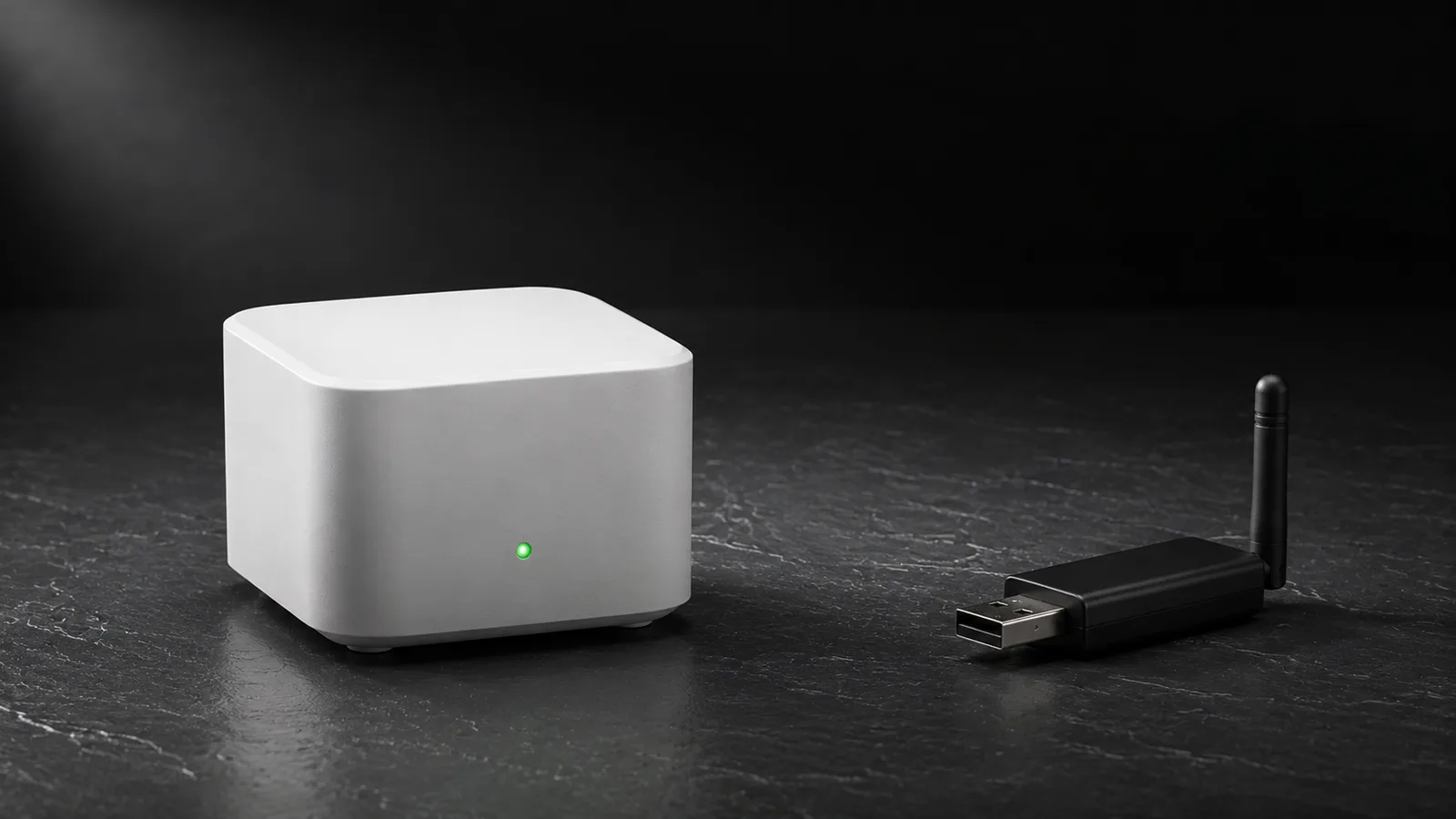
Re-seat the coordinator dongle, then reboot the host. If you moved the dongle to a different USB port, its device path can change and break the saved serial connection, so pin it to a stable path (the /dev/serial/by-id/... name) rather than /dev/ttyUSB0, which can shuffle on reboot. In ZHA, if the path changed you'll need to point the integration at the new port. In Zigbee2MQTT, update serial.port in the config and restart the add-on, and read the log for adapter-disconnect errors.
Zigbee2MQTT adds one more failure point: the MQTT broker. If Mosquitto stops or loses its connection, every Zigbee2MQTT entity in Home Assistant reads unavailable at once even though the Zigbee network is completely fine. Check the broker is running before you blame the mesh.
Two 2026-specific traps cause a sudden all-devices blackout. First, firmware: the Home Assistant Connect ZBT-1 (the dongle formerly sold as SkyConnect) and the newer Connect ZBT-2 can run Zigbee or Thread, but not both at once, so a dongle accidentally flashed to Thread or multiprotocol firmware makes every Zigbee device disappear. Reflash standalone Zigbee firmware from Settings, System, Hardware. Second, Zigbee2MQTT 2.0, released in early 2025, changed the availability payload to JSON. If you set legacy_availability_payload: false and the Home Assistant side isn't aligned, every device shows unavailable until it matches, per the Zigbee2MQTT 2.0 breaking-changes notes.
If a whole group goes unavailable together
When a cluster of devices drops at the same moment, a mains-powered router they route through has lost power. Battery sensors and other end devices hop through powered devices (plugs, bulbs, switches) to reach the coordinator, so when one repeater dies, everything downstream of it goes dark together.
Restore power to the router and the orphaned devices usually re-heal within minutes to a few hours. Don't start re-pairing the whole cluster, that's fixing the wrong thing. The common own-goal here is using a smart bulb on a switched circuit as a router: every time someone flips the wall switch, the bulb loses power and takes its dependents with it. Put routing duty on always-powered plugs and switches instead.
If just one Zigbee device is unavailable
A single unavailable device is a range, battery, or reporting problem, and the fix depends on which. Check these in order.
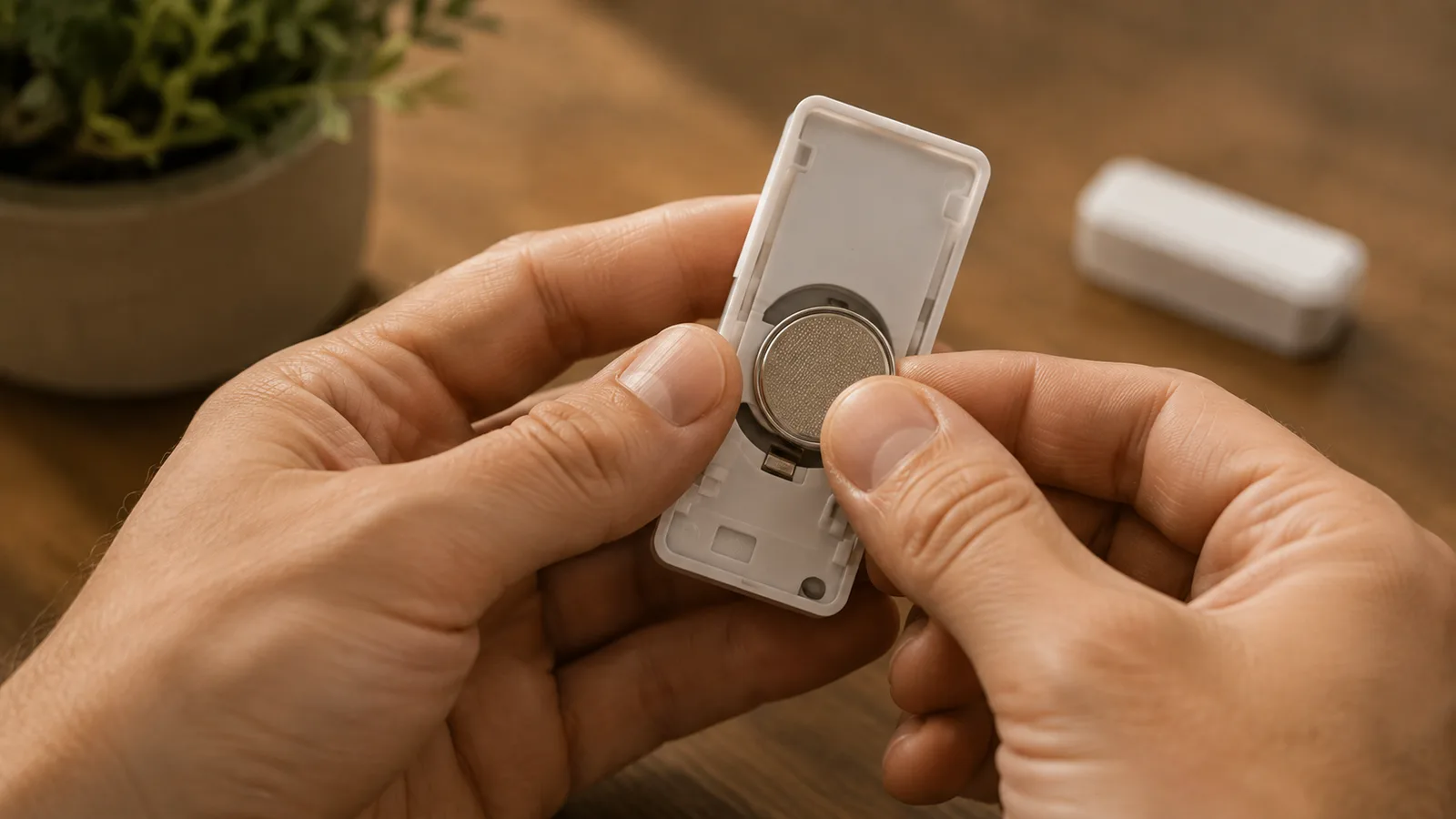
Battery first, because a dying coin cell is the leading cause of a single sensor dropping. Replace the battery, then press the device's button or trigger it (open the door sensor, walk past the motion sensor) to force a fresh report. Remember Zigbee2MQTT gives battery devices about 25 hours before it calls them offline, so a genuinely dead sensor can take most of a day to flip.
If the battery's fine, it's range or routing. Power-cycle the device to make it hunt for a new parent router; end devices lock onto whichever router they found at join time and don't always roam to a better one. If a particular spot keeps dropping, add a mains router nearby, or re-pair the device in its final location rather than next to the coordinator. Many Aqara and some IKEA devices are notorious for bonding to their first parent and refusing to move, so pairing them in place matters more than with other brands.
If the device was seen recently but still shows unavailable, it's a reporting or timeout issue, not a mesh fault. That's the next section, and it's the fix almost nobody explains.
The fix nobody explains: the availability timeout
Home Assistant marks a Zigbee device unavailable after a fixed period of silence, and that period is often the real reason a working device keeps flapping offline. Both integrations use a timeout, but the numbers are very different, which is why the same sensor behaves differently on ZHA and Zigbee2MQTT.
| Timeout | ZHA (default) | Zigbee2MQTT (default) |
|---|---|---|
| Mains / active devices | 2 hours (7200 s) | 10 minutes, then pinged |
| Battery / passive devices | 6 hours (21600 s) | ~25 hours (1500 min), not pinged |
| How to change | Per device, in ZHA device settings | availability block in config |
| Disable it | Set the value to 0 | Set a long timeout per device |
A quiet door or temperature sensor that only reports every few hours can breach ZHA's window and show unavailable between updates, even though nothing is wrong. Raising its battery timeout is the correct fix, and the ZHA docs suggest exactly that. In Zigbee2MQTT, the same knob lives in configuration.yaml:
availability:
  active:
    timeout: 10    # minutes, mains devices
  passive:
    timeout: 1500  # minutes (about 25 hours), battery devices
One caveat worth knowing: Zigbee2MQTT's availability feature is opt-in (availability: false by default), though the Home Assistant add-on and most setups turn it on. If your Zigbee2MQTT devices never show availability at all, that's why.
Reading the mesh: LQI and the network map
LQI is the link-quality score Zigbee reports for each connection, and reading it on the network map is how you find weak links before they drop. Don't judge a device by LQI alone, read it together with RSSI and with how recently the device was last seen.
In ZHA, open Settings, Zigbee, then Show map to see the mesh, and check the per-device LQI and RSSI diagnostic sensors. In Zigbee2MQTT, the Map tab draws the same picture, with linkquality and a last-seen time per device. One thing that trips people up: battery end devices frequently show no line on the map at all, and that's normal, not a fault, as long as they're still reporting. A weak or missing link on a device that used to be solid is the real signal to add a router or re-pair it in place.
When to re-pair, and when not to
Re-pairing is the last resort, not the first move, because Reconfigure or Re-interview fixes most stale devices without losing the pairing. A device that was never fully interviewed, or one left behind after a coordinator change, can sit permanently unavailable while the fix is much smaller than a full reset.
In ZHA, open the device and use Reconfigure device to re-run the interview and rebuild its clusters. In Zigbee2MQTT, the device page has both Reconfigure and Re-interview. Only if those fail should you remove the device and pair it again. And if you're swapping coordinators, back up and restore the network so you keep the same PAN ID and network key: a fresh key forces every device to re-pair and leaves a trail of stale, permanently-unavailable entries. This is the exact mistake people hit migrating a ZBT-1 to the Connect ZBT-2 that Home Assistant launched in November 2025, which ships a migration wizard specifically to carry the network across.
Stop it happening again
A stable Zigbee network is mostly built, not fixed. Spread several mains-powered routers through the home so no end device is more than a room from a repeater, and keep those routers on always-on power rather than switched circuits. Sit the coordinator on that shielded USB 2.0 extension, central and high, away from the host, drives, and metal.
Plan your channels once, up front: choose your WiFi channels, then set Zigbee to 15, 20, or 25 in a gap between them, and then leave the Zigbee channel alone, because changing it later can strand devices. Keep coordinator firmware and your integration current, but read the release notes before a big jump, since the Zigbee2MQTT 2.0 legacy flags are a genuine tripwire. Do that, and unavailable becomes a rare event you fix in a minute, not a weekly ritual.
What this guide does not cover
This is a fix guide for Zigbee devices in the two mainstream Home Assistant setups, ZHA and Zigbee2MQTT, not a coordinator buying guide or a deep dive on deCONZ and other stacks. If it isn't only Zigbee that's gone and the whole of Home Assistant is unreachable, start there instead. If you're pairing something new rather than recovering a device, or you want a Matter device that won't show up, those are separate problems. For background on the protocol itself and how Zigbee compares to Z-Wave, and for a clean start, our Home Assistant setup guide covers the basics. None of this is a substitute for your device's own manual on pairing and reset.
Sources
- Home Assistant: ZHA integration (availability timeouts, channels, network map)
- Zigbee2MQTT: device availability (active/passive timeouts, pinging, MQTT topic)
- Home Assistant developer docs: entity unavailable vs unknown
- Home Assistant: introducing Connect ZBT-2 (2025 coordinator, migration wizard)
- Zigbee2MQTT 2.0 breaking changes (legacy availability payload)
Frequently asked questions

Written by
Tapabrata Biswas
Tech Researcher
I test AI productivity tools and research home-automation gear the way most people use them. Not in a lab, but on an ordinary desk with an ordinary internet connection. The only test that matters: does it save you time?
Share the Post with Your Besties
Get the plain-English tech brief
One email a week on AI tools and smart-home tech. No jargon, no hype.