AI Proposal Generator for Freelancers: The Workflow That Wins
How to use an AI proposal generator as a freelancer: the five-step workflow, what clients detect, and where AI loses you the job.

Researched with AI assistance, reviewed and edited by Tapabrata Biswas.
In this article
Search for an AI proposal generator and almost every result is a company selling one, which makes the advice predictable: the workflow always ends at their signup button. The awkward truth is that the tool matters far less than what you do in the two minutes before you prompt it and the ninety seconds after. The draft is maybe a tenth of the job.
This is the workflow itself, tool-agnostic, and it works whether you use a dedicated proposal app, ChatGPT, or Claude. It is built from published freelancer data and community reporting rather than our own testing. If you want ready-made prompts instead, prompts for freelancers covers those, and free AI tools for freelancers covers the wider toolkit.
Why most AI-written proposals lose
Before the workflow, it helps to know exactly what you are avoiding, because clients are better at spotting generated proposals than freelancers think.
The tells are consistent. Generic language and buzzwords that could describe any freelancer. No evidence you read the posting, which is the one thing a busy client checks for. Hard guarantees instead of realistic aims, which reads as inexperience rather than confidence. A wall of unbroken text, which looks like low effort on the phone where many clients first open proposals. And no concrete number from anything you have actually done.
Notice that only one of those is about writing quality. The rest are about specificity, and specificity is exactly what a generator cannot supply on its own. That is the whole reason the workflow below has more human steps than AI ones.
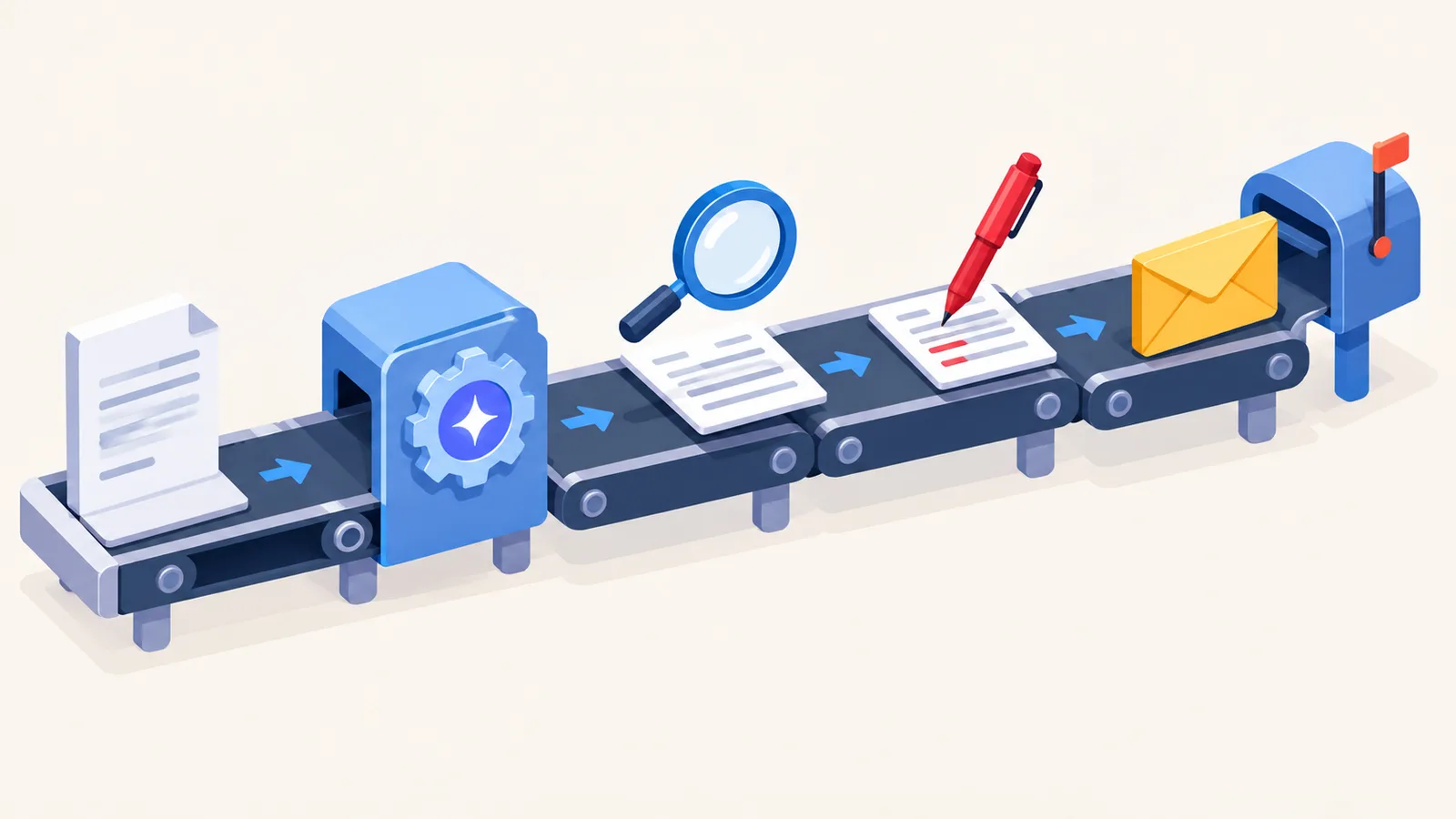
The workflow, step by step
| Step | What you do | How long | Why it matters |
|---|---|---|---|
| 1. Mine the posting | Pull the client's own words for their problem, 2 to 6 words | 2 minutes | This is the raw material AI cannot invent, and where the win comes from |
| 2. Brief the AI | Give it the posting, your real proof, and a word limit | 1 minute | A vague ask returns a generic proposal that clients delete |
| 3. Generate a short draft | Ask for 150 to 200 words, not 500 | Seconds | Long proposals read as low effort on a phone |
| 4. The human pass | Rewrite the first line in their words, add one real metric, cut cliches | 60 to 90 seconds | This is the trust signal that stops it sounding machine-made |
| 5. Send fast | Submit within the first hour of the posting | Immediate | Early proposals get materially more replies than late ones |
What you do
- 1. Mine the posting
- Pull the client's own words for their problem, 2 to 6 words
- 2. Brief the AI
- Give it the posting, your real proof, and a word limit
- 3. Generate a short draft
- Ask for 150 to 200 words, not 500
- 4. The human pass
- Rewrite the first line in their words, add one real metric, cut cliches
- 5. Send fast
- Submit within the first hour of the posting
How long
- 1. Mine the posting
- 2 minutes
- 2. Brief the AI
- 1 minute
- 3. Generate a short draft
- Seconds
- 4. The human pass
- 60 to 90 seconds
- 5. Send fast
- Immediate
Why it matters
- 1. Mine the posting
- This is the raw material AI cannot invent, and where the win comes from
- 2. Brief the AI
- A vague ask returns a generic proposal that clients delete
- 3. Generate a short draft
- Long proposals read as low effort on a phone
- 4. The human pass
- This is the trust signal that stops it sounding machine-made
- 5. Send fast
- Early proposals get materially more replies than late ones
Step 1: Mine the posting before you open any AI
This is the step almost everyone skips and it is where proposals are won. Read the job posting and pull out the client's own phrasing for their actual problem, just two to six words of it. Not your summary of the problem, their words.
That phrase is the raw material for your opening line, and no generator can produce it because it lives in a posting the model has not read carefully and cannot weigh. Spending two minutes here changes the entire proposal, because everything downstream gets anchored to a real problem rather than a generic service description.
Step 2: Brief the AI properly
"Write me a proposal for this job" returns exactly the generic draft that gets deleted. Give the model the job posting itself, the specific phrase you pulled in step one, one real project of yours that resembles this work including a number you can defend, and a hard word limit.
The word limit matters more than it sounds. Without one you get 500 words of padding, and you will spend longer cutting than you saved drafting.
Step 3: Generate a deliberately short draft
Ask for 150 to 200 words. Most seasoned advice puts the useful range between 100 and 300 words for a typical job, stretching toward 400 only for long technical projects. A short proposal is not a lesser proposal, it is a readable one, and the client is deciding in seconds whether to keep reading.
Step 4: The sixty-to-ninety-second human pass
This is the part that earns the reply, and it is fast once you know what to change.
Rewrite the opening sentence so it names the client's problem in their words, taken straight from step one. Drop in one real metric from your own work, the kind of detail no model could invent. Cut every cliche and superlative the draft reached for. Soften any hard guarantee into a realistic aim. And tighten the ending into one low-friction next step, typically an offer of a short call or a quick breakdown, rather than a vague hope to hear back.
If you want a sharper eye for what still sounds machine-made after this pass, making AI text sound human covers the specific tells worth hunting.
Step 5: Send it fast
Timing is a real multiplier and an underrated one. Proposals submitted within the first hour of a job being posted see meaningfully better reply rates than later ones, on the order of several percentage points, simply because the client is still reading actively and the pile is small.
This is the genuine argument for using AI here at all. Not that it writes better than you, but that it gets a good proposal out while the posting is fresh.
The numbers to expect
Set expectations honestly before you start, because the failure mode is quitting after ten proposals.
Freelancers who refine their approach and track results report reply rates climbing into the high teens and low twenties, with roughly half of those replies turning into real conversations and a share of those into hires. Worked through, that means sending dozens of proposals a month to land a handful of clients, not three proposals to land one.
That arithmetic is the honest case for this workflow. The goal is not a magic proposal, it is a sustainable volume of specific, fast proposals, which is only possible if drafting takes seconds and your human pass takes ninety. Freelancers who test different formats and actually track which ones get replies improve their win rate measurably over those who do not.
Where AI should not touch your proposal
There are jobs where a generated draft costs you the work, and they are worth naming.
For a large, multi-month engagement, a long-standing client, or work that turns on deep domain judgment, the effort itself is part of the message, and a genuinely handwritten proposal signals care that a fast draft cannot. Write those yourself.
And in every case, never let the model supply the substance. No invented metrics, no guarantees you cannot keep, no claimed experience you do not have. Beyond the obvious honesty problem, these are the exact things a client will probe on a first call, and being caught out there costs you the job and the referral behind it. Let AI shape the words, and keep every fact your own.
What this post does not cover
This is the workflow rather than a roundup, so it does not rank specific proposal tools, most of which market themselves aggressively in this space, and it is not a hands-on test of any of them. It also does not cover contracts, scoping, or pricing conversations that come after a client replies. The figures here come from published freelancer data and community reporting and will vary a lot by niche and rate, so treat them as direction rather than promises. For the prompt library and the broader toolkit, see prompts for freelancers and free AI tools for freelancers.
Sources
- AI proposal generator vs writing manually, BidPilotPro (the hybrid draft-then-personalise workflow and when manual wins)
- Upwork proposal strategy, GigUp (proposal structure, length guidance, and the speed advantage)
- Can AI write freelance proposals that win clients, jeffbullas.com (freelancer-reported reply and conversion rates, and what clients detect)
Frequently asked questions

Written by
Tapabrata Biswas
Tech Researcher
I test AI productivity tools and research home-automation gear the way most people use them. Not in a lab, but on an ordinary desk with an ordinary internet connection. The only test that matters: does it save you time?
Share the Post with Your Besties
Get the plain-English tech brief
One email a week on AI tools and smart-home tech. No jargon, no hype.