10 AI Tools for the Trades 2026 (Plumbing, HVAC, Electrical)
The 10 AI tools plumbers, electricians and HVAC pros use in 2026, from call answering and quoting to the new job-site assistants, and what AI can't do.

Researched with AI assistance, reviewed and edited by Tapabrata Biswas.

In this article
- 01What AI actually does for a trade business
- 02Answer the phone: AI receptionists
- 03Quote and estimate faster
- 04Schedule and dispatch: field-service software
- 05Invoicing and bookkeeping
- 06Marketing, reviews, and your Google listing
- 07ChatGPT and Gemini for the admin side (and the one thing never to use them for)
- 08Spotting damage from photos
- 09AI on the job site, not just in the office
- 10For UK tradespeople
- 11What AI can't do, and the traps to avoid
- 12What this post does not cover
- 13Sources
First, the obvious: this is about the skilled trades, plumbing, electrical, HVAC, building, and the like, not stock or forex "AI trading" software. Search the phrase and you'll get both, so to be clear, nothing here is about markets. It's about the tools that answer your phone, write your quotes, and chase your invoices while you're under a sink.
One honest frame runs through the whole guide: AI does the office, not the job. It can't run a wire, set a furnace, or make the safety call on a live system. What it can do is take the admin off your plate, and for a trade business that's most of the value. The picks below come from vendor documentation, independent ratings and owner feedback, and the one genuinely rigorous survey in this space, not from us testing every tool on a real job. Prices move fast, so treat every figure as approximate for August 2026 and confirm on the vendor's own page.
What AI actually does for a trade business
For a trade business, AI mostly runs the front office: it answers the phone, books jobs, drafts quotes, chases invoices, and writes your marketing, while you do the physical work. Think of it as an office assistant that never sleeps, not a second pair of hands on site.
Twelve percent of contractors have AI embedded in day-to-day operations, and another 34% are actively experimenting, per ServiceTitan's 2026 State of AI in the Trades survey of 1,032 contractors. Two-thirds expect a moderate or major shift within one to three years. Among the ones already using it, 62% report measurable efficiency gains, with many saving 3 or more hours a week, and the barriers they name most are a lack of training and the hassle of integration, not price. So adoption is still early. That's worth knowing before you feel behind.
So the smart way in is to think in layers. Fix one expensive problem first, usually missed calls, then add the next. Piling on five subscriptions at once is how tools go unused. A good rule: prefer AI that's built into software you already run over yet another standalone app.
| Tool | Category | What it does | Approx price (2026) | Best for |
|---|---|---|---|---|
| Goodcall | Call answering | AI phone agent answers 24/7, qualifies leads, books jobs | ~$79 to $249/mo | Solo and small shops losing missed calls |
| Jobber | Field-service software | Scheduling and invoicing, plus an AI Copilot and an AI receptionist add-on | ~$24 to $529/mo | An all-in-one for small trades |
| Housecall Pro | Field-service software | Scheduling and payments, plus CSR AI for answering calls, booking jobs and dispatching | ~$59 to $329/mo | Home-service teams wanting one app |
| ServiceTitan | Field-service software | Enterprise dispatch, plus the Atlas assistant in the technician's app for equipment docs, troubleshooting and diagnostics (Field Pro tier) | ~$300+/tech/mo, plus setup | Larger operations, and the only mainstream route to job-site AI |
| Handoff AI | Estimating and quotes | Turns photos and notes into itemized estimates and proposals | Paid tiers, verify | Contractors quoting fast |
| Avoca AI | Call answering | AI call agents that book straight into ServiceTitan or Housecall Pro | Quote only, reportedly ~$1,000 to $3,000/mo | Bigger shops with several CSRs, not solo operators |
| QuickBooks (Intuit Assist) | Invoicing and bookkeeping | Auto-categorizes transactions, reconciles, and chases invoices | ~$35+/mo | Bookkeeping without a full-time admin |
| NiceJob | Reviews and marketing | Requests reviews and drafts replies (never fabricates reviews) | ~$75+/mo, verify | Winning more Google reviews |
| ChatGPT or Gemini | General assistant | Drafts quotes, customer messages, and posts; not for code or safety | Free, or ~$20/mo | Everyday admin and writing |
| CompanyCam / Hover | Photos and measurement | Job-site photo logs; Hover turns photos into 3D measurements | ~$19+/mo | Roofing, exteriors, documentation |
Category
- Goodcall
- Call answering
- Jobber
- Field-service software
- Housecall Pro
- Field-service software
- ServiceTitan
- Field-service software
- Handoff AI
- Estimating and quotes
- Avoca AI
- Call answering
- QuickBooks (Intuit Assist)
- Invoicing and bookkeeping
- NiceJob
- Reviews and marketing
- ChatGPT or Gemini
- General assistant
- CompanyCam / Hover
- Photos and measurement
What it does
- Goodcall
- AI phone agent answers 24/7, qualifies leads, books jobs
- Jobber
- Scheduling and invoicing, plus an AI Copilot and an AI receptionist add-on
- Housecall Pro
- Scheduling and payments, plus CSR AI for answering calls, booking jobs and dispatching
- ServiceTitan
- Enterprise dispatch, plus the Atlas assistant in the technician's app for equipment docs, troubleshooting and diagnostics (Field Pro tier)
- Handoff AI
- Turns photos and notes into itemized estimates and proposals
- Avoca AI
- AI call agents that book straight into ServiceTitan or Housecall Pro
- QuickBooks (Intuit Assist)
- Auto-categorizes transactions, reconciles, and chases invoices
- NiceJob
- Requests reviews and drafts replies (never fabricates reviews)
- ChatGPT or Gemini
- Drafts quotes, customer messages, and posts; not for code or safety
- CompanyCam / Hover
- Job-site photo logs; Hover turns photos into 3D measurements
Approx price (2026)
- Goodcall
- ~$79 to $249/mo
- Jobber
- ~$24 to $529/mo
- Housecall Pro
- ~$59 to $329/mo
- ServiceTitan
- ~$300+/tech/mo, plus setup
- Handoff AI
- Paid tiers, verify
- Avoca AI
- Quote only, reportedly ~$1,000 to $3,000/mo
- QuickBooks (Intuit Assist)
- ~$35+/mo
- NiceJob
- ~$75+/mo, verify
- ChatGPT or Gemini
- Free, or ~$20/mo
- CompanyCam / Hover
- ~$19+/mo
Best for
- Goodcall
- Solo and small shops losing missed calls
- Jobber
- An all-in-one for small trades
- Housecall Pro
- Home-service teams wanting one app
- ServiceTitan
- Larger operations, and the only mainstream route to job-site AI
- Handoff AI
- Contractors quoting fast
- Avoca AI
- Bigger shops with several CSRs, not solo operators
- QuickBooks (Intuit Assist)
- Bookkeeping without a full-time admin
- NiceJob
- Winning more Google reviews
- ChatGPT or Gemini
- Everyday admin and writing
- CompanyCam / Hover
- Roofing, exteriors, documentation
Answer the phone: AI receptionists
An AI receptionist is a phone agent that answers calls and texts around the clock, asks qualifying questions, answers common ones, and books the job into your calendar. This is the category with the clearest payoff for a trade, because you can't answer the phone with your hands in a wall, and the call you miss is often the job that goes to the next name on the list.
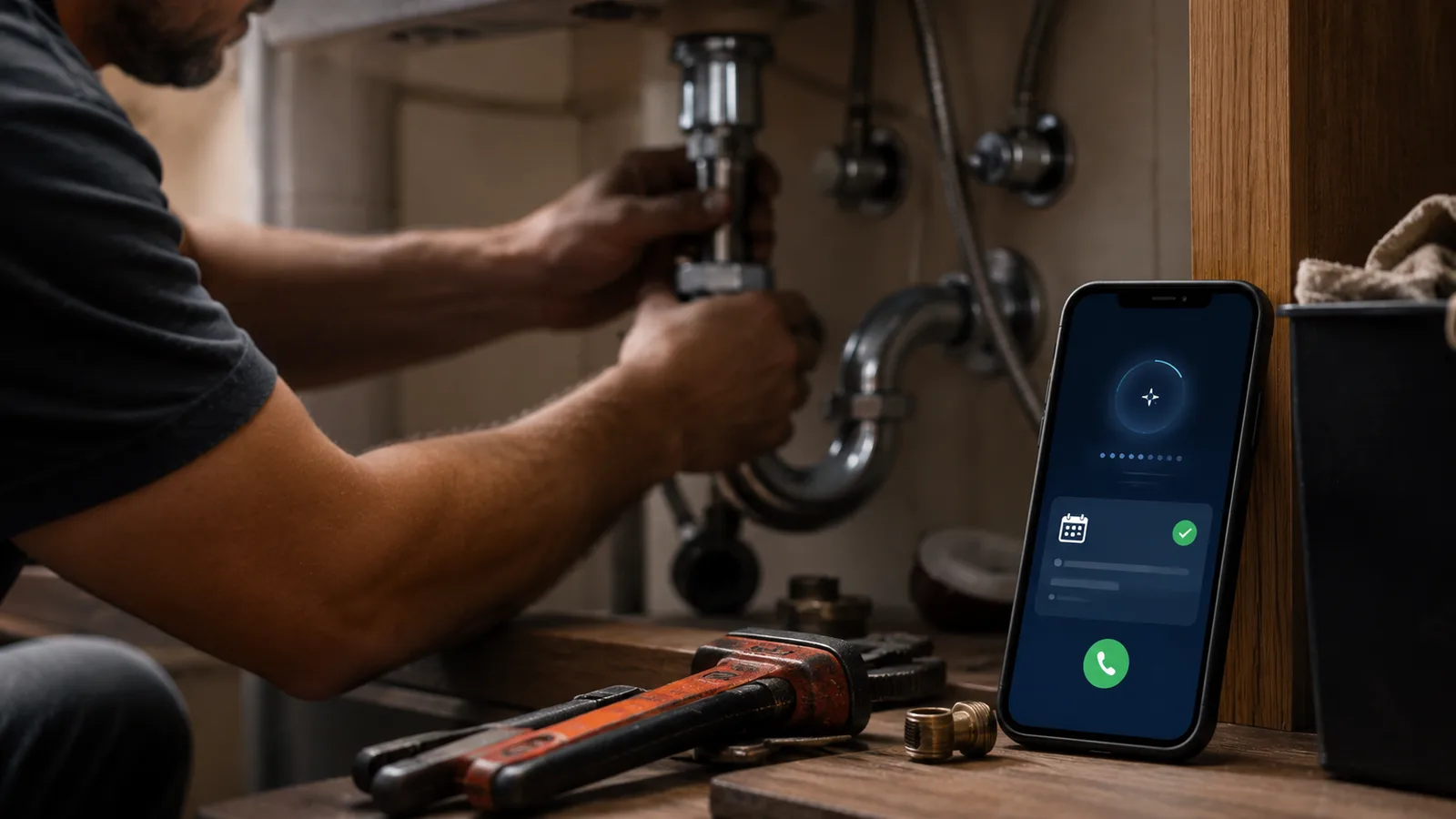
You'll see the claim that "62% of calls to small businesses go unanswered" everywhere in this space. Treat it with care: it traces back to a small 2016 study of 85 businesses, recycled endlessly by companies selling call-answering software. The real point stands without the dodgy number, missed and after-hours calls are a genuine leak for home-service businesses, and a bot that captures them pays for itself quickly.
Real tools here include Goodcall (around $79 to $249 a month, with unlimited minutes but a per-caller overage once you pass your plan's cap), the AI Receptionist built into Jobber (an add-on, roughly $29 a month, though pricing is reported inconsistently, so verify), and after-hours answering inside Workiz. Bigger shops running a real call center look at Avoca or Sameday, which are pricier and aimed at higher volumes. A caution on names: Slang.ai is for restaurants, Numa is for car dealerships, and Rilla is a sales-coaching tool, not a receptionist, despite how often they get lumped together.
The honest catch: AI voice agents still fumble heavy accents, loud job-site background noise, and complex or upset callers. Run them for overflow and after-hours, and keep a human eye on the bookings, because a wrong quote booked automatically can cost more than the missed call would have.
Quote and estimate faster
AI estimating tools turn a job description, photos, or a set of plans into a draft itemized quote or proposal. For residential work, Handoff AI is the most-cited trades-native option, it builds line items and a branded proposal from your inputs. For larger jobs with drawings, AI takeoff tools like Togal.AI and Kreo measure quantities off blueprints, though this corner of the market is new and crowded, so vet any one you try. Tools like Knowify and Kickserv have strong quoting workflows but aren't really AI-generating the estimate, so think of them as good estimating software rather than AI estimators.
One rule protects your margin: an AI quote is a first draft, never a bid you send unread. Wrong measurements or stale material prices flow straight into what you charge, so check the numbers before anything goes to the customer.
Schedule and dispatch: field-service software
Field-service management (FSM) software is the operational core, the app that holds your jobs, schedule, dispatch, and customer records, and most now bolt AI on top. Jobber (roughly $24 to $529 a month) is the SMB favorite, with a free Copilot that suggests scheduling and drafts messages, plus the AI receptionist add-on and AI review replies. Housecall Pro ($59 to $329) is rolling AI across calls, accounting, and marketing, though some of it is newer than the marketing implies, so check what's actually shipped. ServiceTitan is the most built-out, its Titan Intelligence layer and Dispatch Pro do AI dispatching, but it runs around $300 per tech a month plus hefty setup, which is overkill for a one-van shop. Workiz ($225 to $325) leans on its built-in phone system.
The catch across the category: "AI dispatch" is mostly smart suggestion, not autopilot, and it only works as well as the data already in your system. Clean scheduling in, useful suggestions out.
Invoicing and bookkeeping
AI bookkeeping tools read your transactions and receipts, categorize them, reconcile the books, and nudge customers who owe you. For most small contractors that means QuickBooks, whose Intuit Assist agents auto-categorize transactions and help chase payment; Intuit claims AI bank-feed users save around 12 hours a month, which is a vendor figure, so weigh it accordingly. Dext captures receipts and invoices from a photo or email and syncs to QuickBooks, Xero, or Sage, handy for a van full of paper receipts. Xero offers comparable categorization.
One limit is worth stating plainly. AI trims the bookkeeping hours, it doesn't remove your accountant. Auto-categorization still makes mistakes, and a miscategorized expense becomes a tax problem, so keep a human review before you file.
Marketing, reviews, and your Google listing
AI marketing tools for trades mostly write content, request reviews, and reply to them. NiceJob automates review requests and drafts replies, and review responses are also built into Jobber and Housecall Pro. For your Google Business Profile and local SEO, tools like Semrush's GBP agent and Localith generate posts and reply to reviews, while ChatGPT or Gemini handle ad copy and social captions.
Two hard lines here, and they matter more than any feature. Never fabricate reviews. AI-written fake reviews break both Google's policies and the FTC's rules, and the penalties are real. And be careful with AI that stuffs keywords into your Google Business Profile name or posts, because Google has been suspending home-service profiles for exactly that. Automate the review request and the reply, not the review itself, and keep your profile honest.
ChatGPT and Gemini for the admin side (and the one thing never to use them for)
General AI assistants like ChatGPT and Gemini are genuinely useful for the words around a job: drafting a quote, rewriting a blunt text into a polite customer message, explaining a repair to a homeowner in plain English, writing method statements and checklists, or turning a manual into a summary. If you want more out of them, it's worth learning the basics of writing a clear prompt, because the specifics you give decide the quality you get.
Now the line you don't cross. Never use a general AI as an authority on code, load calculations, wire or breaker sizing, gas line sizing, venting, or anything structural or life-safety. These models hallucinate, they generate confident, official-sounding answers that are sometimes wrong, and they'll cite an outdated or wrong code section without blinking. Even Google's own developer docs warn that outputs "might lack grounding and factuality." Codes are local and change by the year. Anything touching electrical, gas, structural, or safety gets verified by a licensed pro against the current adopted local code, full stop. Use general AI for the words, not for the wiring.
Spotting damage from photos
Photo-analysis AI reads job-site or aerial images to flag damage and pull measurements, and it's strongest in roofing and exterior work tied to insurance claims. CompanyCam logs and organizes job-site photos and is adding AI features. Hover turns phone photos into 3D measurements and estimates. EagleView and drone-based tools like IMGING detect hail impacts and missing shingles from aerial imagery and generate claim-ready reports.
The honest limit: this works well for roofs and exteriors and far less well for interior or mechanical damage, and it flags possible problems for a human to confirm rather than replacing the inspector. Insurers still want human verification on the claim.
AI on the job site, not just in the office
The position through most of this guide is that AI earns its money in your office and not on the job. For a small shop that is still true, but it is no longer the whole picture, and the change came from the field-service platforms rather than from the chatbots.
ServiceTitan's assistant, Atlas, now works inside the technician's mobile app. It answers questions using data from equipment manuals, spec sheets and installation guides without anyone ringing the manufacturer, helps diagnose a fault, and puts diagnostic tests and calculators in one place. Technicians can ask by voice without leaving the app, which is the part that actually matters when your hands are full. Atlas replaced ServiceTitan's older Field Assistant, and the troubleshooting and equipment-information modules sit inside Field Pro, part of the Pro Products tier. BuildOps has gone a similar way, with on-site troubleshooting and a nameplate scanner.
Two things follow, and they pull against each other:
- The capability is real. A technician who can pull a spec off a manual in ten seconds is not waiting on dispatch, and that changes how a call runs.
- It is also gated. In-field troubleshooting currently lives inside enterprise platforms at enterprise prices. If you already run ServiceTitan, ask which tier your Atlas modules need. If you don't, the front-office tools further up this page are still the better spend.
The safety rule does not change, and the distinction is worth being precise about. Asking a licensed platform's assistant to retrieve a figure from the manufacturer's own spec sheet is a different act from asking ChatGPT what size the gas line should be. The first pulls a documented value from a known source. The second generates a plausible one. Field assistants narrow that gap, they do not close it, and on anything sized, rated, or inspected the current local code and a licensed pro are still the authority.
For UK tradespeople
The AI layer is the same on both sides of the Atlantic, the money and admin layer is not. UK sole traders reach for UK-built job and quoting apps like Tradify, Powered Now, and VioTrade, and for accounting they favor FreeAgent because it handles CIS, the Construction Industry Scheme, alongside multi-rate VAT. US-focused tools like ServiceTitan and QuickBooks US don't deal with CIS deductions or UK VAT, so if you're quoting day rates in pounds and filing under CIS, pick tools built for it. General assistants and AI receptionists carry over unchanged.
What AI can't do, and the traps to avoid
The single most important thing to remember is that AI does the admin and the customer side, not the physical trade or the final technical judgment. Beyond that, four traps are worth keeping in view.
Licensed-trade code and safety stay with a qualified pro. AI-suggested quotes, code answers, and load calcs are drafts to check, never authorities to trust blindly, because the codes are local and they change.
Call recording is a legal obligation, not a free feature. AI receptionists and sales-coaching tools record and transcribe calls, and many US states (California, Florida, Illinois, and Pennsylvania among them) require all-party consent. Recording a customer without proper disclosure can be illegal, so confirm how your vendor handles consent and check your own state's rule.
Vendor numbers are marketing. The "40% more closed jobs," "12 hours saved," and "62% of calls unanswered" figures all come from companies selling the tools. Lean on the independent survey data and treat the rest as claims.
And the category is noisy and consolidating. Many "AI receptionist" and "AI estimating" brands are thin wrappers over the same few underlying models, and names and prices churn every quarter. When in doubt, choose the AI already inside a platform you use over a fifth standalone subscription, the same discipline that runs through where AI actually saves a small business time and the wider free AI stack for a small business.
What this post does not cover
This is a practical map of the AI tools a trade business can use for the office side of the work: answering calls, quoting, scheduling, invoicing, marketing, and documentation. It doesn't rank a single "best" tool from hands-on testing, because we don't install and run every platform on live jobs, and it isn't a deep dive into enterprise construction project management.
It's also not legal advice. Call-recording consent laws and Google Business Profile policies vary and change, so confirm the current rules for your state or country before you record customers or automate your listing. Pricing, plans, and which AI features are actually live all move quickly, so treat the specifics here as current to August 2026 and verify anything that matters on the vendor's page.
Sources
- 2026 State of AI in the Trades, ServiceTitan (survey of 1,032 contractors: adoption, hours saved, barriers)
- AI agents in QuickBooks, Intuit (Accounting and Payments agents, time-saved claim)
- Jobber pricing and AI Receptionist, Jobber (FSM plans and the AI receptionist add-on)
- Responsible AI, Gemini for developers, Google (why AI output "might lack grounding and factuality")
- Consumer review guidance, U.S. Federal Trade Commission (rules against fake and AI-fabricated reviews)
- ServiceTitan: Atlas, AI for the trades (in-app equipment docs, troubleshooting and diagnostics, Field Pro tier)
- Avoca raises $125M at a $1B valuation (April 2026, on where the AI money in home services is going)
Frequently asked questions

Written by
Tapabrata Biswas
Tech Researcher
I test AI productivity tools and research home-automation gear the way most people use them. Not in a lab, but on an ordinary desk with an ordinary internet connection. The only test that matters: does it save you time?
Share the Post with Your Besties
Get the plain-English tech brief
One email a week on AI tools and smart-home tech. No jargon, no hype.