AI Tools for Remote Workers: The Short List a Remote Employee Actually Needs (2026)
The short list of AI tools a remote employee needs in 2026, by job, plus what your company already pays for and what to never paste into a chatbot.

Researched with AI assistance, reviewed and edited by Tapabrata Biswas.

In this article
- 01What are the best AI tools for remote workers?
- 02What makes a remote employee's stack different?
- 03The AI tools your company probably already gives you
- 04The best AI tools for remote workers, by job
- 05Beating meeting overload without attending everything
- 06Protecting deep focus when home is the office
- 07The shadow-AI trap: what not to paste into a personal chatbot
- 08What a remote employee should skip
- 09Will AI replace remote workers?
- 10What this guide does not cover
- 11Sources
Most "AI tools for remote work" lists tell you to install twenty-three apps. A remote employee doesn't need twenty-three. You need about five, chosen by the job in front of you, and you probably already have some of them through work. This guide is the short list, written for the person doing the work, not the manager watching it. It covers the software and AI stack; for the desk, chair, and lighting side, see the physical side of a home office.
Remote workers sit in roughly 80 percent more meetings than in-office colleagues, about 25.6 a week against 14.2, per Claryti's 2026 analysis of remote-meeting data. Microsoft's 2025 Work Trend Index, a survey of 31,000 knowledge workers, found the average person gets interrupted every two minutes by a meeting, email, or message, and spends 57 percent of the day communicating instead of doing the actual work. That is the problem the right AI tools solve. The wrong ones just add a twenty-fourth thing to check.
A note on where these picks come from: documented features, current July 2026 pricing, and user consensus, not a lab we ran ourselves, and we earn no commission. Prices and free tiers shift fast, so confirm on the official page before you pay.
What are the best AI tools for remote workers?
AI tools for remote workers are the apps that handle the parts of working from home that quietly eat your day: taking meeting notes, cleaning up call audio, protecting focus time, and sending updates across time zones without another live call. There's no single best one, and any list that names twenty-three is padding.
For most remote employees the short list is five: one general assistant (ChatGPT, Claude, or Gemini), a meeting note-taker, a noise remover, a focus and calendar tool, and async video. Start with the free tier of each, and only pay when a limit actually gets in your way. More tools than that means more tabs, more context-switching, and less of the focus you installed them to protect.
What makes a remote employee's stack different?
A remote employee has a manager, a team, and a company laptop, and that changes everything about which tools make sense. You're not billing clients, so you don't need invoicing or proposal software. You're not running a business, so you don't need a CRM or an email platform. And you're not managing anyone, so the team-monitoring tools that fill these lists are not for you.
That's the line between this guide and its siblings. If you're self-employed rather than on a payroll, the freelancer stack fits you better. For the general question of which assistant is strongest, our general roundup of the best AI tools runs the full comparison. Here, every pick is judged by one test: does it give a salaried remote worker back time or focus during the workday?
The AI tools your company probably already gives you
Before you pay for anything, check what your employer already licenses, because a lot of remote workers buy tools their IT department already covers. Microsoft 365 Copilot, Google's Gemini for Workspace, Slack AI, and Zoom's AI Companion are commonly bundled into the plans companies already run, and each one drafts, summarizes, or recaps without a personal subscription.
Zoom AI Companion, for example, is included at no extra cost on paid Zoom plans and writes meeting summaries automatically, which can replace a separate note-taker. Slack AI adds channel recaps and search. If your company runs Microsoft 365, Copilot may already sit inside Outlook, Word, and Teams. Ask IT what's switched on before you spend your own money duplicating it.
The best AI tools for remote workers, by job
The stack below goes one job at a time: the free-first pick, the real free-tier limit, the paid step-up, and an honest note. Start at the free pick in each row, and only move up when the free tier genuinely runs out.
| Job | Free-first pick | Real free-tier limit | Paid step-up | Note |
|---|---|---|---|---|
| Meeting notes and recaps | Fathom, free tier | Unlimited recording; 5 AI summaries a month | Otter Pro about $8/mo | Zoom AI Companion is free if your plan already has it |
| Call noise removal | Krisp, free tier | 60 minutes a day (more on a work email) | About $8/mo | Zoom, Teams, and Meet have built-in suppression too |
| Async video updates | Loom, free tier | 25 videos, 5 minutes each | About $15/user/mo | Send a 3-minute clip instead of booking a meeting |
| Focus and calendar defense | Reclaim, free Lite | 2 calendars, 3 habits, 1 booking link | Starter about $10/mo | Motion has no free tier, only a 7-day trial |
| Writing, email, summarizing | ChatGPT, Claude, or Gemini, free | Usage and model caps on free | About $20/mo | Check if your employer already licenses Copilot or Gemini |
| Notes and knowledge | NotebookLM or Notion AI, free | NotebookLM's free tier is generous | Notion AI add-on | Keep company-sensitive notes in approved tools |
Free-first pick
- Meeting notes and recaps
- Fathom, free tier
- Call noise removal
- Krisp, free tier
- Async video updates
- Loom, free tier
- Focus and calendar defense
- Reclaim, free Lite
- Writing, email, summarizing
- ChatGPT, Claude, or Gemini, free
- Notes and knowledge
- NotebookLM or Notion AI, free
Real free-tier limit
- Meeting notes and recaps
- Unlimited recording; 5 AI summaries a month
- Call noise removal
- 60 minutes a day (more on a work email)
- Async video updates
- 25 videos, 5 minutes each
- Focus and calendar defense
- 2 calendars, 3 habits, 1 booking link
- Writing, email, summarizing
- Usage and model caps on free
- Notes and knowledge
- NotebookLM's free tier is generous
Paid step-up
- Meeting notes and recaps
- Otter Pro about $8/mo
- Call noise removal
- About $8/mo
- Async video updates
- About $15/user/mo
- Focus and calendar defense
- Starter about $10/mo
- Writing, email, summarizing
- About $20/mo
- Notes and knowledge
- Notion AI add-on
Note
- Meeting notes and recaps
- Zoom AI Companion is free if your plan already has it
- Call noise removal
- Zoom, Teams, and Meet have built-in suppression too
- Async video updates
- Send a 3-minute clip instead of booking a meeting
- Focus and calendar defense
- Motion has no free tier, only a 7-day trial
- Writing, email, summarizing
- Check if your employer already licenses Copilot or Gemini
- Notes and knowledge
- Keep company-sensitive notes in approved tools
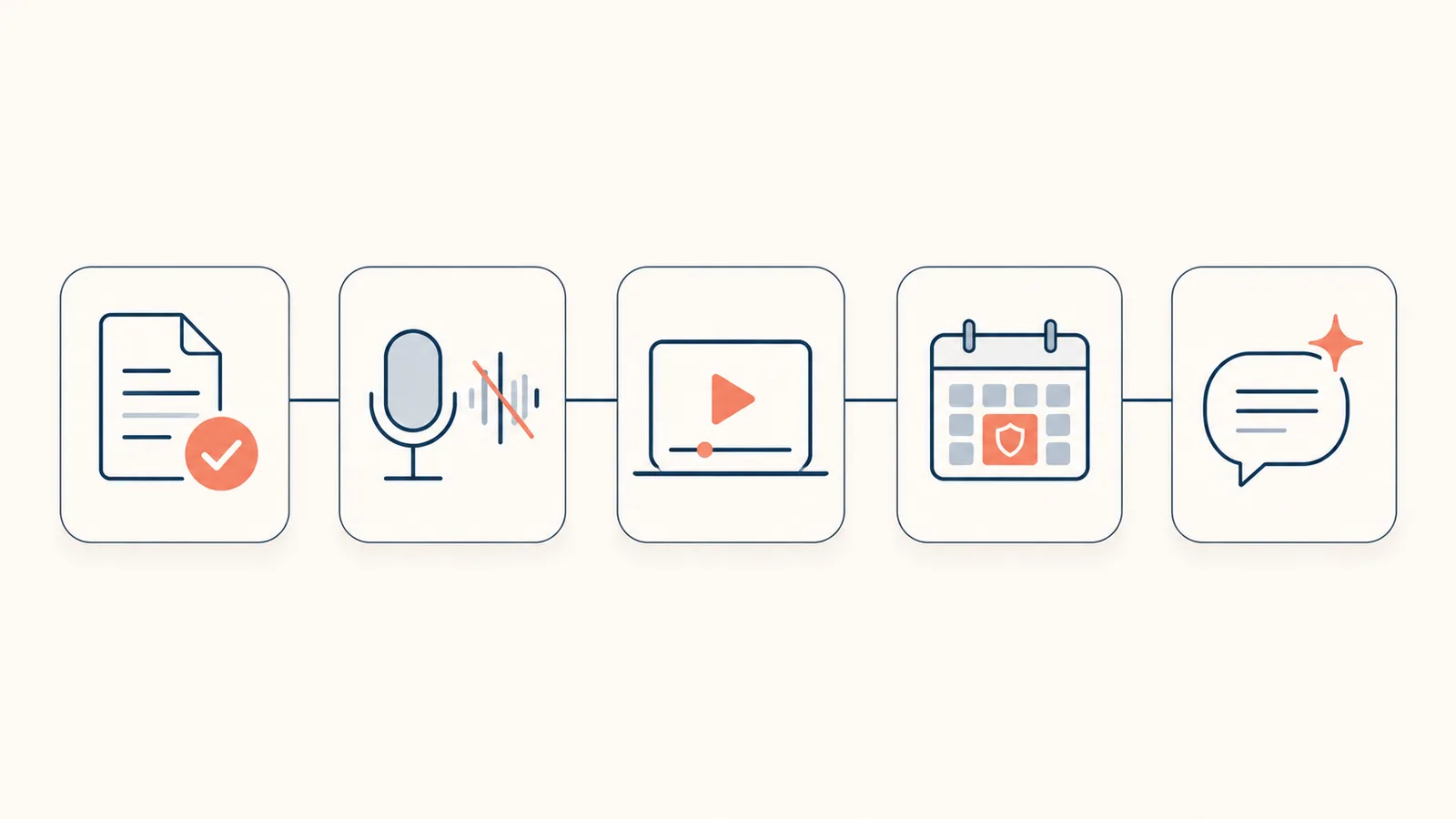
A couple of picks deserve a word. Fathom is the standout free meeting tool: it records and transcribes unlimited calls at no cost, capping only the detailed AI summaries at five a month, which beats Otter's 300-minute free limit for anyone on frequent calls. And for focus, try Reclaim's free plan or your calendar's own tools before paying for Motion, which has no free tier and runs $19 a month after a seven-day trial.
Beating meeting overload without attending everything
The biggest AI win for a remote worker is getting the value of a meeting without sitting through it. A note-taker like Fathom or your Zoom AI Companion joins the call, records it, and hands you a summary with action items, so you can skim a 45-minute meeting in two minutes or skip the optional ones entirely.
The bigger move is replacing meetings you don't need with async video. Loom lets you record your screen and voice, free for up to 25 videos, and a three-minute clip often does the work of a scheduled call that three people would have half-attended anyway. The math adds up fast: swap three 30-minute status meetings a week for AI recaps and a couple of Looms, and you claw back about 90 minutes a week, close to six hours a month, without missing anything that mattered.
Protecting deep focus when home is the office
Working from home removes the commute and adds a different problem: the workday never clearly ends, and notifications fragment it. With interruptions arriving every couple of minutes, the scarce resource isn't information, it's an unbroken hour. This is where a focus tool earns its place.
Reclaim.ai reads your calendar and defends blocks of focus time, moving flexible meetings around to keep them intact, and its free Lite plan covers a single user's calendar and a few habits. Clockwise does something similar and is especially good across time zones, finding meeting slots that fragment the fewest people's days. Neither is glamorous, and that's the point: what you're buying back is a quiet hour, not another dashboard.
The shadow-AI trap: what not to paste into a personal chatbot
Here's the risk nobody puts on these lists: the confidential data you hand a personal AI account. A personal ChatGPT or Claude account can use what you type to improve its models, so pasting in client details, source code, or internal documents can leak information you're contractually bound to protect. In 2023, Samsung engineers pasted source code and meeting audio into ChatGPT, and the company banned the tool outright, per CIO Dive.
This is common and mostly invisible: a Fishbowl poll of nearly 12,000 professionals found 43 percent use AI at work and 68 percent do so without telling their employer. Two rules keep you safe. Use an enterprise account your company controls for anything work-sensitive, and read your employer's AI policy before you paste. When in doubt, strip the identifying details or don't paste it at all.
What a remote employee should skip
Half of what these lists recommend is bought by companies, not by individuals. Here's what a solo remote worker can safely skip.
- Team and performance tools like Lattice, 15Five, People.ai, and Butterfly.ai; these are manager and HR purchases for running a team, not your personal stack.
- Productivity-surveillance software like Time Doctor and Hubstaff; if your company uses one, that's their call, but you have no reason to install it yourself.
- Anything your employer already licenses, from Copilot to Slack AI to Zoom AI Companion; paying again personally is pure waste.
- A second general assistant; one handles writing, email, and summarizing, and the frontier models are close enough that two is a duplicate bill.
- The twenty-third tool. Past about five, each new app costs more attention than it saves.
Will AI replace remote workers?
No. AI automates tasks, not roles. It can take notes, draft an email, clean up your audio, and defend an hour on your calendar, but it doesn't attend the meeting for you, make the judgment call, or own the relationship with your team. What it changes is the mix of your day: less of it spent on the busywork, more on the work only you can do.
The honest framing is that AI raises the bar rather than removing the person. The remote workers who pull ahead are the ones who let it clear the note-taking, scheduling, and first drafts, then spend the reclaimed hours on thinking and communicating well. That was always the job that mattered.
What this guide does not cover
This is a software and AI guide for an individual remote employee, not a manager's toolkit for running a distributed team and not a physical home-office build. For the desk, chair, lighting, and energy side, see the physical side of a home office. It also isn't legal or HR advice: your company's AI policy and data rules override any general guidance here, so follow them. Every price and free tier is accurate to mid-2026; check the official page before you commit.
Sources
- Claryti, remote work meeting statistics (2026) (meetings per week, video-call fatigue)
- Microsoft Work Trend Index, "Breaking down the infinite workday" (2025) (interruptions, time spent communicating)
- CIO Dive, Samsung ChatGPT data leak and UpGuard on shadow AI (data-privacy risk)
- Fathom pricing and Otter.ai pricing (meeting-tool free tiers)
- Krisp pricing, Loom pricing, and Reclaim pricing (free-tier limits)
Frequently asked questions

Written by
Tapabrata Biswas
Tech Researcher
I test AI productivity tools and research home-automation gear the way most people use them. Not in a lab, but on an ordinary desk with an ordinary internet connection. The only test that matters: does it save you time?
Share the Post with Your Besties
Get the plain-English tech brief
One email a week on AI tools and smart-home tech. No jargon, no hype.