Best Smart Plug in 2026: What to Look For, and the Picks Worth Buying
The best smart plugs of 2026: what they really do for your bills, the five things that decide your pick, and the right plug for each home.

Researched with AI assistance, reviewed and edited by Tapabrata Biswas.
In this article
Vampire power, the electricity gadgets draw while doing nothing, costs the average US home around $165 a year, according to the Natural Resources Defense Council. A smart plug is one of the few cheap devices that can claw some of that back, by cutting power to the things you only use part of the day.
A quick word on where these picks come from before we get to them: published specs, independent reviews from outlets like Wirecutter and Reviewed, and owner feedback, not a drawer of plugs we wired up and tested ourselves. We don't own every model here, and we earn nothing if you buy one. The point is to help you pick the right plug without wading through fifty near-identical listings.
A smart plug is also the cheapest way into a smart home, often under $10. That low price is exactly why the choice gets confusing: dozens of brands sell near-identical white squares, and the differences that matter are easy to miss.
What a smart plug is, and what it isn't
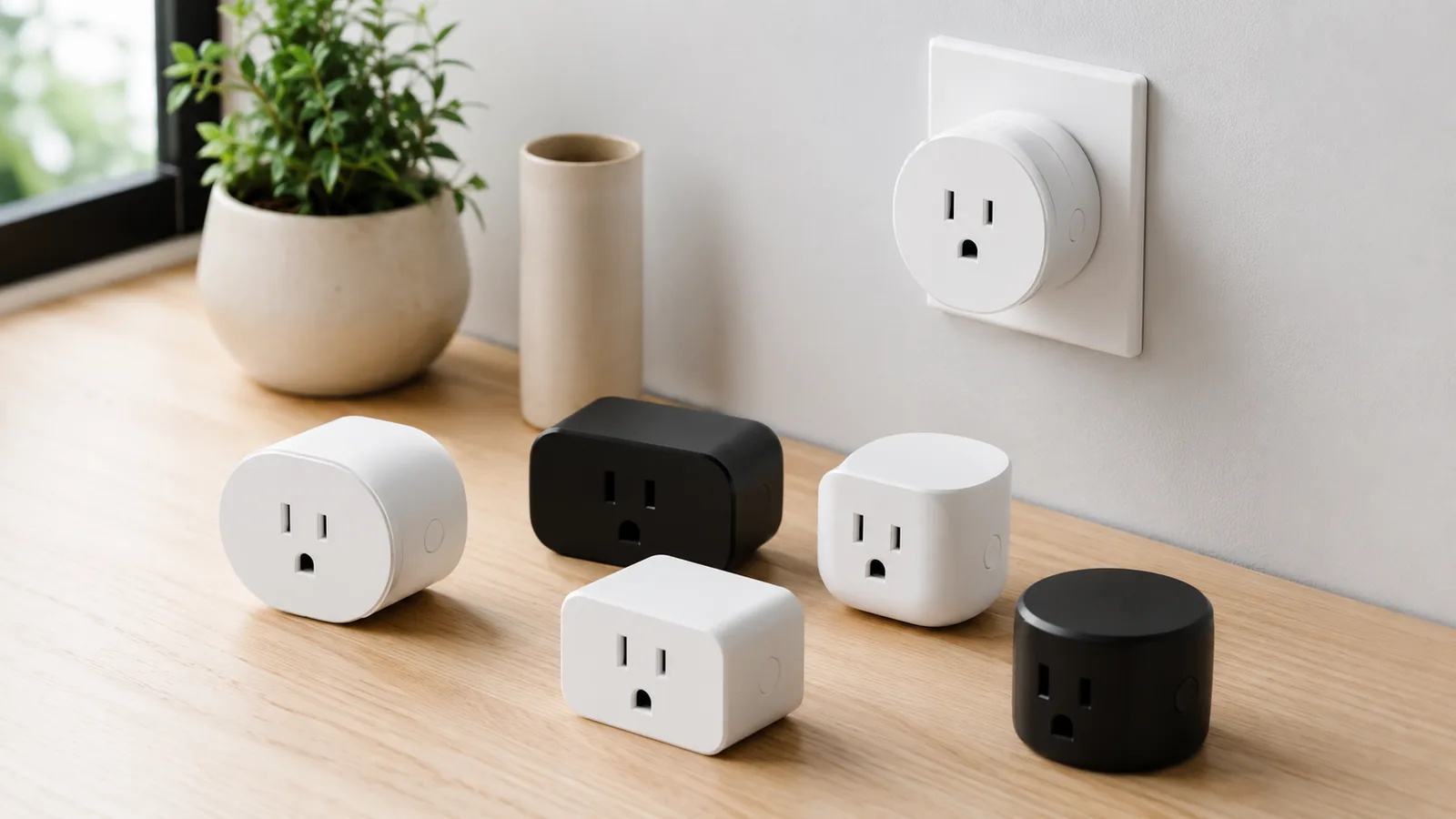
A smart plug is a small adapter that sits between a wall outlet and a regular appliance, letting you switch that appliance on or off by app, by voice, or on a schedule, and on many models, measure how much power it draws. It turns a dumb lamp, fan, or coffee maker into something you can control without getting up or being home.
It isn't an in-wall outlet you screw into the wall, and it isn't a power strip that switches several devices at once. It is a single pass-through adapter for one socket. Most need no hub, since the common ones connect over your existing Wi-Fi: you plug it in, pair it in an app, and the outlet does what you tell it from then on.
Where a smart plug earns its place
The honest use is narrow but genuinely handy. A smart plug shines on anything you want on a timer or a voice command: a lamp that wakes up before you do, a space heater that never gets left on, holiday lights that switch themselves off at midnight. Pair it with a home set up to cut standby power and it stops the worst offenders pulling current overnight.
The bigger wins come from automation, not the manual toggle. Tie a plug into a routine and a single "good night" command can switch off the living-room lamp, the diffuser, and the phone charger at once. A sunset trigger can bring the porch light up on its own, and a timer can make sure the iron or the curling wand is never left on after you have left the house.
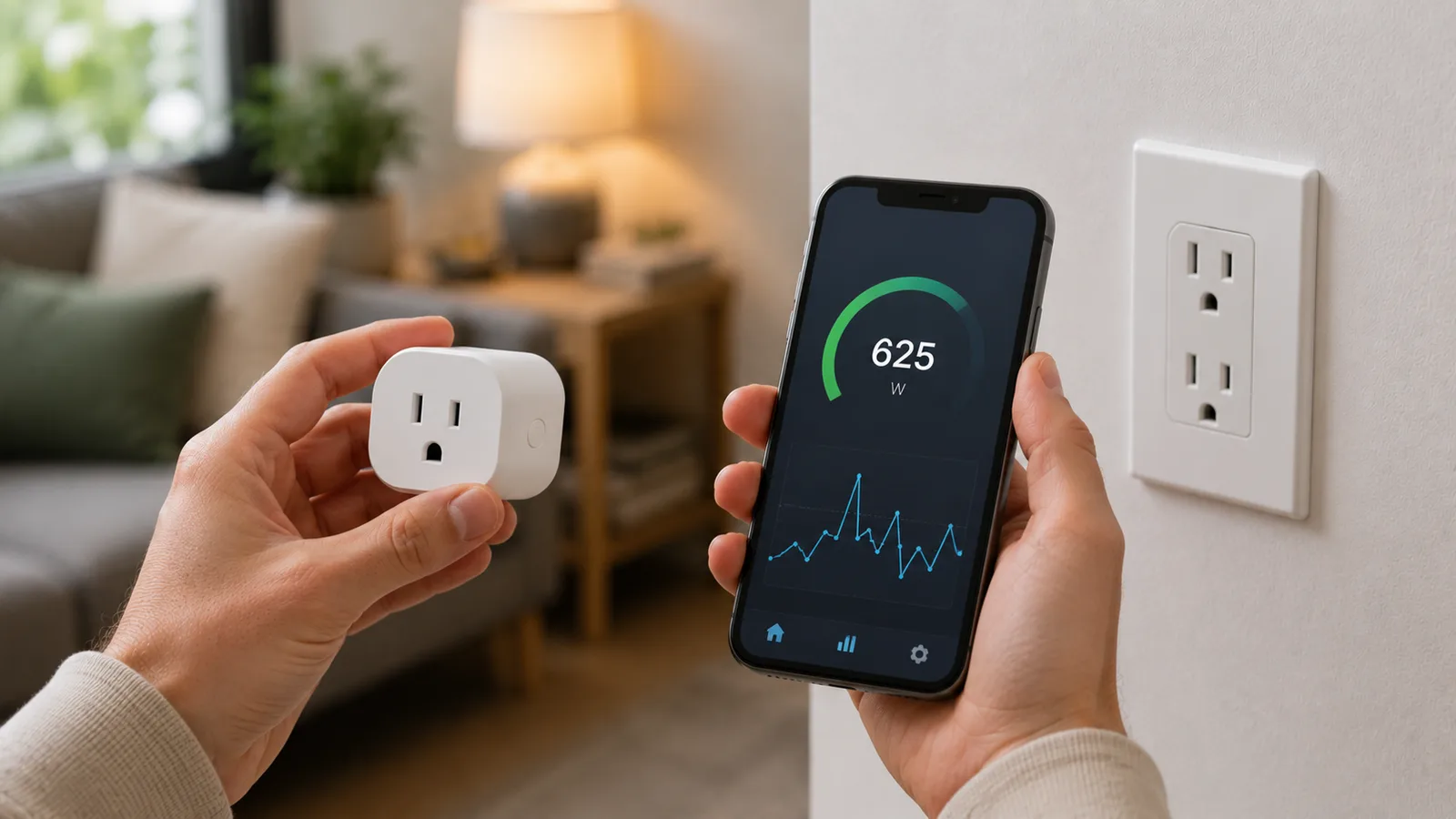
The energy-monitoring models add a second job. They tell you what a device actually costs to run. Clip one onto an old fridge or a gaming PC and you can see, in watts and dollars, whether the thing is worth replacing. Put it in numbers: an old garage fridge pulling 100 watts around the clock burns roughly 875 kilowatt-hours a year, near $130 at the US average rate. You don't know it is costing that until a monitoring plug shows you, and then the math makes the decision for you. That is where the real saving comes from, not the plug itself.
How to choose: five things that matter
Picking a smart plug comes down to five questions.
First, which ecosystem do you use? Alexa, Google Home, Apple Home, and SmartThings each have plugs that suit them. The ones that speak Matter work across all of them at once, which is the safest bet if you aren't locked into a single camp.
Second, do you want energy monitoring? Some plugs only switch; others measure power draw. If you care about trimming bills or hunting down an expensive appliance, you want a monitoring model, and the most accurate ones land within roughly 3 percent of a proper meter, an accuracy PCMag rated on par with dedicated energy monitors costing three times as much.
Third, indoor or outdoor? A standard plug is for indoor use only. For string lights, a garden pump, or anything exposed to weather, you need a weatherproof outdoor plug rated IP64 or better.
Fourth, how big is it? A chunky plug can block the second socket on a wall outlet. Compact models leave the other half free, which matters on a two-outlet plate.
Fifth, price per plug. These are cheap, and the real cost shows up in multipacks. A plug that is $25 on its own might be $7 each in a four-pack, so buy for the number of outlets you actually want to automate.
The shortlist, side by side
The table maps the main 2026 options against those questions. Prices are rough US per-plug figures and move with multipacks and sales.
| Smart plug | Best for | Ecosystems | Matter | Energy monitoring | Approx price/plug |
|---|---|---|---|---|---|
| Kasa KP125M / EP25 | Most homes, all-rounder | Alexa, Google, SmartThings, Apple via Matter | Yes (KP125M) | Yes (KP125M) | $7 to $9 |
| TP-Link Tapo P125M | Cheapest Matter | Apple, Alexa, Google, SmartThings | Yes | No (P110M adds it) | $8 |
| Eve Energy | Apple Home plus Thread | Apple Home, Matter | Yes, over Thread | Yes, in Apple Home | $32 |
| Wyze Plug | Budget energy monitoring | Alexa, Google | No | Yes | $7 to $8 |
| Amazon Smart Plug | Simplest, Alexa homes | Alexa | No | No | $25 |
| Kasa EP40 (outdoor) | Outdoors, holiday lights | Alexa, Google, SmartThings | No | Yes | $18 |
The strongest picks
Once you know your ecosystem and whether you want monitoring, the choice is quick, and the independent reviews mostly point the same way.
The Kasa Smart Plug line from TP-Link is the safe pick for most homes. The KP125M model adds Matter and energy monitoring while staying cheap in multipacks, and Wirecutter and Reviewed have both ranked Kasa plugs at or near the top for years on reliability. If you want one plug to recommend to a relative, this is it. The compact body also leaves the second outlet on the wall plate free, a small thing that matters when sockets are scarce.
For the cheapest route into Matter, the TP-Link Tapo P125M is the one. At around $8 a plug it pairs natively with Apple Home, Alexa, Google, and SmartThings without a bridge, which Tom's Guide and CNET both placed first in their 2026 Matter roundups. If you also want monitoring, its sibling the P110M adds it.
Apple households with a Thread border router should look at the Eve Energy. It runs Matter over Thread entirely on your local network, and it is the rare plug that shows its energy data right inside Apple Home rather than a separate app. It costs more, around $32, but it is the cleanest fit for a HomeKit-first setup.
On a budget, the Wyze Plug delivers energy monitoring for roughly half the price of most rivals, working with Alexa and Google. The trade is a less polished app and no Matter, but for tracking a few devices cheaply it does the job.
If you just want the simplest possible setup in an Alexa home, the Amazon Smart Plug pairs in under a minute with no extra app to install. It skips monitoring and Matter, but it is the most foolproof first plug.
For anything outdoors, the Kasa EP40 stands out. It has two weatherproof IP64 sockets, energy monitoring, and local scheduling, and Wirecutter called it the most reliable outdoor smart plug you can buy, which is what you want for holiday lights that have to come on whether or not a server is up.
What a smart plug won't do
A smart plug only does full power, on or off, so it can't dim a light or set a fan speed unless it is a dedicated dimmer plug. It is also a poor fit for anything that needs to sit quietly in the background: a TV or console that forgets its settings when the power is pulled, a router you rely on, or a desktop in the middle of a task. And every plug has a maximum load, usually 10 to 15 amps, so it is not the thing to run a big space heater or a power tool through. Check the rating on the back before you trust it with a heavy appliance.
What to know before you buy
A few details catch people out. The plug itself draws a little standby power, usually under a watt, so wrapping every outlet in the house in smart plugs quietly adds a small load of its own. Most plugs also use 2.4 GHz Wi-Fi only, not 5 GHz, so during setup your phone may need to be on the 2.4 GHz band to pair. And Matter is not one single thing: a Matter-over-Wi-Fi plug like the Tapo P125M needs no hub, while a Matter-over-Thread plug like the Eve Energy needs a Thread border router, which a Matter smart hub or some speakers provide.
What this post does not cover
- Hands-on lab testing or our own measurements (this is a research-based guide)
- Smart wall outlets and in-wall switches, which are a wiring job
- Whole-home energy monitors that clamp onto your breaker panel
Sources
Frequently asked questions

Written by
Tapabrata Biswas
Tech Researcher
I test AI productivity tools and research home-automation gear the way most people use them. Not in a lab, but on an ordinary desk with an ordinary internet connection. The only test that matters: does it save you time?
Share the Post with Your Besties
Get the plain-English tech brief
One email a week on AI tools and smart-home tech. No jargon, no hype.