Small Business Security Cameras: DIY Kit vs Monitored Contract (2026)
What small business security cameras cost over 3 years, DIY vs monitored, what AI detection actually delivers, and the recording laws nobody mentions.

Researched with AI assistance, reviewed and edited by Tapabrata Biswas.
In this article
- 01What security cameras does a small business need?
- 02DIY kit vs monitored contract: the real 3-year cost
- 03Cloud vs local storage: the monthly bill you can avoid
- 04What AI detection really delivers
- 05The legal part nobody mentions
- 06Where to put the cameras
- 07What to skip
- 08Does a camera system pay off?
- 09What this guide does not cover
- 10Sources
Search for small business security cameras and you get two kinds of page: a camera brand telling you its system is the answer, and a listicle that names prices but never the three-year total or the laws you have to follow. This guide is the neutral version. It covers how many cameras you actually need, the real cost of DIY versus a monitored contract over three years, what AI detection genuinely does, and the recording rules almost every other guide leaves out.
Start with the number that reframes the decision: a $50-a-month cloud plan is $1,800 over three years, before any price rise. The camera hardware is often the cheap part; the subscription is where the money goes, and it is the part you have the most control over.
Where these picks come from is worth saying plainly: documented specs, current July 2026 pricing, independent reviews, and owner consensus, not a lab we ran ourselves, and we earn no commission. Prices and plans change fast, so confirm on the official page before you buy. This is a hardware and cost guide, and the legal section below is reported information, not legal advice.
What security cameras does a small business need?
A small business security camera setup is a handful of cameras placed to cover the points where loss and disputes actually happen, recording to local storage or the cloud so you have footage when you need it. The honest answer to how many is: fewer than the kits sell you.
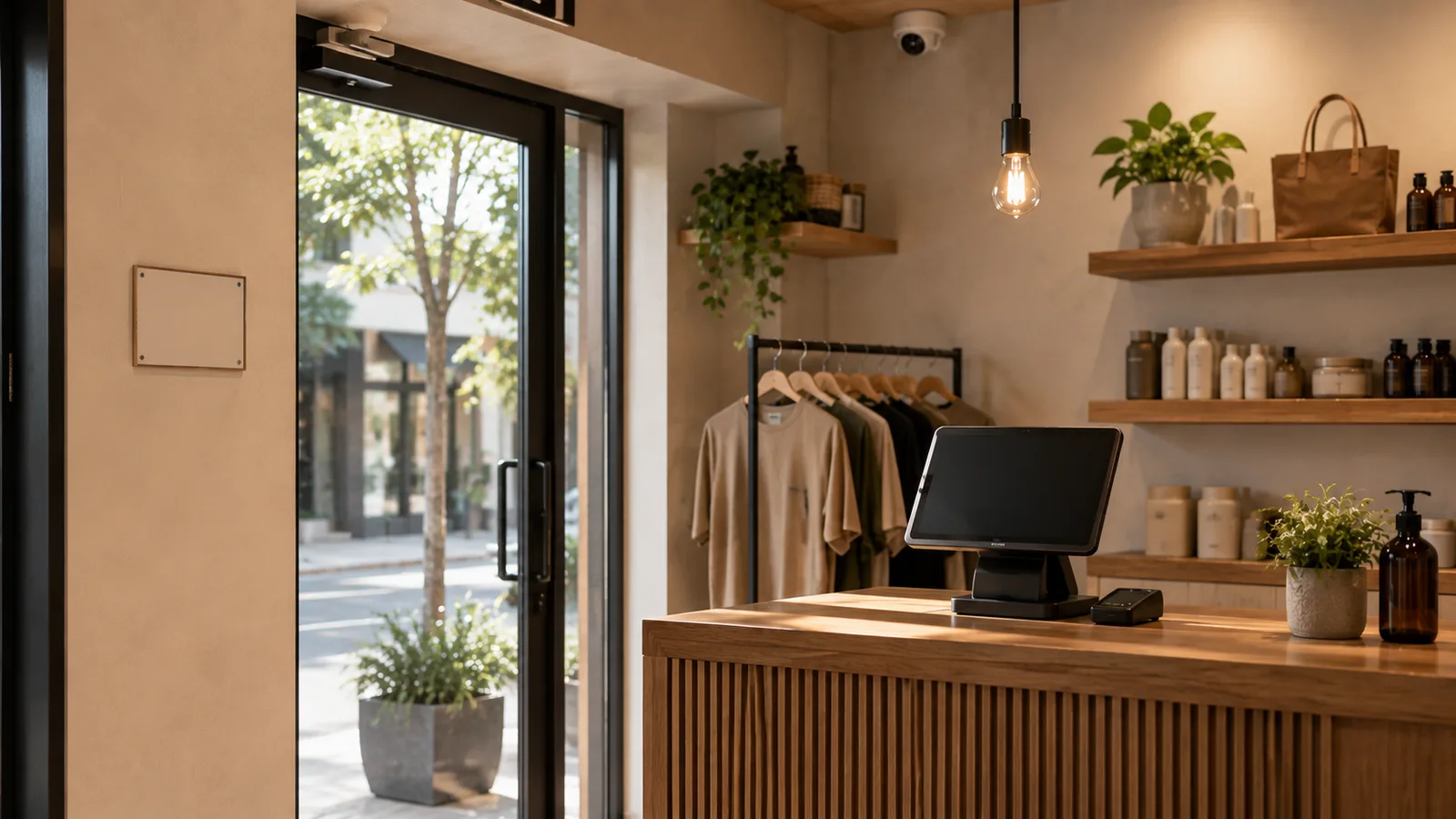
A small office is well covered by 2 to 4 cameras, a retail shop by 4 to 8, and a warehouse by 6 to 16. Point them at the entrances, the register or point of sale, the stockroom or supply area, and any parking or loading zone, because that is where theft, break-ins, and slip-and-fall disputes cluster. Blanket coverage of low-risk floor space just adds cameras, storage, and cost without adding protection. For where cameras sit among the other premises upgrades, see our guide to smart devices for a small business.
DIY kit vs monitored contract: the real 3-year cost
The choice that decides your budget is not the camera brand, it is DIY versus a monitored contract, and the gap only shows up when you total three years. Here is that math in one place.
| Approach | Upfront kit | Monthly fee | 3-year total | Best for |
|---|---|---|---|---|
| DIY plus local storage | $300 to $800 (4 to 6 cameras) | $0 | About $300 to $800 | A single office or boutique you can check yourself |
| DIY plus cloud storage | $300 to $800 | $15 to $60 | About $840 to $2,960 | When you want off-site backup and remote review |
| Professionally monitored | $500 to $2,500, installed | $40 to $120 | About $1,940 to $6,820 | Larger premises, valuable stock, or no time to watch alerts |
Upfront kit
- DIY plus local storage
- $300 to $800 (4 to 6 cameras)
- DIY plus cloud storage
- $300 to $800
- Professionally monitored
- $500 to $2,500, installed
Monthly fee
- DIY plus local storage
- $0
- DIY plus cloud storage
- $15 to $60
- Professionally monitored
- $40 to $120
3-year total
- DIY plus local storage
- About $300 to $800
- DIY plus cloud storage
- About $840 to $2,960
- Professionally monitored
- About $1,940 to $6,820
Best for
- DIY plus local storage
- A single office or boutique you can check yourself
- DIY plus cloud storage
- When you want off-site backup and remote review
- Professionally monitored
- Larger premises, valuable stock, or no time to watch alerts
Read the right-hand column, not the sticker price. A DIY kit with local storage can be a one-time few hundred dollars and then nothing, while a monitored contract quietly becomes the most expensive line by year three. Monitoring is not wasted money, a real person watching alerts has value if nobody on your team can, but it is a recurring cost you should choose on purpose, not sign up for by default because a brand bundled it.
Cloud vs local storage: the monthly bill you can avoid
Storage is where the subscription trap lives, so decide it before you pick a camera. Every camera records somewhere, and the "where" sets whether you pay monthly forever.
Local storage writes to an on-site SD card, hard drive, or network video recorder, with no monthly fee; you own the footage and it keeps working if the internet drops. Cloud storage, at $15 to $60 a month, adds off-site backup that survives a burglar walking off with the recorder, plus easy remote viewing. A hybrid, local recording with short cloud backup of only the flagged events, gets most of the benefit for a fraction of the fee. For most small premises, local or hybrid is the honest default, and cloud is a considered upgrade, not a requirement. Check the storage model before you buy the camera, because some brands only work with their paid cloud.
What AI detection really delivers
AI is the headline feature on every camera box now, so it is worth separating the part that helps from the part that is marketing. The useful version is real; the miracle version is not.
Person and vehicle detection genuinely works and matters: it filters out the headlights, rain, and moving shadows that trigger endless false alerts on older motion cameras, so the alerts you get are worth checking. That alone is a reason to buy a current model. The claims to treat with suspicion are the "99% accurate" facial-recognition and cross-camera tracking pitches. Facial recognition rarely helps a small business, it is far less reliable in real light and angles than the demos suggest, and it drags you into biometric-privacy laws (Illinois' BIPA is the strict example) that can carry real penalties. Buy the camera for reliable person and vehicle alerts; you almost never need it to recognise faces.
The legal part nobody mentions
This is the section missing from nearly every other small business camera guide, and it is the one that can actually cost you: recording people has rules. Treat the following as reported information, not legal advice, and confirm your own state's law, because it varies a lot.
Three rules hold almost everywhere. First, post notice: a visible sign that the premises is under surveillance is expected, and in some states required, for both customers and staff. Second, be very careful with audio: many states are two-party consent (all-party) for recording conversations, so a camera that records sound can break wiretapping law even where the video is fine, and the safe move is to disable audio unless you have consent. Third, never film where people expect privacy, bathrooms, changing rooms, and breakrooms are off limits, full stop. If you use any facial recognition, check your state's biometric law first. When money or compliance is on the line, a short conversation with an attorney is cheaper than getting this wrong. If you are also adding keyless entry, our smart locks and access control guide covers the parallel audit-trail and access rules.
Where to put the cameras
Placement decides whether the footage is useful, and a few well-aimed cameras beat a dozen pointed at nothing. Cover the points of loss and dispute first.
Put a camera on each customer entrance and exit at face height, not just overhead, so you capture identifiable faces rather than the tops of heads. Cover the register or point of sale, the stockroom or safe, and any back or loading door, which is where after-hours entry happens. Add one on the parking or delivery area if you have one. Mind the light: a camera facing a bright window or door sees only silhouettes during the day, so aim across the light, not into it. Leave low-risk internal space uncovered rather than buying cameras to fill it.
Two specs matter more than the camera count. Resolution first: 1080p covers a tight indoor space, 2K reads a face cleanly at an entrance, and 4K only earns its price over a wide area like a car park, where you need to zoom into detail after the fact. Low-light performance matters just as much, and it is the spec buyers skip: a cheap camera that goes blind at dusk is useless for the after-hours break-in you actually worry about, so check the night-vision or starlight rating and the infrared range, not only the megapixels. A weatherproof rating (IP65 or better) is worth it for anything outdoors or near a loading door.
What to skip
The money leaks here are over-buying and the fees you did not need. Most small businesses can skip the following.
- More cameras than your risk points. Cover the entrances, register, stockroom, and parking, then stop.
- A cloud subscription you do not need. If local or hybrid storage covers your retention, that $15 to $60 a month is $180 to $720 a year saved.
- Audio recording, unless you have a clear reason and consent; it adds legal risk for little security gain.
- Facial recognition for a small premises; it underdelivers and overcomplicates the compliance.
- A long monitoring contract signed before you know whether you will actually use monitoring; start month-to-month or self-monitor first.
Does a camera system pay off?
Cameras do not pay you back the way a smart thermostat does; they reduce risk, so judge them on what a single incident would cost. The math still lands for most premises.
Retail shrinkage alone runs into real money for a small shop over a year, and a single break-in, a disputed slip-and-fall claim, or a "he said, she said" staffing incident can cost more than an entire DIY system. Against that, a $300 to $800 local-storage kit is cheap insurance, and it often lowers business insurance premiums too, which chips away at the cost directly. The mistake is not buying cameras, it is overspending on cameras and subscriptions you do not need while leaving the actual risk points, the back door, the register, uncovered.
What this guide does not cover
This is a cost-and-decision guide for a small business premises, not a ranked review of specific camera models and not a full commercial security-system design. For the wider premises build, see the smart devices for a small business hub; for keyless entry, the smart locks guide above; and for software, the software side of a small business. The legal notes here are general and reported, not legal advice: recording, consent, and biometric laws vary by state and change, so confirm yours and consult an attorney for anything specific. Every price is accurate to mid-2026; check the official page before you commit.
Sources
- Security.org, how much security cameras cost (2026) (equipment, cloud, and monitoring pricing)
- Security.org, best business security cameras (2026) (camera counts and business systems)
- Reporters Committee, recording and consent laws by state (one-party vs two-party audio consent)
Frequently asked questions

Written by
Tapabrata Biswas
Tech Researcher
I test AI productivity tools and research home-automation gear the way most people use them. Not in a lab, but on an ordinary desk with an ordinary internet connection. The only test that matters: does it save you time?
Share the Post with Your Besties
Get the plain-English tech brief
One email a week on AI tools and smart-home tech. No jargon, no hype.