Smart Devices for Small Business: What's Worth It, With Real Prices (2026)
The smart devices a small business actually needs in 2026, by job, with real prices, the monthly fees nobody mentions, payback math, and what to skip.

Researched with AI assistance, reviewed and edited by Tapabrata Biswas.
In this article
- 01What smart devices does a small business actually need?
- 02Smart business premises vs a home office: what changes
- 03The smart-device shortlist, by job, with prices and payback
- 04The upgrades that pay for themselves fastest
- 05Access and security: the layer with a monthly bill
- 06The customer-facing layer
- 07What a small business should skip
- 08Does a smart-premises build pay off?
- 09What this guide does not cover
- 10Sources
Search "smart devices for small business" and you get the same thing every time: a list of gadgets (locks, cameras, thermostats, even a smart coffee machine) with no prices, no payback, and no warning about the ones that bill you every month. This guide is the opposite. It's the honest, by-the-job build for a real business premises, with what each device costs in 2026, what it saves, the recurring fees nobody prints, and a plain list of what to skip.
Start with the one number that decides most of this: a smart thermostat trims heating and cooling by roughly 10 to 15 percent, per the U.S. EPA, which on a small commercial space is real money back every year. That is the kind of device worth buying. A voice-controlled coffee machine is not.
Where these picks come from is worth saying plainly: documented specs, current July 2026 pricing, independent reviews, and owner consensus, not a lab we ran ourselves, and we earn no commission. Prices and subscription terms shift fast, so confirm on the official page before you buy.
What smart devices does a small business actually need?
Smart devices for a small business are internet-connected hardware, like thermostats, locks, cameras, lights, and plugs, that automate the running of a physical premises to cut costs, tighten security, or save staff time. The honest answer to how many you need is: fewer than the lists suggest.
Three jobs earn their keep for almost any premises: climate (a smart thermostat), lighting and power (occupancy switches and smart plugs), and one security layer (a smart lock, plus cameras if you have a storefront). Those pay for themselves or genuinely lower risk. Everything else, from reception displays to air-quality sensors, is optional and worth adding only when it answers a real question you have. Buy by the job in front of you, not by the gadget list.
Smart business premises vs a home office: what changes
A business premises is not a bigger home office, and that difference should shape what you buy. You have staff who come and go, customers or foot traffic, longer opening hours, and often a lease that limits what you can install. That pushes the priorities toward access control, security, and climate scheduling around business hours, rather than the desk ergonomics and video-call quality a solo worker cares about.
So if you actually work alone from home, the home-office setup guide is the right read instead; it is built for one desk. This guide also stays on hardware. The software that runs a small business, the CRM, accounting, and AI tools, is a separate decision covered in the software side of a small business. Here, every pick is a physical device for the premises.
The smart-device shortlist, by job, with prices and payback
Here is the whole shortlist in one place, by job, with a real 2026 price, the recurring cost if there is one, and a plain verdict. Start at the top; the first three rows are where the money comes back.
| Device (the job) | Typical 2026 price | Recurring cost | Payback / verdict |
|---|---|---|---|
| Smart thermostat (climate) | $130 to $280 ($80 basic) | None | Cuts heating and cooling about 10 to 15% (EPA); pays back in a season or two. Best first buy. |
| Occupancy lighting and smart switches | $20 to $40 per switch | None | Kills lights in empty rooms and after hours; low cost, quick payback. |
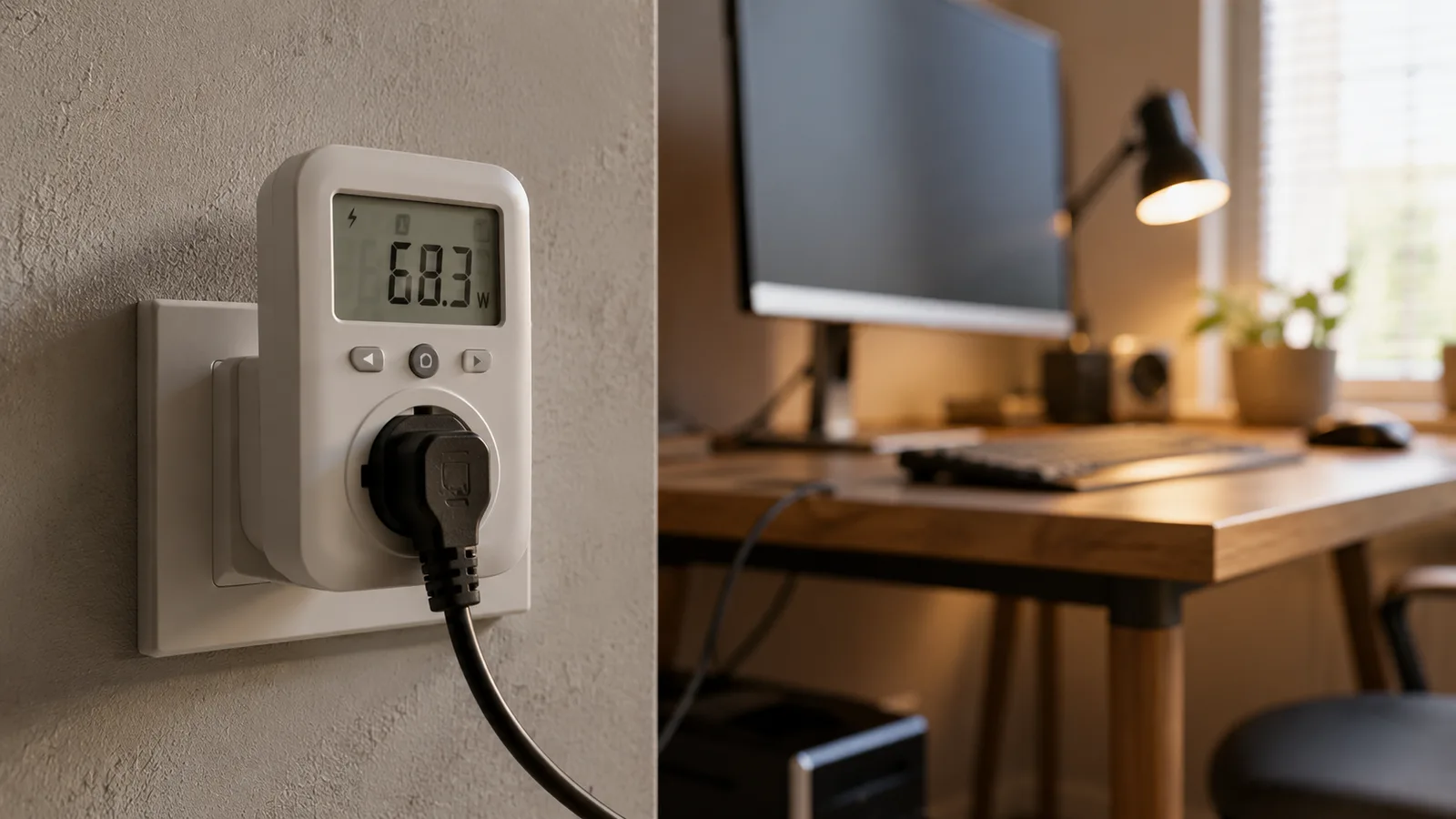
| Smart plugs and power strips | $15 to $30 each | None | Schedules signage and appliances off and cuts standby draw; the cheapest win. |
| Smart lock, single door | $150 to $300 | Optional $3 to $15/mo | Ends rekeying and lost-key costs; skip the subscription unless you need remote access or an audit trail. |
| Access control, multiple doors | $1,500 to $3,500 per door, installed | $7.50 to $25 per door/mo | Only worth it with several doors and staff turnover; overkill for one or two doors. |
| Security cameras (4 to 8) | $500 to $2,500 | $15 to $60/mo cloud, or $0 local | The layer with a real monthly bill: a $50/mo plan is $1,800 over three years, so prefer local or hybrid. |
| Reception smart display | $90 to $250 | None | A cheap check-in, schedule, or signage screen; nice to have, not essential. |
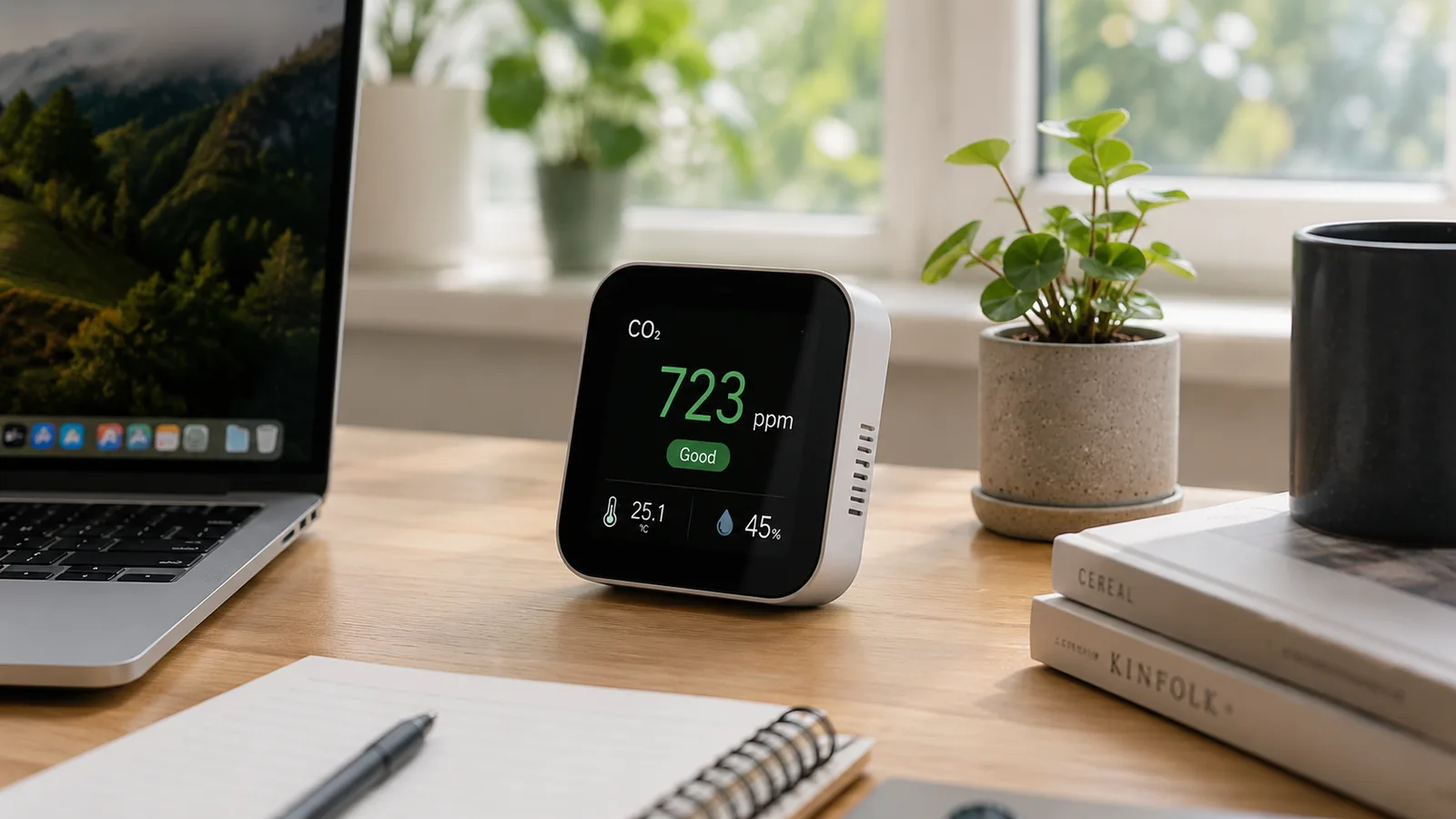
| Occupancy and air-quality sensors | $30 to $100 each | Usually none | Optional: shows how the space is really used; skip until you have a specific question to answer. |
Typical 2026 price
- Smart thermostat (climate)
- $130 to $280 ($80 basic)
- Occupancy lighting and smart switches
- $20 to $40 per switch
- Smart plugs and power strips
- $15 to $30 each
- Smart lock, single door
- $150 to $300
- Access control, multiple doors
- $1,500 to $3,500 per door, installed
- Security cameras (4 to 8)
- $500 to $2,500
- Reception smart display
- $90 to $250
- Occupancy and air-quality sensors
- $30 to $100 each
Recurring cost
- Smart thermostat (climate)
- None
- Occupancy lighting and smart switches
- None
- Smart plugs and power strips
- None
- Smart lock, single door
- Optional $3 to $15/mo
- Access control, multiple doors
- $7.50 to $25 per door/mo
- Security cameras (4 to 8)
- $15 to $60/mo cloud, or $0 local
- Reception smart display
- None
- Occupancy and air-quality sensors
- Usually none
Payback / verdict
- Smart thermostat (climate)
- Cuts heating and cooling about 10 to 15% (EPA); pays back in a season or two. Best first buy.
- Occupancy lighting and smart switches
- Kills lights in empty rooms and after hours; low cost, quick payback.
- Smart plugs and power strips
- Schedules signage and appliances off and cuts standby draw; the cheapest win.
- Smart lock, single door
- Ends rekeying and lost-key costs; skip the subscription unless you need remote access or an audit trail.
- Access control, multiple doors
- Only worth it with several doors and staff turnover; overkill for one or two doors.
- Security cameras (4 to 8)
- The layer with a real monthly bill: a $50/mo plan is $1,800 over three years, so prefer local or hybrid.
- Reception smart display
- A cheap check-in, schedule, or signage screen; nice to have, not essential.
- Occupancy and air-quality sensors
- Optional: shows how the space is really used; skip until you have a specific question to answer.
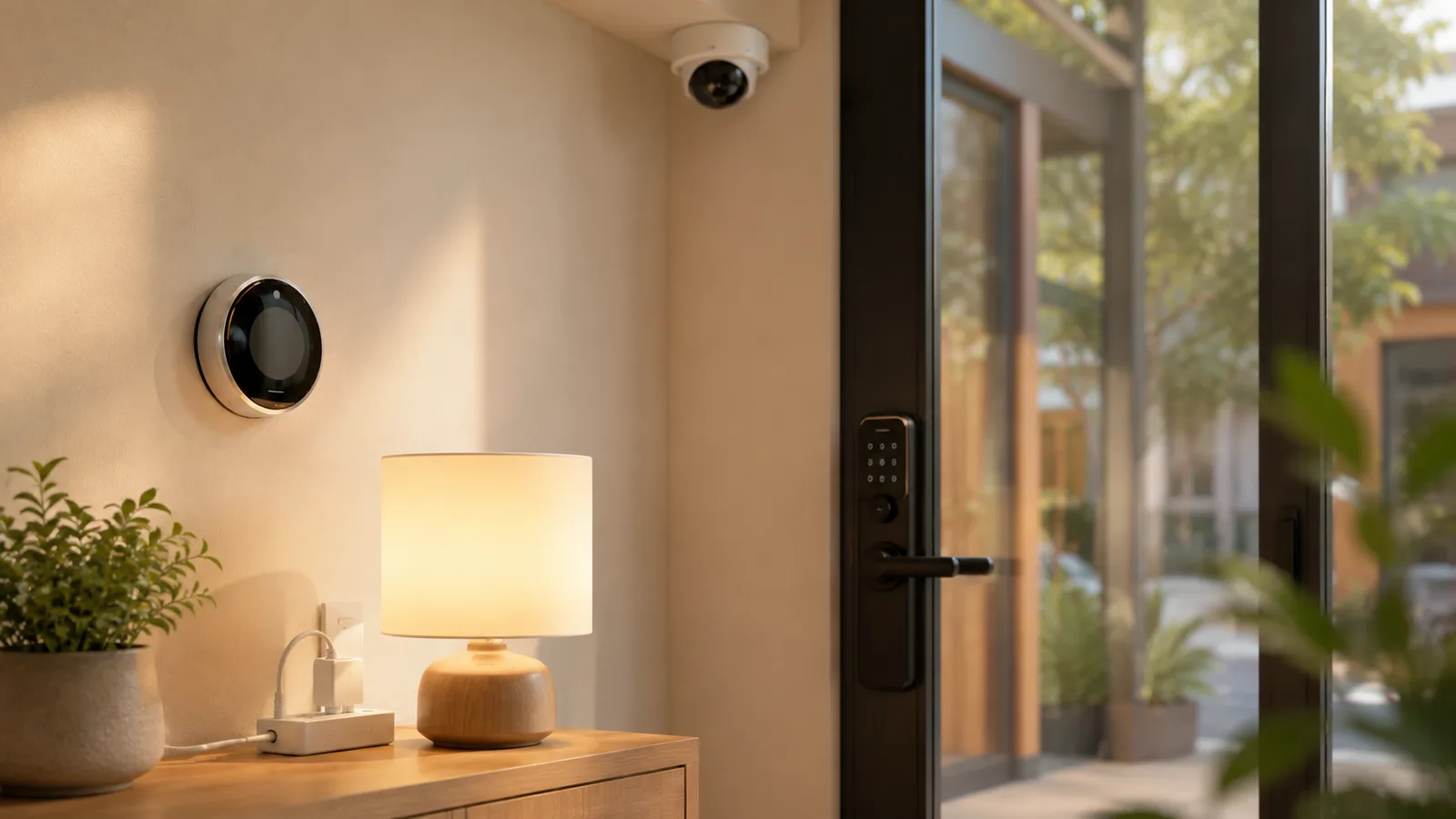
Two things to notice before you spend. The devices that save money (climate, lighting, power) have no monthly fee, while the devices that manage risk (cameras, multi-door access) are the ones that bill you every month. And prices swing widely by scale: a single keypad lock is a few hundred dollars, but wiring a multi-door premises for access control runs into the thousands per door. Match the spend to the size of the problem.
The upgrades that pay for themselves fastest
If the budget only stretches to a few devices, put it here, because these are the ones with a payback rather than a bill. The energy trio is the whole reason a small premises goes smart in the first place.
A smart thermostat is the first buy: $130 to $280 (a basic model is about $80), no subscription, and it cuts heating and cooling by roughly 10 to 15 percent by not conditioning an empty building overnight and on weekends. On a small commercial HVAC bill that often pays for itself within a season or two. Next, occupancy light switches at $20 to $40 each stop you paying to light empty stockrooms and back offices, and smart plugs at $15 to $30 schedule signage, heaters, and appliances to shut off after close, killing the standby draw that runs all night. None of these three needs a hub to start, though a hub helps once you have several devices, and our guide to where automation saves energy has the fuller math.
Access and security: the layer with a monthly bill
Security is where a premises differs most from a home, and it is also where the recurring costs hide, so go in with your eyes open. This is the layer that manages risk rather than saving money, so judge it on what a break-in or a lost master key would cost you, not on payback.
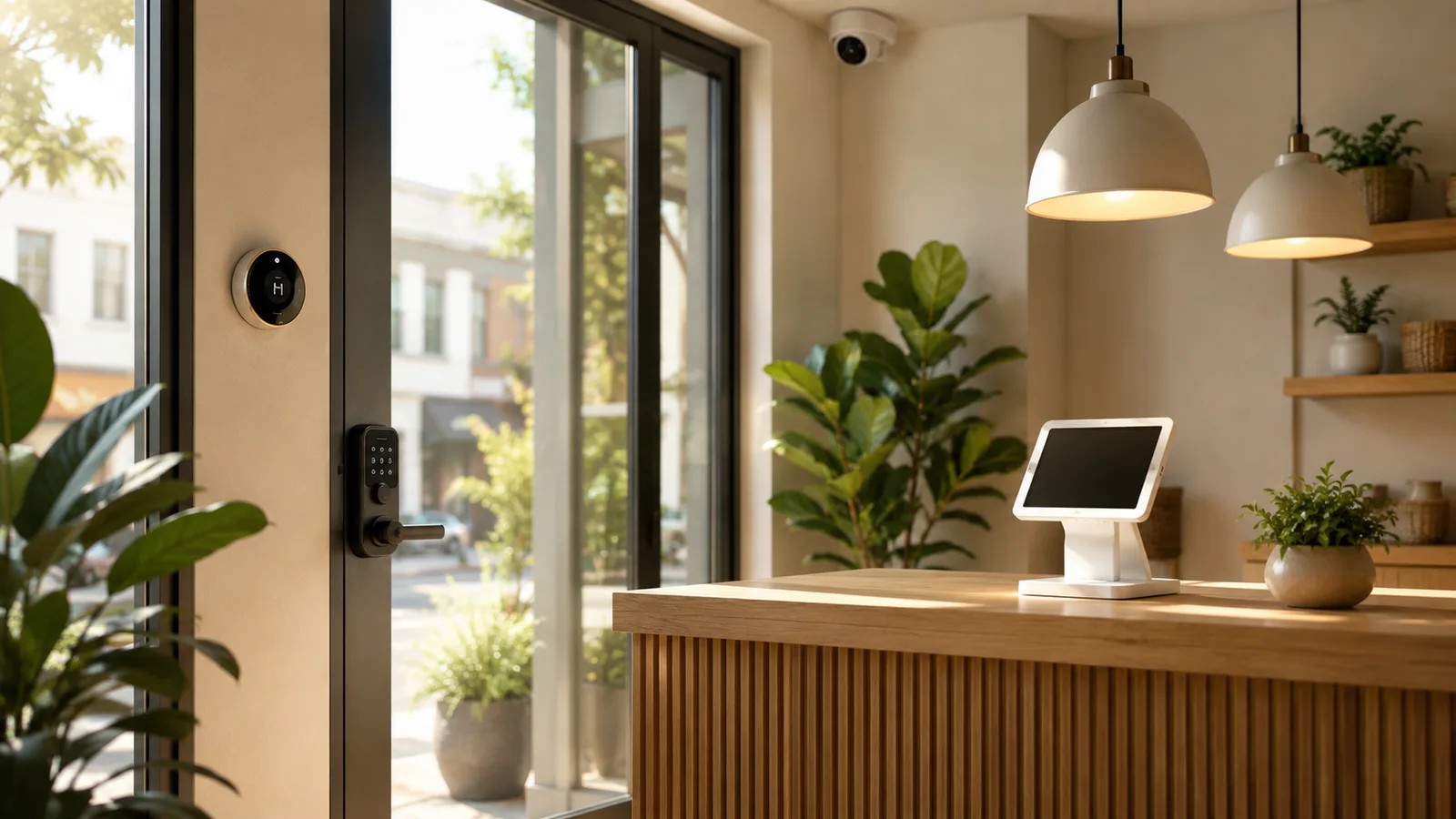
For a single door, a keypad or app smart lock at $150 to $300 ends the cost and hassle of rekeying and lost keys, and you can usually skip the optional $3 to $15 monthly plan unless you need remote unlocking or an audit trail. A multi-door premises with staff turnover is a different build: proper access control runs $1,500 to $3,500 per door installed plus $7.50 to $25 per door each month, which is only worth it at real scale. The full cost model, keyless kit versus rekeying versus cloud access control, is in our smart locks for small business guide. Cameras carry the clearest ongoing fee: a 4-to-8-camera setup is $500 to $2,500 up front, and cloud storage adds $15 to $60 a month, so a $50 plan is $1,800 over three years. Cameras with local or hybrid storage cut that bill sharply; our small business security cameras guide breaks down DIY kit versus monitored contract over three years.
The customer-facing layer
A handful of devices touch the customer rather than the back office, and they are nice to have rather than essential. Treat them as upgrades you add once the core three jobs are handled.
A reception smart display at $90 to $250 can run a check-in screen, a schedule, or simple digital signage. Booking and payment hardware, a tablet stand and a card reader, tidies the front desk for a service business. These improve the experience, but none of them lowers a bill or reduces a real risk, so they sit below climate, lighting, and security on the list. Add them when the customer-facing problem is real, not because a list called them essential.
What a small business should skip
The fastest way to waste money here is buying gadgets before you have a problem for them to solve. Here is what most small businesses can skip.
- Novelty gadgets like smart coffee machines and voice-assistant speakers dressed up as productivity tools; they solve nothing a premises actually struggles with.
- Consumer-grade gear at business scale. A single home camera or lock is fine for one door, but stringing a dozen consumer devices across a premises gives you a dozen apps and no central control; buy a system built for it instead.
- A camera cloud subscription you do not need. If local or hybrid storage covers your retention needs, that $50 a month is $600 a year saved.
- Over-subscription generally. Every device with an app wants a monthly plan; pay only for the ones whose paid tier you would actually miss.
- Anything bought before you have named the problem. If you cannot say in a sentence what a device fixes, you are not ready to buy it.
Does a smart-premises build pay off?
For the energy layer, yes, and quickly; for the rest, it buys down risk rather than paying you back. A worked example makes the split clear.
Take a roughly 1,000-square-foot office or shop. A sensible core build is a smart thermostat (about $200), six smart plugs ($120), three occupancy switches ($90), a keypad lock ($250), a four-camera kit with local storage ($900), and a reception display ($150): around $1,700 one-time, with $0 to $30 a month depending on whether you add camera cloud storage. The thermostat, lighting, and power pieces realistically claw back $300 to $500 a year on the utility bill, so that part of the kit pays for itself inside a year or two. The lock and cameras will not "pay back" in dollars, but the first prevented break-in or the first door you did not have to rekey covers them. Skip the $50-a-month cloud plan with local storage, and you keep $600 a year in your pocket.
What this guide does not cover
This is a hardware guide for a small business premises, not a home-office build, not the software stack, and not a deep security-system review. For a solo home desk, see the home-office guide linked above; for CRM, accounting, and AI tools, see the small-business software guide; and for the security layer in depth, the cameras and locks guides above. It also isn't electrical or security-compliance advice: anything hard-wired, and your local rules on camera placement and recording notice, should be confirmed with a qualified installer. Every price here is accurate to mid-2026; check the official page before you commit.
Sources
- U.S. EPA, Energy Star on programmable and smart thermostats (heating and cooling savings)
- Security.org, how much security cameras cost (2026) (equipment and monthly cloud pricing)
- ecobee smart thermostats and Google Nest thermostats (2026 device pricing)
- Safe and Sound Security, access control systems cost (2026) (per-door hardware and subscription)
Frequently asked questions

Written by
Tapabrata Biswas
Tech Researcher
I test AI productivity tools and research home-automation gear the way most people use them. Not in a lab, but on an ordinary desk with an ordinary internet connection. The only test that matters: does it save you time?
Share the Post with Your Besties
Get the plain-English tech brief
One email a week on AI tools and smart-home tech. No jargon, no hype.