Smart Locks for Small Business: Keypad, Keyless, or Access Control? (2026)
What smart locks and access control really cost a small business in 2026: keypad lock vs rekeying vs cloud access control, audit trails, and what to skip.

Researched with AI assistance, reviewed and edited by Tapabrata Biswas.
In this article
- 01Smart lock or access control: which does a small business need?
- 02The cost model vendors bury
- 03The install costs nobody puts in the quote
- 04Audit trails: when you actually need to know who opened the door
- 05Cloud vs offline: the subscription and the internet question
- 06DIY or hire a professional installer?
- 07What a small business should skip
- 08Does a smart lock pay off?
- 09What this guide does not cover
- 10Sources
Every guide to smart locks for a small business is written by a company selling access control, and it shows: they skip straight to the multi-door system with the monthly fee and never mention that most small shops need a $200 keypad lock and nothing else. This guide starts from the actual question. How many doors do you need to control, and how often do your staff change? Those two answers decide everything, and for a lot of businesses the honest answer is a single smart lock.
Here is the number the vendors leave out: rekeying a commercial lock costs $100 to $233 per lock plus a trip fee, every time a key goes missing or an employee leaves. That recurring cost, not the hardware, is what a smart lock actually saves you.
Where these picks come from is worth saying plainly: documented specs, current July 2026 pricing, independent reviews, and owner consensus, not a lab we ran ourselves, and we earn no commission. Prices and subscription terms change fast, so confirm on the official page before you buy.
Smart lock or access control: which does a small business need?
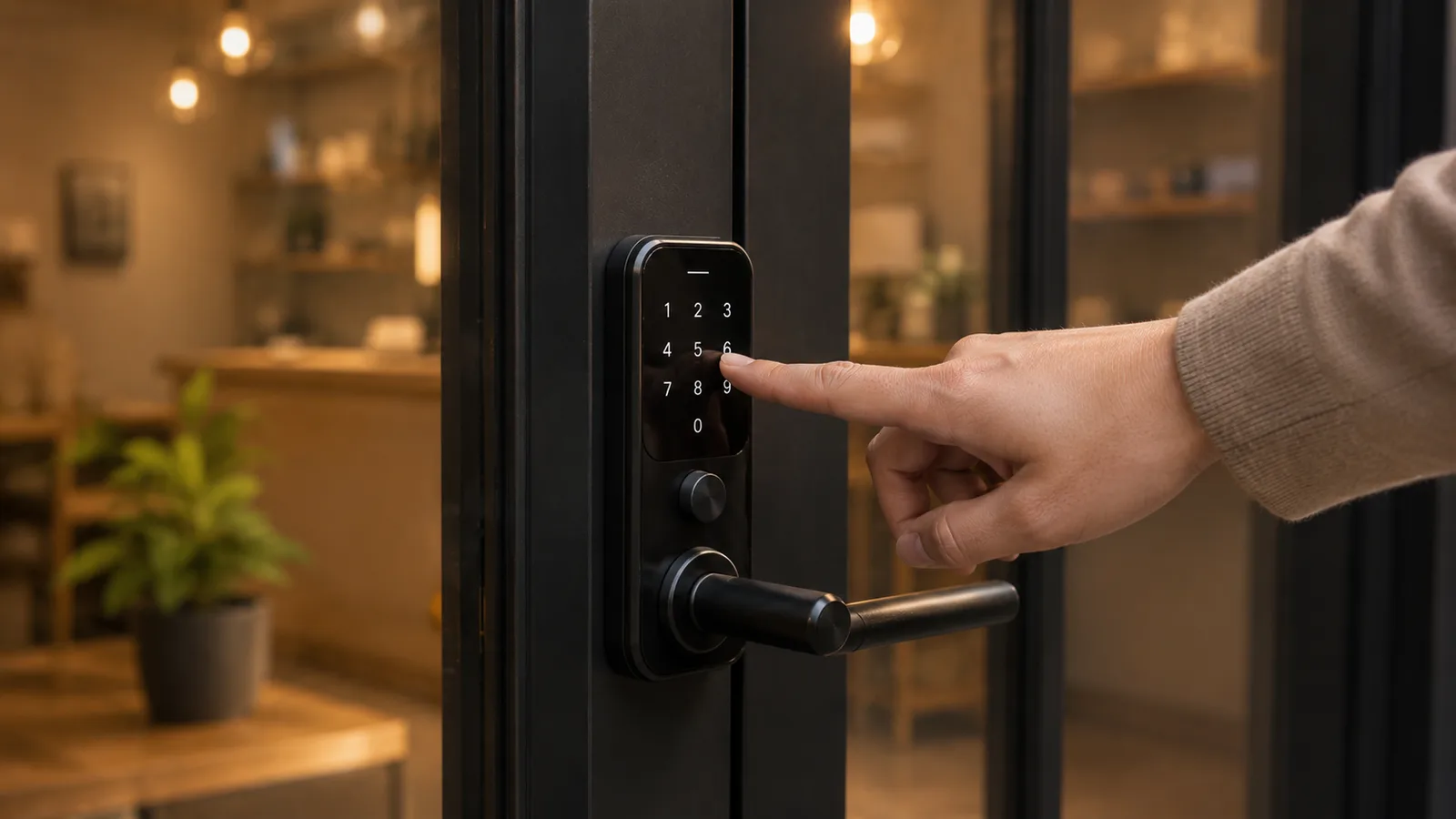
A smart lock is a single electronic door lock you open with a code, phone, or fob and manage yourself; access control is a centralized system that governs many doors and users with badges, logs, and remote control. The difference is scale, and it decides your budget.
Answer the two questions first. If you have one or two doors and a handful of trusted staff, a keypad or app smart lock is almost certainly enough: you share a code, change it when someone leaves, and you are done. Move up to full access control only when you have several doors, regular staff turnover, a real need to know who opened which door and when, or compliance rules that demand it. Most guides skip this step and sell you the big system by default. For where locks fit among the other premises upgrades, see our smart devices for a small business hub.
The cost model vendors bury
The reason this decision is confusing is that nobody lays the four options side by side with their real ongoing costs. Here they are, from cheapest to most capable.
| Option | Upfront | Ongoing cost | Best for |
|---|---|---|---|
| Traditional keys plus rekeying | Low to install | $100 to $233 per lock every time staff change, plus a trip fee | A tiny business with almost no staff turnover |
| Keypad or app smart lock (1 to 2 doors) | $150 to $300 per door | $0, or an optional $3 to $15/mo plan | Most single-door shops and small offices; ends rekeying |
| Commercial standalone electronic lock | $500 to $2,500 per door | Usually none | A higher-security single door not wired for full access control |
| Cloud access control (multi-door) | $3,000 to $5,000 per door, installed | $7.50 to $15 per door/mo, plus lost-fob costs | Several doors, staff turnover, audit trails, remote control |
Upfront
- Traditional keys plus rekeying
- Low to install
- Keypad or app smart lock (1 to 2 doors)
- $150 to $300 per door
- Commercial standalone electronic lock
- $500 to $2,500 per door
- Cloud access control (multi-door)
- $3,000 to $5,000 per door, installed
Ongoing cost
- Traditional keys plus rekeying
- $100 to $233 per lock every time staff change, plus a trip fee
- Keypad or app smart lock (1 to 2 doors)
- $0, or an optional $3 to $15/mo plan
- Commercial standalone electronic lock
- Usually none
- Cloud access control (multi-door)
- $7.50 to $15 per door/mo, plus lost-fob costs
Best for
- Traditional keys plus rekeying
- A tiny business with almost no staff turnover
- Keypad or app smart lock (1 to 2 doors)
- Most single-door shops and small offices; ends rekeying
- Commercial standalone electronic lock
- A higher-security single door not wired for full access control
- Cloud access control (multi-door)
- Several doors, staff turnover, audit trails, remote control
The pattern to notice: the cheap-to-run options are the standalone locks, and the recurring costs climb as you add centralized control. Traditional keys look free until you count rekeying, which never stops. A keypad lock turns that recurring cost into a one-time purchase. Cloud access control is genuinely powerful, but it is a per-door monthly commitment, so it only makes sense once you have enough doors and staff churn to need what it does.
The install costs nobody puts in the quote
The sticker price of access control is not the price you pay, and this is where budgets blow up. A per-door quote usually covers the reader and the software, not the door itself.
Wiring a door for electronic access control often means electrified hardware, a power supply, a controller, and sometimes an electrical upgrade, which can add $500 to $2,000 per door on top of the quoted figure. Then there are the small recurring costs the brochure omits: replacing lost cards or fobs runs $30 to $100 a month across a team, and keypad-only systems still need a physical visit to change a code centrally. A keypad or app smart lock sidesteps almost all of this, which is a large part of why it wins for a one or two-door business. Budget a 10 to 15 percent contingency for any wired install.
Audit trails: when you actually need to know who opened the door
An audit trail, a named and timestamped log of who unlocked which door, is the feature that most often justifies stepping up from a smart lock, so be honest about whether you need it. Many small businesses do not.
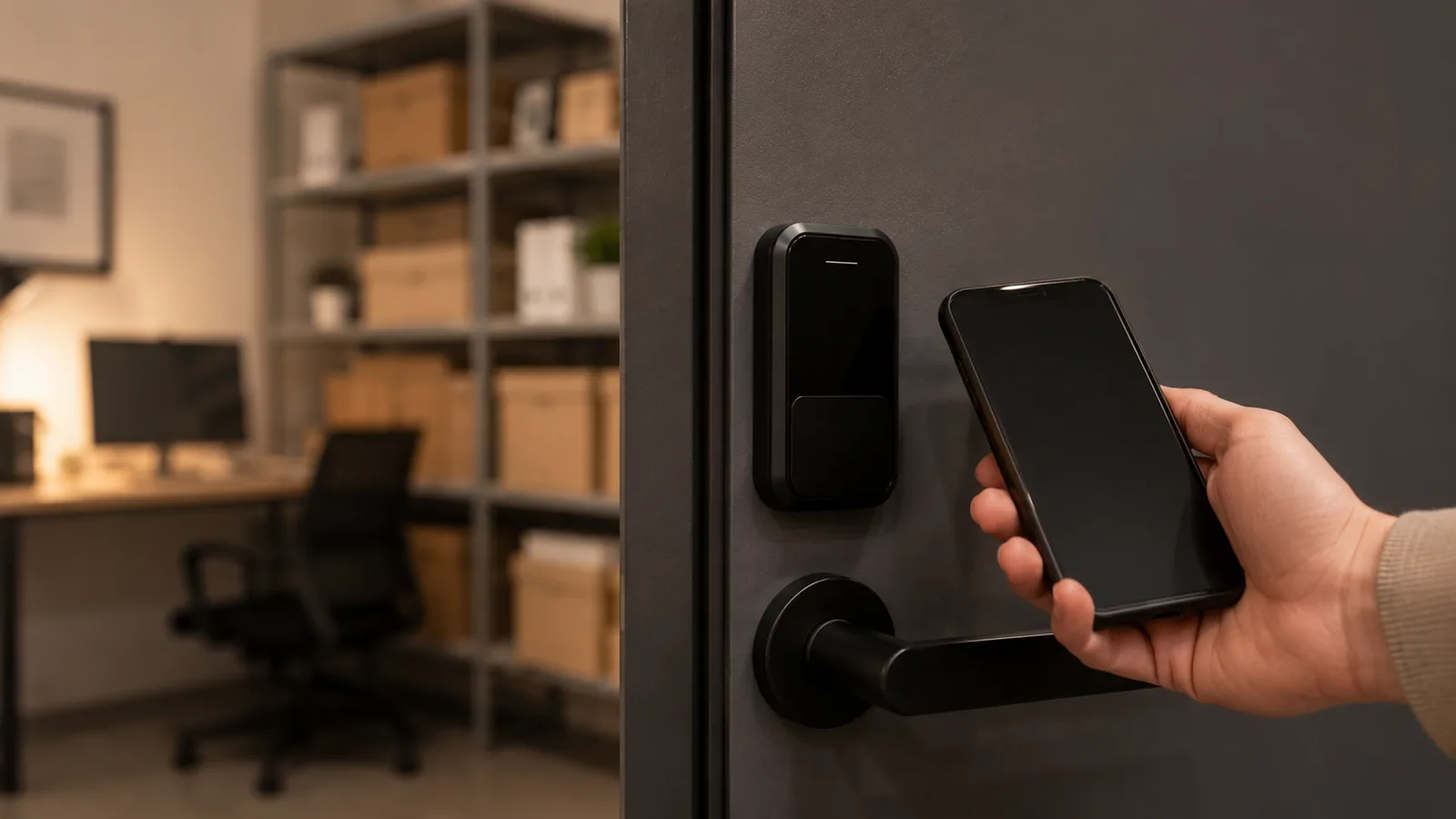
You need it when you have staff turnover and want to revoke one person's access instantly, when there is cash or controlled stock behind a door, or when a regulation requires access records. A shared keypad code cannot tell you who came in, only that someone with the code did. If that gap matters, you want individual credentials (badges or mobile keys) and the logging that comes with access control or a higher-end connected lock. Match the credential to the setting, too: a shared code suits a low-turnover back office, a phone-based mobile key suits staff who already carry a phone and removes the cost of lost fobs, and physical fobs or cards still make sense where phones are impractical, like a workshop floor. If it does not matter, paying for it is paying for a report you will never read. This pairs naturally with the footage from your security cameras guide: a log plus a clip is a complete record.
Cloud vs offline: the subscription and the internet question
Connected locks split into cloud-managed and offline, and the choice sets both your monthly cost and what happens when the internet drops. Decide it deliberately.
Cloud systems let you add and revoke access from your phone anywhere, send real-time alerts, and keep logs off-site, in exchange for a per-door monthly fee and a dependence on your connection. Offline or on-premises locks store credentials on the device, keep working with no internet and no subscription, and give you full control of the data, at the cost of managing them on-site. For a single-door shop, an offline keypad lock with no monthly fee is the honest default. For a multi-site business that needs to manage access remotely, the cloud fee earns its keep. In 2026, look for locks that speak Matter or Thread so you are not locked into one brand's app and hub.
DIY or hire a professional installer?
Whether you can fit a lock yourself depends entirely on the door, and that single question drives most of the cost gap between a $250 lock and a $3,000 access-controlled door. Check it before you buy anything.
A keypad or app smart lock on a standard interior or storefront door is a real do-it-yourself job: you swap the existing deadbolt or lever with a screwdriver in about half an hour, with no wiring involved. Hire a licensed installer the moment the work touches the building itself, an electric strike or maglock, a hard-wired reader, integration with a fire alarm or an exit device, or any lock on a designated fire-egress door, because those carry building-code and life-safety requirements you should not guess at. The in-between case, a single wireless fob reader on one door, can go either way depending on your comfort with a drill and the maker's template. When in doubt on an exit or fire door, pay for the installer: the fine or liability for a non-compliant egress lock dwarfs the labour you would have saved, and a jammed exit is a safety risk, not just a code one.
What a small business should skip
The money here leaks upward, into more system than the doors justify. Most small businesses can skip the following.
- Full access control for one or two doors. A keypad smart lock does the job for a fraction of the cost; the centralized system is built for scale you do not have.
- A cloud subscription for a single lock, unless you genuinely need remote management or an audit log; otherwise an offline lock costs nothing per month.
- Proprietary, single-brand systems that lock you into one app and hub; prefer open standards (Matter, Thread, or OSDP) so switching later does not mean ripping everything out.
- Biometric fingerprint locks for a general small business; they add cost and privacy-law questions for little real gain over a code or fob.
- Over-speccing "for the future" before you have the doors or staff to use it; add capacity when the need is real.
Does a smart lock pay off?
For most small businesses it pays off quickly, because it removes a recurring cost rather than adding one. The comparison is against keys, not against nothing.
A single $150 to $300 keypad lock pays for itself after roughly two avoided rekeys, and it saves the quieter costs too: the locksmith call-out, the hour lost waiting, and the security gap between an employee leaving and the lock being changed. Access control is a bigger bet that pays off differently, through instant revocation, audit logs, and not having to re-badge a whole team, but only at the scale that needs it. The mistake is not going keyless; it is buying a multi-door cloud system for a shop with one back door.
What this guide does not cover
This is a cost-and-decision guide for a small business premises, not a ranked review of specific lock models and not a full commercial access-control design. For the wider premises build see the smart devices for a small business hub, and for the surveillance layer the security cameras guide above. It also isn't legal, fire-code, or insurance advice: electronic locks on exit doors must meet local fire and egress codes, so anything hard-wired should be confirmed with a licensed installer and your local rules. Every price here is accurate to mid-2026; check the official page before you commit.
Sources
- Safe and Sound Security, access control systems cost (2026) (per-door hardware, install, and subscription)
- Simple Access Control, access control cost guide (2026) (rekeying costs and per-door pricing)
- Kisi, commercial smart locks vs access control (when each fits)
Frequently asked questions

Written by
Tapabrata Biswas
Tech Researcher
I test AI productivity tools and research home-automation gear the way most people use them. Not in a lab, but on an ordinary desk with an ordinary internet connection. The only test that matters: does it save you time?
Share the Post with Your Besties
Get the plain-English tech brief
One email a week on AI tools and smart-home tech. No jargon, no hype.