Smart Power Strip vs Smart Plug: Which Your Desk Actually Needs (2026)
Smart power strip vs smart plug: per-outlet vs together control, the cheap trick most guides miss, and what you should never automate off.

Researched with AI assistance, reviewed and edited by Tapabrata Biswas.
In this article
Most guides frame this as a spec sheet, one outlet versus several, but that isn't the decision. A smart plug and a smart power strip do the same core job, switching power on a schedule or by voice, so the question that actually picks one for you is whether you need to control your devices independently or all at once. Get that straight and the choice is obvious, and you'll often spend less than the comparison articles assume.
This is about choosing between the two form factors for a desk, not about which specific model to buy or whether they save money. For those, see which smart plug to buy and whether a smart plug saves money. Prices and models here reflect August 2026 and change often, and these picks come from manufacturer specs and independent coverage, not our own testing.
Smart plug or smart power strip? Ask one question first
The choice comes down to a single question: do you need to control the devices together or separately? A smart plug is one switch for one outlet. A smart power strip gives you several outlets in a bar, and it either switches them all as one group or one at a time, depending on the model. If your whole desk can go off together, you need one switch. If some gear must stay on while other gear turns off, you need per-outlet control.
Everything else, the USB ports, the surge protection, the cable length, is a tie-breaker, not the decision. Sort out together-or-separately first, because that alone rules out half the products.
The trap: many smart strips only switch all outlets at once
A smart power strip is not automatically a strip of individually controlled outlets, and that catches people. Plenty of cheaper models put every outlet on one relay, so the app is really a single on-off control for the whole bar. That's fine if you wanted one switch, but if you bought it expecting to schedule each outlet on its own, it can't.
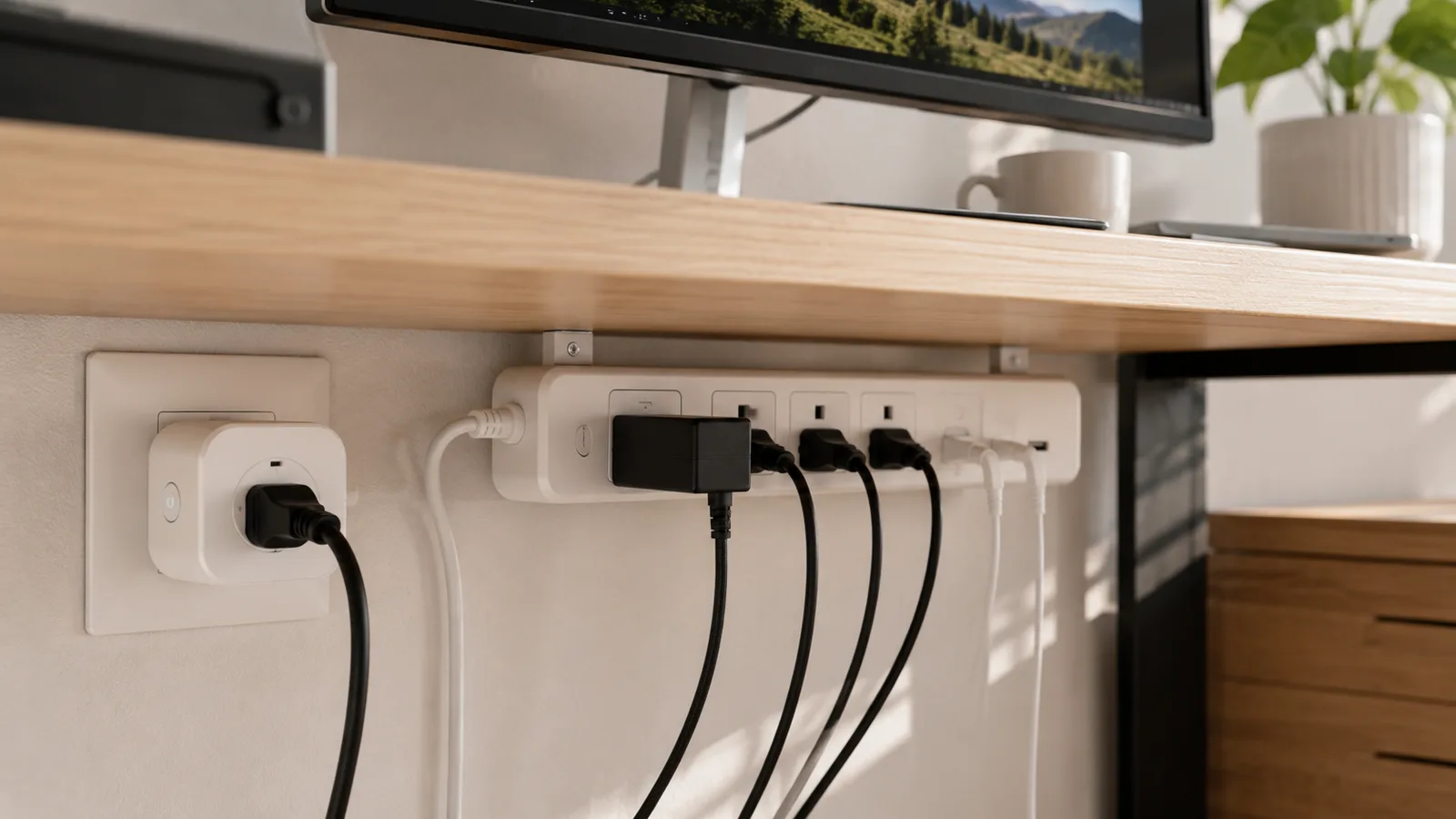
Only strips that specifically list "individually controlled outlets," like certain Kasa or Meross models, give you per-outlet schedules. So read the product page, not the headline. A group-only smart strip is a regular power strip with an app bolted on, and you can get that cheaper another way.
The cheapest answer most guides skip
If all you want is to cut power to the whole desk at night, the best buy is one smart plug on a regular power strip. Put a $10 smart plug in the wall, plug an ordinary surge strip into it, and hang your monitor, speakers, dock, and chargers off that. Now one schedule kills the entire desk at once, and you paid for a plug, not a $30 to $60 smart strip.
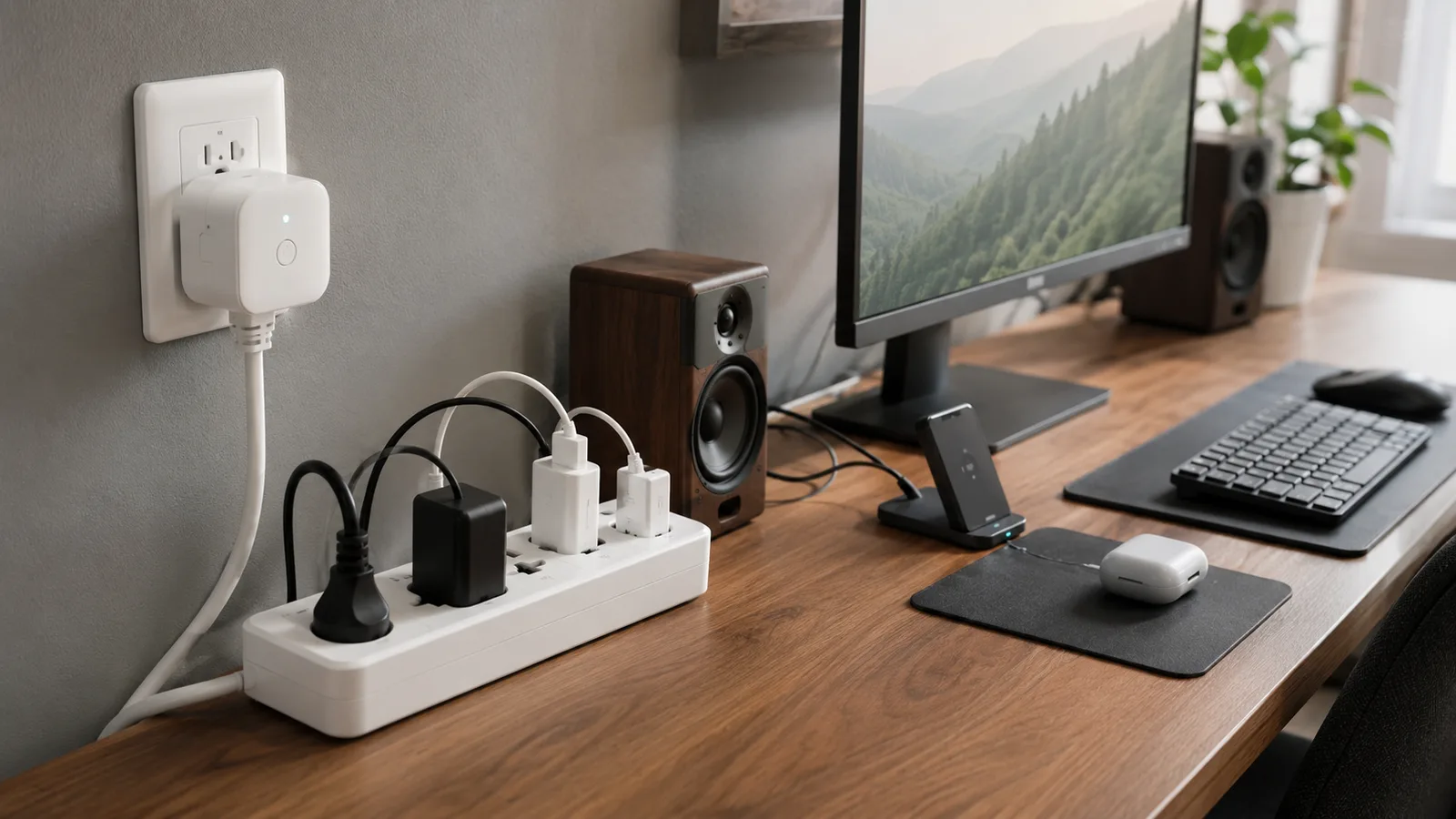
Almost none of the comparison articles mention this, and it's the right call for a big share of desks. You lose per-outlet control, which you may not need anyway, and you keep the surge protection and the extra outlets. It pairs neatly with the standby-power math in whether a smart plug saves money, because the savings come from cutting the whole idle desk, not from which enclosure the switch lives in.
Which one for your desk
With the together-or-separately question answered, the pick falls out by what you're actually trying to do. Match your situation to the row rather than buying the product with the most outlets.
| What you want to do | Buy this | Why | Rough cost |
|---|---|---|---|
| Control one device, like a lamp or a heater | A single smart plug | One outlet, compact, and the cheapest option | $8 to $15 |
| Switch the whole desk on and off together | One smart plug on a regular power strip | One schedule cuts everything at once, for the price of a plug | $10 to $25 total |
| Control desk devices on separate schedules | A smart power strip with per-outlet control | Each outlet switches on its own, which a single plug can't do | $30 to $60 |
| Just want more outlets and surge protection | A plain surge strip, plus one smart plug if you want a timer | Don't pay for smart outlets you'll never switch separately | $15 to $30 |
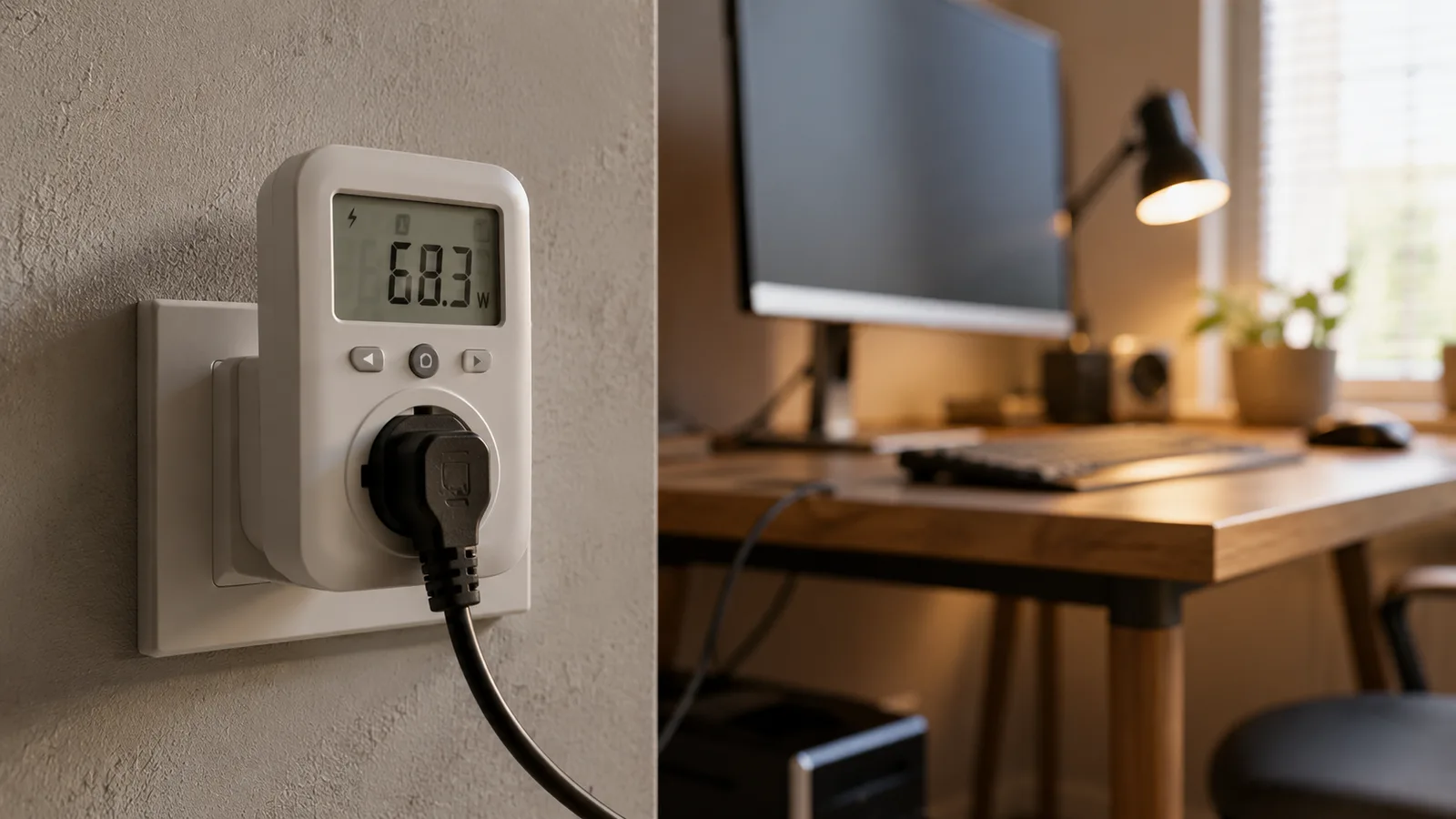
| See the power draw of each device | An energy-monitoring smart plug or a metered strip | Shows real watts per outlet, not just on or off | $15 to $60 |
Buy this
- Control one device, like a lamp or a heater
- A single smart plug
- Switch the whole desk on and off together
- One smart plug on a regular power strip
- Control desk devices on separate schedules
- A smart power strip with per-outlet control
- Just want more outlets and surge protection
- A plain surge strip, plus one smart plug if you want a timer
- See the power draw of each device
- An energy-monitoring smart plug or a metered strip
Why
- Control one device, like a lamp or a heater
- One outlet, compact, and the cheapest option
- Switch the whole desk on and off together
- One schedule cuts everything at once, for the price of a plug
- Control desk devices on separate schedules
- Each outlet switches on its own, which a single plug can't do
- Just want more outlets and surge protection
- Don't pay for smart outlets you'll never switch separately
- See the power draw of each device
- Shows real watts per outlet, not just on or off
Rough cost
- Control one device, like a lamp or a heater
- $8 to $15
- Switch the whole desk on and off together
- $10 to $25 total
- Control desk devices on separate schedules
- $30 to $60
- Just want more outlets and surge protection
- $15 to $30
- See the power draw of each device
- $15 to $60
The pattern is to buy the least smart thing that does the job. A single plug or a plug-on-a-strip covers most desks. Reserve the per-outlet smart strip for the case it's actually built for, and if you're kitting out the whole room, this slots into a budget-tiered smart office build.
When a real smart power strip is worth it
A per-outlet smart power strip earns its price in one situation: when devices on the same desk need different schedules. The classic case is a monitor, speakers, and desk lamp that should power down overnight while a phone charger or a small always-on device keeps running. One plug can't split that, and a group-only strip can't either, so the individually controlled strip is the right tool.
The other fair reasons are per-device energy monitoring, where you want to see each outlet's draw, and tidiness, where one managed bar under the desk beats several wall plugs. Those are real, just smaller, so weigh them against the extra cost rather than treating the strip as the default.
What you should not schedule off
Buying the right switch is only half of it. The other half is knowing what never belongs on an automated off-schedule, because cutting power to the wrong device causes more trouble than it saves. Keep a network drive or NAS, a printer that might be mid-job or updating its firmware, and anything you rely on being reachable remotely off any schedule that powers it down.
There's also the load limit, which applies to both form factors. High-wattage appliances like space heaters, microwaves, air conditioners, and hair dryers pull too much current for most smart plugs and strips, so they go straight into a wall outlet unless the product is clearly rated for that draw. Break either rule and the convenience turns into a corrupted drive or a tripped, overheating switch.
What this post does not cover
This compares the smart plug and smart power strip form factors for a desk, not a ranked list of specific models, which we handle in which smart plug to buy, and not the return-on-investment question, which is in whether a smart plug saves money. It also isn't about smart wall switches, which replace a wired switch and are a different install with their own trade-offs.
Models, per-outlet features, and prices change quickly, so treat the specifics here as current to August 2026, and confirm whether a strip controls each outlet separately before you buy it for that reason.
Sources
- Advanced Power Strips, US Department of Energy Energy Saver (how switched and smart power strips cut standby power)
- Kasa Smart Wi-Fi Power Strip, TP-Link (an example of a strip with individually controlled outlets)
- Smart plugs and power strips, ENERGY STAR (using switched outlets to save energy without wiring changes)
Frequently asked questions

Written by
Tapabrata Biswas
Tech Researcher
I test AI productivity tools and research home-automation gear the way most people use them. Not in a lab, but on an ordinary desk with an ordinary internet connection. The only test that matters: does it save you time?
Share the Post with Your Besties
Get the plain-English tech brief
One email a week on AI tools and smart-home tech. No jargon, no hype.