Do Smart Plugs Save Money? The Honest Home-Office Math (2026)
Do smart plugs save money in a home office? The real standby-power math, which desk gear is worth a plug, what's a waste, and the payback.

Researched with AI assistance, reviewed and edited by Tapabrata Biswas.
In this article
About 75% of the electricity your home electronics use gets drawn while they're switched off, according to the US Department of Energy. That single fact is why smart plugs get sold as money-savers. It's also why most articles about them are useless: they quote the scary number, tell you to buy a plug, and never do the actual math for your desk. So this does the math, in dollars and rupees, for a home office.
This is about whether a smart plug saves you money, not which one to buy. If you're shopping for a specific model, our guide to which smart plug to buy covers that separately. Prices and rates here reflect August 2026 and vary by region, so treat the numbers as a worked example, not a quote for your exact bill.
Do smart plugs save money?
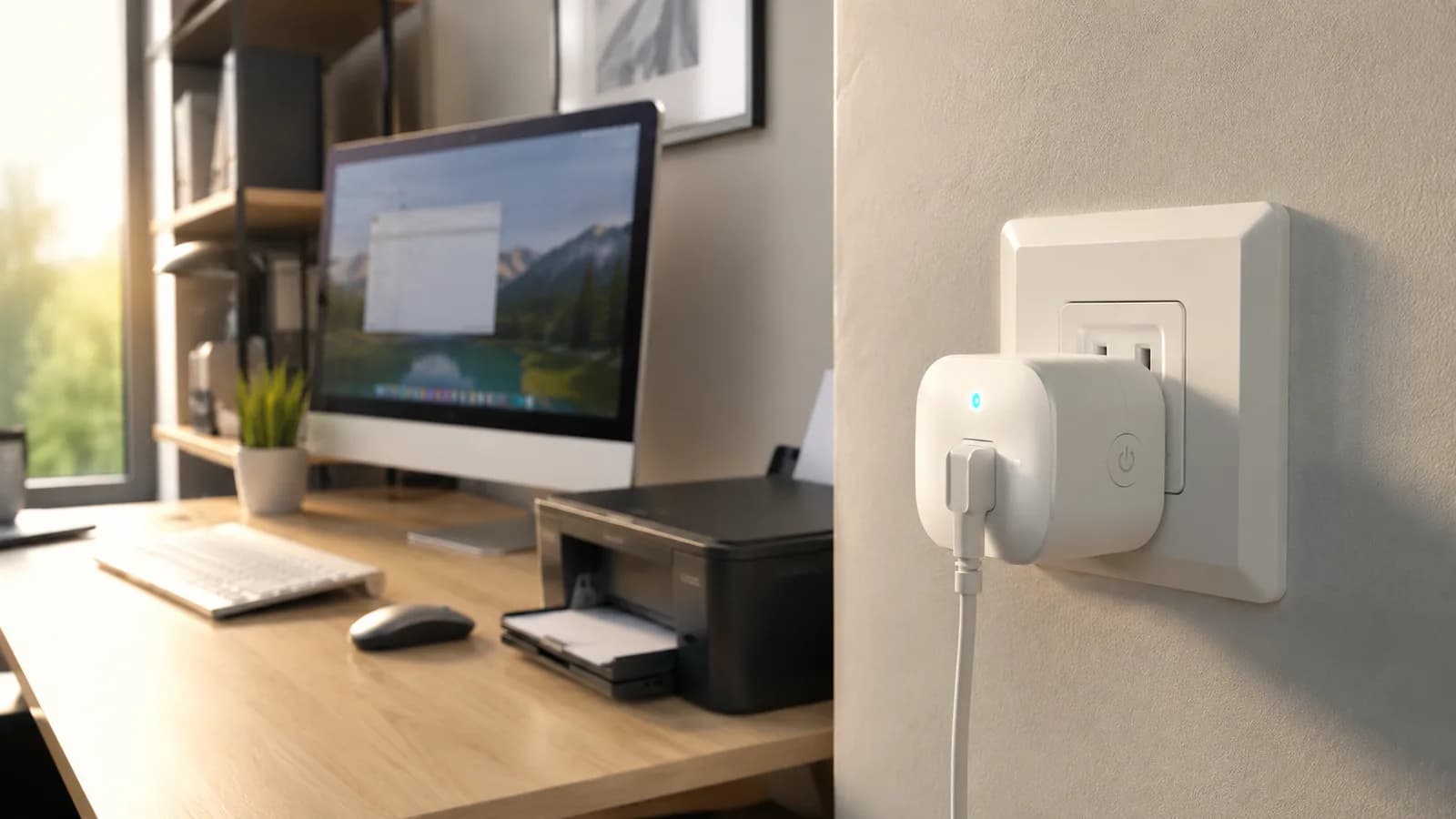
A smart plug is a Wi-Fi switch that sits between the wall and your device, and it saves money only when you use it to cut power that would otherwise be wasted. Plugging something in and leaving it on saves nothing. The savings come from scheduling a device off, usually to kill standby power or to stop something running when you're not around.
There's a cost on the other side of the ledger too. The plug stays connected to your Wi-Fi around the clock, which draws about 1 watt, or roughly 8.76 kWh a year. At 18 cents per kWh, that's about $1.44 a year just to keep the plug alive. Small, but it means the plug has to save more than that to earn its place.
Where the savings actually come from
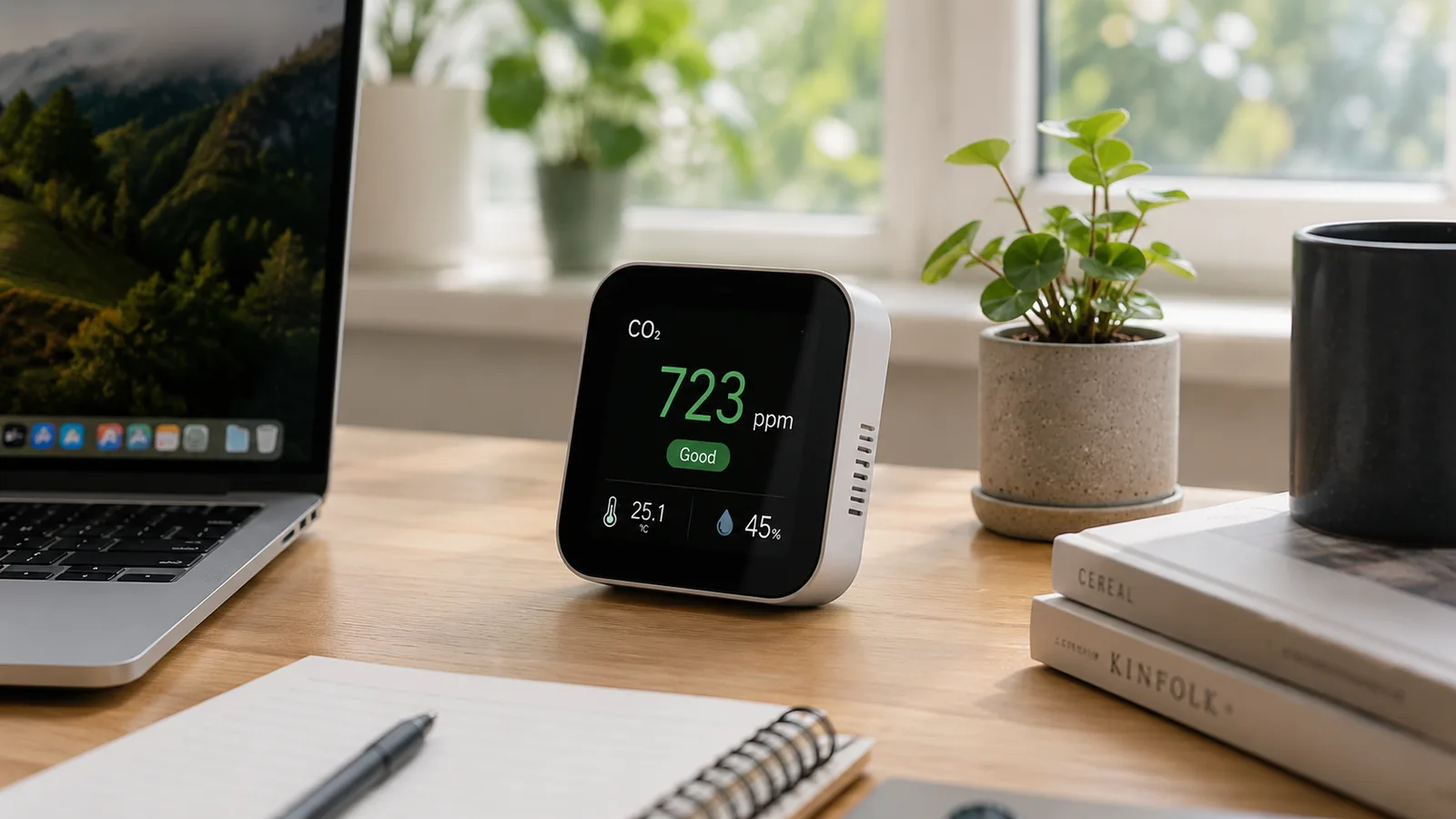
Standby power is the electricity a device draws while it's switched off but still plugged in, and it's the whole basis for smart-plug savings. You'll also see it called phantom load or vampire power. Lawrence Berkeley National Laboratory puts standby at roughly 5 to 10% of a typical home's electricity use, and the Department of Energy's 75% figure covers home electronics specifically.
A smart plug attacks that by cutting the circuit completely on a schedule, so a device draws a true zero overnight instead of trickling power for the 16 hours a day you're not using it. That's the mechanism. Everything else about smart-plug savings is a variation on it.
The honest home-office math
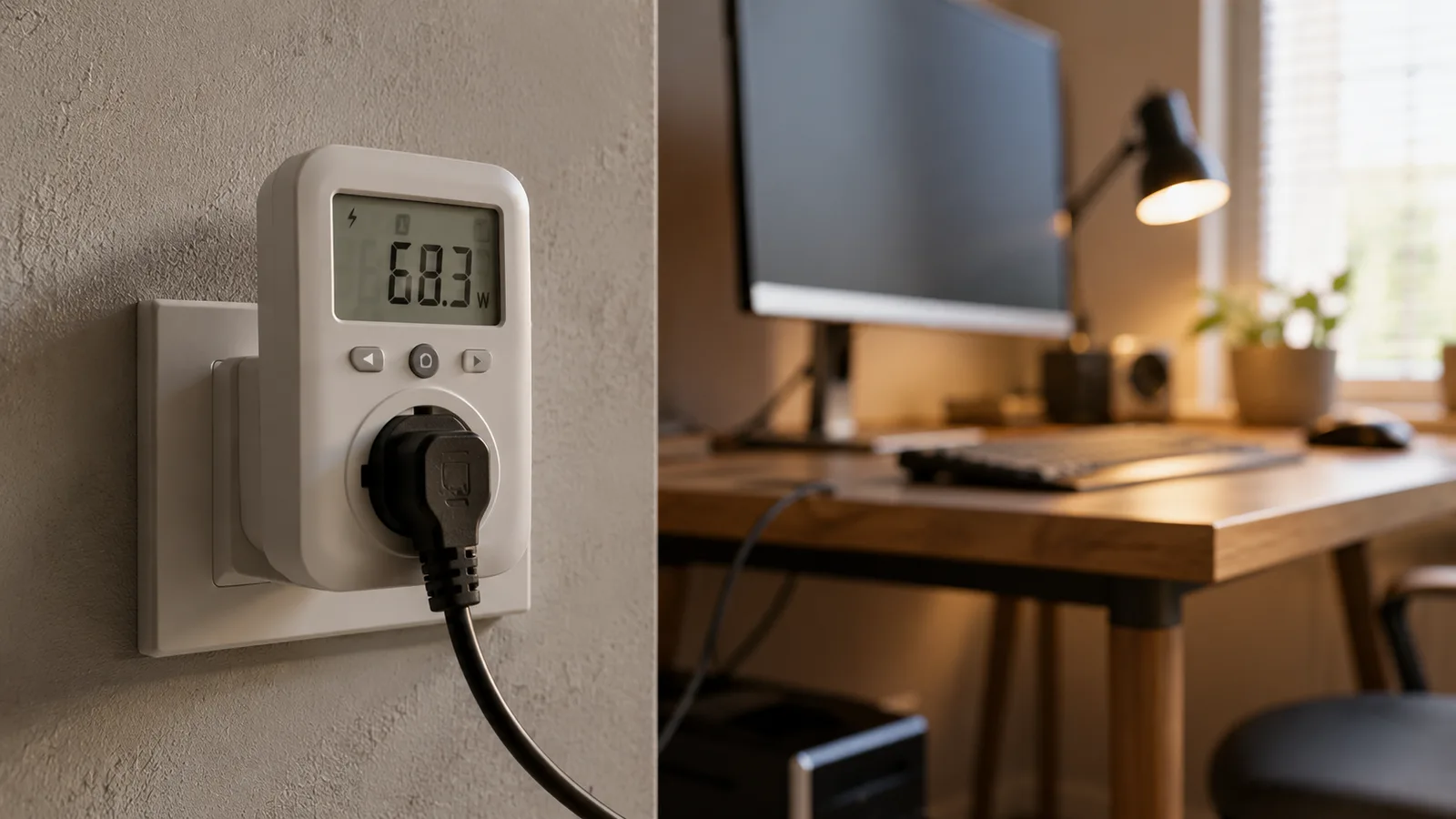
The part nobody ranking for this works out is the actual numbers. Take a normal desk: a laser printer left in ready mode, a desktop asleep rather than off, and a set of powered speakers. Together they might draw around 10 watts, all day, every day. That's about 88 kWh a year, or roughly $16 at 18 cents per kWh. In India, at about 7 rupees per unit, it's close to 613 rupees a year.
Now put them on one smart plug set to cut power from 7pm to 8am and all weekend, which is roughly three-quarters of the week. You'd save around $10 to $12 a year, or about 450 rupees. Subtract the plug's own $1.44, and you're netting maybe $10. A $12 plug pays for itself inside about a year and a half, then keeps saving after that.
Modest, but real, and it scales with the desk. The catch is that the 10-watt figure only holds if the gear on that plug genuinely draws power idle. Put a phone charger and a low-power monitor on it instead, and your 10 watts becomes half a watt, the savings become pennies, and the plug's own draw eats most of them.
What's worth a smart plug, and what's a waste
The devices worth a plug are the ones that draw meaningful power while idle or get left on by habit. A laser printer is the standout, because it can sit in a warm ready state pulling several watts for no reason. A sleeping desktop and desk speakers are close behind. Everything near zero in standby, a phone charger, a modern monitor, a laptop brick, isn't worth it, because the plug costs more to run than the device wastes.
| Device | Typical standby or ready draw | Rough cost a year if left on all the time | Worth a smart plug? |
|---|---|---|---|
| A laser printer left on or in ready mode | 2 to 5 W | About $3 to $8 | Yes, the strongest candidate on most desks |
| A desktop PC left asleep instead of off | 3 to 5 W | About $5 to $8 | Often, if you tend to leave it sleeping |
| Desk speakers or a soundbar | 1 to 3 W | About $2 to $5 | Usually, grouped on the same plug as the PC |
| A monitor in standby | 0.3 to 0.5 W | Under $1 each | No, it's already near zero |
| A phone or laptop charger with nothing attached | 0.1 to 0.5 W | A few cents | No, the plug draws more than it saves |
| A mug warmer or space heater left switched on | 15 to 25 W or far more | $25 to $40 and up | Yes, but you're scheduling an on-load, not killing standby |
Typical standby or ready draw
- A laser printer left on or in ready mode
- 2 to 5 W
- A desktop PC left asleep instead of off
- 3 to 5 W
- Desk speakers or a soundbar
- 1 to 3 W
- A monitor in standby
- 0.3 to 0.5 W
- A phone or laptop charger with nothing attached
- 0.1 to 0.5 W
- A mug warmer or space heater left switched on
- 15 to 25 W or far more
Rough cost a year if left on all the time
- A laser printer left on or in ready mode
- About $3 to $8
- A desktop PC left asleep instead of off
- About $5 to $8
- Desk speakers or a soundbar
- About $2 to $5
- A monitor in standby
- Under $1 each
- A phone or laptop charger with nothing attached
- A few cents
- A mug warmer or space heater left switched on
- $25 to $40 and up
Worth a smart plug?
- A laser printer left on or in ready mode
- Yes, the strongest candidate on most desks
- A desktop PC left asleep instead of off
- Often, if you tend to leave it sleeping
- Desk speakers or a soundbar
- Usually, grouped on the same plug as the PC
- A monitor in standby
- No, it's already near zero
- A phone or laptop charger with nothing attached
- No, the plug draws more than it saves
- A mug warmer or space heater left switched on
- Yes, but you're scheduling an on-load, not killing standby
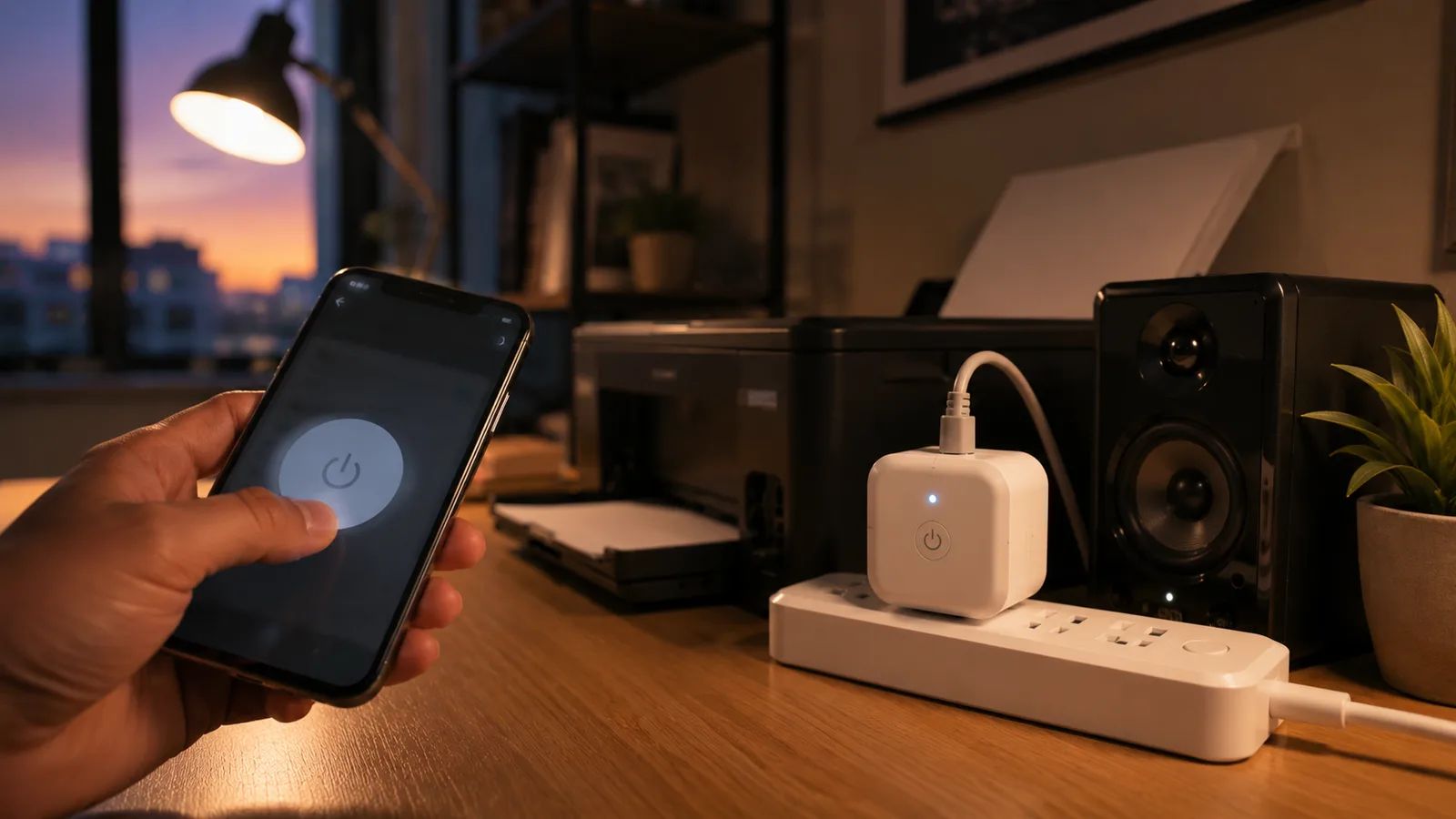
The table makes the split obvious. Group your real idle-power offenders on one plug and leave the near-zero stuff alone. One common mistake is putting a smart plug on each device out of tidiness, which multiplies that $1.44-a-year plug cost across gadgets that were never wasting anything.
Two things to never put on a scheduled smart plug
Some devices lose you money or break when you cut their power on a timer, and two show up in home offices constantly. Your Wi-Fi router is the first. It needs to stay on, and on a lot of setups the router is what keeps the smart plug itself reachable, so a schedule that kills the router can lock you out of your own plug.
The second is an inkjet printer. Cutting its power fully can trigger a print-head cleaning cycle when it powers back up, and that cycle burns ink every single time. Over a month of nightly power cuts, you can waste more in ink than the printer's standby power would have cost in a year. Leave both of these on a normal socket.
So, is it worth it for a home office?
For most home offices, a smart plug is worth it if you have the right loads, and a gimmick if you don't. If you run a laser printer, leave a desktop sleeping, or forget to switch off a space heater or mug warmer, the payback lands around one to two years and the plug quietly saves money after that. The heater and warmer are actually the biggest wins, because you're cutting a real on-load, not chasing milliwatts of standby.
If your desk is a laptop and a monitor that already sip power, buy the plug for the convenience of scheduling and voice control, not for the electricity bill, and be honest with yourself about which one you're really paying for. Once you've decided, a budget-tiered smart office build shows where a plug fits alongside the rest of the gear, and our list of smart devices worth buying for a small business covers the non-plug hardware.
What this post does not cover
This is a look at whether smart plugs save money in a home office, not a buyer's guide to specific models and not a whole-home energy audit. For model picks, see which smart plug to buy. It also doesn't cover solar, battery storage, or the energy-monitoring plugs that measure draw rather than just switch it, which are a related but separate purchase.
Electricity rates, device standby draws, and plug prices all vary by region and model, so treat the figures here as a worked example current to August 2026 and check your own rate and your own gear before counting on a specific saving.
Sources
- Standby Power, Lawrence Berkeley National Laboratory (standby power as a share of home electricity use)
- 3 Easy Tips to Reduce Your Standby Power Loads, US Department of Energy (the share of electronics power used while off)
- Electric Power Monthly, US Energy Information Administration (average US residential electricity price, 2026)
Frequently asked questions

Written by
Tapabrata Biswas
Tech Researcher
I test AI productivity tools and research home-automation gear the way most people use them. Not in a lab, but on an ordinary desk with an ordinary internet connection. The only test that matters: does it save you time?
Share the Post with Your Besties
Get the plain-English tech brief
One email a week on AI tools and smart-home tech. No jargon, no hype.