Circadian Smart Lighting for a Home Office Without the Hue Tax (2026)
Circadian smart lighting for a home office: a $12 tunable-white bulb does most of it, the exact schedule to set, white vs color, and when Hue is worth it.

Researched with AI assistance, reviewed and edited by Tapabrata Biswas.
In this article
The average guide to circadian lighting for a home office names exactly one product, Philips Hue, and never mentions that a $12 bulb does nearly the same job. That's the gap worth closing, because the useful part of this, shifting your light from cool daylight in the morning to warm amber at night, is a feature of any tunable-white smart bulb, not a premium you have to pay. This is the honest, budget-first version.
Circadian smart lighting here means tunable-white lighting on a schedule, not color scenes and not a commercial human-centric install. If you want color changing for ambiance, that's a different and pricier purchase. Prices and models reflect August 2026 and change often, and these picks come from manufacturer specs and independent coverage, not our own testing.
What circadian lighting is, and the honest benefit
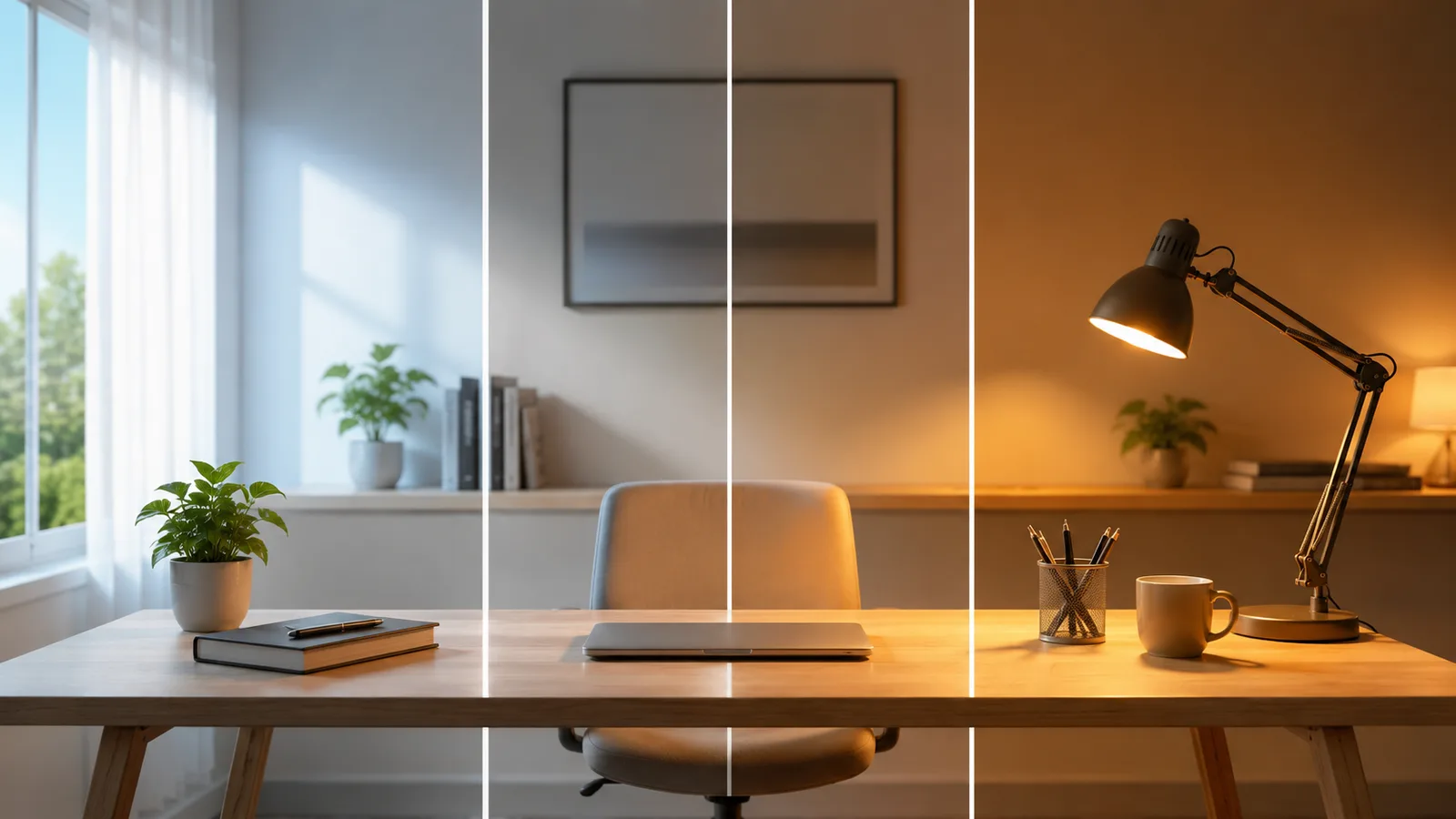
Circadian lighting is light that changes color temperature through the day to roughly follow the sun, cool and bright when you should be alert, warm and dim when you should be winding down. The idea comes from research on how light affects the body clock, and for a workspace it boils down to two effects worth having. Cooler daytime light helps many people feel more focused, and warm evening light stops your desk lamp from fighting your sleep.
Be a little skeptical of the rest. Vendors stretch this into "light therapy" and productivity transformation, and for a single home office the real payoff is smaller than that: a bit more alertness by day, better wind-down at night. That's still worth a cheap bulb, just not the wellness-industry price tag.
You don't need Philips Hue for this
The most useful thing to know is that tunable white is a commodity feature now, so a cheap bulb gets you there. A WiZ, Kasa, or Wyze tunable-white bulb costs $10 to $15, screws into the lamp you already own, connects straight to wifi with no hub, and schedules its color temperature in a free app. That covers roughly 90% of what a full circadian setup does.
Philips Hue does the same core job with a slicker app and faster, more reliable local control, but it asks for a $60 bridge before the first bulb and charges more per bulb, running about 20% higher than WiZ at the same brightness. For one desk, that's paying for polish. It pairs with scheduling gear to save power in the same way: the value is in the schedule, not the brand.
Buy tunable white, not color
The easiest money to waste here is on color you'll never use. Tunable-white bulbs shift only along the warm-to-daylight range, about 2700K to 6500K, which is the entire spectrum a working desk needs. Color, or RGB, bulbs add reds, greens, and blues on top, cost more, and do nothing for focus.
Unless you specifically want colored ambiance for a stream or a mood, skip the color premium and buy white. You'll spend your whole workday somewhere between a warm 2700K and a bright 6500K, and never once set your desk to purple. This is the one spec to get right, and it's covered in any decent starter kit like a budget-tiered smart office build.
The lighting tiers, from a single bulb up
You can start with one bulb and grow, so match the tier to how much of your space you want to cover rather than buying the flagship kit first.
| Tier | What you get | Rough cost | Best for |
|---|---|---|---|
| The $12 fix | One tunable-white wifi bulb (WiZ, Kasa, or Wyze) in your existing lamp, scheduled in the free app | $10 to $15 | Most desks, and about 90% of the benefit |
| A brighter setup | Two or three tunable-white bulbs across your desk and room lamps on one app | $30 to $50 | Even, glare-free work light |
| Front light for calls | A tunable desk light bar, or a stick-on strip behind the monitor | $30 to $80 | Better video-call lighting and less screen glare |
| The premium ecosystem | Philips Hue tunable-white bulbs plus the Hue Bridge | $60 bridge plus about $25 a bulb | Rock-solid local control, color scenes, a big multi-room build |
What you get
- The $12 fix
- One tunable-white wifi bulb (WiZ, Kasa, or Wyze) in your existing lamp, scheduled in the free app
- A brighter setup
- Two or three tunable-white bulbs across your desk and room lamps on one app
- Front light for calls
- A tunable desk light bar, or a stick-on strip behind the monitor
- The premium ecosystem
- Philips Hue tunable-white bulbs plus the Hue Bridge
Rough cost
- The $12 fix
- $10 to $15
- A brighter setup
- $30 to $50
- Front light for calls
- $30 to $80
- The premium ecosystem
- $60 bridge plus about $25 a bulb
Best for
- The $12 fix
- Most desks, and about 90% of the benefit
- A brighter setup
- Even, glare-free work light
- Front light for calls
- Better video-call lighting and less screen glare
- The premium ecosystem
- Rock-solid local control, color scenes, a big multi-room build
For most people the $12 tier is genuinely enough, and the jump to a couple more bulbs is about evenness and brightness, not a better circadian effect. Reserve the Hue tier for a real reason, which the last section covers.
The schedule to actually set
The setting no guide seems to give you is the actual schedule, so here it is in plain numbers. Build these into your bulb's app once and the light follows your day on its own.
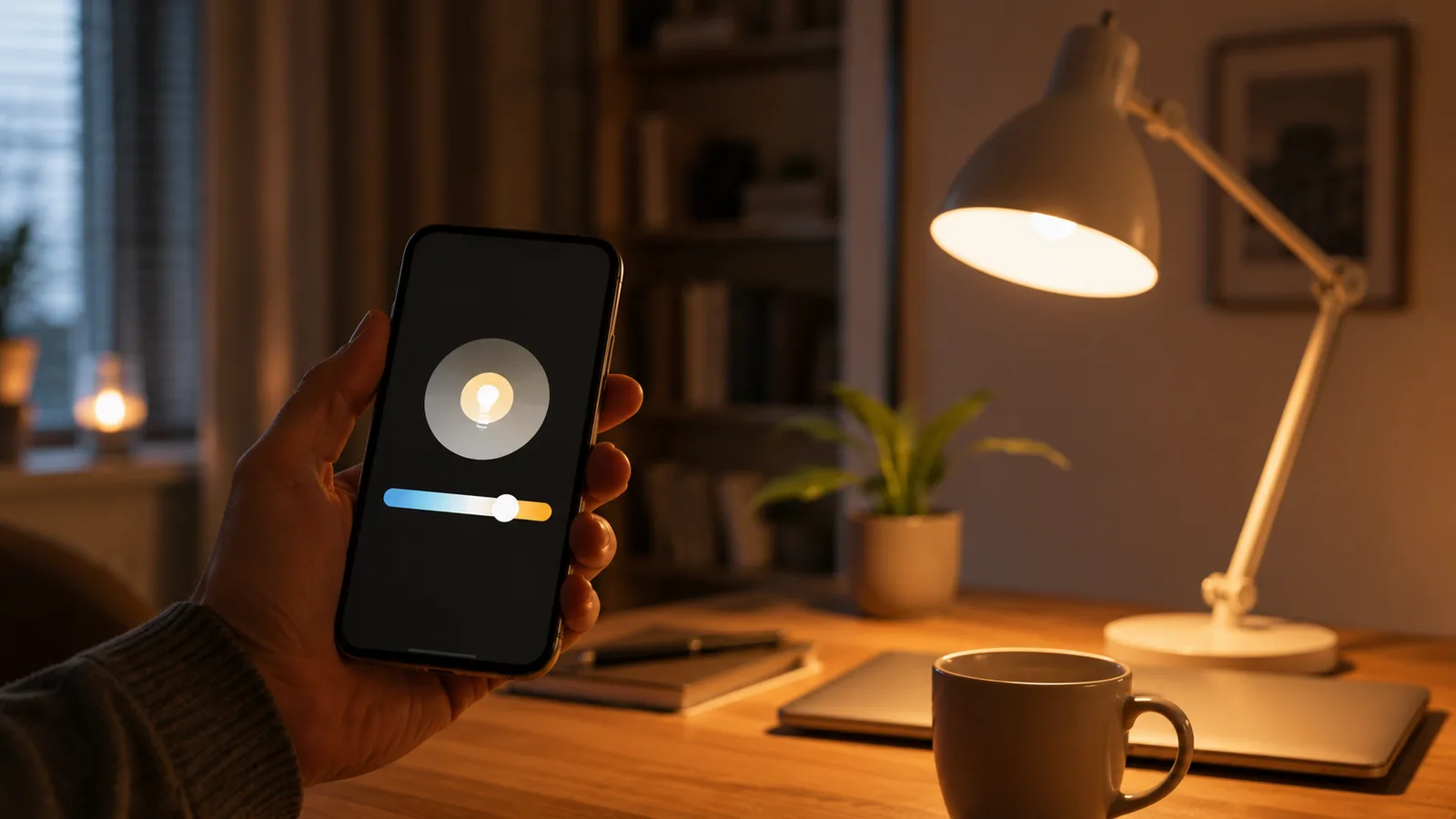
Set cool, bright light in the morning, roughly 5000K to 6500K from when you start until late morning, for alertness. Hold a neutral 4000K to 5000K through midday and early afternoon. Start warming to about 3500K in the late afternoon. Then drop to a warm 2700K in the evening, and dim it, especially in the last hour before bed, so the light isn't pushing back your sleep. Many apps also offer a one-tap "natural" mode that tracks the sun, which is a fine starting point if you'd rather not set times by hand.
When Philips Hue is genuinely worth it
Hue does earn its price in specific cases, so it isn't a trap, just a mismatch for one desk. It's worth it if you're lighting a whole home with many bulbs, where the bridge's reliability and speed matter across rooms, or if you want proper color scenes and tight integration with the rest of a smart-home setup.
It's also the pick if instant, local response matters to you, since bridge-connected bulbs react faster and keep working if your wifi hiccups. For a single home office where you just want daylight-to-warm on a schedule, none of that applies, and the cheap wifi bulb wins on value. If your office needs more than lighting, our roundup of smart devices worth buying for a small business covers the rest.
What this post does not cover
This is about tunable-white lighting for a home office on a budget, not color-changing ambiance, not a commercial human-centric lighting install for an open-plan office, and not medical light therapy for a diagnosed sleep or mood condition, which is a matter for a clinician. It also isn't a wiring guide: everything here screws into an existing lamp or plugs in, with no electrician needed.
Bulb models, color-temperature ranges, and prices change quickly, so treat the specifics here as current to August 2026, and check that a bulb is labeled tunable white with your target Kelvin range before you buy it for a schedule.
Sources
- Effects of light on human circadian rhythms, sleep and mood, National Library of Medicine (the research behind cool-day, warm-evening lighting)
- Lighting Choices to Save You Money, US Department of Energy Energy Saver (LED color temperature and the Kelvin scale)
- Tunable white smart bulbs, Philips Hue (the 2200K to 6500K tunable-white range and how bridge-based control works)
Frequently asked questions

Written by
Tapabrata Biswas
Tech Researcher
I test AI productivity tools and research home-automation gear the way most people use them. Not in a lab, but on an ordinary desk with an ordinary internet connection. The only test that matters: does it save you time?
Share the Post with Your Besties
Get the plain-English tech brief
One email a week on AI tools and smart-home tech. No jargon, no hype.