Renter's Smart Home Office Setup: No Drilling, No Deposit Lost (2026)
A renter's smart home office setup: the no-drill build by job, what a lease allows, the devices to skip, and the removable-in-30-seconds test.

Researched with AI assistance, reviewed and edited by Tapabrata Biswas.
In this article
- 01Can renters build a smart home office without drilling?
- 02The line that matters: what needs permission and what doesn't
- 03A no-drill office build, by job
- 04Lighting and desk control, the two that matter most
- 05Mounting without damage, and the traps
- 06What to skip, and moving out clean
- 07What this post does not cover
- 08Sources
You can build a genuinely useful smart home office in a rental for under $150 without drilling a single hole, and the only real skill involved is knowing which devices leave a trace and which don't. That line, between what needs a screwdriver and what needs only an outlet, is the whole game for a renter, and it's the part most setup guides skip because they're written for owners who can wire whatever they like. This is the renter's version.
This is the no-drill, no-permission take on a smart home office, meaning the smart-tech build, not the desk-and-decor side. If you own the place and can hardwire, the full smart office build for owners covers that instead. Prices and models here reflect August 2026 and change often, and these picks come from manufacturer specs and independent guides, not our own testing, so confirm before you buy.
Can renters build a smart home office without drilling?
A renter-friendly smart device is anything that installs with only an outlet, a bulb socket, a battery, or removable adhesive, and in 2026 those alone cover most of what a home office needs. Lighting, desk control, delivery and door monitoring, and leak or comfort sensing all have plug-in or battery versions now, so you're not settling for a stripped-down setup. You're just skipping the fixed wiring.
What you give up is the hardwired category, and it's a short list: smart light switches, doorbells tied into an existing chime, and thermostats. For a rental, losing those three to keep your deposit is an easy trade.
The line that matters: what needs permission and what doesn't
The one rule that keeps you out of trouble is simple to state: if removing a device would leave the unit different from how you found it, it needs your landlord's permission. Smart switches replace a wired fitting, hardwired doorbells tap the existing chime wiring, and thermostats swap a fixed control, so all three change the property and usually need sign-off and a return-to-original plan. Everything that plugs in, screws into a socket, runs on batteries, or sticks on with removable adhesive changes nothing, so it needs no permission at all.
Keep that test in your head while you shop and the whole project stays safe. When a product listing shows a device being hardwired or screwed into drywall, look for the plug-in or battery version of the same thing, because there almost always is one now.
A no-drill office build, by job
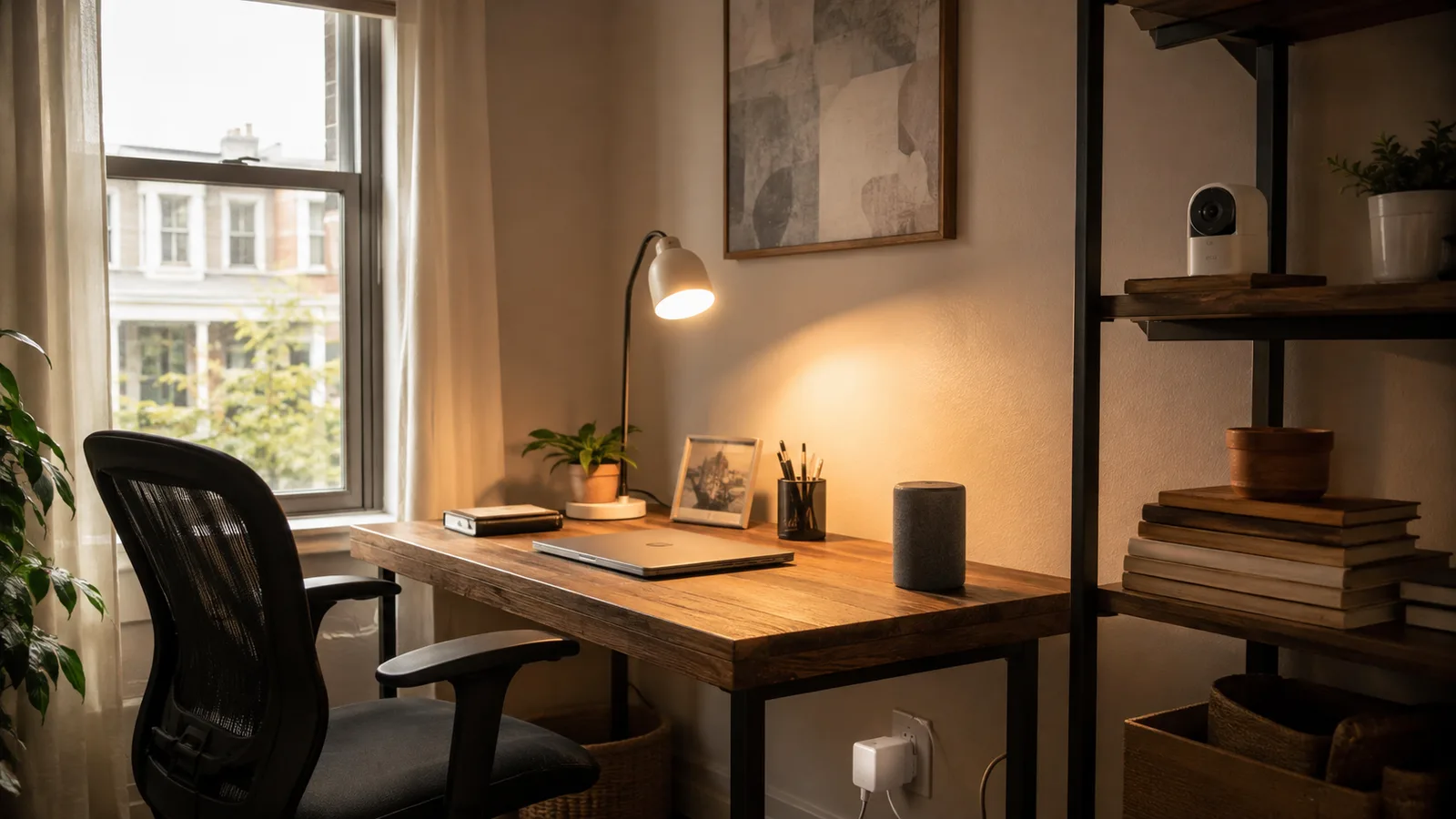
The fastest way to spend well is to match each device to the job it does, rather than buying a themed "starter kit" full of things a desk doesn't need. A home office really wants five things: usable light for calls, control over the desk gear, an eye on the door, a hands-free hub, and a warning when something leaks or overheats.
| The job | What to use (no drilling) | How it mounts | Rough cost |
|---|---|---|---|
| Better light for video calls | A tunable smart bulb, or a clip-on LED plus a stick-on light strip | Screws into the existing socket; the strip uses removable adhesive | $12 to $40 |
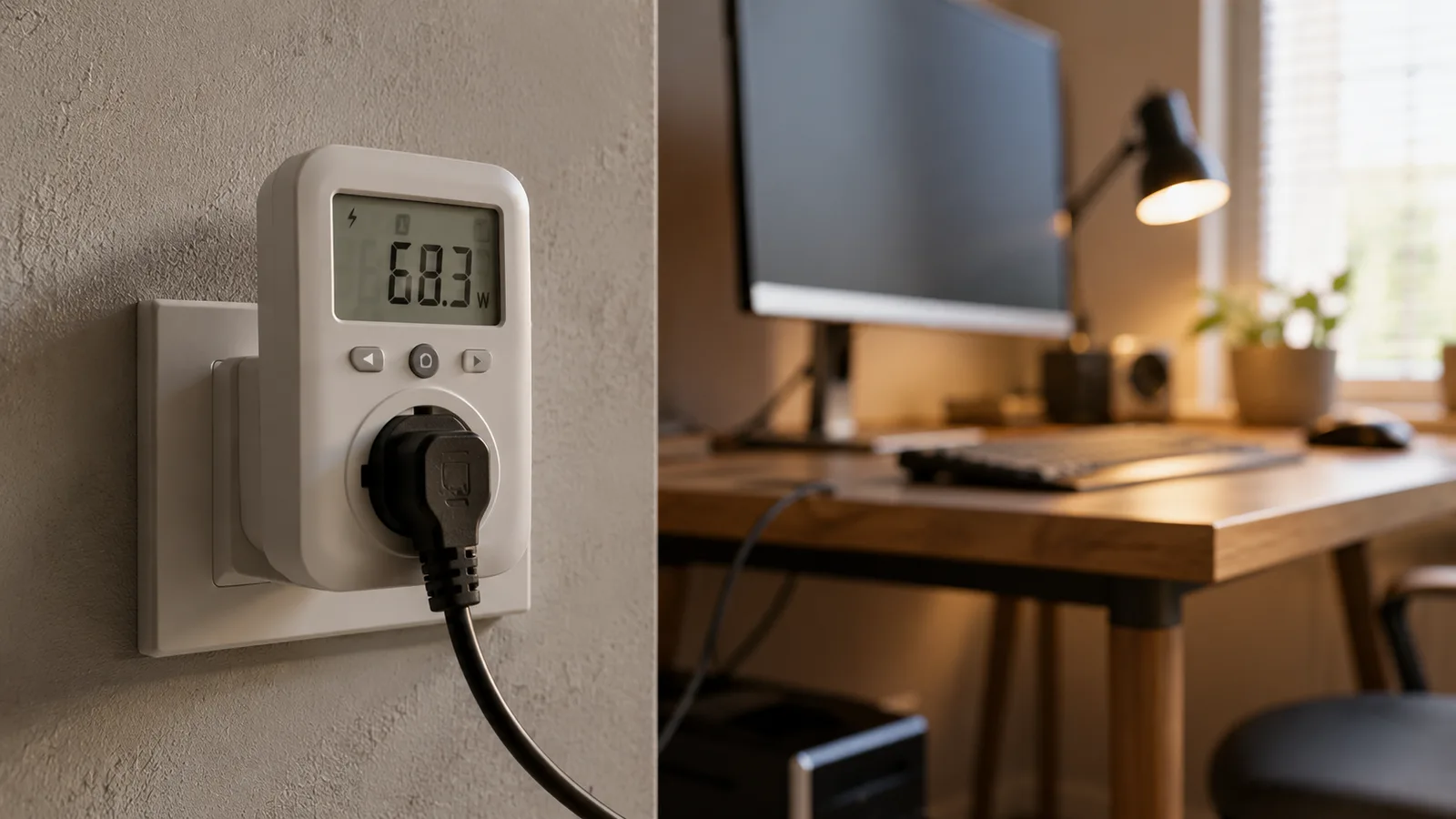
| Control the desk gear by voice or schedule | A smart plug (an energy-reading one if you want the numbers) | Plugs into the wall, nothing permanent | $10 to $25 |
| Watch the door for deliveries | A battery security camera or a battery video doorbell | Sits on a shelf, or a no-drill adhesive or tension mount | $30 to $100 |
| A hands-free hub for timers and control | A smart speaker or a small smart display | Sits on the desk | $25 to $90 |
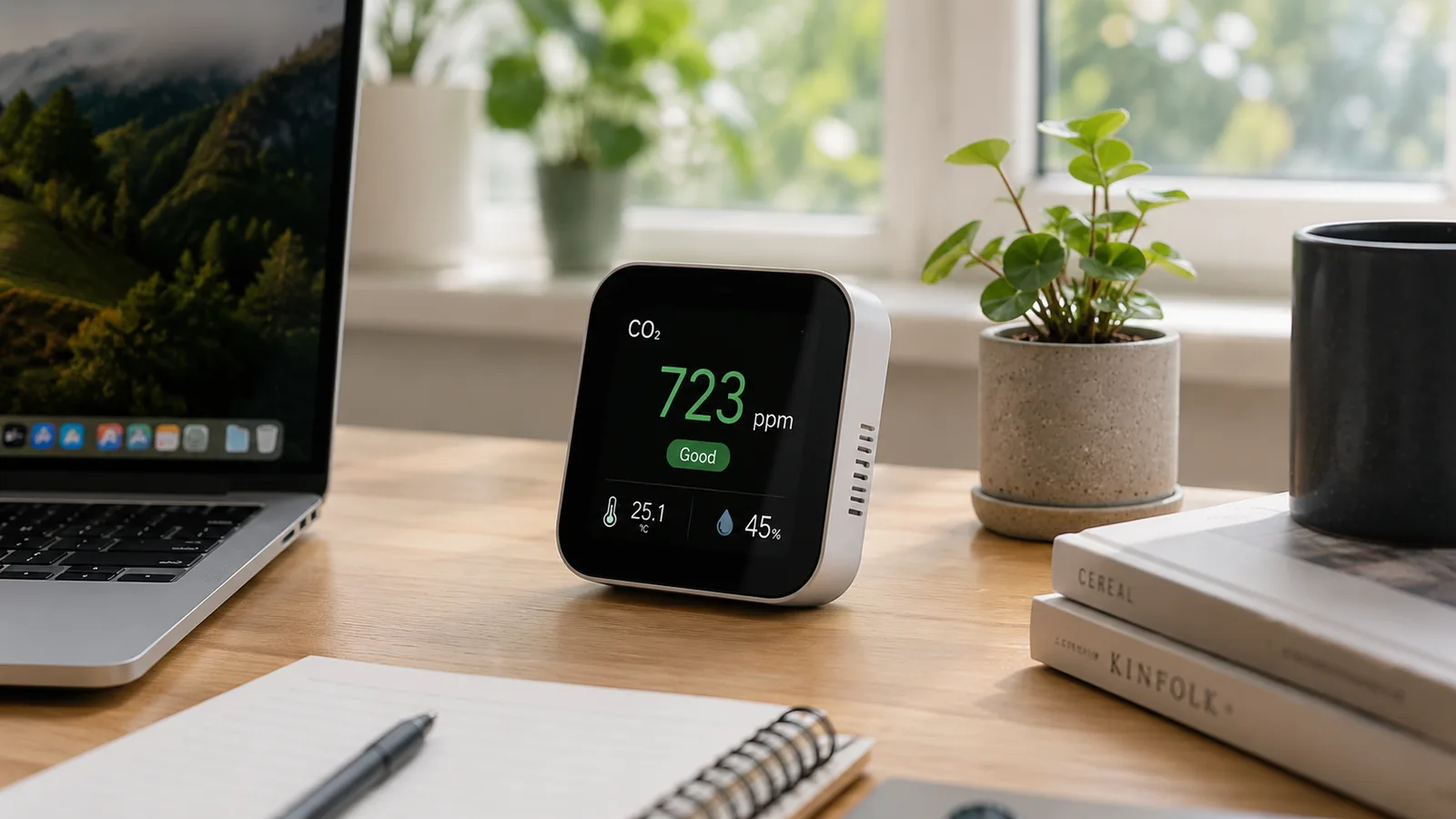
| Catch leaks and comfort problems | A battery water-leak sensor and a temperature and humidity sensor | Placed on the floor or a shelf, battery-powered | $15 to $40 |
| Tie it all together | A Matter-compatible ecosystem (Alexa, Google Home, or Apple Home) | App only, no hardware to mount | $0 with a phone you own |
What to use (no drilling)
- Better light for video calls
- A tunable smart bulb, or a clip-on LED plus a stick-on light strip
- Control the desk gear by voice or schedule
- A smart plug (an energy-reading one if you want the numbers)
- Watch the door for deliveries
- A battery security camera or a battery video doorbell
- A hands-free hub for timers and control
- A smart speaker or a small smart display
- Catch leaks and comfort problems
- A battery water-leak sensor and a temperature and humidity sensor
- Tie it all together
- A Matter-compatible ecosystem (Alexa, Google Home, or Apple Home)
How it mounts
- Better light for video calls
- Screws into the existing socket; the strip uses removable adhesive
- Control the desk gear by voice or schedule
- Plugs into the wall, nothing permanent
- Watch the door for deliveries
- Sits on a shelf, or a no-drill adhesive or tension mount
- A hands-free hub for timers and control
- Sits on the desk
- Catch leaks and comfort problems
- Placed on the floor or a shelf, battery-powered
- Tie it all together
- App only, no hardware to mount
Rough cost
- Better light for video calls
- $12 to $40
- Control the desk gear by voice or schedule
- $10 to $25
- Watch the door for deliveries
- $30 to $100
- A hands-free hub for timers and control
- $25 to $90
- Catch leaks and comfort problems
- $15 to $40
- Tie it all together
- $0 with a phone you own
A core version of that, a smart plug, a tunable bulb, a speaker, and a leak sensor, runs about $80 to $150. Add the battery camera and a couple more sensors and a fuller build lands around $200 to $300. You can also buy it one piece at a time, starting with a single $10 plug, because none of it needs to be installed together. Several of these overlap the smart devices worth buying for a small business, just in their renter-safe forms.
Lighting and desk control, the two that matter most
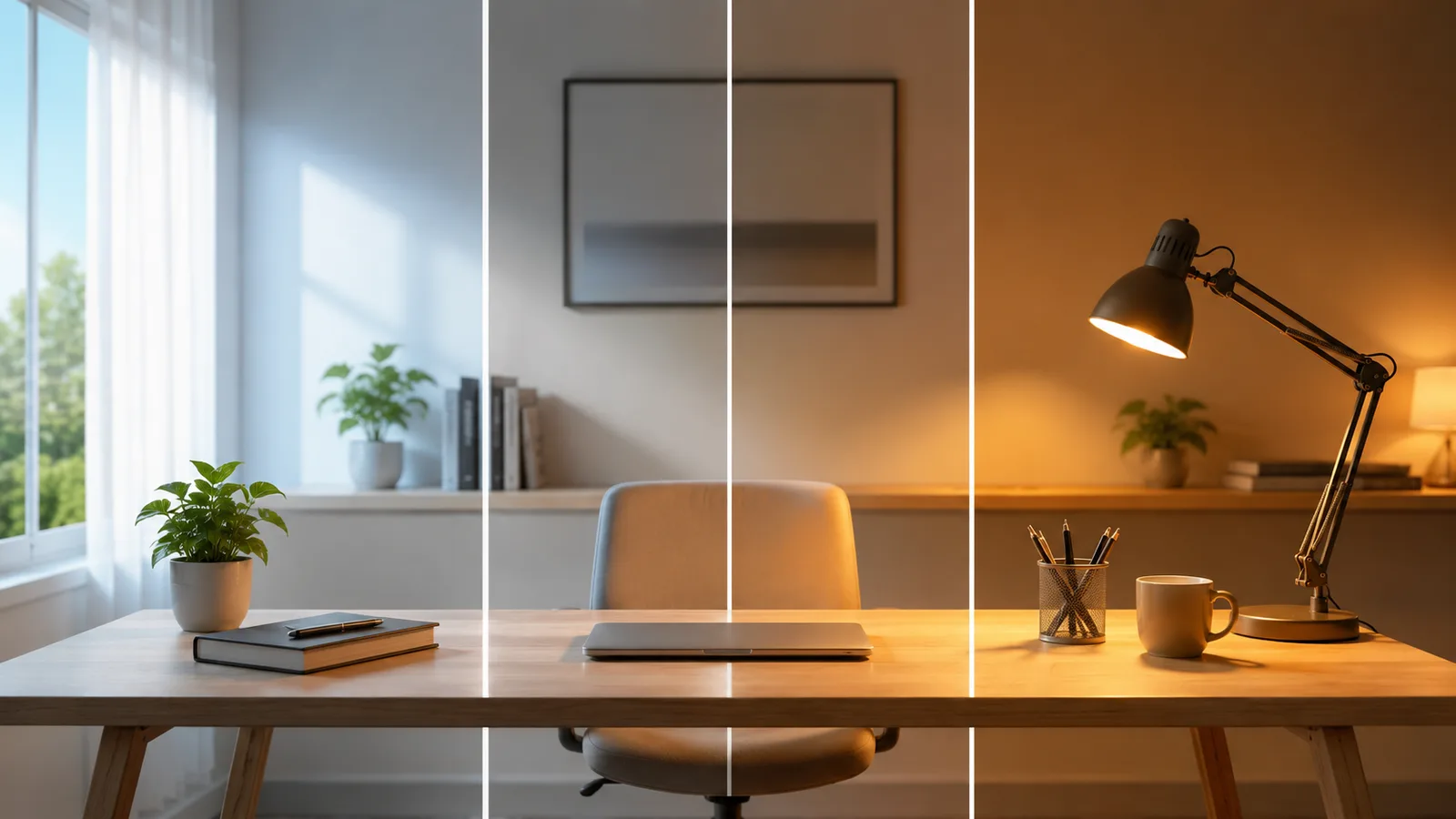
The two upgrades you'll feel every day are light and desk control, and both are the easiest to do without a drill. Screw a tunable white smart bulb into your existing lamp and you can shift from a cool daylight tone for video calls to a warm tone in the evening, all from an app or your voice, with nothing mounted. A stick-on LED strip behind your monitor kills screen glare and peels off cleanly when you leave.
For the desk itself, a single smart plug turns your monitor, dock, and charger into something you can switch off by schedule or voice, which is tidier and cheaper to run. If you want to see what that saves, we worked out whether a smart plug saves money for a desk in detail. Neither the bulb nor the plug touches a wall or a wire.
Mounting without damage, and the traps
When you do need something on a wall or door, the mounting method is where deposits are won or lost. Removable adhesive strips, tension rods, and over-the-door hooks hold a battery camera, a small light panel, or a video doorbell without a single hole. The trap is weight: use an adhesive strip rated well above the device's weight, and press it for the full time on the pack, because a strip that lets go can take a chip of paint with it.
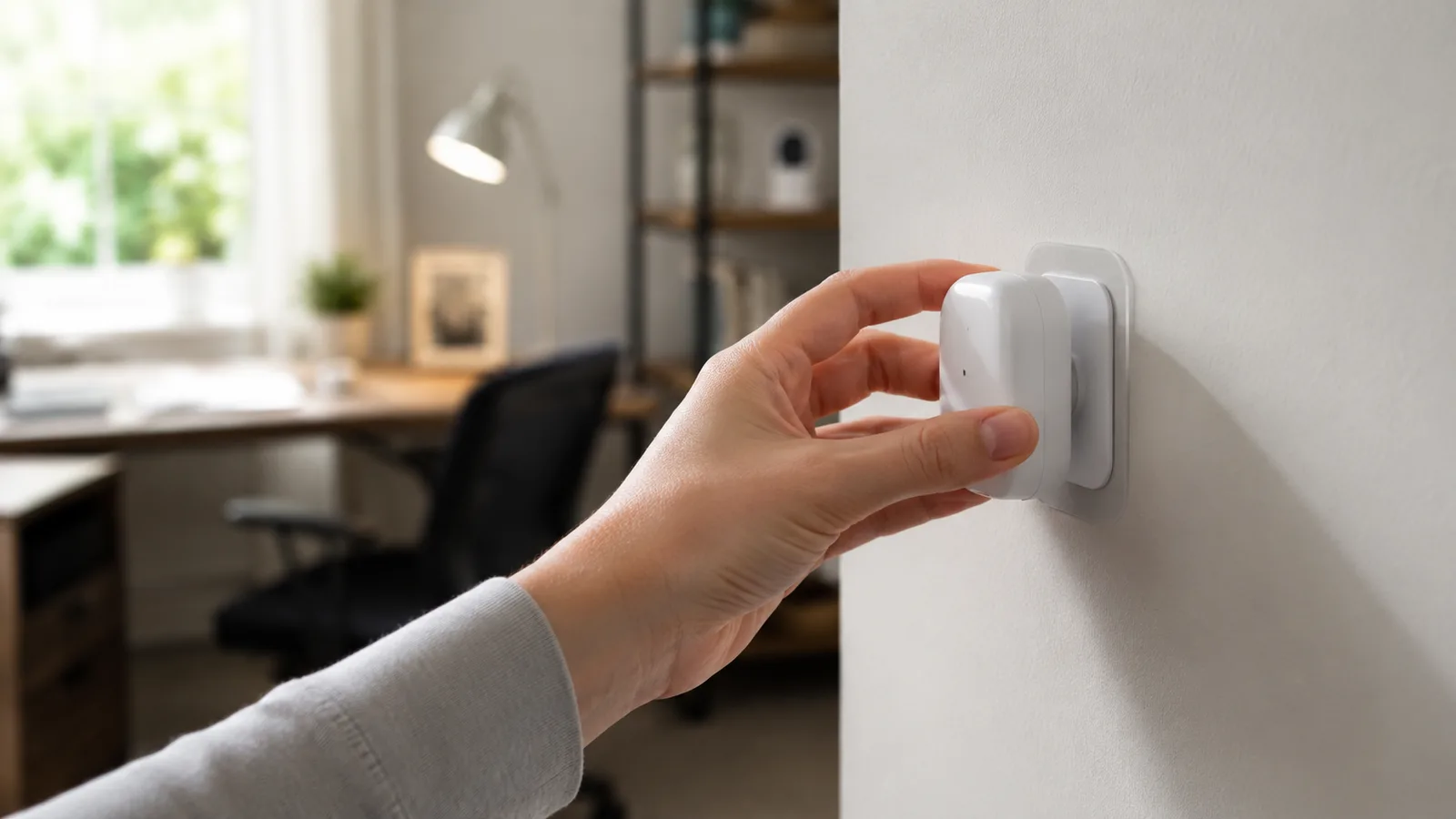
The other trap is heat and sunlight, which age adhesive fast, so avoid sticking anything directly above a radiator or in a hot window. Remove strips the way the maker says, usually by pulling the tab straight down and slow, and the wall stays perfect. Battery cameras that just sit on a shelf sidestep the whole issue, and they cover a doorway or entry just as well.
What to skip, and moving out clean
The devices to skip as a renter are the ones that fight the format: smart switches, wired doorbells, and thermostats, plus any "permanent" mount when a stand or shelf would do. There's no benefit to a hardwired version if you'll have to undo it, pay to restore the fitting, or leave it behind for a landlord who never asked for it.
The payoff of doing it this way shows up on moving day. Because every device plugs in, screws in, sits on a surface, or peels off, the whole setup comes down in an afternoon and goes into a box, then reconnects at the next place through the same app. Keep everything on one Matter-compatible ecosystem, Alexa, Google Home, or Apple Home, so the devices talk to each other and so the move is a re-pairing, not a re-buying. That portability is the quiet advantage renters have over a hardwired setup that stays behind.
What this post does not cover
This is a renter-focused, no-drill guide to the smart-tech side of a home office, not the desk, chair, and decor setup, and not the owner's hardwired build, which we cover in the full smart office build for owners. It also isn't legal or lease advice: your specific rental agreement governs what you can install, so read it and ask your landlord about anything that touches fixed wiring or fittings.
Devices, prices, and ecosystems change quickly, so treat the specifics here as current to August 2026, and check that a product has a genuine no-drill mounting option and works with your chosen ecosystem before you buy.
Sources
- Matter, Connectivity Standards Alliance (the cross-ecosystem standard that lets renter devices work together and move with you)
- Securing Your Internet-Connected Devices at Home, US Federal Trade Commission (setting up plug-in and battery smart devices safely)
- ENERGY STAR Smart Home Tips, ENERGY STAR (smart plugs and lighting for saving energy without wiring changes)
Frequently asked questions

Written by
Tapabrata Biswas
Tech Researcher
I test AI productivity tools and research home-automation gear the way most people use them. Not in a lab, but on an ordinary desk with an ordinary internet connection. The only test that matters: does it save you time?
Share the Post with Your Besties
Get the plain-English tech brief
One email a week on AI tools and smart-home tech. No jargon, no hype.