Smart Sensors to Protect an Unattended Office: The No-Fee Kit (2026)
A no-monthly-fee smart sensor kit to watch an empty office: leak, freeze, entry, and smoke, the reliability trap for unattended spaces, and the cost math.

Researched with AI assistance, reviewed and edited by Tapabrata Biswas.
In this article
Water and freezing damage is a top-five small-business insurance claim and averages about $34,600, according to The Hartford, and the sensor that would have caught it costs about $79. That gap is the entire argument for wiring up an empty office. Most of what ranks for this sells you an enterprise leak-monitoring platform with a monthly bill; a small office almost never needs one. This is the cheap, no-subscription version, and the one reliability trap that catches people.
This is about the protective sensors that watch an office while nobody's there, leaks, frozen pipes, break-ins, and smoke, not a full security-camera system or an access-control setup. Prices and models here reflect August 2026 and change often, and these picks come from manufacturer specs and independent coverage, not our own testing, so confirm before you buy.
What sensors protect an unattended office?
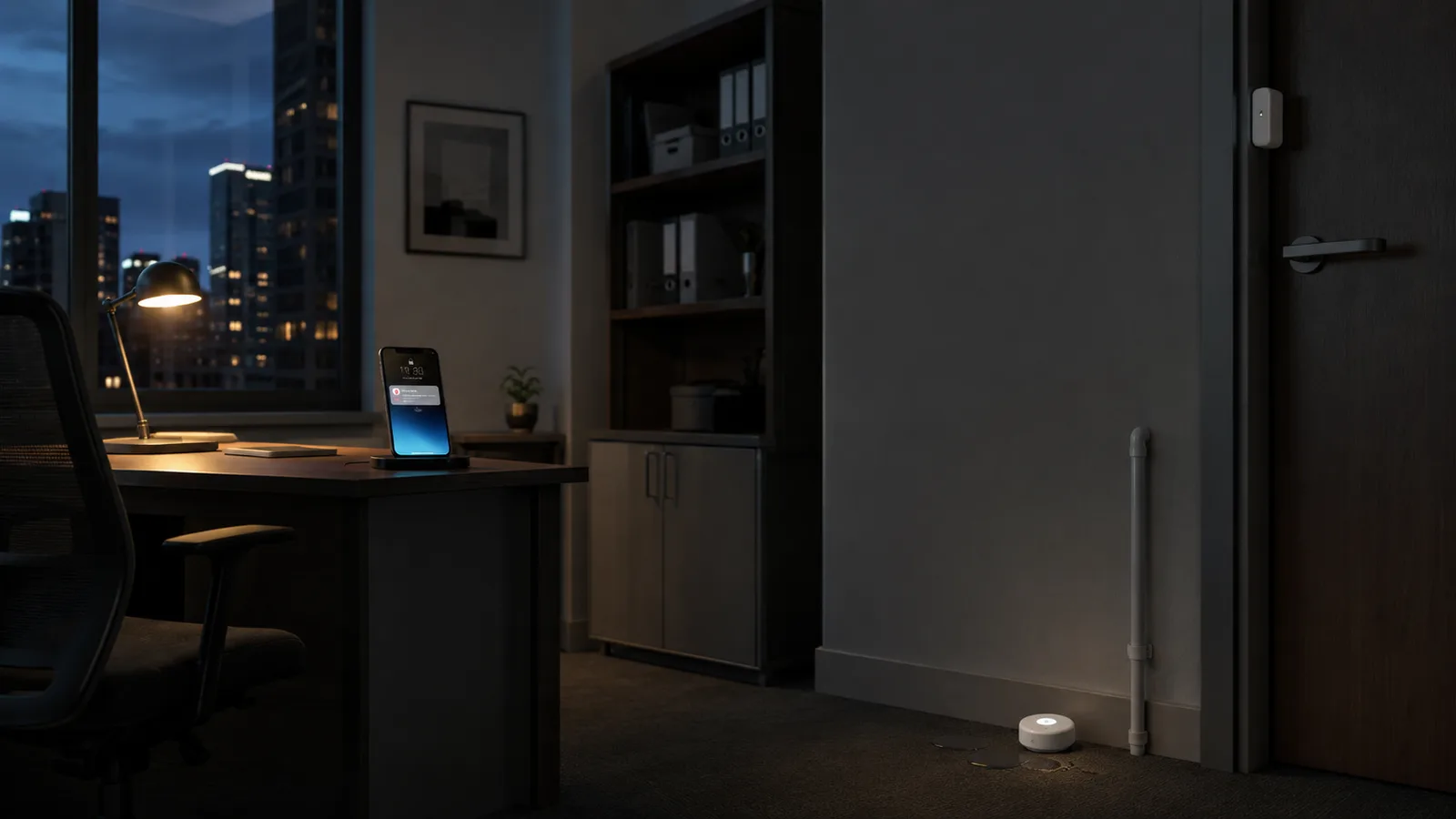
The threats worth a sensor in an empty office are the ones that cause expensive, spreading damage while nobody's watching: a water leak, a frozen pipe, a break-in, and a fire. Each has a cheap, battery-powered consumer sensor that texts your phone the moment it triggers, so you learn about a burst pipe in minutes instead of on Monday morning. You place them where the trouble starts and forget about them.
None of this requires the commercial monitoring platforms that dominate the search results. Those are built for a multi-floor building with a facilities team, and they bill per sensor. One such platform quotes around $1,280 for the first year, hardware plus a monitoring plan, to cover a couple of utility rooms. A three-pack of consumer leak sensors is about $34, paid once. A small office wants the second option: a handful of one-time-purchase sensors with free app alerts.
The no-fee kit, by threat
The most sensible way to buy is by threat, not by brand or bundle, so each sensor earns its place. A leak sensor, a freeze sensor (usually the same device), an entry sensor, and a smoke alarm cover the four things that actually ruin an office, and they come from consumer brands like Aqara, eufy, Govee, and Shelly that charge nothing per month.
| The threat | What to put down | How you're alerted | Rough cost |
|---|---|---|---|
| A burst pipe or leak | A water-leak sensor at the water heater, under sinks, and by the HVAC | App alert plus a loud local alarm | $15 to $35 each |
| A frozen pipe in winter | A freeze or temperature sensor (often the same device as the leak sensor) | Alert when the room drops toward freezing | $15 to $35 combined |
| A break-in while you're away | A door and window entry sensor plus one motion sensor | App alert, optional siren | $15 to $40 each |
| Smoke or fire | A smart smoke and CO alarm, or a listener that hears your existing alarm | App alert when the alarm sounds | $35 to $120 |
| Stopping the flood, not just detecting it | An automatic water-shutoff valve paired with a leak sensor | Auto shutoff plus an alert | $150 to $500 (higher tier) |
What to put down
- A burst pipe or leak
- A water-leak sensor at the water heater, under sinks, and by the HVAC
- A frozen pipe in winter
- A freeze or temperature sensor (often the same device as the leak sensor)
- A break-in while you're away
- A door and window entry sensor plus one motion sensor
- Smoke or fire
- A smart smoke and CO alarm, or a listener that hears your existing alarm
- Stopping the flood, not just detecting it
- An automatic water-shutoff valve paired with a leak sensor
How you're alerted
- A burst pipe or leak
- App alert plus a loud local alarm
- A frozen pipe in winter
- Alert when the room drops toward freezing
- A break-in while you're away
- App alert, optional siren
- Smoke or fire
- App alert when the alarm sounds
- Stopping the flood, not just detecting it
- Auto shutoff plus an alert
Rough cost
- A burst pipe or leak
- $15 to $35 each
- A frozen pipe in winter
- $15 to $35 combined
- A break-in while you're away
- $15 to $40 each
- Smoke or fire
- $35 to $120
- Stopping the flood, not just detecting it
- $150 to $500 (higher tier)
A core kit of a leak-and-freeze sensor, a door sensor, and a smart smoke alarm runs roughly $80 to $150, once. Buy the leak sensor first, because water is the costly one, and put it where a leak begins: at the water heater, under the kitchen sink, and near the HVAC drain pan. Several of these overlap the smart devices worth buying for a small business, just chosen for an unattended space.
The trap nobody mentions: Wi-Fi and power fail together
The reliability catch with an unattended office is that a Wi-Fi sensor is only as reliable as the network and the power behind it, and both tend to fail at once. A winter storm that knocks out electricity also kills your router, and a Wi-Fi sensor with a dead router can't send the alert, which arrives right when a pipe is most likely to freeze and burst. The sensor did its job and you still never heard about it.
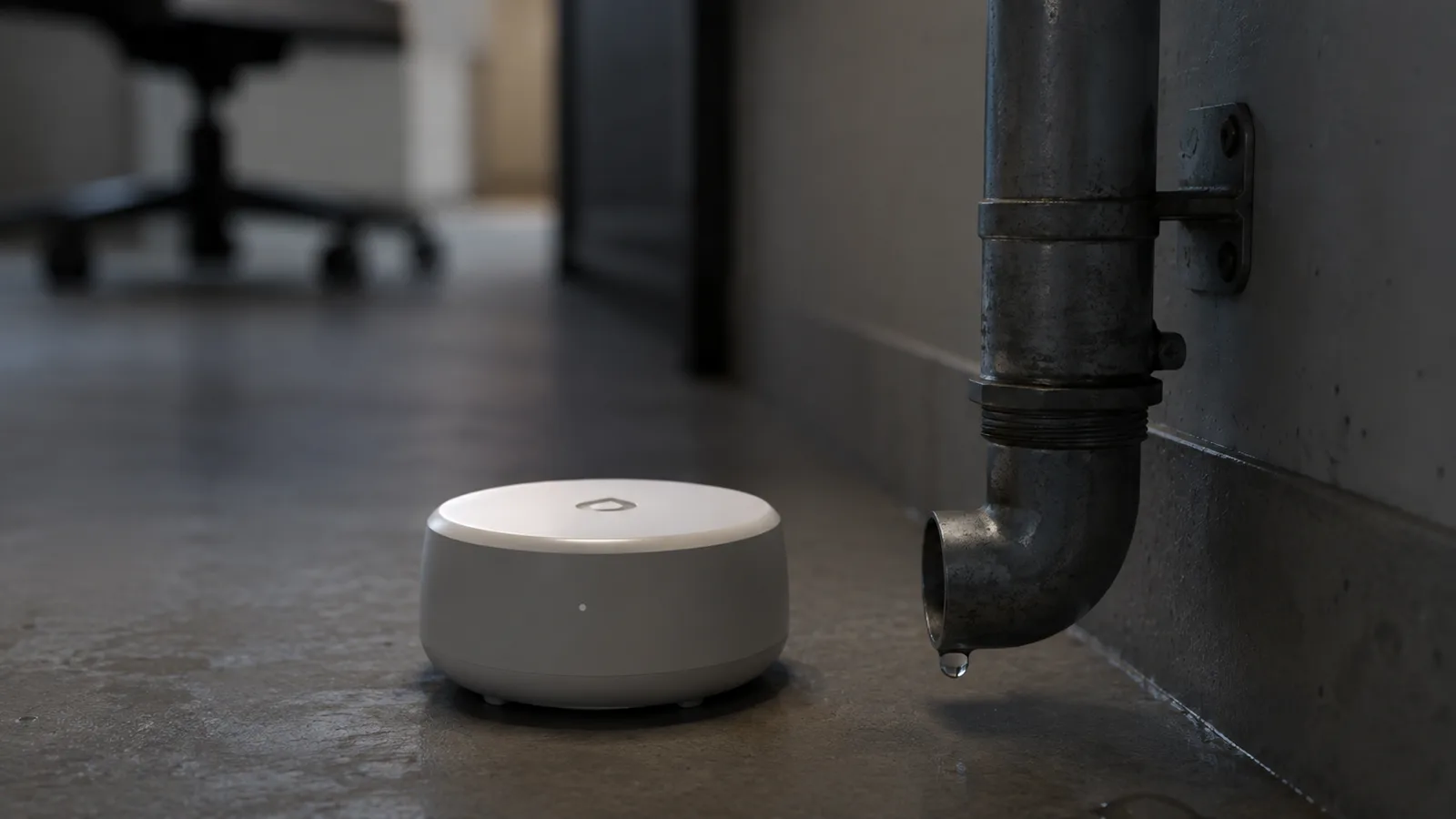
Three fixes close the gap. Keep your router and any hub on a small battery backup so a short outage doesn't cut your alerts, which is one more reason to keep the router on a battery backup. Favor sensors with a loud local siren, so even an offline sensor screams for anyone nearby. And for the single highest-stakes risk, usually water, consider a cellular sensor that runs on its own connection and keeps working when your Wi-Fi is down entirely.
Detection is not prevention
A sensor tells you there's water; it does not stop the water, and that distinction decides how much protection you're actually buying. A standalone leak sensor sounds an alarm and pushes an alert, but if nobody is at the office, the pipe keeps running while you're still finding your car keys. For a space that sits empty for days, the alert alone may not save the floor.
Prevention means pairing the sensor with an automatic water-shutoff valve, a system like Moen Flo or Phyn, or a valve controller plus leak sensors, that closes the main line the instant it detects a leak. It's a bigger spend, roughly $150 to $500 installed, but it turns a warning into a stopped flood. Decide honestly which one you need: detection for a quick response, or shutoff for a space no one can reach fast.
When it's worth it, and when it isn't
For an office that empties out on nights, weekends, and holidays, a sensor kit is worth it on the numbers alone, and the value peaks in the cold months. A frozen pipe over a long winter shutdown can run undetected for days, and against an average $34,600 claim, a kit under $150 is trivial insurance. The break-in and smoke sensors are a smaller win but cost little to add.
It's a weaker case for a space that's staffed around the clock, where a person is the sensor, and for a leased suite where the building already runs its own leak and fire monitoring, worth checking before you duplicate it. If you're kitting out the space more broadly, this sits alongside small business security cameras as the quiet, unglamorous half of protecting an office: the camera shows you what happened, the sensor stops it from getting worse.
What this post does not cover
This is a guide to affordable protective sensors for an unattended small office, not a full security or access-control system, and not a commercial building-management platform for large multi-floor properties. It also isn't insurance advice: whether sensors lower your premium, and what your policy requires, is a question for your insurer or broker, and some offer a discount for monitored leak detection worth asking about.
Sensor models, prices, and app features change quickly, so treat the specifics here as current to August 2026, and confirm a sensor's power source, alert method, and whether it needs a hub before you rely on it to watch an empty room.
Sources
- Water and freezing damage, burglary lead The Hartford's top five small business claims, The Hartford (the ~$34,600 average small-business water and freezing claim)
- Facts + Statistics: Homeowners and renters insurance, Insurance Information Institute (water damage and freezing as a share of claims and average cost)
- Water Leak Sensor, Aqara (a consumer no-fee leak sensor and how it alerts)
Frequently asked questions

Written by
Tapabrata Biswas
Tech Researcher
I test AI productivity tools and research home-automation gear the way most people use them. Not in a lab, but on an ordinary desk with an ordinary internet connection. The only test that matters: does it save you time?
Share the Post with Your Besties
Get the plain-English tech brief
One email a week on AI tools and smart-home tech. No jargon, no hype.