ChatGPT Prompts for Designers: 34 for Briefs, UX Research & Critique (2026)
34 copy-ready ChatGPT prompts for designers: creative briefs, UX research, UI copy, design critique, image-tool prompts, and where AI shouldn't lead.

Researched with AI assistance, reviewed and edited by Tapabrata Biswas.
In this article
- 01How to prompt as a designer
- 02Creative briefs and discovery
- 03Concepts and directions
- 04Writing prompts for image tools
- 05UX research and synthesis
- 06UI and UX copy
- 07Design critique and accessibility
- 08Design systems and documentation
- 09Client communication and presenting
- 10Where not to let ChatGPT lead
- 11What this post does not cover
- 12Sources
Most prompt lists for designers hand you a template about a fake product and skip the part that matters: ChatGPT does not design. It cannot see your Figma file, judge a layout, or tell a good logo from a bad one. What it can do is take the writing and the thinking around your design off your plate, the briefs, the research synthesis, the UX copy, the critique checklists, the documentation, so you spend more of your day actually designing. The prompts below are built for that, each with a clear job, a place to drop your real context, and an output you can use.
They cover the design process end to end, from the client brief through research, copy, critique, and handoff, and they work the same in ChatGPT, Claude, or Gemini. There is also an honest section on where AI has no business leading, because that line is the whole difference between using it well and shipping generic work.
How to prompt as a designer
A prompt that helps and one that wastes your time differ by four things: role, context, task, and format. Tell the model who to be, give it the real details it can't see, say exactly what you want, and specify how the answer should be shaped. Skip the context and it fills the gap with generic invention, the same problem behind writing a clearer prompt in any field.
Here is the difference. The vague version:
Give me some design ideas for an app.
And the version that actually helps, with role, context, task, and format:
Act as a senior product designer. I am designing an onboarding flow for a budgeting app aimed at first-time users who find money apps intimidating. The goal is to get them to connect one account without feeling overwhelmed. Give me three distinct flow directions, each with the core idea, the emotional tone, the number of steps, and the main risk. Keep it to a table I can skim, not a visual diagram.
The first gives you a listicle of clichés. The second gives you directions you can actually take into Figma. Every prompt below is written in that second style, and the habit that matters most is replacing the brackets with your real project before you hit enter.
Creative briefs and discovery
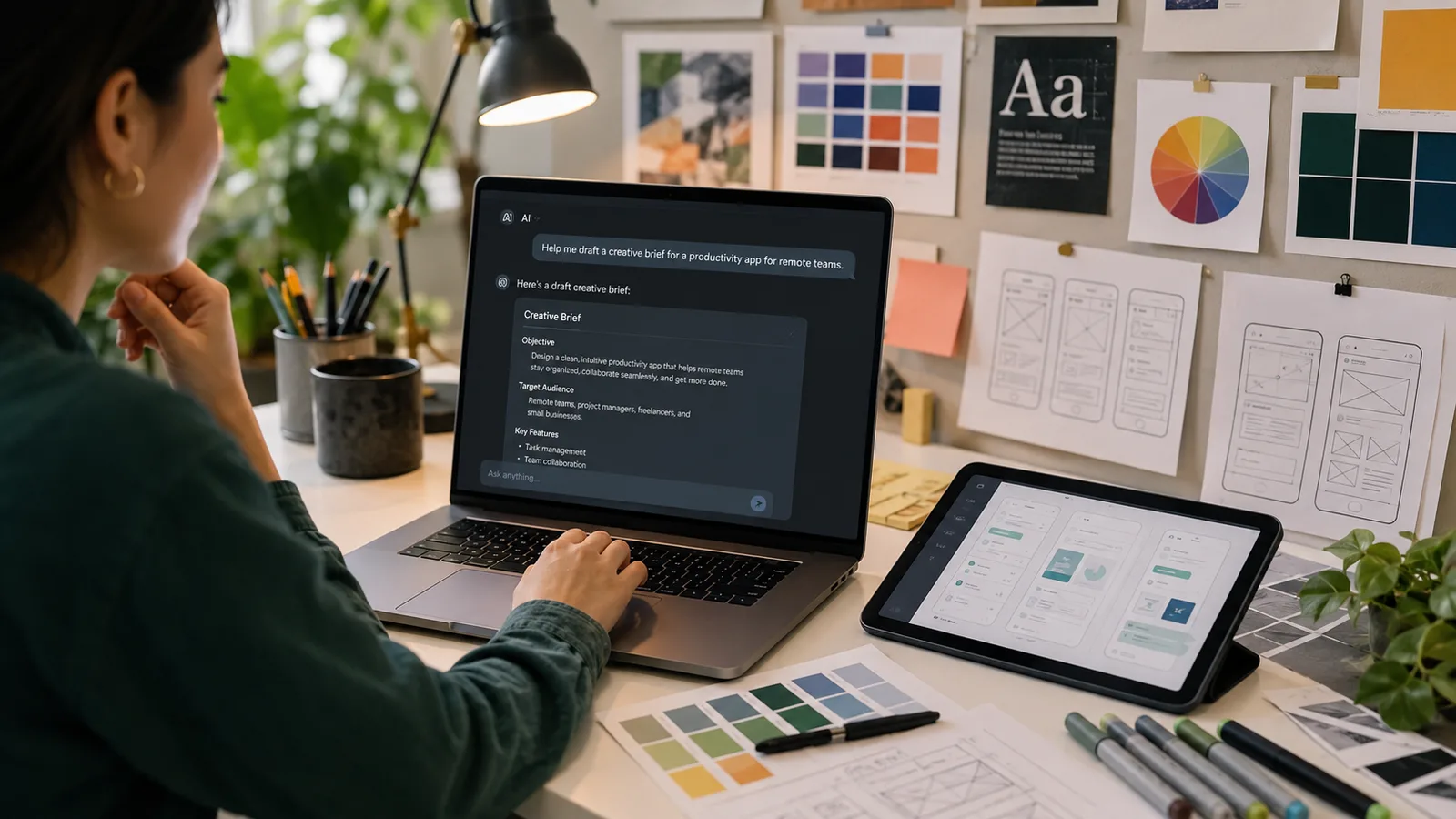
The brief is where projects are quietly won or lost, and it is exactly the kind of structured writing ChatGPT is good at, as long as you give it the real inputs and ask the sharper questions before you commit. Start here, because a clear brief prevents most of the rework later.
Act as a design lead running discovery for a new project. The project is [describe]. Give me the ten sharpest questions to ask the client before I start, covering business context, audience, brand, competitors, constraints, and what success looks like. For each, add why it matters, so I can push past a vague answer.
Turn these messy client notes into a structured creative brief: [paste]. Sections: background, objective, target audience, key message, tone, deliverables, mandatories, and success measures. Where the notes are silent, add an open question instead of inventing an answer.
Act as a strategist. Sharpen this vague objective into something a design can be judged against: [paste the goal]. Rewrite it as a single measurable objective, name the one audience it's really for, and describe what a successful outcome would look like in plain terms.
Write a one-page campaign brief for [campaign] aimed at [audience]. Include the single-minded proposition, three distinct creative directions with a one-line idea each, the channels, and how we'll measure it. Keep the directions genuinely different, not three shades of the same idea.
I need to define a brand's tone of voice. Here is what the brand is about: [paste]. Give me a tone-of-voice guide with three or four adjectives, a 'we sound like this, not like that' table, and two rewritten example sentences. Favour specific descriptors like 'confident but plain', not 'modern and clean'.
Concepts and directions
Act as a creative director. Brief: [paste]. Give me five distinct concept directions, each with a name, the core idea in one sentence, the mood it should evoke, and one reference style to explore. Make them genuinely different in strategy, not just in colour.
Help me name [product or feature]. It is [describe], for [audience], and should feel [tone]. Give me fifteen name options grouped by approach (descriptive, invented, metaphor), and flag any that are likely already common so I can check trademarks.
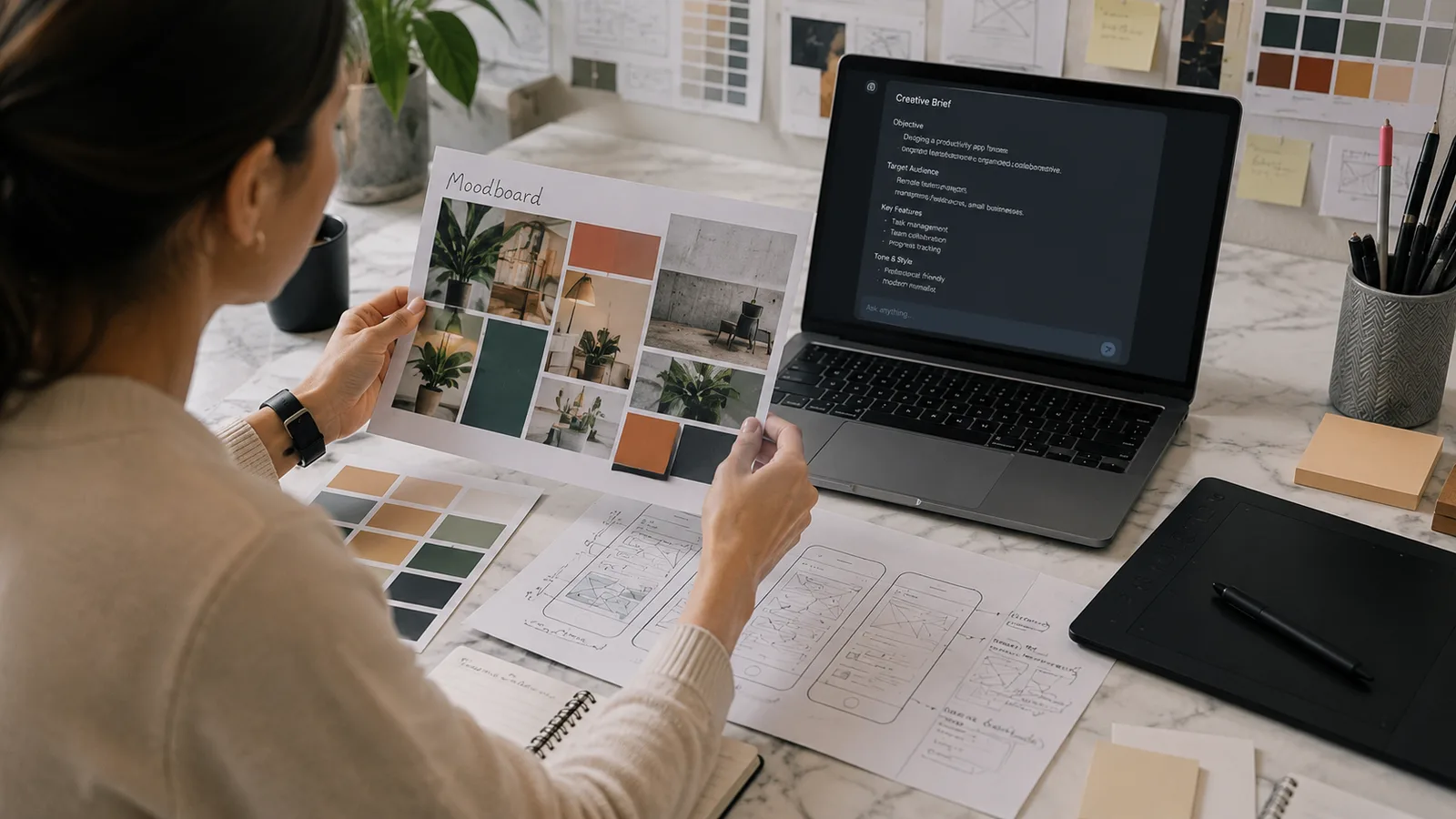
Build me a moodboard brief for [project] with the feeling [describe]. Describe the visual direction in words: palette feeling, typography character, imagery style, texture, and two adjectives to avoid. I'll source the actual images, so give me search terms to find them.
Write a logo design brief for [brand], which does [describe] for [audience]. Cover the personality to convey, three conceptual directions to explore, what to avoid, and the practical constraints (where it'll appear, one-colour version, tiny sizes). Keep it about the thinking, not a description of a finished logo.
Writing prompts for image tools
This is a genuinely designer-specific use worth its own section: ChatGPT is very good at turning a rough visual idea into a precise prompt for an image model, which is a skill of its own. Let it draft the prompt, then you run it and judge what comes back, since it cannot see the output. These pair well with our Nano Banana prompt gallery if you want worked examples.
Act as an expert at writing image-generation prompts. I want to create [describe the image]. Turn it into a detailed prompt for a text-to-image model, specifying subject, composition, lighting, colour, style, mood, and camera or lens feel. Then give me two variations that change only the style, so I can compare.
Here is an image-generation prompt that gave me a flat result: [paste]. Diagnose why it's likely generic, then rewrite it to be more specific and art-directed, and tell me which one change matters most.
I need a set of on-brand illustrations for [use]. The brand style is [describe]. Write a reusable prompt template with placeholders for the subject, so every illustration comes out in a consistent style, and note the settings I should keep fixed across the set.
Turn this brand's visual direction into a short prompt 'style guide' for an image tool: [paste palette, mood, references]. Give me the phrases to include in every prompt and the phrases to avoid, so generated assets stay recognisably ours.
UX research and synthesis
Research is where ChatGPT saves the most time and does the most damage if you misuse it. It is excellent at finding patterns in real input and terrible at being trusted to invent it. Feed it your actual interviews, reviews, or notes, and never let it manufacture a quote, a persona, or a statistic.
Act as a lead UX researcher. Here are real user reviews for [product]: [paste]. Cluster them into the top friction themes, rank each by how often it appears and how severe it sounds, add one representative quote per theme, and turn the top three into How Might We statements. Keep the raw counts so I can check your grouping.
Synthesise these user interview notes into findings: [paste]. Give me the patterns across participants, the surprises that contradicted our assumptions, the jobs users were trying to do, and the open questions. Mark anything only one person said so I don't over-weight it.
Draft a usability test plan for [feature]. Include the research questions, five tasks written as realistic scenarios (not instructions that give away the answer), what to observe, and the success measures. Keep it runnable in a 30-minute session.
Turn this real research into a lightweight persona: [paste findings]. Base every trait on the data, cite which finding supports it, and leave a field blank rather than inventing a detail. I want a working tool, not a poster.
Map a user journey for [scenario] based on these notes: [paste]. For each stage give the user's goal, action, likely emotion, and the biggest friction point, in a table. Flag the one stage where we're most likely losing people.
UI and UX copy
Act as a UX writer. Write microcopy for [screen or component]: [describe the context and action]. Give me the button label, helper text, and one error state, in a clear, human tone under our voice: [paste voice notes]. Keep it short and specific, no filler.
Rewrite this error message to be helpful, not scary: [paste]. Say plainly what happened, why, and the one thing the user can do next. Avoid blame and jargon, and keep it to two short sentences.
Write empty-state copy for [screen] when the user has no [items] yet. Make it encouraging, explain what will appear here, and include a clear call to action to add the first one. Two lines maximum, in this tone: [paste].
Draft onboarding copy for a [type] app across three steps. For each step give a short headline and one line of body that focuses on the benefit to the user, not the feature. Keep momentum, and never make a step feel like a chore.
Design critique and accessibility
Used carefully, ChatGPT is a decent critique partner: it structures the conversation and catches the obvious. Used lazily, it hands you a confident verdict on work it cannot see. Give it your own written self-review first, and treat its output as a checklist to work through, not a judgment to accept.
Act as a senior designer running a critique. Here is my description of the design and the problem it solves: [paste]. Ask me five sharp questions that pressure-test it on clarity, hierarchy, edge cases, and whether it actually solves the stated problem, one at a time, before giving any opinion.
Give me a structured critique checklist for a [type] screen, grouped into concept, execution, and feasibility. For each item, write it as a yes/no question I can check my own design against. Keep it to the things that actually change whether the design works.
Act as an accessibility reviewer. Based on this description of my screen and its copy: [paste], walk me through a WCAG-based first-pass checklist covering contrast, text alternatives, focus order, target size, and error handling. Be clear about what you cannot verify without seeing the real screen or testing it.
Run a heuristic evaluation of this flow against Nielsen's ten usability heuristics: [describe the flow]. For each heuristic, note whether it's likely met, at risk, or not applicable, with a one-line reason, and list the top three issues to fix first.
I got this design feedback and I'm too close to it: [paste feedback]. Help me separate the subjective preferences from the real usability issues, and suggest which points I should act on, push back on, or park, with a reason for each.
Design systems and documentation
Write documentation for a [component] in our design system. Cover what it is, when to use it and when not to, its variants and states, the content guidelines, and accessibility notes. Base it on this spec: [paste], and mark anything the spec doesn't define as a decision still needed.
Turn these design tokens and rules into clear usage guidelines a new designer could follow: [paste]. Explain the intent behind each rule, not just the value, so people know when a choice is deliberate versus arbitrary.
Draft naming and structure conventions for our component library based on [describe current state]. Suggest a consistent naming pattern, how to group components, and how to name variants, with examples, so the system stays navigable as it grows.
Client communication and presenting
The last stretch is defending the work without either caving or getting defensive. These help you explain the thinking, handle feedback gracefully, and keep a project on scope, so good design actually ships.
Help me present this design decision to a client who wanted something flashier: [describe the decision and their preference]. Draft a short, confident rationale that ties the choice back to their goal and their users, acknowledges the trade-off, and invites a conversation rather than a fight.
Write speaker notes for presenting [deliverable] to stakeholders. Lead with the problem and the goal, then walk through the design as a story of decisions, and end with what I need from them. Anticipate the two hardest questions and give me a straight answer to each.
A client keeps adding requests beyond our agreed scope: [describe]. Draft a polite, clear message that acknowledges the ideas, explains what's in and out of the current scope, and offers a way to handle the extras (a later phase or a revised estimate) without sounding rigid.
Turn this project into a short case study for my portfolio: [paste the brief, my role, the process, and the outcome]. Structure it as challenge, approach, solution, and result, focus on my decisions and their impact, and keep it honest, no invented metrics.
Where not to let ChatGPT lead
This is the part that keeps your work yours. ChatGPT is a strong partner for the words and the thinking, and no partner at all for the design itself, so the judgment has to stay with you.
It cannot see, so it cannot critique what's actually on the screen, only what you describe, and it has no visual taste, which is the one thing a designer is really paid for. It will invent research if you let it, confident personas and statistics that never came from a real user, so only ever feed it real input and never trust it to manufacture findings. Its accessibility help is a first-pass checklist, not a substitute for real contrast tools, screen-reader testing, and real users. And it drifts toward the generic average of everything it has seen, which is the opposite of the distinctive work most briefs actually need. Used inside those limits, it clears the busywork so you can spend your time on the part that matters. Outside them, it quietly makes your work look like everyone else's. If you want to see where these tools sit in a wider stack, our wider AI toolkit guide has the map.
What this post does not cover
This is a working set of prompts and how to use them, not a course in design or a tutorial for Figma, Midjourney, or any specific tool. The prompts are starting points to adapt, and they assume you will paste your own real brief, users, and constraints and judge the output with your own eye. Nothing here replaces design skill, real user testing, or proper accessibility verification, and anything factual the model states should be checked before it reaches a client or a build. If prompting itself is new to you, the basics of prompting is the place to start.
Sources
- Prompt engineering guide, OpenAI (the role, context, task, and format principles behind the prompts here)
- 10 usability heuristics for user interface design, Nielsen Norman Group (the heuristics behind the critique prompts)
- WCAG 2 overview, W3C Web Accessibility Initiative (the accessibility standard the checklist prompts lean on)
Frequently asked questions

Written by
Tapabrata Biswas
Tech Researcher
I test AI productivity tools and research home-automation gear the way most people use them. Not in a lab, but on an ordinary desk with an ordinary internet connection. The only test that matters: does it save you time?
Share the Post with Your Besties
Get the plain-English tech brief
One email a week on AI tools and smart-home tech. No jargon, no hype.