

What Is an AI Agent? A Plain-English Guide, With 5 Free Ones You Can Try Today (2026)
What is an AI agent? A plain-English guide to how they work, agent vs chatbot, real examples, and 5 you can genuinely try free in 2026.

Researched with AI assistance, reviewed and edited by Tapabrata Biswas.
In this article
- 01What is an AI agent?
- 02AI agent vs chatbot: what is the real difference?
- 03How do AI agents work?
- 04What can AI agents actually do? Real examples
- 055 AI agents you can genuinely try for free
- 06The honest bit: what agents still cannot do (and the "it is just a chatbot" tell)
- 07Are AI agents safe to use?
- 08Where AI agents fit
- 09What this guide does not cover
- 10Sources
Everyone is saying "AI agent" right now, and a good half of the products using the label are just chatbots wearing a new badge. That makes the term slippery. This guide is the plain-English version: what an AI agent actually is, how it differs from the chatbot you already use, how the thing works under the hood, and, because the word "free" gets thrown around a lot, exactly which ones you can genuinely try today without paying, and where the catch sits. No jargon walls, no enterprise sales pitch.
What is an AI agent?
An AI agent is a software program that takes a goal from you and then decides and carries out the steps to reach it on its own, using tools like a web browser, your email, or code. That is the whole idea in one sentence. A regular chatbot answers a question and stops. An agent keeps going until the job is done.
An analogy makes it click. A chatbot is like a very smart colleague you can ask questions: useful, fast, but it only ever hands the answer back to you. An agent is that same colleague after you have given them a laptop, your calendar, and your inbox, and said "just handle it." They go off, do the clicking and typing, and come back when it is finished. The intelligence is similar. What changed is that the agent can act, not just talk.
That shift, from answering to acting, is the entire reason people are excited (and slightly nervous) about agents. It moves you from "I ask, it replies" to "I delegate, it delivers."
AI agent vs chatbot: what is the real difference?
The clearest difference is autonomy: a chatbot waits for your next message and replies within a conversation, while an AI agent takes one goal and runs multiple steps by itself to reach it. Everything else follows from that.
A chatbot is reactive. You type, it responds, you type again, and it mostly just produces text. An agent is proactive. You give it an outcome, and it plans, picks tools, acts, checks the result, and adjusts, without you steering each step. Google Cloud frames the same split as reasoning plus action versus conversation alone.
| Chatbot | AI agent | |
|---|---|---|
| What it does | Answers questions and follows a script | Chases a goal and takes steps to reach it |
| Who drives | You ask, it replies, you ask again | You delegate once, it runs the steps itself |
| Tools | Usually just talks | Browses, books, emails, or runs code to get things done |
| Memory | Often forgets once the chat ends | Tracks progress across steps until the job is finished |
| When it stops | After each reply | When the goal is done, or it gets stuck and asks you |
| Everyday version | A support bot answering FAQs | A helper that actually rebooks your delayed flight |
Chatbot
- What it does
- Answers questions and follows a script
- Who drives
- You ask, it replies, you ask again
- Tools
- Usually just talks
- Memory
- Often forgets once the chat ends
- When it stops
- After each reply
- Everyday version
- A support bot answering FAQs
AI agent
- What it does
- Chases a goal and takes steps to reach it
- Who drives
- You delegate once, it runs the steps itself
- Tools
- Browses, books, emails, or runs code to get things done
- Memory
- Tracks progress across steps until the job is finished
- When it stops
- When the goal is done, or it gets stuck and asks you
- Everyday version
- A helper that actually rebooks your delayed flight
The honest nuance: the line is blurry on purpose. A lot of "AI agents" for sale in 2026 are chatbots with one extra button, and a genuinely capable chatbot can feel agent-like. The test that cuts through it is simple. Can it take an action in the real world, on its own, and chain more than one step to finish a task? If not, it is a chatbot. That test matters later when you are deciding whether a shiny "agent" is worth paying for. For the full side-by-side, see AI agent vs chatbot.
How do AI agents work?
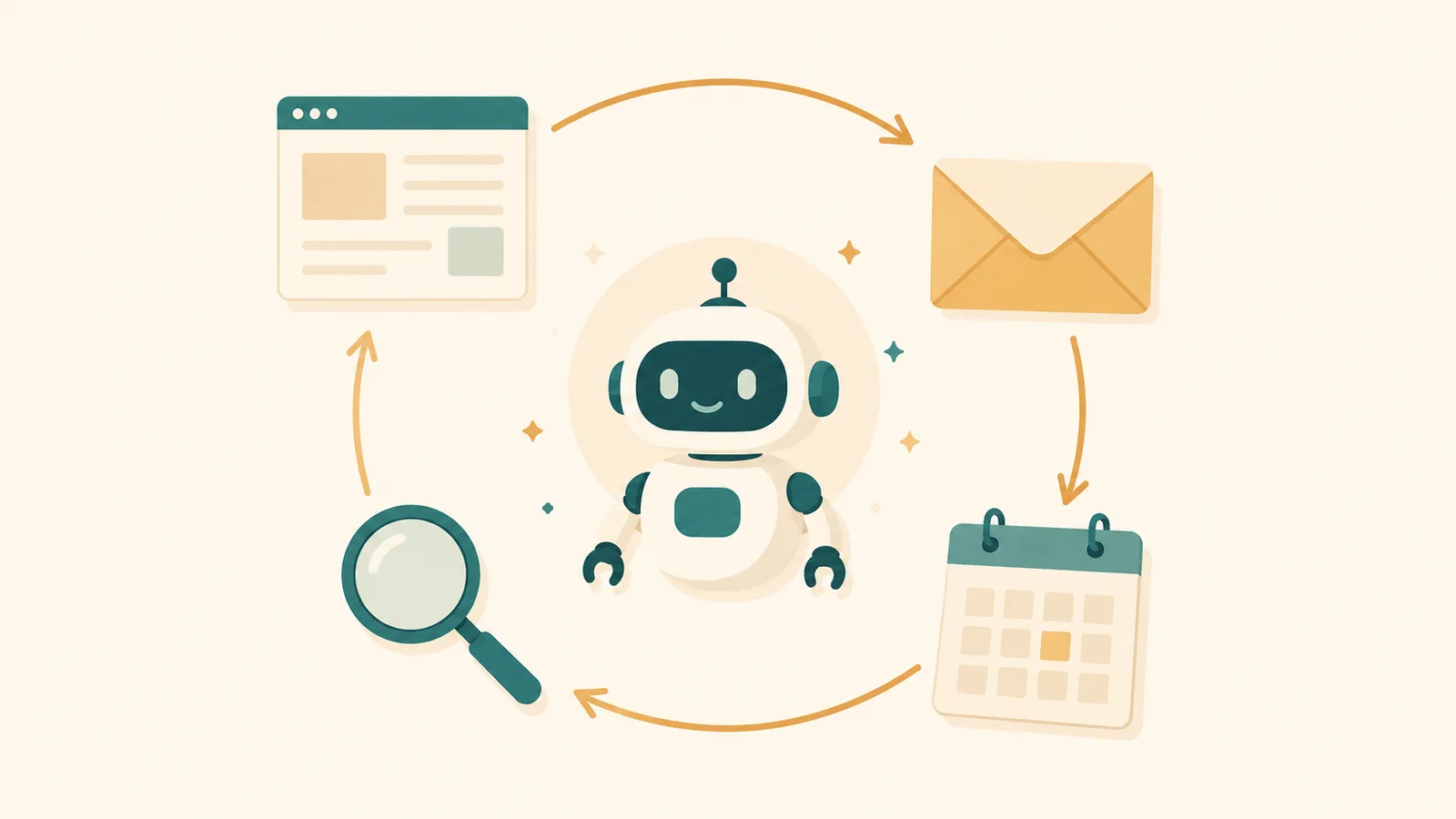
Every AI agent runs the same basic loop: it observes the situation and your goal, thinks about the best next step, acts by using a tool, then reads what happened and decides what to do next, repeating until the goal is met. Observe, think, act, repeat. That loop is the engine.
Break it into the parts and it stops feeling like magic. An agent has four pieces:
- A brain, which is a large language model such as GPT, Claude, or Gemini. It does the reasoning: reading the current state and deciding what to do next.
- Tools, which are the things it can use to act. A browser to look things up, an email connection to send a message, a calendar, a calculator, or the ability to run code. Tools are what let it do instead of only say.
- Memory, so it remembers what it has already tried and does not lose the thread halfway through a five-step job.
- A goal, the outcome you handed it at the start.
Say you ask an agent to "find three plumbers near me, check their reviews, and draft an email asking for a quote." It searches (tool), reads the results (observe), picks three (think), opens their review pages (tool), notes the ratings (memory), and writes the email (act).
Eight steps, from one sentence of instruction. That chaining is the difference, and it is why a good agent can genuinely save you an afternoon.
The big shift in 2026 is that agents increasingly work in teams. Instead of one do-everything agent, you get several specialists (a researcher, a writer, a checker) handing work to each other. It is early, and it is messy, but it is where most of the serious development is pointing.
What can AI agents actually do? Real examples
The useful examples are the boring ones, not the sci-fi ones. Agents already earn their keep in ordinary, unglamorous work.
A coding agent can take a bug report, find the broken code, fix it, and test the fix, which is why developers now lean on tools that write and run code end to end. A research agent can take a question, read a dozen sources, and hand back a summary with links, saving the manual tab-juggling. A customer-support agent can read an incoming message, check an order, and draft a reply in your policy and tone; Klarna reported its AI assistant handled about two-thirds of its customer service chats. A scheduling agent for a one-person business can take booking requests, answer common questions about price or availability, and send reminders so no-shows drop. A shopping or travel agent can compare options and, on the paid tools, actually complete the booking.

What they are good at follows one pattern: repetitive, multi-step, low-judgment work that eats your time. If a task is the same fiddly sequence every week, it is a candidate. If it needs real taste, negotiation, or a decision you would lose sleep over, it is not, at least not yet. For the wider set of tools that plug into this kind of work, see AI tools for remote workers.
5 AI agents you can genuinely try for free
The catch the "10 best AI agents" lists skip: the headline agent modes are paid. OpenAI's ChatGPT agent mode sits behind the Plus plan at $20 a month, Perplexity's task-running "Computer" needs Pro, and Google's always-on Spark agent is Ultra-only. So "just try ChatGPT agent mode" is not free advice.
You can still get real agent behaviour without paying. These five are genuinely free to start with, and I have flagged exactly where each one stops being free, because that is the part that trips people up.
- Manus is the closest thing to a proper autonomous agent you can use for nothing. It gives you 1,000 credits when you sign up plus 300 refreshed credits a day, per its own help pages, which covers roughly one automated task a day. It plans and executes a whole job while you watch. The catch: those daily credits do not stack, and a big task can eat them fast.
- ChatGPT (free tier) will not give you agent mode, but it does let you use custom GPTs, which are small purpose-built agents other people made, at no cost. It is a gentle way to feel the idea. The catch: the real autonomous mode that browses and acts for you is the paid $20 tier.
- Google Gemini (free app) can already take actions through connected Google apps, drafting an email, pulling from your calendar, or working across Maps and Gmail on your behalf. The catch: the proactive, runs-in-the-background Spark agent is reserved for the paid Ultra plan.
- Microsoft Copilot has a free tier where you can use, and even build, simple agents grounded in instructions and public websites at no extra cost. The catch: the heavier automation and the Copilot Studio credit packs are paid and priced for businesses.
- Perplexity (free) does agentic research well: give it a question and it runs a multi-step search, reasons across sources, and cites them. The catch: that is research, not task-running. The "Computer" that actually does things for you needs a Pro subscription.
If you only try one, make it Manus, because it shows you an agent finishing an entire task start to finish, which is the moment the concept stops being abstract. For where agents sit among the wider field of AI software, our roundup of the best AI tools has the map.
The honest bit: what agents still cannot do (and the "it is just a chatbot" tell)
Agents are impressive and unreliable at the same time, and pretending otherwise helps no one. They still get stuck on websites that change layout, they can misread a step and confidently barrel on, and they are slow compared with doing a simple task yourself. For anything with real stakes, they need a human checking the work.
They are most dangerous when they can do something hard to undo, fast. An agent that can only read and draft is low risk. An agent that can send money, delete files, or email your clients is a different animal, and it can be wrong with total confidence. The rule that keeps you safe: let it run freely on tasks where a mistake costs nothing, and require your approval before any action you could not easily reverse.
One practical filter for all the "agent" marketing you are about to see. If a product cannot take an action in the real world and chain several steps on its own, it is a chatbot with a new label, whatever the pricing page calls it. That single test will save you money.
Are AI agents safe to use?
For low-stakes work, they are safe enough to use today: research, drafting, summarising, comparing options, first-pass replies you will review. The failure modes there are annoying, not costly. Where caution earns its keep is anything irreversible or money-related, where a confident mistake actually hurts.
The sane starting point is to keep yourself in the loop. Give an agent read-and-draft jobs first, watch how it reasons, and only hand it the power to act on things that matter once you trust its pattern. Treat the early runs as a trial, not a set-and-forget.
Where AI agents fit
This guide is the entry point to a bigger topic. If you want to go deeper on the chatbot comparison, on which agents suit a small business, or on how to pick between the paid options, those are their own questions worth answering properly. Agents also lean on the same models that power everyday tools, from writing assistants to AI presentation makers, so the skills carry over.
What this guide does not cover
This is a plain-English explainer of what AI agents are and how to try them, not a build tutorial, a developer framework comparison, or a deep review of any single paid product. It also does not cover the academic "types of intelligent agents" taught in AI courses (simple reflex, goal-based, utility-based, and so on), which is a different, more technical topic. Pricing, free tiers, and which features are gated change fast in this space, so treat every figure as accurate to July 2026 and check the official page before you rely on it.
Sources
- OpenAI, ChatGPT agent (help centre) and ChatGPT pricing (agent mode is a paid-tier feature)
- Google Cloud, what are AI agents and IBM, what are AI agents (definition, how they work, agent vs chatbot)
- McKinsey, what is an AI agent (autonomy and business impact)
- Manus, what are credits (free signup and daily refresh credits)
Frequently asked questions

Written by
Tapabrata Biswas
Tech Researcher
I test AI productivity tools and research home-automation gear the way most people use them. Not in a lab, but on an ordinary desk with an ordinary internet connection. The only test that matters: does it save you time?
Share the Post with Your Besties
Get the plain-English tech brief
One email a week on AI tools and smart-home tech. No jargon, no hype.


