What Is Vibe Coding? An Honest 2026 Guide
What vibe coding is in 2026, how the workflow matured, the best tools, hidden costs, how to review a vibe-coded app, and whether to build yours this way.

Researched with AI assistance, reviewed and edited by Tapabrata Biswas.

In this article
- 01What vibe coding is
- 02How it works
- 03What changed in 2026
- 04Is it the same as no-code tools like Bubble?
- 05What it's genuinely good at
- 06The best tools, and which is for you
- 07Where it bites back: the two hidden costs
- 08Why the last 30 percent is the hard part
- 09How to review a vibe-coded app before you ship
- 10How to do it well, and whether to do it at all
- 11Do you still need to learn to code?
- 12What this post does not cover
- 13Sources
1,206 companies' records vanished in seconds when an AI assistant deleted a live database it had been told, in capital letters, never to touch. The founder hadn't written the code himself. He'd described what he wanted and let the AI build it, a way of working that earned a name in 2025: vibe coding. Collins Dictionary made it Word of the Year, around a quarter of new Y Combinator startups now ship mostly AI-written code, and on the platform Replit, three out of four users never write a line themselves. It's one of the most exciting shifts in software in years. It's also where a lot of people are quietly getting burned.
This guide is the honest version, updated for 2026: what vibe coding actually is, how it works now that the tools have grown up, the ones worth knowing, the costs the hype skips, how to check a vibe-coded app before you ship it, and how to tell whether to build your idea this way at all. No coding experience needed to follow along.
What vibe coding is
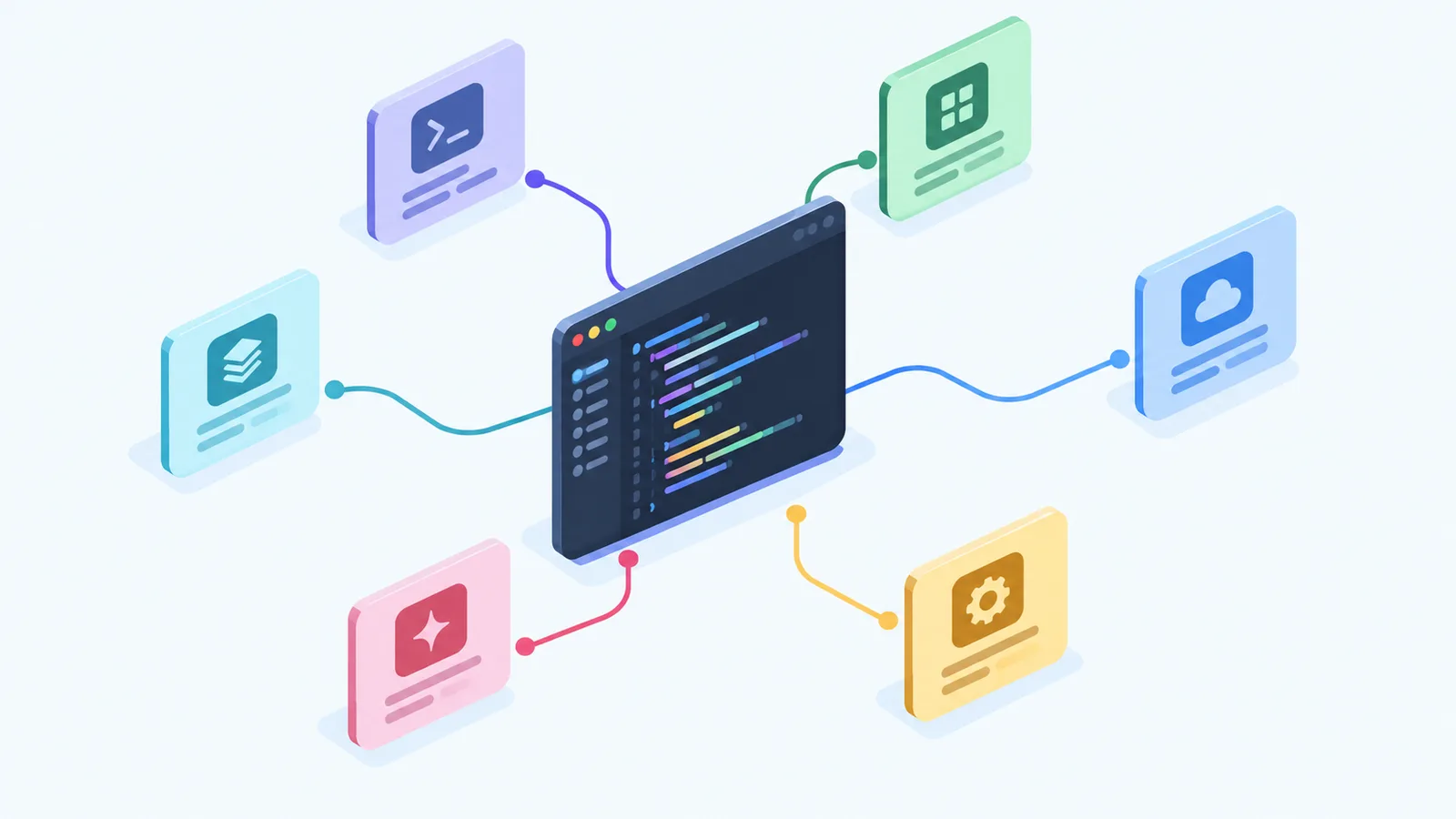
Vibe coding is building software by describing what you want in plain English and letting an AI write the code for you. The term was coined by the AI researcher Andrej Karpathy in early 2025, and it captures a real change: instead of typing code line by line, you talk to an AI tool the way you'd brief a developer, and it produces a working app. You stay in charge of what gets built and whether it's any good, but the AI does the actual writing. If you've used ChatGPT, you already understand the feel of it, and our how to use ChatGPT guide is a gentle start if you haven't.
How it works
Every vibe coding session runs on a loop, and in 2026 that loop grew a plan step in the middle it did not have at the start. You describe a feature in words, the tool drafts a short plan of what it means to build, you approve or correct that plan, and only then does it write the code and usually show you a live preview. You look at what it made, reply with changes like "make the button blue" or "now let people log in," and go round again. You're not writing code, you're steering, which is why being specific and giving context matters so much, the same skill covered in our guide to writing prompts. Most serious tools now also keep a plain-text rules file, often named something like CLAUDE.md, where you write the project's standards once so the AI stops forgetting them every session.
What changed in 2026
When the term was coined in early 2025, vibe coding often meant describe it, accept whatever came back, and hope. A year on, the tools and the habits around them have matured. The editors became agents that can plan a change, run it, read the error it throws, and fix it on their own, so a single instruction now sets off several steps instead of one. The accepted way to work grew a verify half, sometimes called vibe and verify, where you let the AI move fast on the easy parts and then slow down to check the parts that matter by hand. And the starting point shifted from typing a request to writing a short spec, a few plain sentences on what you want and what is off-limits, before anything gets built. The headline skill stopped being the prompt and became the review.
Is it the same as no-code tools like Bubble?
Not quite, and the difference matters. No-code platforms like Bubble or Webflow let you build by dragging visual blocks around a screen, with no code created at all. Vibe coding has an AI write real code from your description, code you can often export and hand to a developer later. The trade-off is predictability: no-code keeps you inside safe rails and rarely surprises you, while vibe coding is more flexible and powerful but less predictable, because you end up with genuine software that can behave in ways you didn't expect. For a simple booking page, no-code may be calmer. For something more custom, vibe coding goes further.
What it's genuinely good at
Used for the right things, vibe coding is brilliant. It shines when speed matters more than polish: turning an idea into a clickable prototype to show people, building a small internal tool for your team, making a personal app just for you, or testing whether a concept is worth pursuing before you spend real money. Founders use it to put an early version in front of users in a weekend. Hobbyists use it to build the little app no developer would bother with. It's also a genuinely fun way to start learning what software is made of. The common thread is low stakes: when a mistake costs you an afternoon rather than a customer's trust, vibe coding is hard to beat.
The best tools, and which is for you
The tools split into two groups: app builders for people who don't code, and AI editors for people who do. Here are the main ones, current as of September 2026.
| Tool | Best for | Built for non-coders? | Price | The catch |
|---|---|---|---|---|
| Lovable | A polished real app from a chat | Yes | Free tier, paid from about $25/mo | Watch the credit usage |
| Bolt | The fastest idea to live site | Yes | Free tier, then paid | Speed over polish |
| Replit | Learning while you build | Mostly | Free; paid from about $20/mo | Costs climb as agents do more |
| Cursor | People who already write code | No, it's an AI code editor | Free; about $20/mo | Aimed at developers, not beginners |
| Claude Code | Building and reviewing in one place | No, it suits people who code | Free tier; paid from about $20/mo | Runs in a terminal, a step up in complexity |
| v0 by Vercel | Designing app screens | Partly | Free tier, then paid | Leans on Vercel's own stack |
If you don't code and want to build something real, Lovable is the gentlest starting point, with the most polished output. Bolt is quickest for a rough version. Replit is the best place to learn as you go. Cursor and v0 turn up on these lists a lot, but they're really made for people who already code, so don't start there if you don't. One thing worth checking before you commit: can you export your code? Lovable and Bolt let you take a standard codebase to GitHub and keep it, while a few platforms lock you in so leaving means rebuilding. Pick one you can walk away from. For where these sit among AI tools generally, see our best AI tools guide.
Where it bites back: the two hidden costs
This is the part the breathless guides skip, and it's why that founder lost his database. Vibe coding has two costs that don't show up until you're committed.
The first is security. AI writes code that looks like it works, not code that has been checked, and the fastest route to "working" is often a careless one. Research suggests around 45 percent of AI-generated code contains vulnerabilities, things like passwords left in plain sight or missing checks on who's allowed to do what. These holes pass a quick glance and fail a real review, because they live in the logic rather than the spelling. None of this is hypothetical: one vibe-coded app that hit a million dollars in ten days left its entire database readable by anyone, exposing more than 39,000 users' details. The uncomfortable truth is that you can't catch a problem you don't understand, which is exactly the position vibe coding puts a non-coder in.
Cost is the second trap, and it surprises people. Most tools are cheap to start, but they charge by usage, and a vibe coding session eats through it fast, because the AI re-reads your whole project on every step. A single feature can run through tens of thousands of those units, and heavy builders report bills of several hundred dollars a month, sometimes far more. "Free to start" is true; "cheap once you're serious" often isn't. Set a spending limit early so the meter doesn't outrun you.
Why the last 30 percent is the hard part
There is a pattern almost everyone hits, and it is worth knowing before you start. The first 70 percent of an app comes fast, often startlingly so. The last 30 percent is where people stall. The demo that wowed you on Friday is the easy part. The edge cases, the odd screen sizes, the error someone hits at 2am, the second feature that has to agree with the first, that part is slow, and it is exactly the part where not understanding the code starts to cost you. Vibe coding is brilliant at getting you most of the way there. Finishing is still real work, and on anything meant for other people, finishing is most of the work.
How to review a vibe-coded app before you ship
This is the section that has become essential, and the one most guides still skip. The most useful habit is to treat the AI's output like a pull request from an eager new hire, often good, sometimes wrong, and never trusted on sight. You do not need to be an engineer to run a basic pass. Here is a review you can actually do yourself.
- Read what changed, not just the result. Ask the tool to explain, in plain words, what each new piece of code does and why. If it cannot give you a straight answer, treat that as a flag.
- Run it and try to break it. Enter a wrong password, leave a required field blank, put letters where numbers belong. A vibe-coded app tends to look right and fall apart at the edges.
- Ask it to review its own security. Tell the AI to check its code for exposed passwords or keys, for missing checks on who is allowed to do what, and for anything a stranger could misuse, then read the answer with a doubtful eye.
- Watch for the same thing built two ways. Across sessions the AI often solves one problem two different ways, which quietly creates conflicts. Ask it to point out duplication and inconsistency.
- Check what it pulled in. These tools reach for outside packages freely. Ask which ones were added and whether any are unmaintained or already known to be risky.
For anything with real users, money, or personal data, this is where a developer's hour is cheapest, spent before launch rather than after. Some builders now run one AI over the app another one wrote, using a tool like Claude Code purely as the reviewer. That is a fair stopgap, not a replacement for a person who knows what they are looking at.
How to do it well, and whether to do it at all
None of this means avoid vibe coding. It means treat it like the powerful, slightly unpredictable tool it is. A few habits make the difference between a fun build and a mess:
- Move in small steps. Ask for one feature at a time, check it works, then move on, rather than requesting a whole app in one go.
- Save your progress often. If the tool connects to GitHub, commit a working version before each new change so you can roll back when something breaks.
- Test after every change, and say what's off-limits. Tell the AI plainly not to touch your data or security setup, and repeat it.
- Get a real review before you ship. Anything with real users, payments, or personal data should be checked by someone who codes before it goes live.
As for whether to vibe code at all, use a simple test. If the worst case is a wasted afternoon, a prototype, a personal tool, an experiment, vibe code freely. If the worst case is exposed data, lost money, or a broken promise to customers, slow down, get help, or build it properly. The tool is the same; the stakes decide how carefully to use it.
Do you still need to learn to code?
It's tempting to think vibe coding ends the need to learn programming. It does the opposite. You can build a great deal without writing code, but the moment a vibe-coded app breaks, behaves strangely, or needs to grow, understanding the basics is the difference between fixing it and being stuck staring at code you can't read. The job market has shifted the same way: the value has moved from typing code to understanding systems and being able to reason about them. You don't need a computer-science degree, but a little knowledge turns the AI from a black box into something you can actually steer.
This cuts hardest for people early in their careers, in both directions. Lean on the tool without ever grasping what it writes and you get what some now call a vibe coding hangover, an app you own but cannot maintain, and skills that quietly never formed. But use it to read far more working code than you could have typed by hand, to see how a real feature fits together and to keep asking why, and the same tool becomes the fastest teacher you have had. One developer summed up the risk well, that vibe coding did not replace their skills so much as show how thin they were. The engineers who stay valuable are not the ones avoiding these tools. They are the ones who can still tell when the answer is wrong. If that nudges you to learn, our ChatGPT prompts for coding are built exactly for beginners who want to understand what they're building, not just generate it.
What this post does not cover
This is a plain-English overview, not a deep technical or security manual, and vibe coding tools, prices, and limits change quickly, so confirm the current details on each tool's own pages before you rely on them. The review checklist above is a sensible first pass, not a professional audit. Nothing here is professional security or legal advice, and because AI-generated code can be insecure, anything you ship to real users should be properly reviewed. For learning the underlying skills, follow the links above.
Sources
Frequently asked questions

Written by
Tapabrata Biswas
Tech Researcher
I test AI productivity tools and research home-automation gear the way most people use them. Not in a lab, but on an ordinary desk with an ordinary internet connection. The only test that matters: does it save you time?
Share the Post with Your Besties
Get the plain-English tech brief
One email a week on AI tools and smart-home tech. No jargon, no hype.