How to Use ChatGPT for Beginners (2026 Guide)
A plain-English guide to using ChatGPT for the first time: signing up, the free plans, your first chat, what it can and can't do, and how to stay safe.

Researched with AI assistance, reviewed and edited by Tapabrata Biswas.
In this article
- 01What ChatGPT is
- 02ChatGPT versus Google: when to use which
- 03How to start, or just talk to it
- 04Free, Go, Plus, or Pro: which you need
- 05Your first conversation
- 06What you can use it for
- 07How to get better answers
- 08What it can't do, and beginner mistakes to avoid
- 09Is ChatGPT safe?
- 10Where to go next
- 11What this post does not cover
- 12Sources
900 million people use ChatGPT every week, and they send it around 2.5 billion questions a day. If you haven't tried it yet, that can make starting feel intimidating, like everyone else got a manual you missed. You didn't. ChatGPT is genuinely easy to use, you can't break anything, and you don't need to be technical. This guide walks you through it from the very beginning: what it is, how to sign up, what to type first, and the honest limits worth knowing before you lean on it.
What ChatGPT is
ChatGPT is a free app you talk to in plain English, and it talks back. You type a question or a request, like "explain how a mortgage works" or "write a thank-you note to my neighbour," and it replies in seconds with a written answer. Behind it is a large language model, a kind of AI trained on huge amounts of text, but you don't need to know any of that to use it. If you can send a text message, you can use ChatGPT. The only real skill is asking clearly, which gets easier the moment you start.
ChatGPT versus Google: when to use which
The quickest way to understand ChatGPT is to compare it to the tool you already know. Google is brilliant at finding things; ChatGPT is brilliant at explaining things. If you want a link to something real, current, or local, a shop's opening hours, a news story, a map, Google is still the right tool. If you want something explained, drafted, summarised, or talked through, ChatGPT is better, because it gives you one clear answer instead of ten blue links to read yourself.
The catch is that ChatGPT can sound completely confident while being wrong, where Google at least shows you the source. So a good rule for beginners is to use ChatGPT to understand and create, and to double-check anything factual that really matters against a normal web search.
How to start, or just talk to it
Getting in takes under a minute. Go to chatgpt.com in any web browser, or download the ChatGPT app from the App Store or Google Play, then sign up with your Google account, your Apple ID, or an email address. The Google option is usually the fastest. You'll land on a simple screen with a box at the bottom, and that's where everything happens.
If typing isn't your thing, you have two easier options. In the app you can tap the voice button and just speak to ChatGPT, which answers out loud, a natural fit if you find typing slow. And in the US you can even call 1-800-CHATGPT (1-800-242-8478) from any phone and talk to it for up to 15 minutes a month without an account at all. For an older relative nervous about apps, that phone line can be the gentlest way in.
Free, Go, Plus, or Pro: which you need
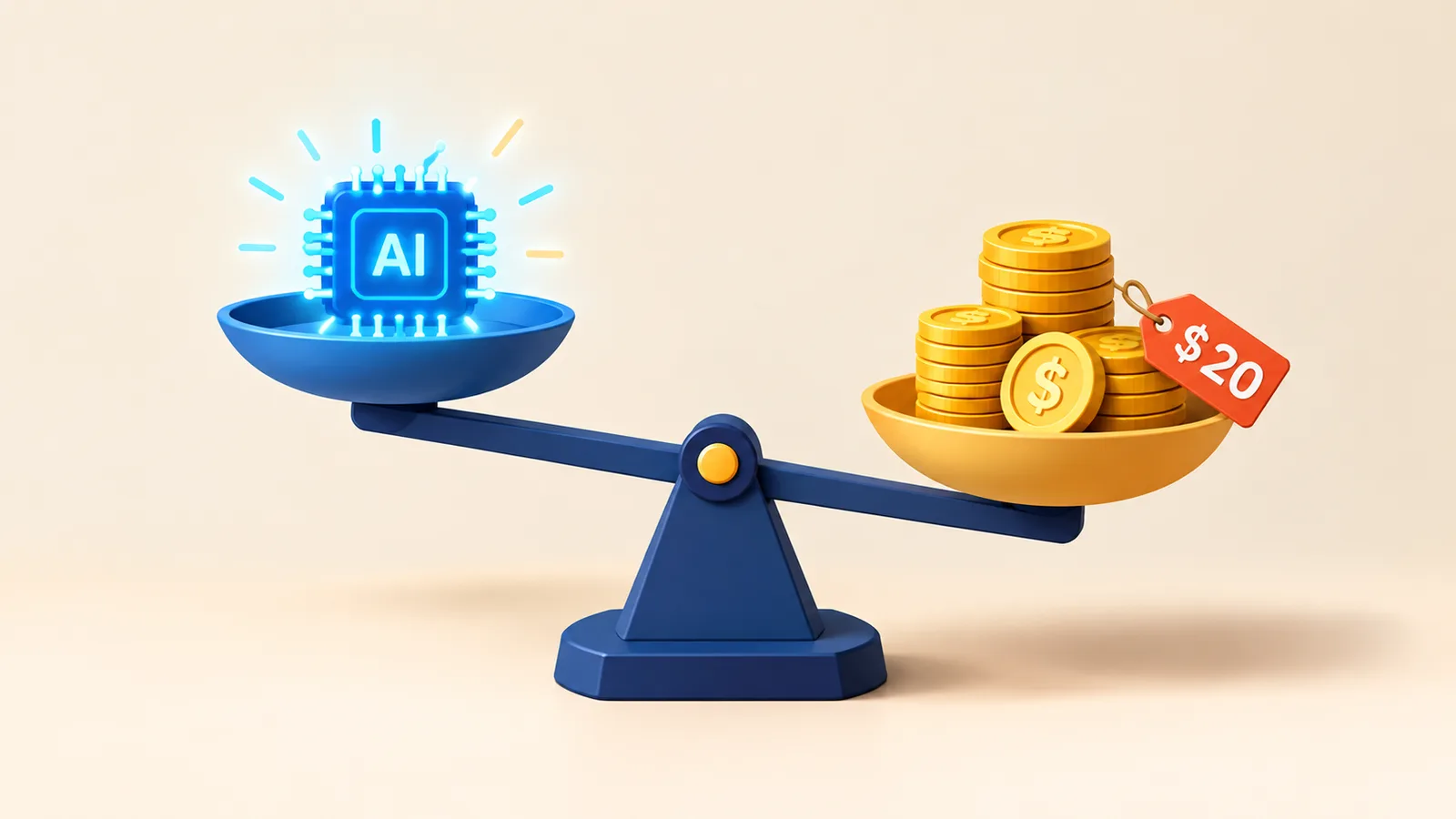
ChatGPT has several plans, but here's the honest version: start free. The free plan gives you the real thing, with a cap on how much you can use the best model before it switches to a lighter one. Here's how the tiers compare, as of June 2026.
| Plan | Price | Best for | The catch |
|---|---|---|---|
| Free | $0 | Trying it and everyday use | About 10 messages every 5 hours, then a smaller model; ads in some regions |
| Go | $8/mo | Light but regular use | Not the newest model or the advanced tools |
| Plus | $20/mo | Most regular users | Generous limits, the full model and features |
| Pro | $100 to $200/mo | Heavy or professional use | Far more than a beginner needs |
Most people never need to pay. Spend a week on the free plan, see whether you keep hitting the limit, and only then think about Plus. There's no benefit to paying on day one.
Your first conversation
Once you're in, type a request into the box and press enter. The trick is to ask the way you'd ask a helpful person, in a full sentence, rather than typing a few keywords the way you would into a search bar. If the first answer isn't quite right, you don't start over: you just reply in the same chat, like "make it shorter" or "explain that last part more plainly," and it adjusts. It remembers the conversation as you go.
If you're not sure what to try first, here are three that show what it's good at:
- "Explain [something you've always wondered about] in simple terms, with an example."
- "Write a friendly email to [someone] about [topic]. Keep it short and warm."
- "I have [these ingredients]. Suggest three things I could cook tonight."
What you can use it for
Once you're comfortable, ChatGPT handles a surprising range of everyday jobs. People use it to draft and reply to emails, explain confusing topics, summarise long documents, plan trips and meals, brainstorm ideas, rewrite their own writing to sound clearer, translate, and work through problems step by step. It can also read files and images you upload, generate pictures, and hold a spoken conversation.
The best way to learn what it's useful for is to throw your real tasks at it. If you want ready-made starting points, our free prompt library has hundreds of copy-and-paste prompts grouped by job, and our prompts for productivity are a good place to begin if you want to get more organised.
How to get better answers
There's one habit that improves almost everything ChatGPT gives you: be specific, and give it the background it can't see. "Write a post" produces something generic. "Write a short, friendly Facebook post announcing my bakery's new weekend opening hours, with a warm tone" produces something you can almost use. The more you tell it about who it's for, the tone you want, and the format you need, the closer the result.
That's the whole idea behind prompting, and it's worth a few minutes to learn properly. Our guide to writing prompts walks through the simple structure that fixes most weak answers, and the prompt engineering basics explainer covers the few concepts behind it, no coding involved.
What it can't do, and beginner mistakes to avoid
ChatGPT is impressive, but it isn't magic, and knowing its limits keeps you out of trouble. The big one is that it can be confidently wrong: it can state a false fact, a wrong date, or a made-up source in the same calm, certain voice it uses for correct answers. Studies put its error rate on facts at roughly 15 to 30 percent, so treat its answers as a well-informed first draft, not the final word, and check anything that matters. Our guide to why ChatGPT gives wrong answers explains why this happens and how to cut the error rate.
A few common beginner habits to drop early:
- Treating it like a search bar. Short keyword fragments get weak answers; full sentences with context get good ones.
- Cramming everything into one endless chat. Start a new chat for a new topic so it doesn't get confused by unrelated history.
- Expecting the perfect answer first try. The magic is in the back-and-forth, so refine rather than give up.
- Trusting it on the things that matter most. For medical, legal, or financial decisions, it can point you in a direction, but a qualified professional makes the call.
Is ChatGPT safe?
For everyday use, yes, with two things worth knowing. The first is privacy: by default, OpenAI may use your conversations to help train its models. You can turn this off in Settings, under Data Controls, by switching off "Improve the model for everyone," and it's worth doing. Either way, the sensible habit is to keep genuinely private details, passwords, financial information, anything you wouldn't want stored, out of the chat. If you use ChatGPT without logging in, your data is collected regardless, so an account actually gives you more control, not less.
The second is children. ChatGPT isn't intended for under-13s, and teenagers aged 13 to 17 are meant to have a parent's consent. OpenAI offers parental controls that let a parent link accounts, set quiet hours, and turn off training for a teen, though they can't read the teen's messages, and OpenAI is honest that the safeguards aren't foolproof. For younger children, staying nearby while they use it is the safer approach.
Where to go next
Now that you can use ChatGPT, the way to get more from it is to ask better questions and find the right tasks to hand it. Three good next steps: learn the simple shape of a good prompt in our guide to writing prompts, pick up a few quick wins from our ChatGPT prompt tips, and browse the free prompt library for ready-made prompts you can paste straight in. If you're wondering whether ChatGPT is even the right tool for you, our best AI tools guide compares it with the main alternatives. The fastest way to learn, though, is still to open it and ask it something you actually need today.
What this post does not cover
This is a getting-started guide, not a manual for every feature, and ChatGPT's plans, limits, and tools change often, so confirm the current details in the app. Nothing here is medical, legal, or financial advice, and because ChatGPT can be wrong, the responsibility for checking important answers stays with you. For writing better prompts and getting more from the tool, follow the links above.
Sources
Frequently asked questions

Written by
Tapabrata Biswas
Tech Researcher
I test AI productivity tools and research home-automation gear the way most people use them. Not in a lab, but on an ordinary desk with an ordinary internet connection. The only test that matters: does it save you time?
Share the Post with Your Besties
Get the plain-English tech brief
One email a week on AI tools and smart-home tech. No jargon, no hype.