Notion AI Review (2026): Is It Worth It?
An honest 2026 Notion AI review: what you actually get, the pricing trap that forces a Business upgrade, the credits catch, and who should pay for it.

Researched with AI assistance, reviewed and edited by Tapabrata Biswas.
In this article
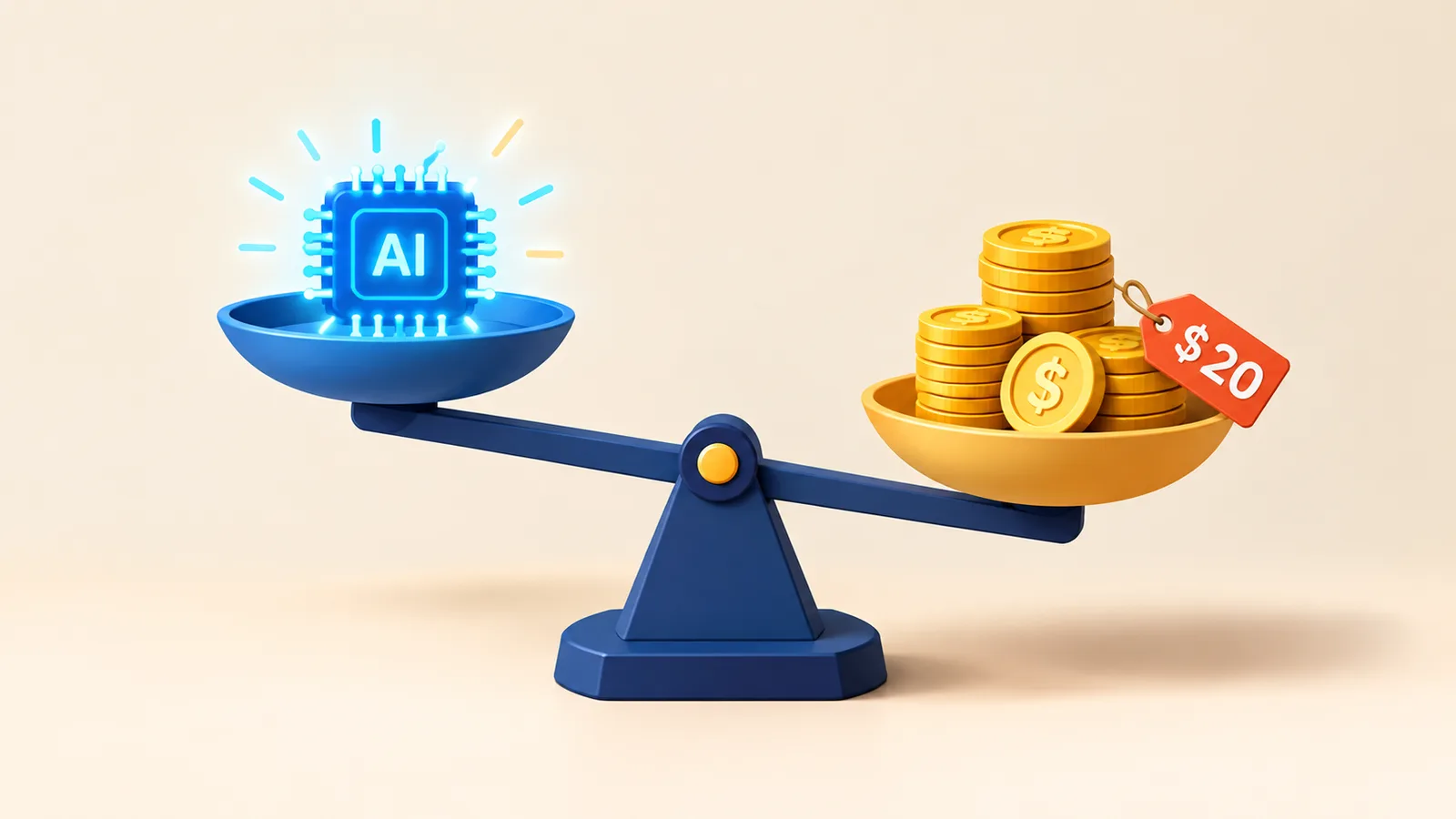
$20 a month, per person. That's what Notion AI effectively costs in 2026, and it's the first thing to understand before you judge the tool itself, because there's no longer a way to buy Notion AI on its own. Notion folded it into its Business plan, so if you're on the $10 Plus tier and you want AI, your only route is to double your bill, whether or not you need anything else Business adds. The AI got a lot more capable this year. So did the price of getting it.
A note on how we review. This is based on Notion's published features, pricing, and release notes, independent reviews, and the consensus of real users as of June 2026, not on our own hands-on testing, and we earn no commission either way. AI products and prices change quickly, so check Notion's own pages before you subscribe.
What Notion AI is
Notion AI is the artificial intelligence built into Notion, the workspace app for notes, docs, wikis, and databases. Rather than a separate chatbot, it lives inside the pages and databases you already keep, and in 2026 Notion rebuilt it around "Agents" that can carry out multi-step tasks for you: drafting, summarising, filling in databases, searching across your connected apps, and turning a meeting into action items. Under the hood it routes to frontier models from OpenAI and Anthropic, but scoped to your workspace, which is the whole idea. It isn't trying to be a better ChatGPT. It's trying to be the AI that already knows your stuff.
The quick verdict
- Worth it if your work lives in Notion, your team's docs and apps are connected to it, and features like AI Meeting Notes and workspace search would save you real time.
- Skip it if you're a light or solo user, you mainly want stronger writing or coding AI, or you don't want to upgrade to Business just to unlock it.
- A simple test: do you spend more than two hours a week reading or writing in Notion? If yes, the AI can pay for itself. If no, a standalone chatbot and copy-paste will serve you better for less.
What you actually get in 2026
Notion AI is a real suite now, not a single writing button. The Notion Agent answers questions about your workspace and performs tasks across it. Custom Agents are autonomous bots that run on schedules and triggers, handling recurring work like status updates. Enterprise Search reaches across connected apps, Slack, Google Drive, Jira and more, and answers with citations to the source. AI Autofill populates database fields from a page's content, and Research Mode compiles longer sourced reports.
The standout, and the feature people genuinely praise, is AI Meeting Notes. It records a meeting on your device without sending a bot into the call, which matters for client calls and interviews where a visible bot is unwelcome, then produces a clean summary with decisions and action items, and can assign those items to the right person automatically. Many users report it saving 15 to 20 minutes of cleanup after every meeting. If you live in Notion, that one feature is often the strongest reason to turn the AI on.
The one thing a chatbot can't do
Here's the real case for Notion AI, and it isn't writing quality. A general chatbot starts every conversation knowing nothing about you. Notion AI starts already knowing your workspace: your projects, your notes, your databases, and the apps you've connected. Ask it what was decided about a project last month and it can actually look, then cite the page it found the answer on. That context is genuinely hard to replicate by pasting snippets into ChatGPT, and for a team whose knowledge already lives in Notion, it's the difference between an assistant that guesses and one that knows.
The catch: how the pricing works
This is the part most reviews underplay, and it's the thing most likely to decide whether Notion AI is worth it for you. In 2025 Notion stopped selling AI as a standalone add-on. Full Notion AI now comes only with the Business plan or Enterprise, so the path to AI runs through a plan upgrade rather than a simple toggle.
| Plan | Price (per member, billed yearly) | AI you get |
|---|---|---|
| Free | $0 | A limited AI trial |
| Plus | $10/mo | A limited AI trial |
| Business | $20/mo | Full Notion AI, the Agent, Meeting Notes, Enterprise Search |
| Enterprise | Custom | Everything, plus zero data retention and admin controls |
The effect is that a Plus user who wants AI has to move to Business, doubling their per-seat cost to get a feature that used to be an add-on. On top of that, since May 2026 the autonomous Custom Agents bill separately as credits, at $10 per 1,000 monthly credits, pooled across the workspace and not carried over. Those can climb fast: one team reported burning through 150,000 credits, around $1,500, in a single month, and when the credits run out the agents stop silently, so work can quietly fail before anyone notices. The important caveat is that only Custom Agents use credits. The everyday Notion Agent, AI writing, autofill, and search don't, so most people never touch the credit meter. But if you build automations on it, budget for it.
Where it falls short
Beyond price, the honest weaknesses are worth knowing. Notion AI is really just frontier models pointed at your workspace, so for pure writing, research, or coding, a dedicated chatbot is stronger and cheaper. The workspace search that's meant to be its superpower is also its most criticised feature: users regularly report it failing to surface information that's clearly sitting in their notes. The newer Custom Agents are still maturing, with reports through early 2026 of them failing to run on schedule and needing careful prompting plus a real review of their output. And as workspaces grow into hundreds of database entries and deeply nested pages, Notion itself slows down, which the AI features inherit. There's a broader point too: AI is now standard in every productivity tool, and independent reviewers increasingly rate Notion's AI as competent rather than leading.
Your data
On privacy, Notion's posture is solid and worth stating plainly. It does not use your content to train AI models by default, with contractual terms to that effect, and it holds SOC 2 Type 2 and ISO 27001 certifications with data encrypted at rest and in transit. Enterprise workspaces get zero data retention with the underlying model providers; on Free, Plus, and Business, providers may hold data briefly. For most teams the data handling is a reason for confidence rather than concern, which is not something you can say about every AI tool.
Notion AI versus just using ChatGPT
If you strip away the workspace, Notion AI is competing with a $20 chatbot that writes better, and that's the comparison to make honestly. For drafting, brainstorming, and research, ChatGPT or Claude win, and our ChatGPT vs Claude comparison covers that choice. The reason to pay for Notion AI instead is that your work lives in Notion and you want AI that acts inside it. If you want that grounding more cheaply, there are options: Obsidian with your own API key costs a few dollars a month, and tools like ClickUp Brain and Coda AI bundle similar features. Students get the best deal on Notion AI itself, around $5 a month for the first year or some of it free through the GitHub Student Developer Pack, which is worth knowing if you research for coursework, alongside our Gemini prompts for students. For the wider field, our best AI tools guide places Notion AI among the rest, and the best free AI writing tools covers the no-cost options. And if you'd rather keep ChatGPT as the thinking layer over notes you store elsewhere, our guide to building a second brain with ChatGPT shows how the two fit together.
So, is it worth it?
The honest answer turns entirely on one question: does your work already live in Notion? If it does, and you'll use AI Meeting Notes and workspace search day to day, the Business plan earns its place and the AI is a genuine time-saver, with the productivity prompts helping you get more from it. If your Notion is a tidy but lightly-used second home, paying double to bolt AI onto it makes little sense when a standalone chatbot does the writing better for the same money. Notion AI in 2026 is capable, well-integrated, and reasonably private, but it's priced for teams that live inside the workspace, not for everyone who happens to have an account. Decide on the two-hour test, not the feature list.
What this review does not cover
This is a research-based review of features, pricing, and value, not a lab benchmark or a hands-on test by us, and the picks reflect documented capabilities and reporting as of June 2026. Plans, credit costs, model details, and limits all change, so confirm the current details on Notion's own pages, and nothing here is financial advice. For how Notion AI sits against the full field, start with our best AI tools guide.
Sources
Frequently asked questions

Written by
Tapabrata Biswas
Tech Researcher
I test AI productivity tools and research home-automation gear the way most people use them. Not in a lab, but on an ordinary desk with an ordinary internet connection. The only test that matters: does it save you time?
Share the Post with Your Besties
Get the plain-English tech brief
One email a week on AI tools and smart-home tech. No jargon, no hype.