NotebookLM Review (2026): I Tested Its AI Slide Decks (Free, but Watermarked)
A hands-on NotebookLM slide deck review: is it free, how it compares to Canva and Gamma, the watermark catch, real pricing, and who it suits.

Researched with AI assistance, reviewed and edited by Tapabrata Biswas.
In this article
- 01What is NotebookLM's slide deck feature, and is it free?
- 02Testing it: generating a deck
- 03What NotebookLM does well
- 04Where NotebookLM falls short
- 05Is it free? The watermark catch
- 06NotebookLM pricing
- 07NotebookLM vs Canva (and Gamma)
- 08Who should use NotebookLM's slide decks?
- 09The verdict
- 10What this review does not cover
- 11Sources
NotebookLM started as Google's research and notes tool, but in early 2026 it quietly added something the rest of this space did not have: it turns your own documents into a slide deck. Feed it your sources and it builds a presentation grounded in them, with citations. That grounding is the whole reason to use it, and it is genuinely different from a tool that generates a deck from one throwaway prompt. We tested it hands-on to see whether it is any good, whether it is free, and how it compares to Canva and Gamma.
Short version: the content and design are impressive, and it is free to generate, but it is slow, every free slide is watermarked, and you cannot edit slides by hand. So it is a brilliant fit for one kind of user and a frustrating one for another, which is what this review sorts out.
A note on how this was tested: this is based on hands-on use of NotebookLM's free plan in July 2026, along with its current published pricing and independent reviews. We tried it ourselves, and there is no commission on anything here.
What is NotebookLM's slide deck feature, and is it free?
NotebookLM's slide deck feature generates a presentation from the sources in your notebook, uploaded PDFs, pasted text, documents, or links, and grounds the slides in that material with citations. You can also generate from a plain prompt, but the point of the tool is that it builds from what you give it.
Is it free? Yes, to generate. We signed in with a Google account, were never asked for a card, and made a full deck on the free plan. You can export it to PowerPoint or PDF for free too. The catch, covered below, is that every free slide carries a "NotebookLM" watermark, and the only way to remove it is an expensive plan. So it is free to make and share a deck, just not a clean one.
Testing it: generating a deck
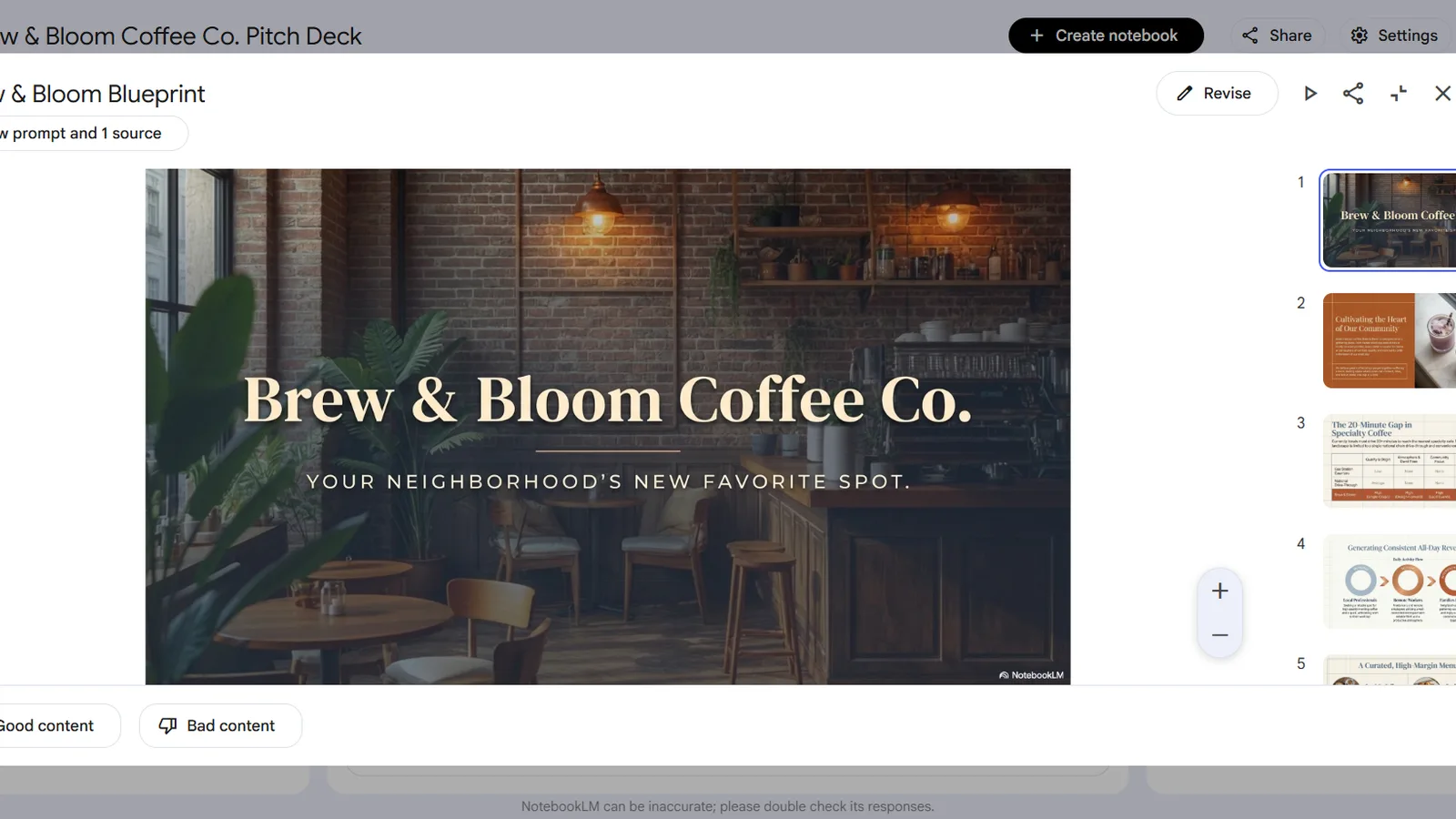
We gave it the same coffee-shop pitch brief we used for Gamma, Canva, and Presentations.ai, and it produced a 10-slide deck. The first thing to note is speed, or the lack of it: generation took about ten minutes, far slower than Gamma or Canva, which took one to three. This is not a tool for a last-minute deck.
The result, though, was strong. The design was genuinely good, cleaner and more considered than the generic layouts Gamma and Presentations.ai produced, with proper title slides, comparison tables, and timeline graphics. And its real strength is the grounding: you can attach your own PDFs, notes, or a URL, and it builds the content from those and cites them, so the figures and claims trace back to your material instead of being invented. For a student turning lecture notes into slides, or a researcher turning a report into a briefing, that accuracy is the point. Each generated slide also traces back to your material, with a control to view the prompt and source behind it, so you can check where a figure or claim came from. That is the reassurance a research or study deck needs, and it is something the prompt-only generators do not offer.
What NotebookLM does well
Two things stand out, and both are real reasons to choose it over a prompt-only generator.
The grounding is the headline: because the deck is built from your sources and cited, the content is accurate and traceable, with far less risk of the AI inventing a statistic. No other tool in this space does that as its core feature. And the design quality is a pleasant surprise for a research tool, with polished templates that looked better out of the box than several dedicated presentation makers. If your priority is a deck whose content you can trust because it came from your own documents, NotebookLM is genuinely the best option here.
Where NotebookLM falls short
The weaknesses are about control and polish, and they matter for anything client-facing.
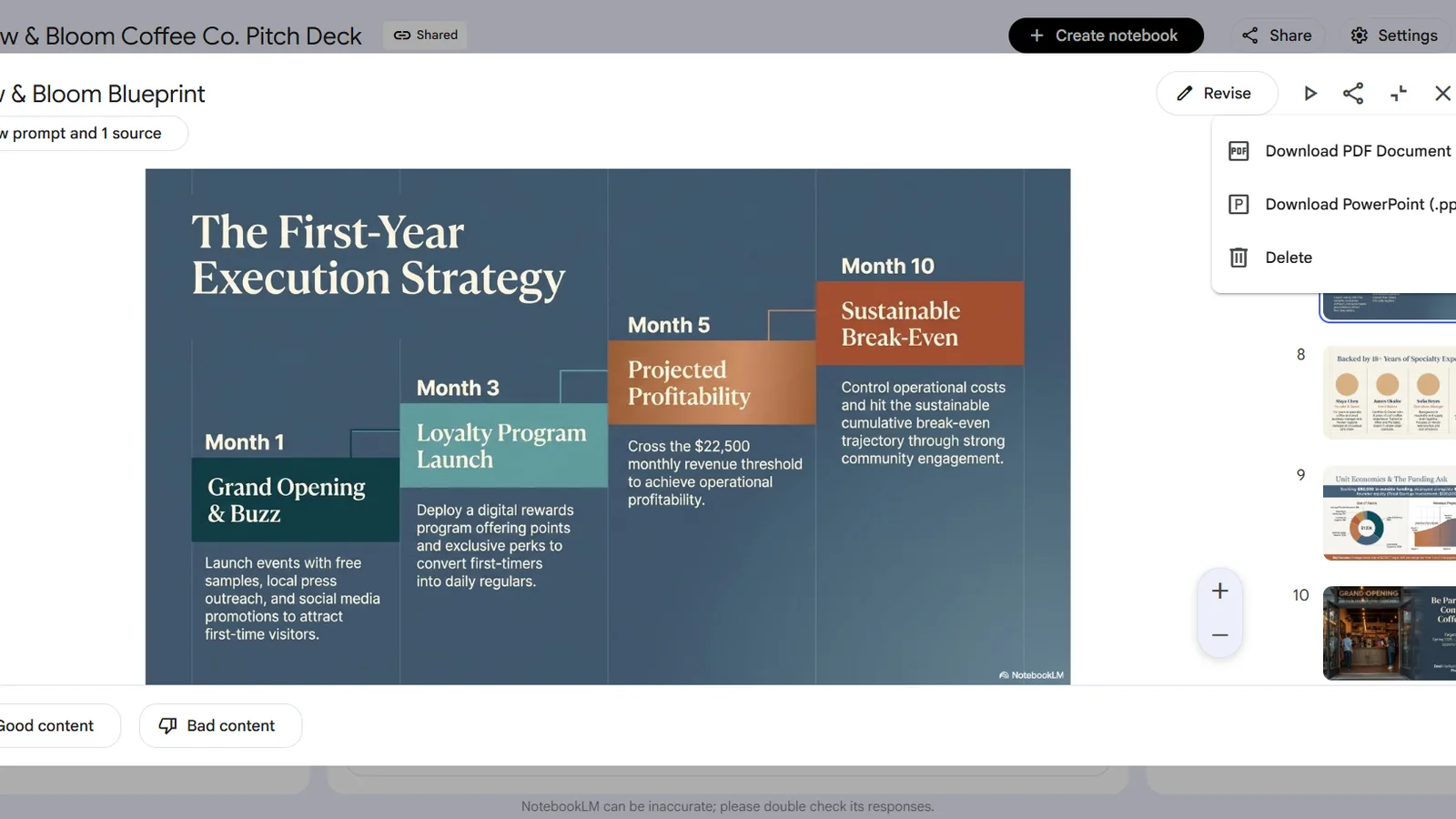
It is slow, taking around ten minutes per deck against one to three for the alternatives. Every slide on the free plan carries a "NotebookLM" watermark that stays in the PowerPoint and PDF exports and in the shared link. You cannot edit slides in freeform: there is no clicking a text box or moving an image, only a "revise" field where you type an instruction and it regenerates, which is limiting when you just want to fix one word. The slides behave as fixed layouts rather than a freely editable canvas, and generation caps at 20 slides. Export is PowerPoint or PDF only, with no native Google Slides option. None of this is a dealbreaker for a study deck, but it rules the tool out for polished, on-brand client work unless you pay a lot.
Is it free? The watermark catch
NotebookLM is free to generate and export, but "free" here comes with a watermark you cannot easily shake, and this is the single most important thing to understand before you rely on it.
Every slide on the free plan shows a "NotebookLM" badge, and it survives into the exported file and the shared link. Removing it is not a cheap upgrade: it is only lifted on the Google AI Ultra plan at $99.99 a month. The cheaper Google AI Plus ($4.99) and Pro ($19.99) tiers give you higher usage limits, faster models, and bigger notebooks, but they leave the watermark in place. So for a professional who needs a clean, unbranded deck, NotebookLM effectively costs $99.99 a month, which is a hard sell against tools that export clean for free.
NotebookLM pricing
Here is what each plan actually gives you for slide decks, in USD as of July 2026. Regional pricing (such as in India) runs lower than these figures.
| Plan | Price (USD) | Slide decks | Watermark removed? | Best for |
|---|---|---|---|---|
| Free | $0, no card | Generate, grounded and cited | No | Students grounding decks on their own material |
| Google AI Plus | $4.99/mo | Higher limits | No | More NotebookLM usage, not badge removal |
| Google AI Pro | $19.99/mo | Expanded limits | No | Heavy research and study use |
| Google AI Ultra | $99.99/mo | Highest limits | Yes | The only tier that removes the slide watermark |
Price (USD)
- Free
- $0, no card
- Google AI Plus
- $4.99/mo
- Google AI Pro
- $19.99/mo
- Google AI Ultra
- $99.99/mo
Slide decks
- Free
- Generate, grounded and cited
- Google AI Plus
- Higher limits
- Google AI Pro
- Expanded limits
- Google AI Ultra
- Highest limits
Watermark removed?
- Free
- No
- Google AI Plus
- No
- Google AI Pro
- No
- Google AI Ultra
- Yes
Best for
- Free
- Students grounding decks on their own material
- Google AI Plus
- More NotebookLM usage, not badge removal
- Google AI Pro
- Heavy research and study use
- Google AI Ultra
- The only tier that removes the slide watermark
The line that decides it is the watermark column: only Ultra removes it. For most people the honest read is to use NotebookLM free for the content and grounding, and accept the watermark or move the deck elsewhere, rather than paying $99.99 a month just to clean it up.
NotebookLM vs Canva (and Gamma)
Since we tested these hands-on, here is the straight comparison, and the surprising conclusion is that NotebookLM and Canva are better together than against each other.
NotebookLM wins on content: it grounds the deck in your own sources and cites them, which nothing else here does, and its design is strong. Canva wins on everything around the content: full drag-and-drop editing, a huge asset library, and clean PDF and PowerPoint export with no watermark on the free plan, which NotebookLM cannot match without the $99.99 Ultra tier. Gamma sits between them as the fastest one-click AI-native generator. In plain terms, if you want accurate content from your own material, generate in NotebookLM; if you want a finished, unbranded, editable deck for free, use our Canva AI review pick. Many people do both: draft the grounded content in NotebookLM, then rebuild the look in Canva. For the whole field, see the best free AI presentation makers roundup, and for the fast alternative, our Gamma review.
Who should use NotebookLM's slide decks?
Match it to the job. NotebookLM fits a specific user extremely well and frustrates another.
Use it if you are a student, researcher, or consultant who needs to turn real source material, lecture notes, a report, a set of PDFs, into an accurate, cited deck quickly, and you can live with a watermark and a slower generate. Skip it, or treat it as a content step feeding another tool, if you need a polished, on-brand, freely editable client deck, if the watermark is unacceptable and $99.99 a month is not justified, or if you want a fast turnaround. In those cases Canva does the finished job for free.
The verdict
NotebookLM's slide decks are a genuinely clever addition to a research tool: the grounding makes the content more trustworthy than anything else here, and the design punches above its weight. If you are turning your own study or research material into a deck, it is the most accurate way to do it, for free.
Would we pay for it? Not at $99.99 a month just to remove a watermark. For a clean, editable, free deck, Canva remains the better pick, which is where we would put our own decks. The honest recommendation: use NotebookLM free when the content and its sources matter most, and pair it with a design tool for the finish.
What this review does not cover
This is a hands-on review of NotebookLM's slide deck feature on the free plan, not a full review of its research, audio-overview, or video-overview features, and not its team or enterprise use. For the alternatives, see the reviews and roundup linked above. Pricing, limits, and features change quickly, and the watermark and plan details draw on independent reporting alongside our own testing, so treat every figure as accurate to July 2026 and check the official page before you rely on it.
Sources
- NotebookLM plans and felloAI, NotebookLM pricing (2026) (free vs paid tiers and watermark removal)
- eesel, the NotebookLM slide deck feature (limits and static-slide behaviour)
- XDA, NotebookLM as a slide deck generator (independent hands-on)
Frequently asked questions

Written by
Tapabrata Biswas
Tech Researcher
I test AI productivity tools and research home-automation gear the way most people use them. Not in a lab, but on an ordinary desk with an ordinary internet connection. The only test that matters: does it save you time?
Share the Post with Your Besties
Get the plain-English tech brief
One email a week on AI tools and smart-home tech. No jargon, no hype.